LinkedIn sizes
LinkedIn Profile Picture Size (2026)

Aitijya Sarkar · Updated
Founder - Oiti | LinkedIn ghostwriting | 100M+ views
Quick answer: Your LinkedIn profile picture should be at least 400 x 400 pixels, square, saved as a JPG or PNG under 8 MB.
LinkedIn accepts images up to 7680 x 4320, so going bigger than the minimum is smart if you want it sharp on high-resolution screens. Keep it square, though, because LinkedIn crops it into a circle. That circle is the whole game. Get it wrong and the top of your head or one shoulder ends up outside the frame.
LinkedIn profile picture specs at a glance
| Spec | Value |
|---|---|
| Minimum size | 400 x 400 pixels |
| Maximum size | 7680 x 4320 pixels |
| Aspect ratio | 1:1 (square) |
| Displayed shape | Circle |
| File types | JPG or PNG (no GIF) |
| Max file size | 8 MB |
Aim above the 400 x 400 floor. 800 x 800 or 1000 x 1000 stays crisp on retina laptops and phones, where the minimum can look a little soft. The ratio matters most: upload a square, not a rectangle, or LinkedIn trims it for you, and rarely where you would have chosen.
What gets cropped (the circle)
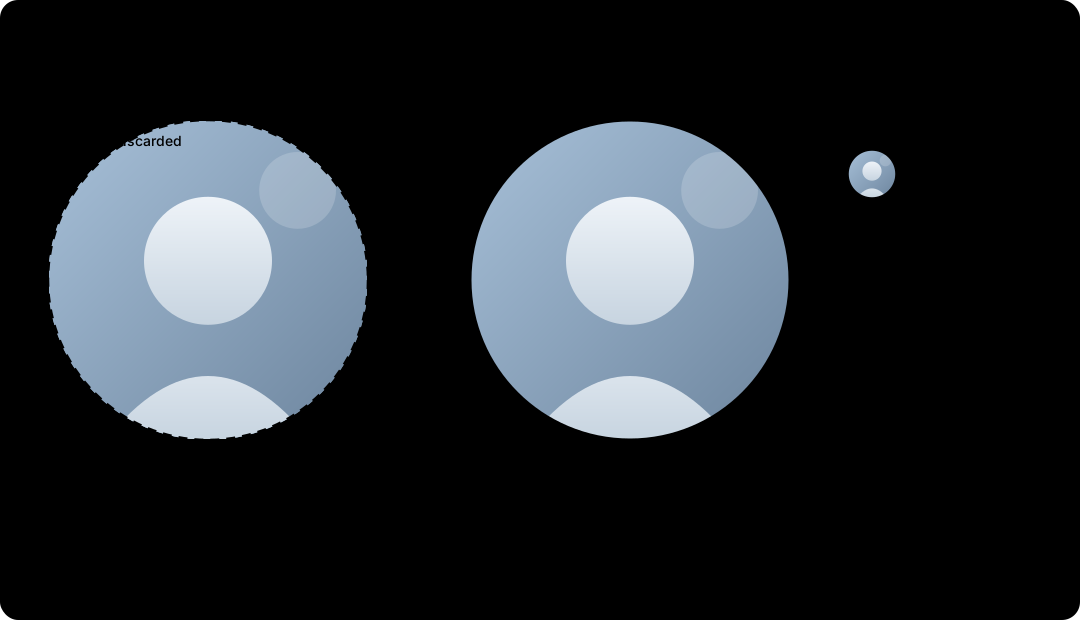
Your photo goes in as a square, but the corners never show. LinkedIn masks it into a circle, so anything you tuck into a corner (a shoulder, a logo, the edge of your face) gets cut off.
The fix: center your face and leave some breathing room on every side. Don't fill the frame edge to edge, because the circle clips whatever touches the border. Head and the top of your shoulders, roughly centered, reads well at every size LinkedIn shrinks you to, including the tiny circle next to your comments.
Common mistakes
- A rectangular photo. LinkedIn crops non-square images to fit, usually badly. Crop to a square yourself first.
- Face too close to the edge. The circle clips the corners and sides. Leave a margin.
- Low resolution. 400 x 400 is the minimum, not the goal. Bigger looks sharper on modern screens.
- A busy background. At the small sizes LinkedIn shows you, a cluttered backdrop turns to noise. A plain one keeps the focus on your face.
- Off-center framing. A photo that looks fine as a square can lose an eye or an ear once it becomes a circle. Check the round preview before you save.
How to change your LinkedIn profile picture
- 01
Open your profile on the LinkedIn app or desktop site.
- 02
Click your current profile photo.
- 03
Choose Edit or Add photo, then upload your square file.
- 04
Use the crop and zoom controls to center your face inside the round preview.
- 05
Adjust filters or brightness if you want, then click Save photo. It updates everywhere right away.
Free headshot generator
Only have a cropped selfie?
If your only photo is a selfie or a grainy group shot, fix that before anything else on your profile. Oiti's free headshot generator turns one clear photo into a clean, square 1024 x 1024 headshot that still looks like you and comes through the circle crop intact.
Make a headshotFrequently asked questions
- What size should a LinkedIn profile picture be?
- At least 400 x 400 pixels and square. You can go much larger, up to 7680 x 4320, as long as the file stays under 8 MB. Larger uploads look sharper on high-resolution screens.
- What is the LinkedIn profile picture ratio?
- 1:1, a square. LinkedIn then displays it inside a circle, so the corners of your square never show.
- Why does LinkedIn crop my profile photo into a circle?
- LinkedIn frames every profile picture as a circle. Upload a square and center your face so nothing important sits in the corners the circle hides.
- Can I upload a high-resolution profile photo?
- Yes. LinkedIn accepts images up to 7680 x 4320 pixels. A larger square looks cleaner than the 400 x 400 minimum, especially on retina displays.
- What file types does a LinkedIn profile picture support?
- JPG or PNG, up to 8 MB. LinkedIn does not accept GIFs for profile photos.
- My profile photo looks blurry. Why?
- Usually the file is too small or was compressed before upload. Start from a square image at 800 x 800 or larger and keep it under 8 MB.
Your photo is the first impression. Your posts are the second.
A strong headshot gets people to your profile. What you publish decides whether they follow. Oiti is the AI clone for LinkedIn content: it learns how you actually write and drafts posts that sound like you.
Start free7 days free.