LinkedIn sizes
LinkedIn Post Image Size (2026)

Aitijya Sarkar · Updated
Founder - Oiti | LinkedIn ghostwriting | 100M+ views
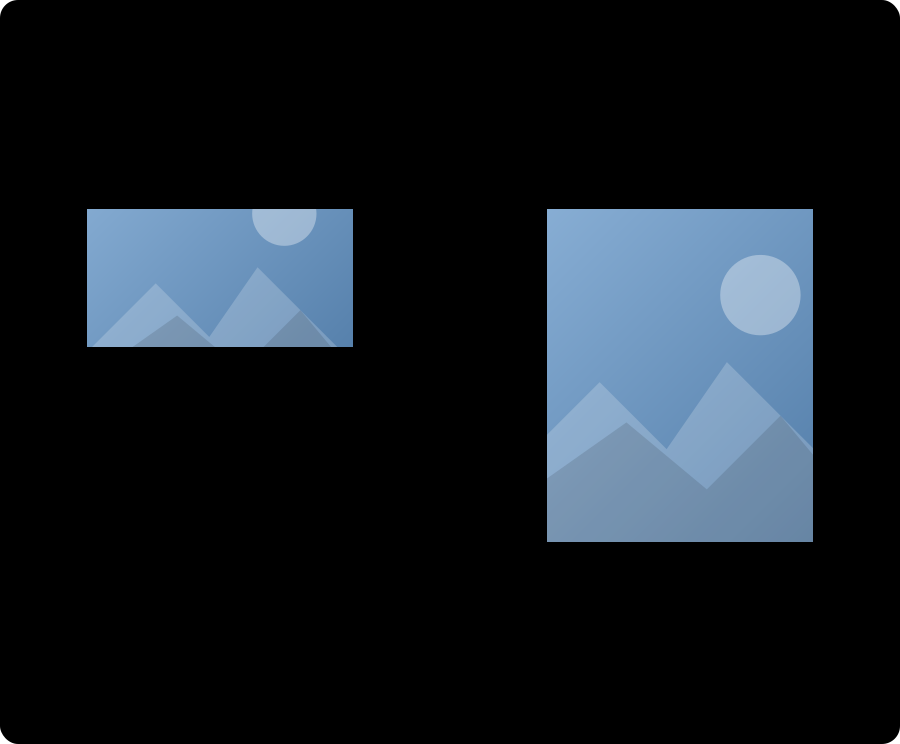
Quick answer: Use 1080 x 1350 pixels (4:5 portrait) for a single-image post. For a link share, use 1200 x 627 (1.91:1).
Portrait is the tallest shape LinkedIn allows in the feed, so it takes up the most of a phone screen, which is where most people scroll. Link shares are the exception: 1200 x 627 is the size LinkedIn pulls into the preview card. So the right size depends on what you're posting.
LinkedIn post image sizes at a glance
| Format | Dimensions | Ratio | Best for |
|---|---|---|---|
| Portrait | 1080 x 1350 px | 4:5 | Single image, most mobile feed space |
| Square | 1080 x 1080 px | 1:1 | Safe default, multi-image posts |
| Landscape | 1200 x 627 px | 1.91:1 | Link previews and shared articles |
Files can be JPG or PNG, up to 5 MB each. LinkedIn accepts any ratio from 3:1 (wide) to 4:5 (tall), and 4:5 is as tall as the feed goes. The floor is 552 x 276, but LinkedIn recommends 1080 pixels wide, and staying at 1080 or above keeps the image sharp.
Portrait is the default to reach for. A 4:5 image is taller than a square, so on a phone it claims more of the feed. Landscape still matters, mostly when you share a link and want the preview card to look right.
Watch out: the "627 x 1200 portrait" number is wrong
Some guides list a portrait size of 627 x 1200. That's the landscape spec turned on its side, and at roughly 1:1.9 it's taller than the 4:5 limit LinkedIn allows, so LinkedIn crops it. The real portrait size is 1080 x 1350.
One more thing: 1200 x 627 is the link-preview spec, not a rule for a photo you upload directly. For a plain image post you're free to go portrait or square, and portrait usually wins.
What gets cropped
The rule that surprises people most: once you add a second image, LinkedIn crops every image into a grid tile, and the tiles are close to square. A 1080 x 1350 portrait loses its top and bottom the moment it joins a set. If you post a set, design each image as a square from the start.
A single image is the only case where portrait stays portrait. That alone is a reason to think twice before dropping four photos into one post.
Common mistakes
- Posting portrait in a multi-image set. It gets cropped to fit the grid. Use 1:1 for anything with more than one image.
- Building to 627 x 1200. Wrong number. Portrait is 1080 x 1350.
- Text near the edges. Some crops trim the outer rim. Keep words away from the borders.
- A file over 5 MB. LinkedIn won't take it. And even under the cap, LinkedIn compresses hard, so export a lean file rather than the biggest one you have.
- Narrow images. Anything under about 1080 pixels wide looks soft next to everyone else's crisp graphics.
How to post an image at the right size
- 01
Size your image to 1080 x 1350 (portrait), 1080 x 1080 (square) or 1200 x 627 (landscape) before you upload.
- 02
Start a post from the LinkedIn home feed and click the photo icon.
- 03
Select your file and check the preview. LinkedIn shows you the crop it will apply.
- 04
If it looks trimmed, replace it with a file that's already at the target ratio rather than fighting the in-app cropper.
- 05
Post. Then look at it in the feed on your phone, since that is where most people will see it.
Frequently asked questions
- What is the best LinkedIn post image size?
- 1080 x 1350 pixels, a 4:5 portrait, for a single-image post. It fills the most space in the mobile feed. Use 1200 x 627 when you are sharing a link.
- Can I post a 1080 x 1350 image on LinkedIn?
- Yes, and for single images you should. 4:5 is the tallest ratio LinkedIn allows in the feed, so it wins the most screen space on a phone. Adding a second image crops it to fit the grid.
- Is a LinkedIn post 16:9?
- It can be, since 16:9 sits inside the 3:1 to 4:5 range LinkedIn accepts, but it is a video shape and a poor choice for a still. On a phone it takes up far less of the feed than 4:5 portrait or 1:1 square.
- Why did my multi-image post get cropped?
- LinkedIn fits every image in a multi-image post into a grid of near-square tiles. Design each one as a 1080 x 1080 square if you are posting a set.
- What size is a LinkedIn post for a shared link?
- 1200 x 627 pixels, a 1.91:1 ratio. That is the size LinkedIn uses for the link preview card.
- What is the file size limit for a LinkedIn post image?
- 5 MB per image, according to LinkedIn Help. JPG or PNG both work. Export a compressed file so it still looks sharp after LinkedIn compresses it again.
Get the image and the words right
A correctly sized image is half the post. The other half is the caption, and that's where most people stall. Oiti is the AI clone for LinkedIn content: it learns the way you actually talk and drafts the post around your image, so it reads like you wrote it instead of like a template.
Start free7 days free.