I Tried the 10 Best Stanley Alternatives in 2026 (Honest Review)
Real testing across 6 axes — led by try-before-you-pay, then tone-of-voice clone, long-term memory, research grounding, narrative timeline, and LinkedIn safety.

Why I wrote this
Why I wrote this
The short answer
I went through Stanley LinkedIn's onboarding and tested 10 alternatives across the same 6 axes. Oiti — the AI clone for LinkedIn content — ranked #1 ($49–$79/mo, currently 50% off yearly for early adopters), Supergrow #2, Taplio #3.
Stanley's real problem isn't only the $149/mo price. It's that you pay $149 before you can use it — behind a "free analysis" that mostly scrapes your own posts and feeds them back to you as insight. It brands itself as a coach, and really is "just" that, a coach, not a full stack LinkedIn content tool like Oiti which builds a deep ai clone to feed into your content (3000+ words) from your posts, a knowledge base (website, youtube videos, meeting notes, etc) plus live ICP research from the deep web instead of just mirroring what you've already written.
Jump to the full ranking or the 6 axes I scored on.
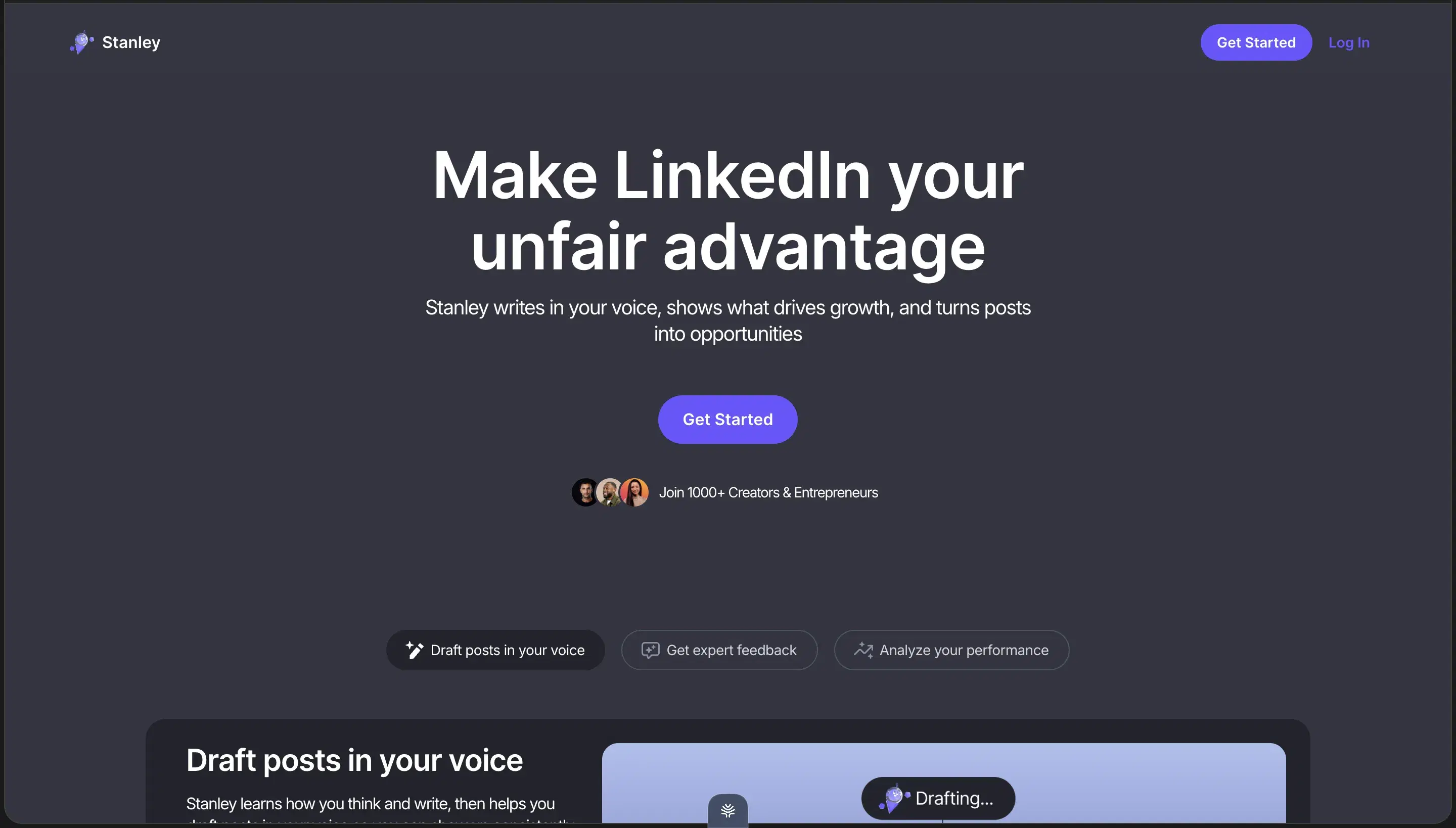
I found Stanley from a paid influencer's LinkedIn post. The pitch was clean — "Your AI coach for LinkedIn".
So I dropped in my profile and let it run.
It pulled my real numbers. 14,820 followers. My engagement. My top-performing posts. It even name-checked my own content back to me — then it told me my engagement rate was a scary 0.25% (LOW), projected +12,179 follower growth (14.8k → 27k by May 2027) and "3.8x engagement," and right when I'd actually use the thing to write a post —
There was your paywall.
$149/month, billed monthly, no free trial.
You pay $149 before you can use the drafting product you came for. And then once you sign up, 2nd problem: its designed to act like a LinkedIn coach, not a full content engine for LinkedIn. After playing around more, it made me think: if I really wanted a LinkedIn coach, I'd just use ChatGPT for free. I came to write posts, not to be told my engagement is low and have my own content read back to me.
On top of that, I was a power user:
I've been a LinkedIn ghostwriter for 6 years. I've written content for 50–60 founders, coaches, and consultants — close to 100 million LinkedIn views between them. And I've tried virtually every LinkedIn AI tool in the category: Taplio, Supergrow, AuthoredUp, Postiv, MagicPost, ContentIn, Leaps, Scripe, Kleo, Stanley, Shield Analytics (which shut down in May 2026), and a long tail of smaller ones.
I started looking for alternatives — and tested 10 tools you can try before paying, scored them on 6 axes, and ranked them. Short answer first, then the long one.
The 10 best Stanley alternatives at a glance
Sorted by overall fit for solo creators and small teams writing on LinkedIn in 2026. Click any tool name to jump to the full writeup.
| # | Tool | Pricing | What sets it apart |
|---|---|---|---|
| 1 | Oiti | $49–$79/mo (50% off yearly: $245 Creator / $395 Pro) | Builds a 3,000+ word clone of you in 30 seconds; long-term memory compounds across sessions; official LinkedIn APIs only; you try it before you pay, built in knowledge base |
| 2 | Supergrow | $19–$139/mo | Scheduling via official LinkedIn APIs; deep Kanban + multi-tenancy workflows |
| 3 | Taplio | $39 marketed / $65–$375 actual | 1M+ post inspiration library, still the largest in the category |
| 4 | AuthoredUp | ~$19.95–$29.95/mo | The best LinkedIn formatter + hook-swap (Chrome extension though) |
| 5 | Postiv | $99 / $229 / $399/mo | Pre-built carousel + slide-deck workflows — the one axis it beats Oiti on |
| 6 | MagicPost | ~$16–$50/mo | In-editor LinkedIn preview (incomplete, but useful) |
| 7 | ContentIn | $15 / $31 / $48/mo | Cheapest entry in the article; LinkedIn-OAuth-safe scheduling |
| 8 | Leaps | $49 / $99 / $149/mo | Interview-led "anti-slop" concept across LinkedIn + newsletter + tweets |
| 9 | Scripe | €69 / €99 / €149/mo | Approval flows + shared workspace KB + Amplifier seats |
| 10 | Kleo | $99/mo or $999/yr | Rebuilt as a full-stack tool after LinkedIn forced its Chrome extension offline |
Why people are looking for Stanley alternatives
- You pay $149/mo before you can use it. No free trial. Billed monthly. You commit $149 sight-unseen just to reach the drafting product — in a category where almost everyone lets you try first. That alone sends most buyers looking elsewhere.
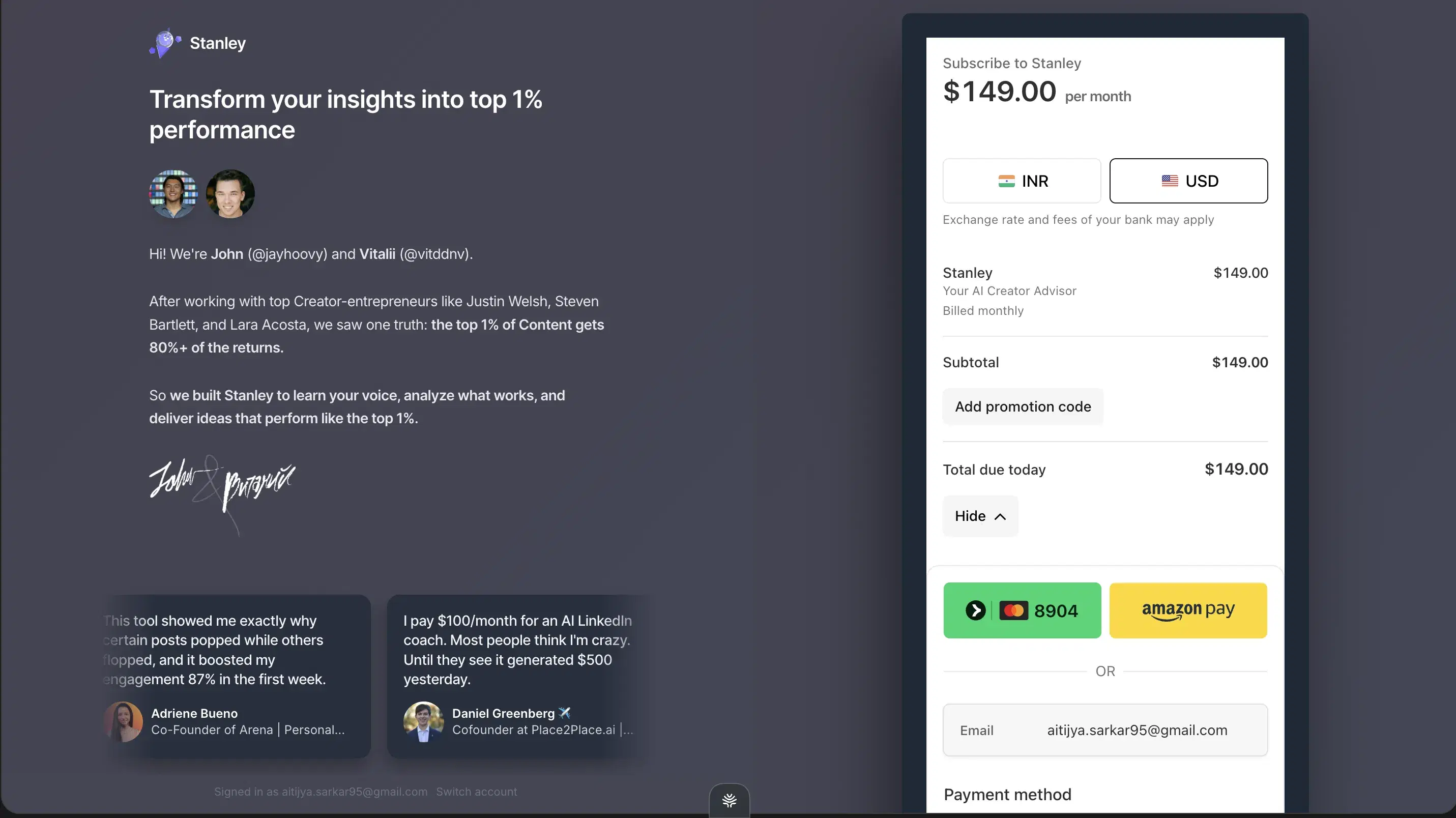
Stanley's subscribe wall — $149/mo, billed monthly, before you can use the editor - It's a coach, not a writer. The whole free experience is Stanley analyzing you — your numbers, your posts, what you should "fix" — and reading your own content back to you as insight. But you came to write posts, not to get graded on your engagement. If you actually wanted a LinkedIn coach, ChatGPT does that for free.
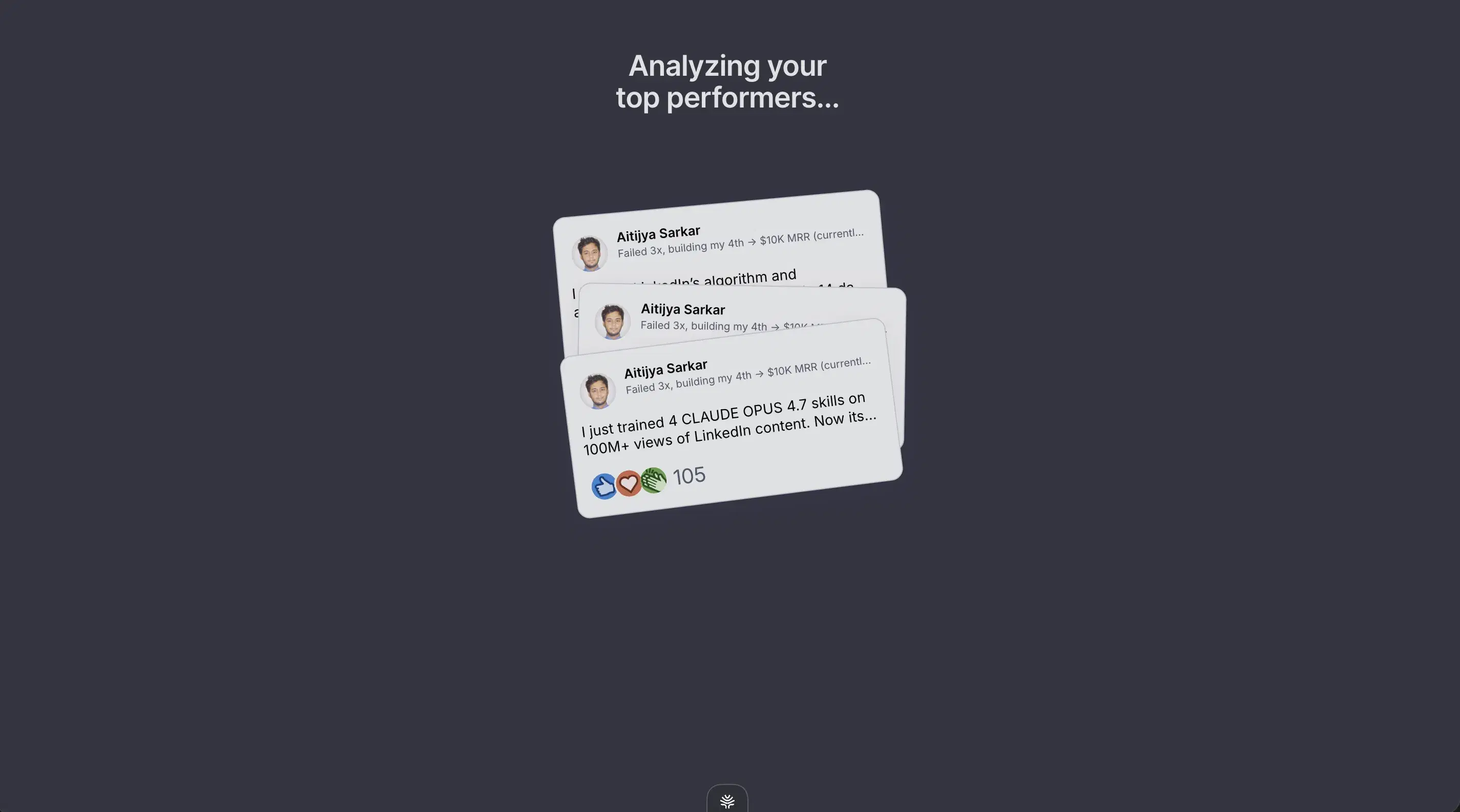
Stanley's "analysis" — your own posts read back to you as insight - And the coaching itself is thin. A 0.25% "LOW" engagement flag, a projected +12,179 followers, "3.8x engagement" — figures with nothing behind them. So you're paying $149/mo, before you've written a single post, for advice that doesn't hold up.
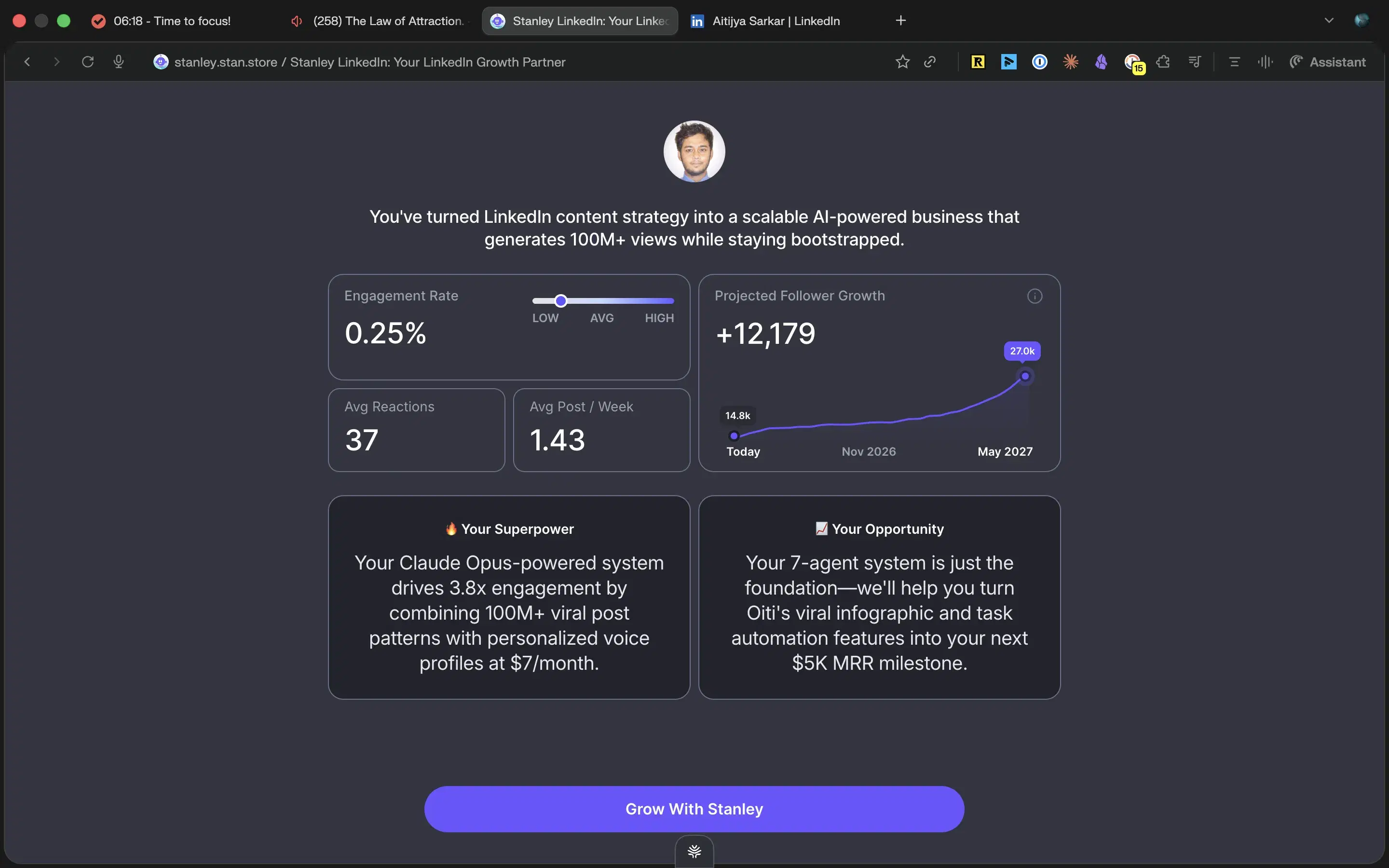
0.25% flagged LOW, +12,179 projected followers — then "Grow With Stanley"
Onto the 10 alternatives — all of which, except where I note it, you can actually try before you pay.
How I tested
I trialed, paid for, or went through the onboarding on every tool here, then scored them all on the same 6 axes. I led with try-before-you-pay instead of the usual "pricing transparency" axis, because that's the thing every buyer searching "Stanley alternatives" is reacting to: $149/mo with no trial.
Try-before-you-pay — can you evaluate it without a cold charge?
Real trial vs trial-with-card vs free tier vs no trial. Stanley is the reason this axis leads: $149/mo, billed monthly, you pay before you can use the editor. Kleo is the only other tool here that fails it — no trial, $99/mo.
Tone-of-voice clone — sentence-level patterns
Vocabulary, hook rhythm, where the line breaks land. Everyone calls this "voice training," and the real difference is what it trains on. The weakest tools hand a generic LLM a one-line tone instruction; the middle tier reads a handful of recent posts; Oiti ingests your last 100 posts plus your website and runs a live ICP search before it drafts.
Long-term memory
Say "kill the rhetorical questions" or "stop ending on a one-word line" once — does the tool still honor it three sessions later, or are you retyping it every morning? Most tools reset every chat. This is the axis almost nobody clears.
Research grounding (Knowledge Base)
Does it ingest YouTube videos, PDFs, and notes, then run a real research agent on the live web before writing? Or does it just reflect your existing posts back at you?
Narrative timeline — who you are over time
The deepest layer of voice. Who you are, how you've evolved, what you actually believe about your space, the stories you're willing to tell. Most tools stop at mirroring surface patterns from posts you already wrote, instead of building a model that can reason about you.
LinkedIn safety — official APIs vs Chrome extension
Does it publish through LinkedIn's official Marketing Developer Platform APIs, or hook your cookies via a Chrome extension? The extension class is the one LinkedIn is actively clamping down on — Shield Analytics shut down in May 2026, and Kleo's original extension was forced offline.
The 10 best Stanley alternatives in 2026
Best for the full-stack content alternative — voice + kb + memory + scheduling
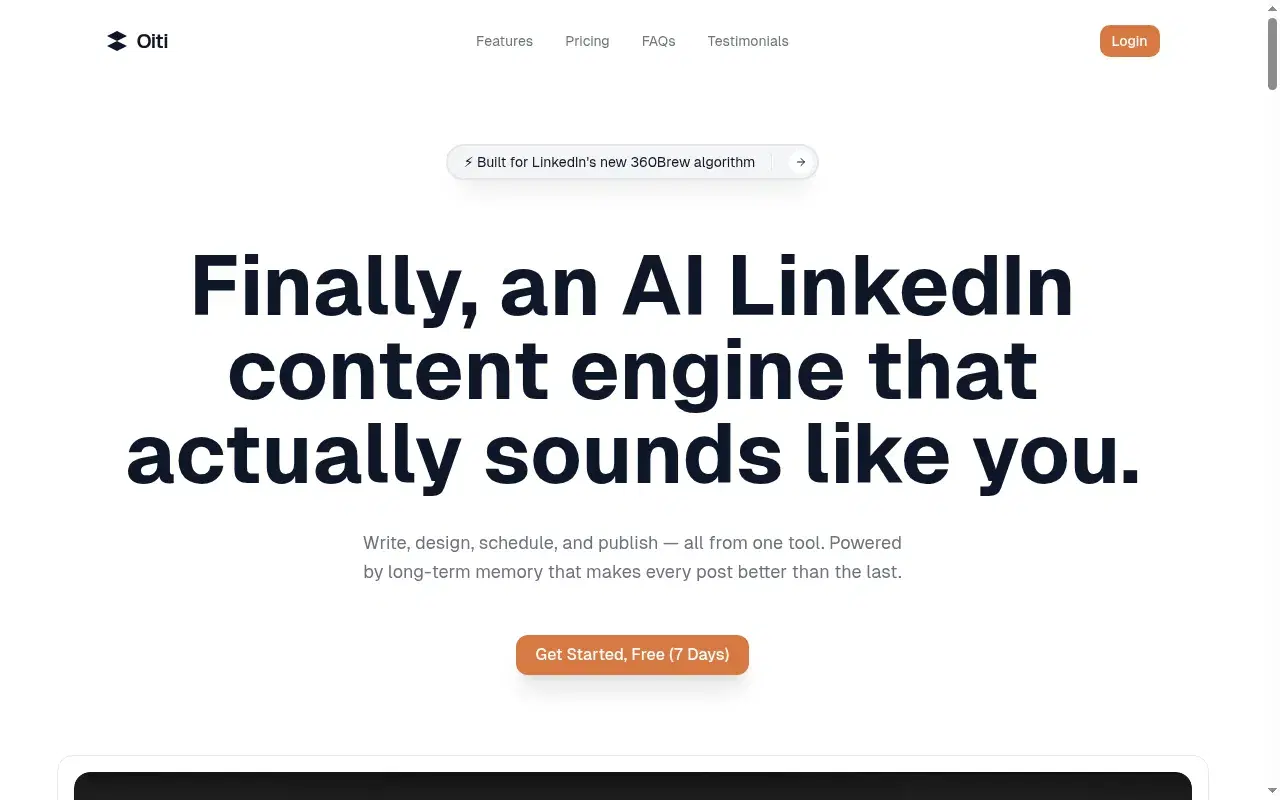
Let me start with the thing that put me on this whole comparison. Stanley charges $149/mo with no free trial. You pay before you can use it. And the "free analysis" that gets you to the wall is mostly a mirror — it scrapes your existing posts and numbers and reads them back to you as insight. Oiti is the inverse on every count: you try it before you pay, and instead of reflecting what you already wrote, it builds a real AI clone from your posts plus your website plus live ICP research, then keeps getting closer to you over time. Disclosure: Oiti is mine. I built it because I was ghostwriting for a wholesale B2B SaaS founder (Forbes 30U30, Seed stage) in a genuinely boring niche, and I realized every existing tool was solving the wrong half of the problem. They were matching topics to whatever had gone viral, instead of starting from who the client actually is. Stanley's "analysis" is the same mistake dressed up nicer — it studies your past performance and hands it back to you. It doesn't build a model of you that it can reason with. So Oiti's wedge was: bridge "what works on LinkedIn" with "who you actually are," and let the AI compound on both halves over time.
When I tested it
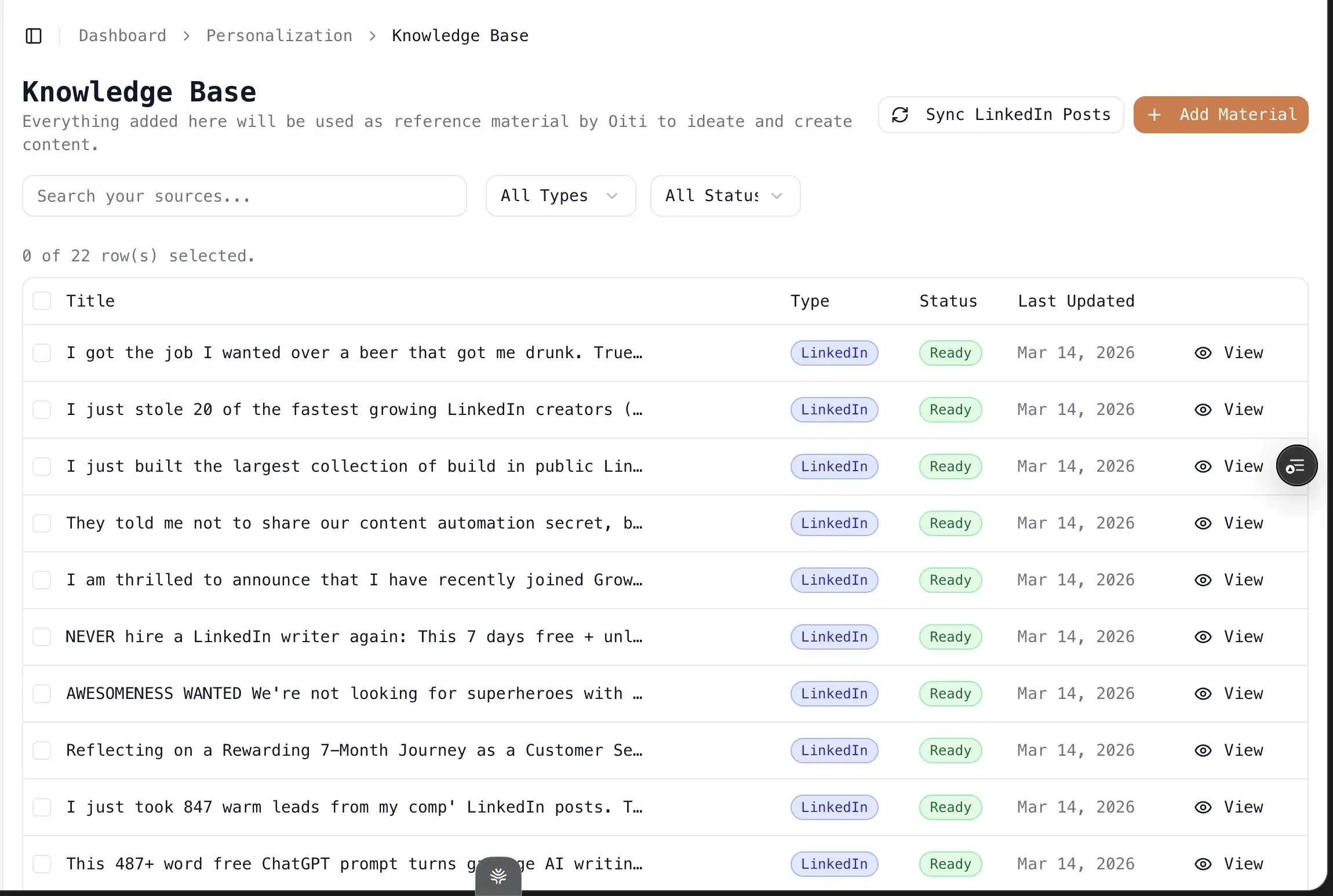
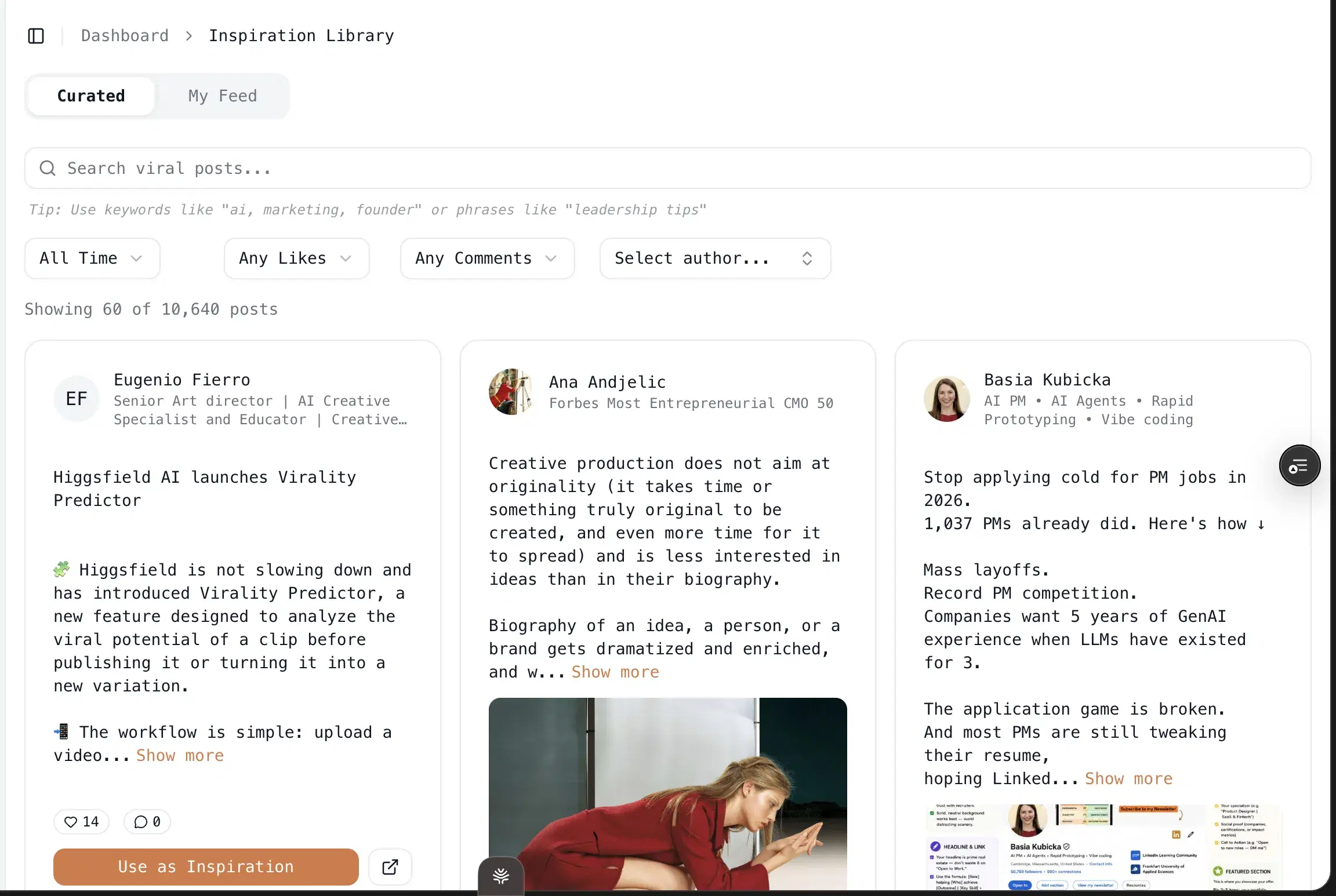
The thing nothing else in this list closes: long-term memory that compounds across sessions, plus a real Knowledge Base its research agents draw on before they write. Say "kill the rhetorical questions" once and it still holds three sessions later. Drop in your YouTube videos, PDFs, and notes, and every draft gets grounded in your actual material instead of a recap of your old posts. Most tools reset every chat and ground nothing. Oiti's persona, memory, and KB stack on each other, so the output gets more like you over time, not less. Sitting on top of that is the inspiration loop — see a post you like, click "use as inspiration," get a 1-click template the AI fills using the persona, KB, and memory that already know who you are.
Key features
A 3,000–5,000-word narrative timeline / AI clone of who you are — built before you pay: Generated in 30 seconds from your last 100 LinkedIn posts, your website, and an ICP search across X, Reddit, and the deep web. Voice profile, brand pillars, content strategy, beliefs, ICP painpoints — a real context clone that writes the next post as you, not a benchmark of your past numbers.
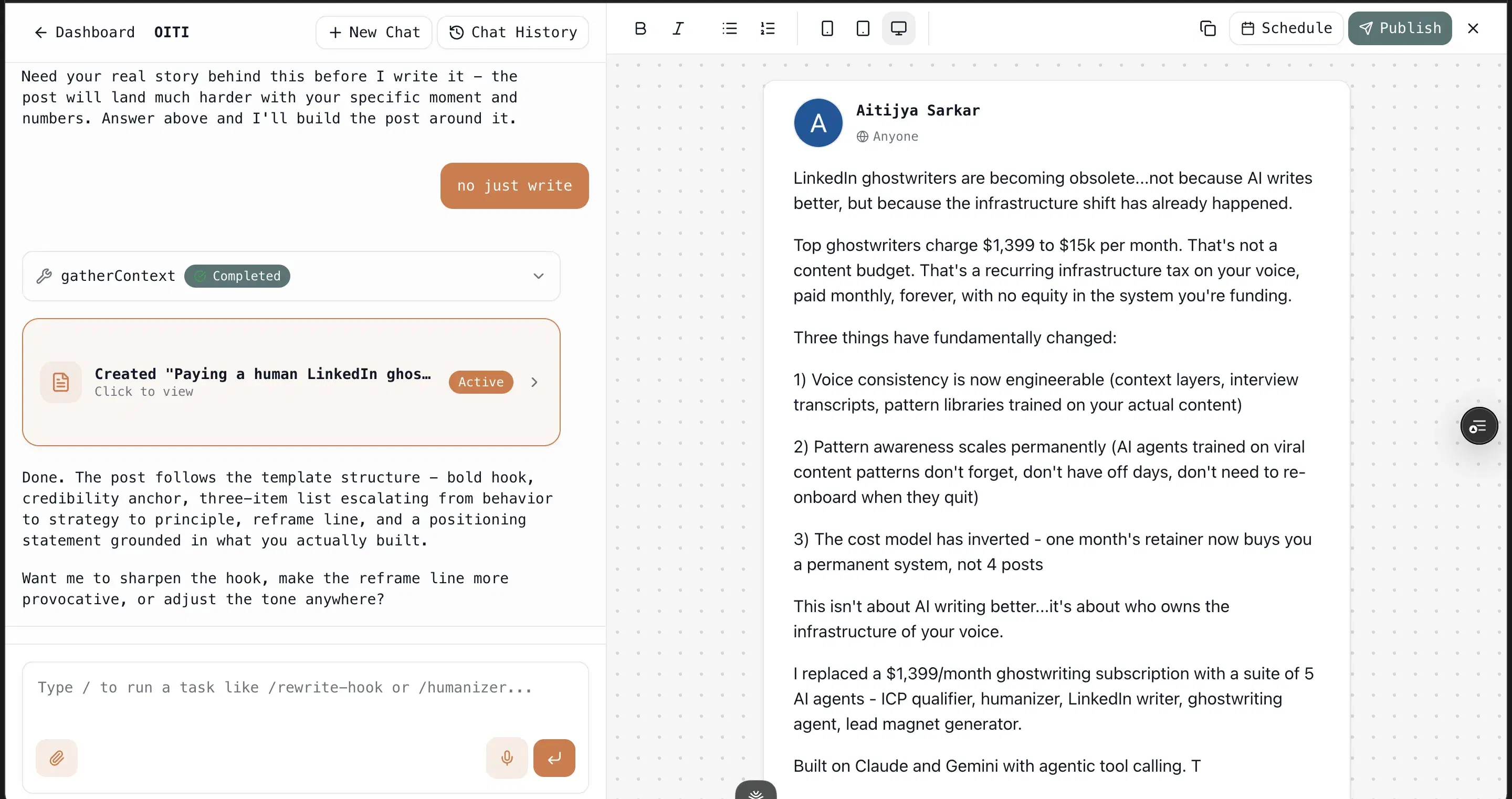
Long-term memory that compounds — and you can watch it compound for free: Every chat, edit, and instruction ("don't use em-dashes," "always lead with a stat") sticks across sessions and applies to future drafts. The output gets more like you over time, not less — and you see it move during the trial.
Knowledge Base + 5–9 parallel research agents — live ICP research, not a recap of your old posts: Drop in YouTube videos, PDFs, meeting notes, competitor posts. Before writing, research agents spawn 5–9 parallel sub-queries across your KB, your memories, and the live web to find what your ICP is actually arguing about this week.
One-click viral infographics: Powered by Nano Banana Pro 3.1 + gpt-image-2. No Canva, no design skills — and you make them inside the trial.
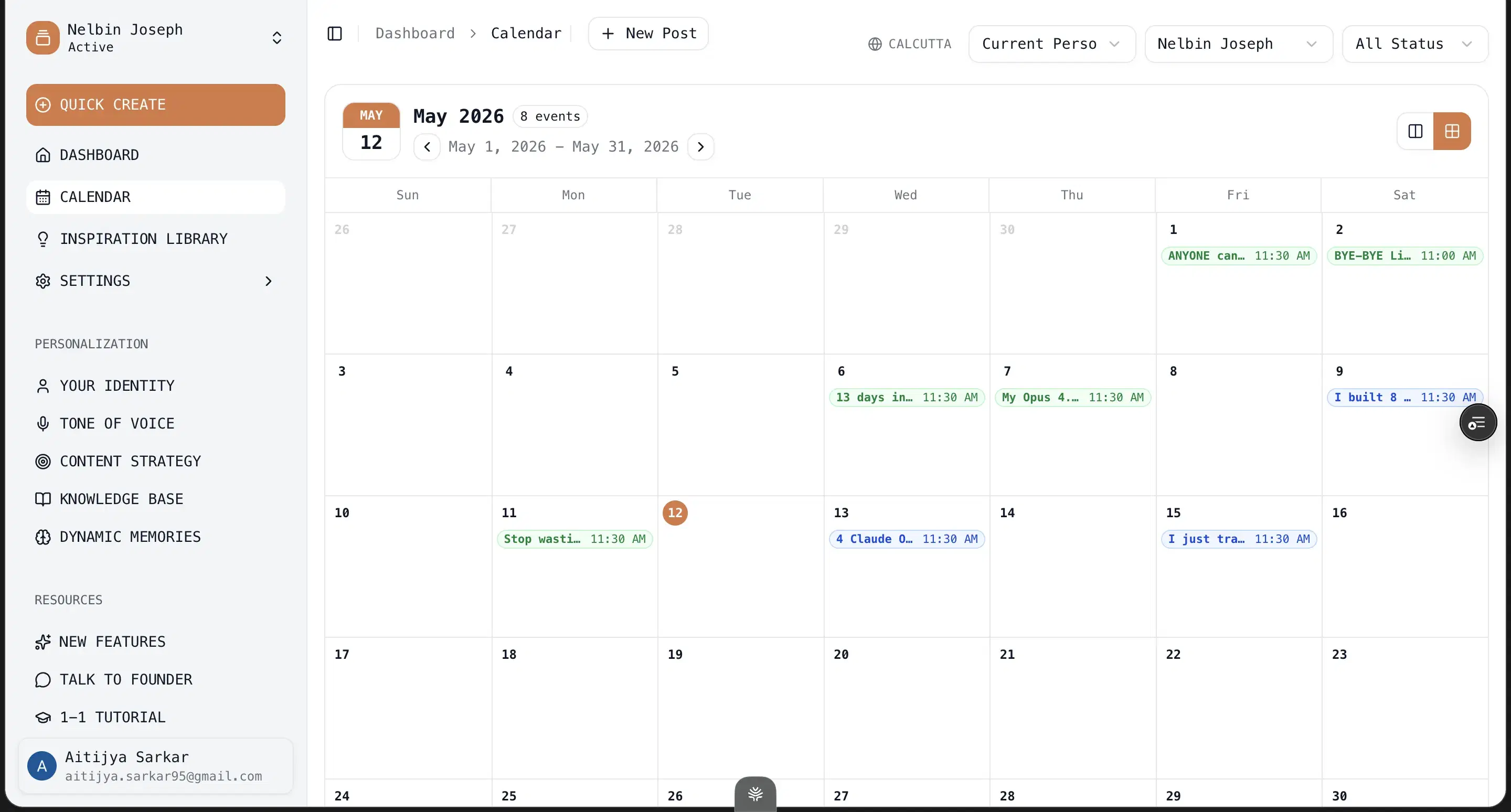
Multi-account scheduling via LinkedIn's official APIs: Pro at $79/mo covers 3 personal profiles + 10+ company pages, all on Microsoft's (and LinkedIn's) approved community-management APIs — and the whole multi-account stack is testable in the free trial first.
8,300+ viral outlier templates and hooks: Patterns drawn from 100M+ views and 1M+ organic engagement.
Best for
- Solo founders and creators in boring or technical niches (B2B SaaS infra, fintech, wholesale, dev tools, supply chain) where generic creator-economy AI content won't fly.
- Ghostwriters and agencies running 3+ client voices — Pro is built for multi-Clone, multi-voice work with no rate limits on content.
- Consultants and coaches with deep IP — book authors, podcasters, YouTubers, PDF-playbook owners — because the KB ingests YouTube transcripts and PDFs and grounds every post in your actual material.
Pricing
$49–$79/mo (50% off yearly: $245 Creator / $395 Pro) · 7 days, no usage caps
Pros
- You evaluate the whole thing before you pay a cent. 7-day trial, no usage caps — the persona, the memory, the KB, the scheduling, all of it. Stanley's defining beat is that you commit $149/mo before you can use the editor; Oiti's is the inverse: see exactly what you're buying, then decide.
- Deep context engine builds a persona, not a report card. The 3,000+ word narrative timeline is what makes drafts sound like you — Oiti models who you are so it can write the next post as you, not just grade the posts you already wrote.
- Memory that compounds across sessions. Every edit and instruction sticks, so drafts get more like you over time instead of resetting every chat.
Cons
- No native iOS/Android app. Mobile is browser-only. The web app works fine on phones, but there's no App Store download. If you only ever post from your phone, that's worth knowing.
- No Chrome extension overlay into LinkedIn. Oiti lives in its own editor instead of injecting into linkedin.com. A deliberate choice — extensions break with every LinkedIn UI shuffle, and they're the category LinkedIn is clamping down on — but worth flagging if you specifically wanted the in-feed overlay.
- Doesn't generate Twitter/X or Instagram content. Oiti is LinkedIn-first. If you want one tool that also handles X threads or Instagram captions, you'd need a second tool.
- No carousels or slide decks (yet). Oiti is post-first — infographics yes (40+ templates, Nano Banana Pro 3.1), carousels no. If carousels are your primary LinkedIn medium, Postiv (#5) genuinely beats Oiti on that one axis. For everyone else, infographics carry the visual load.
Best for multi-account scheduling for teams
Supergrow is the closest peer to Oiti in the whole list: same ToS-safe positioning — LinkedIn's official APIs, no Chrome extension — same multi-account scheduling, similar content pitch. I first knew them from a lifetime deal back in 2023, used them for a stretch that year, and signed up again in 2026 to retest. The honest story: Supergrow has grown hard on the team and scheduling side. The individual writing side hasn't kept pace. If you're managing 3+ LinkedIn accounts and you need a real scheduling backbone with approval flows, comment workflows, and a shared Kanban queue, Supergrow's structure is genuinely thoughtful. Indian founders, started in 2023, built well for team-based work. They've figured out multi-tenant LinkedIn workflows.
When I tested it
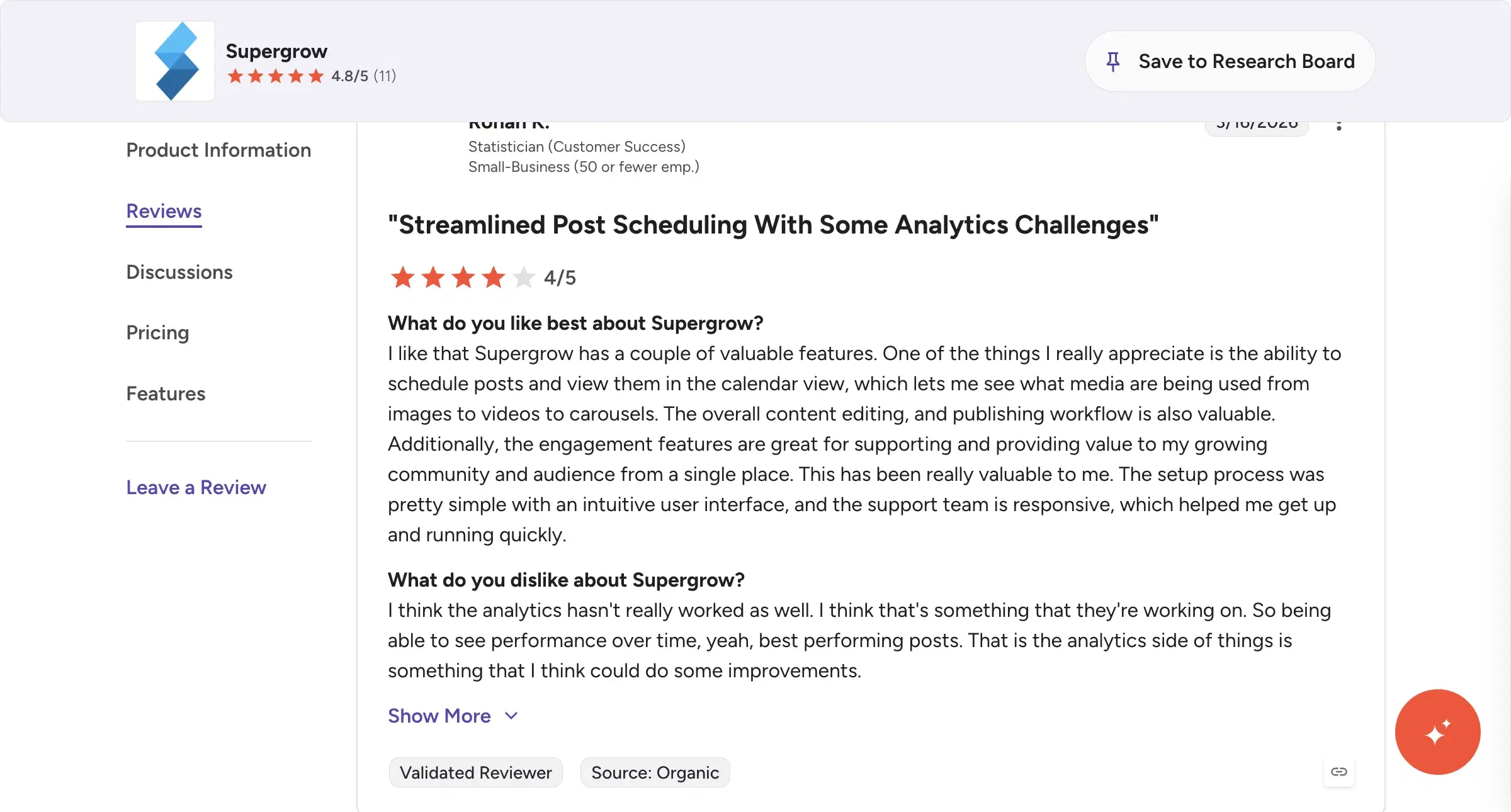
Where it falls down — and this is the deal-breaker for solo creators — the content output reads generic. No persona depth, and it doesn't sound like you. The chat is primitive: feedback I gave in one session didn't carry over to the next. No long-running agent pattern. The interface felt clunky and slow. G2 reviewers ding the analytics depth as a recurring weakness — "the analytics side of things is something that I think could do some improvements" (Rohan K., Statistician, Small-Business, 4/5, 2026-03-16). That tracks with where Supergrow has put its investment: deep on scheduling and multi-account, lighter on writing depth, persona, and analytics.
Review receipts
Key features
Scheduling via official LinkedIn APIs: ToS-safe. No Chrome-extension risk. Genuine peer to Oiti on safety.
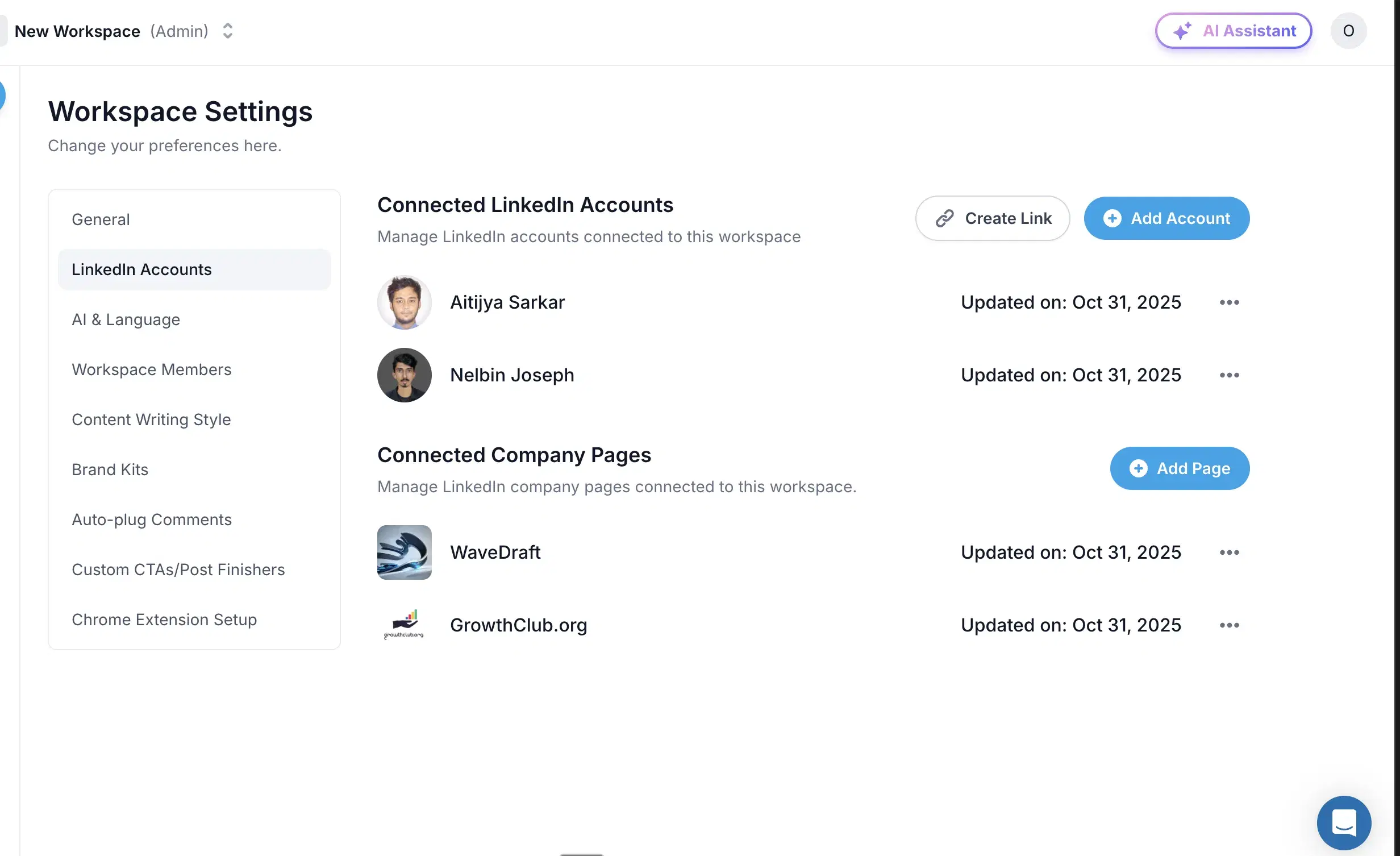
Multi-tenancy + Kanban queue: Built-in comment + change workflows, deep scheduling pipeline. If your job is to schedule across 3+ accounts with a team, this works.
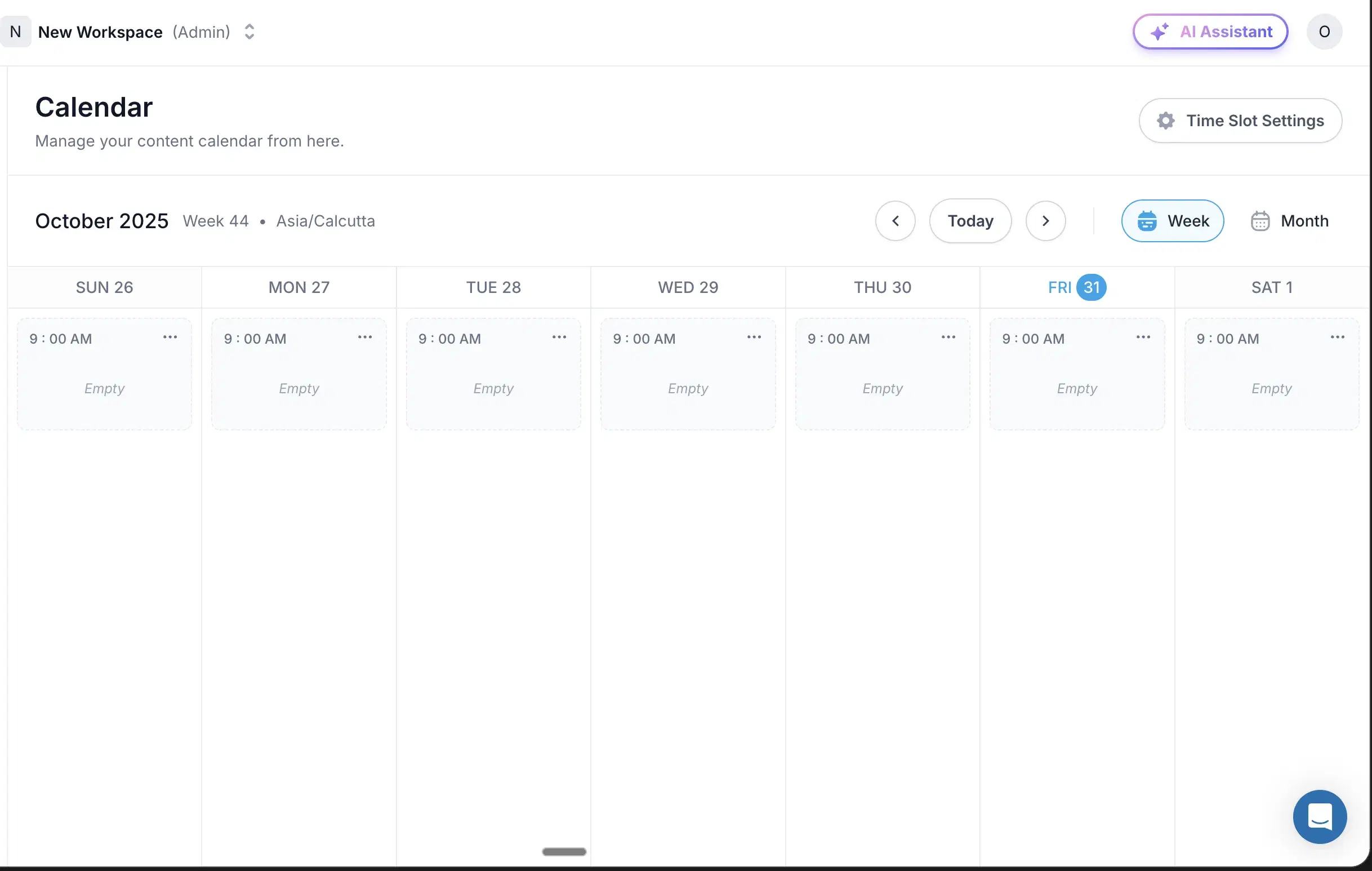
Carousel + post editor: Unified editor in one tab. UI optimized for team approval cycles.
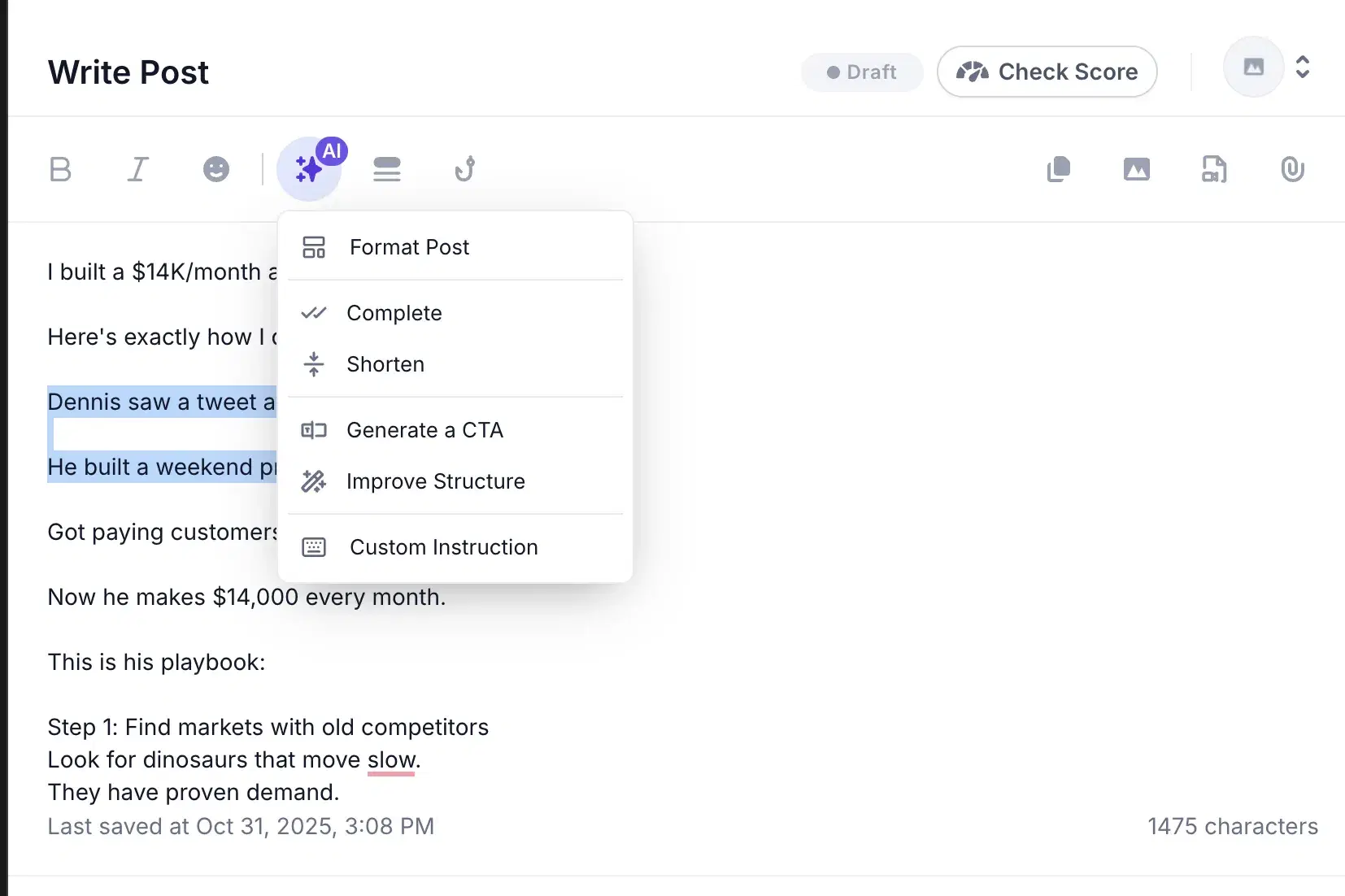
Approval workflows: Per-post approval routing for agencies managing client content.
Best for
- A team or agency managing 3+ LinkedIn accounts that genuinely needs the scheduling backbone and is fine using a separate tool (or Claude) for the actual writing.
- Not for solo creators. Not for anyone in a niche where vanilla AI output costs you credibility.
Pricing
$19–$139/mo · Free trial
Pros
- Scheduling via official LinkedIn APIs. ToS-safe, no Chrome-extension risk. A genuine peer to Oiti on safety.
- Multi-account / multi-tenancy is genuinely well-built. Kanban queue, built-in comment and change workflows, deep scheduling pipeline. If your job is scheduling across 3+ accounts with a team, this works.
- Honest indie-founder team. Well-built for what they built it for.
Cons
- Content output reads very generic — no persona depth, doesn't sound like you. Confirmed in my 2026 trial. Oiti's approach: narrative timeline + persona + KB grounding means the AI knows who you are before it writes a word.
- No retained memory across posts. Chat is primitive; feedback doesn't carry between sessions. Every chat is square one. Oiti's approach: long-term memory persists every edit and instruction; drafts get more like you over time.
- Analytics depth is weak. If reporting depth is a top need, you'll feel the gap.(source)
Best for all-in-one content + outbound (with tos caveats)
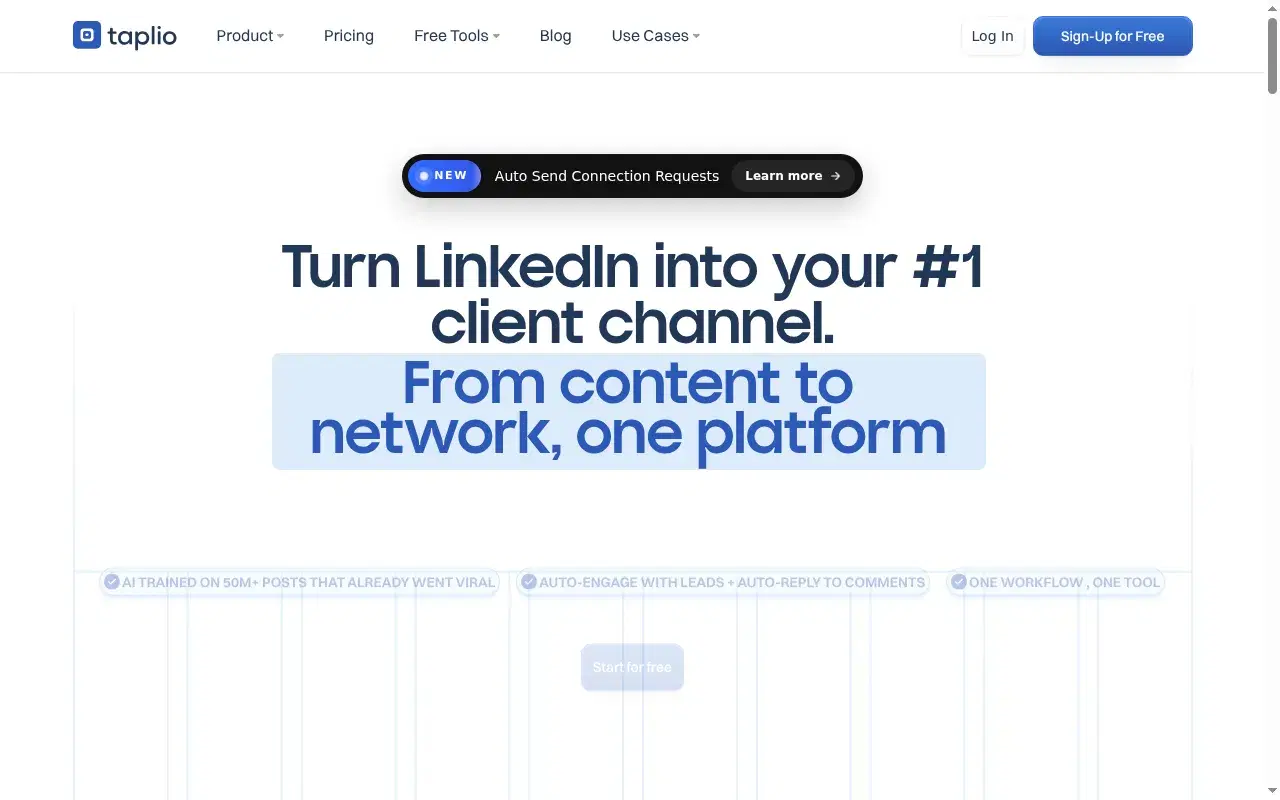
I paid for Taplio back in 2021, when they were one of the only LinkedIn content tools that existed. They earned their reputation. Their inspiration library — over a million posts now — is still the largest in the category. I came back to it in 2026 while building Oiti, and virtually nothing has changed under the hood. They bolted on a chatbot. But it's a wrapper on a pre-AI codebase, and it shows: the output reads generic no matter what you feed it, because there's no persona depth, no real knowledge base, no long-term memory. The UI is slow and cluttered — content, outbound, comment automation, and analytics all jammed into one dashboard.
When I tested it
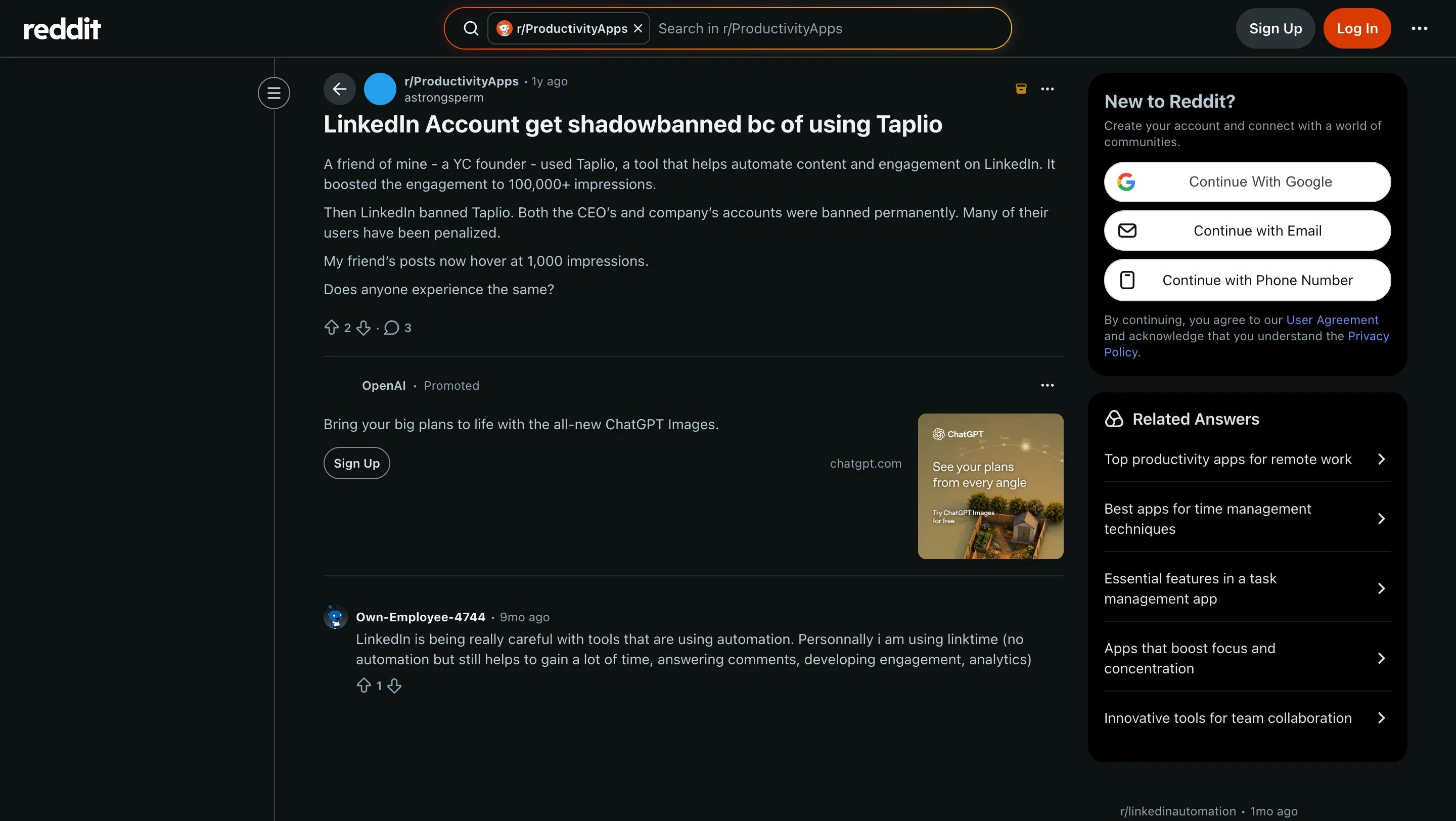
Two bigger problems sit underneath the generic content. Taplio is banned from LinkedIn. The platform pulled them. That alone tells you what LinkedIn thinks of how they operate. The outbound + comment automation runs as Chrome extensions that hook your LinkedIn cookies. Shield Analytics shut down their whole company in May 2026 from this exact class of risk. And I have a client whose account got flagged and restricted from using Taplio's extension. If you don't have LinkedIn Premium or Sales Navigator to absorb that risk, I wouldn't go near the extension features. On price: the $39 marketed tier ships with zero AI credits per Taplio's own pricing page, so the AI features you came for unlock at $65 Standard, and the top tier runs around $375. There's also a billing pattern worth knowing about — multiple independent Trustpilot reviewers at 1/5 cite silent renewals and trouble cancelling. If you trial it, set a calendar reminder.
Review receipts
Key features
1M+ post inspiration library: Searchable archive of LinkedIn posts — the single feature most competitors haven't caught. Caveat: many posts are years old; filter by recent or you'll be lifting 2022 patterns that don't land in 2026.
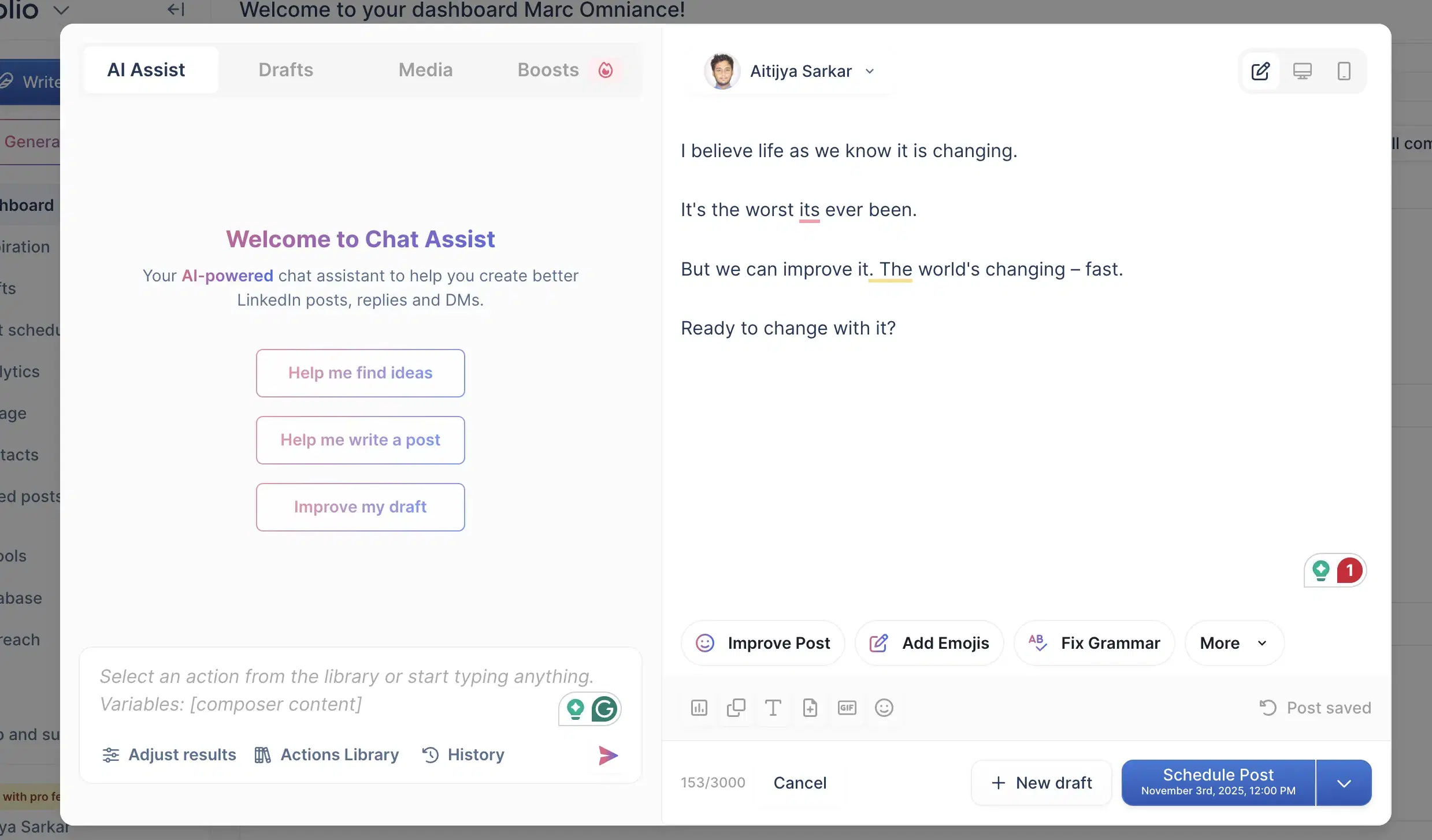
LinkedIn data fetch + post analytics: Onboarding fetches your LinkedIn data into the dashboard; analytics layer surfaces engagement metrics per post.
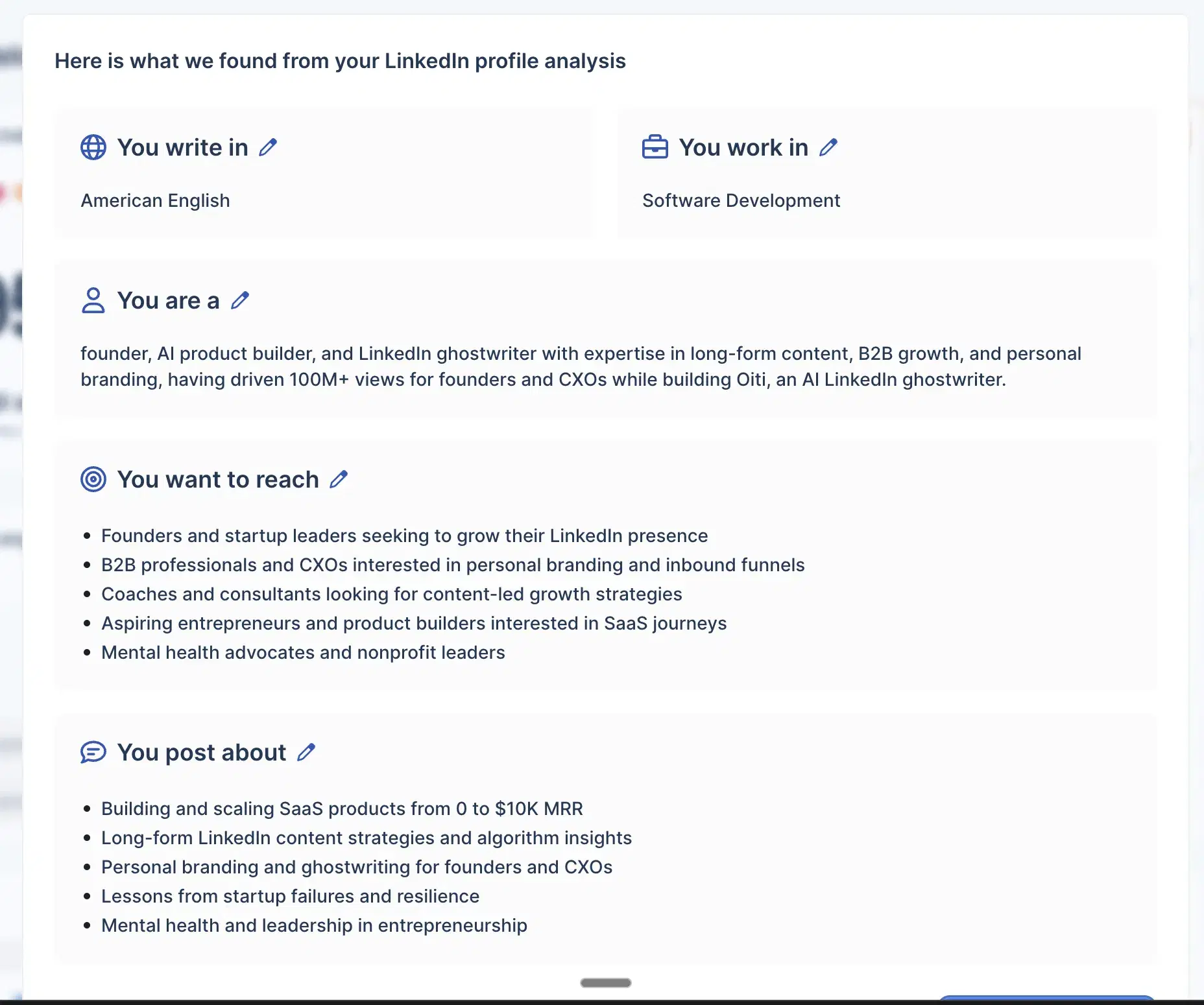
Chrome-extension outbound + comment automation: DM automation, connection requests, comment automation, and engagement tracking — all run as a Chrome extension that hooks your LinkedIn cookies. Source of the account-risk story above.
AI chatbot composer: Thin wrapper bolted on the pre-AI codebase. No built-in web search, no KB search, no long-term memory.
Best for
- Only if you genuinely use content + outbound + comment automation together, accept the account-flag risk, and have LinkedIn Premium to absorb it.
- That's a narrow slice. For everyone else: Oiti for content, Lemlist or HeyReach for outbound.
Pricing
$39 marketed / $65–$375 actual · Free trial (set a cancel reminder)
Pros
- 1M+ post inspiration library. Still the largest in the category, and the single feature most competitors haven't caught.
- Broadest all-in-one scope. If you genuinely use content + outbound + comment automation as one workflow.
Cons
- Banned from LinkedIn, and the automation runs via Chrome extension. First-hand: a client of mine had their account flagged from Taplio's extension. Oiti's approach: official APIs only, never affected.
- Generic AI output on a pre-AI codebase. No persona depth, no memory, no real KB. Oiti's approach: persona + KB + long-term memory.
- Too expensive for content alone. $39 marketed but real AI features run $65–$375/mo, plus the silent-renewal billing pattern. Oiti's approach: $49 Creator with the full content stack.(source)
Best for formatting-only power users
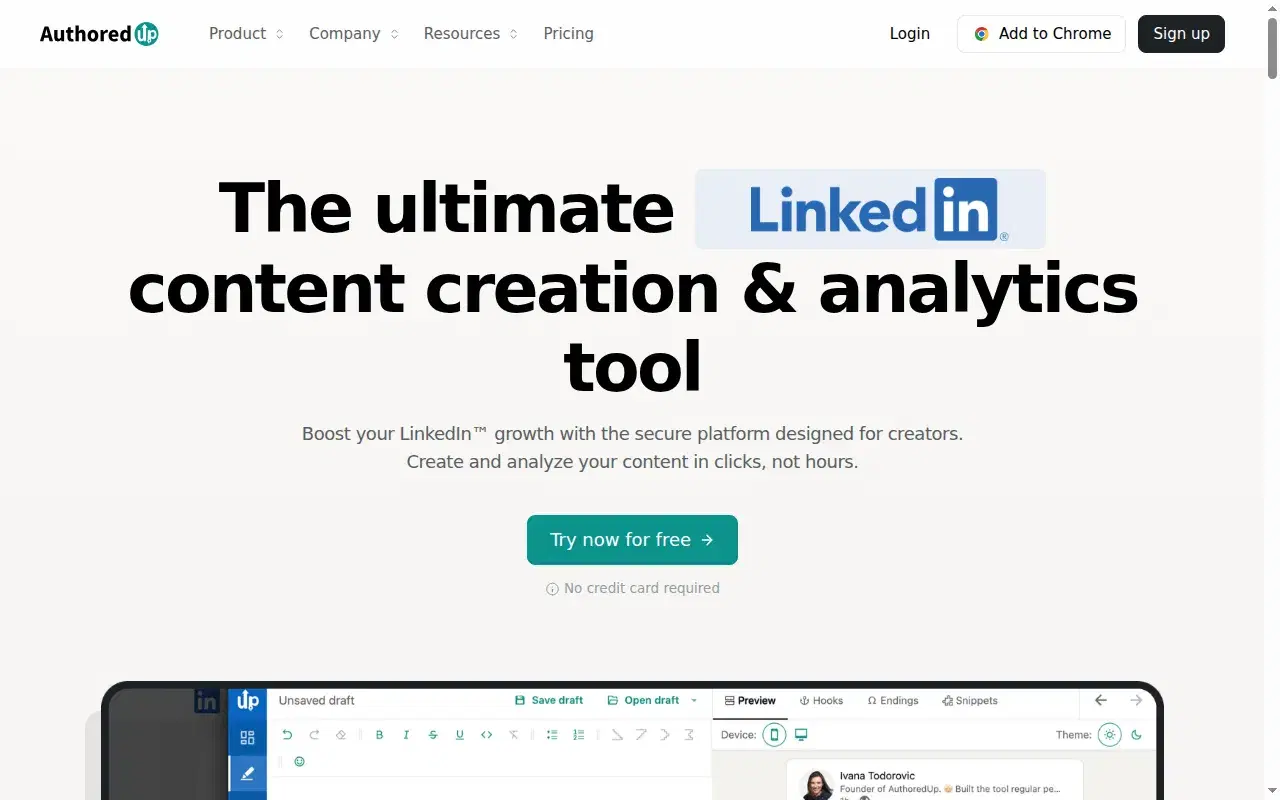
AuthoredUp is cheap, transparent, and does one thing extremely well. The catch is that the one thing is formatting — it doesn't write. I used AuthoredUp back in 2020–21, mostly for the LinkedIn preview (I wanted to see line breaks before posting) and the hook-swap feature. Their formatter is rock solid. They were also one of the earliest Chrome extensions trying to build ethically for LinkedIn creators, and that earned them a lot of goodwill. Then ChatGPT launched and the category changed. The preview is still excellent, but formatting itself has been commodified — every modern tool, Oiti included, ships top-tier formatting now. And as AI tools launched, AuthoredUp's surface narrowed by comparison. No AI writing. No knowledge base. No memory. When I signed up, the dashboard said an AI ghostwriter was on the way; as of writing, it hasn't shipped.
When I tested it
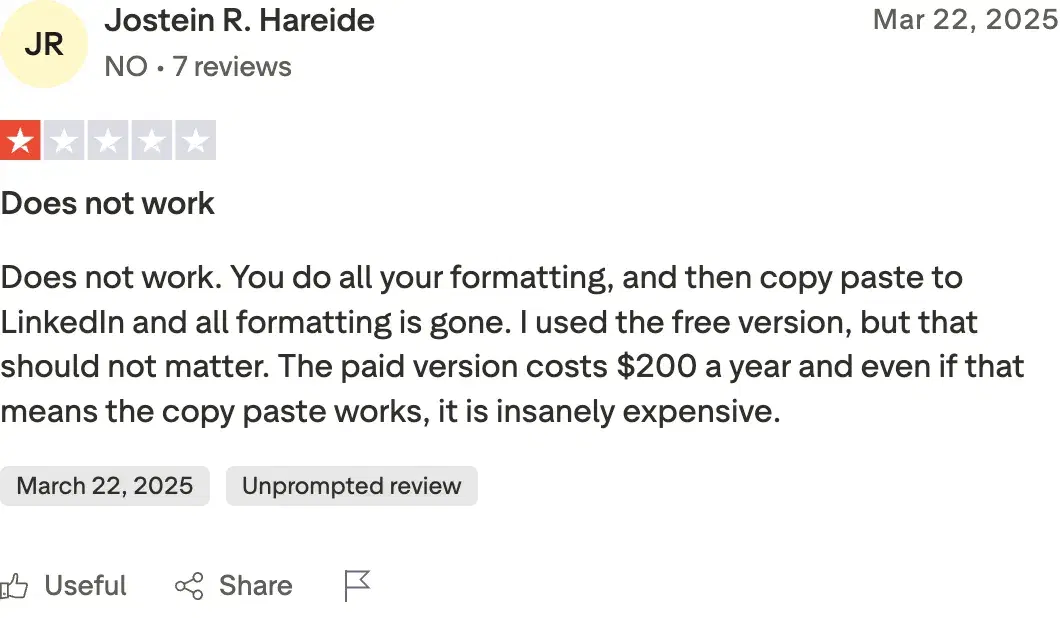
The other piece is ToS risk. LinkedIn is actively clamping down on Chrome extensions — Shield Analytics had to shut down in May 2026. AuthoredUp has been better behaved than most, but the category itself is under pressure. While digging through reviews I came across Jostein R. Hareide on Trustpilot at 1/5: "formatting is lost on paste." I've used their formatter for years without hitting that — could be a one-off on his end, could be a real regression.
Review receipts
Key features
Best-in-class LinkedIn rendering preview: Matches LinkedIn's actual formatting — bold, italic, line breaks, the 210-char cutoff.
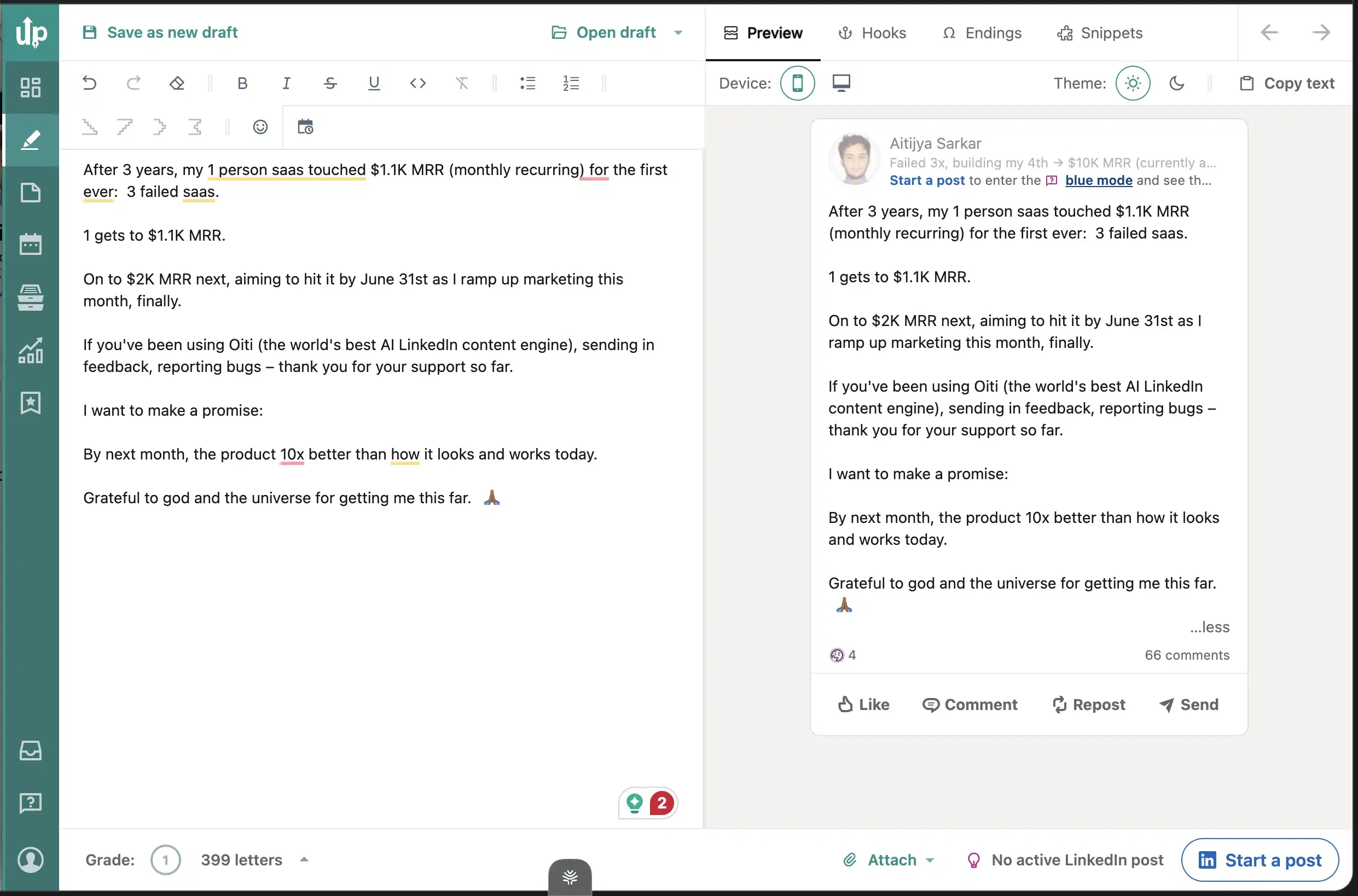
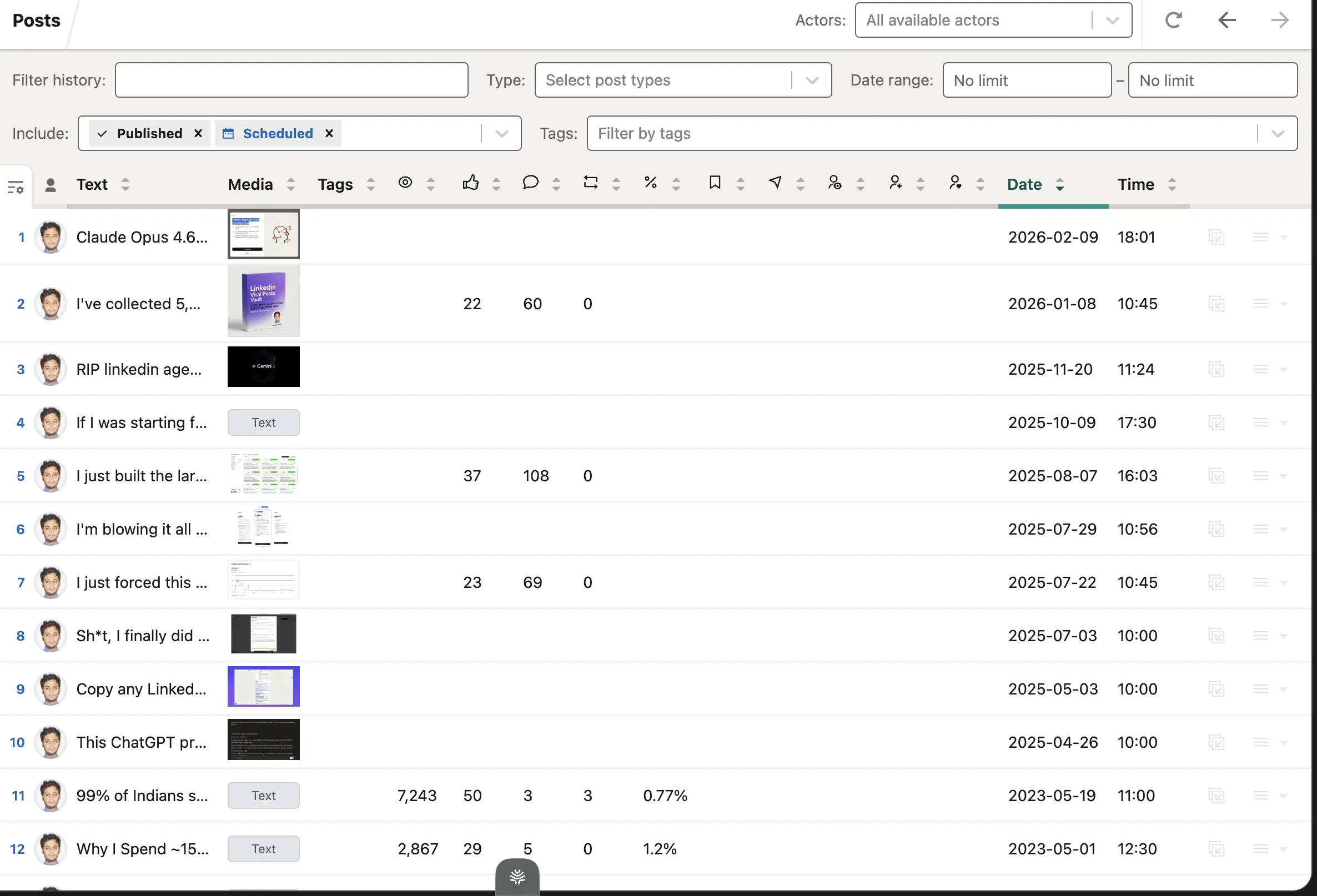
Saved drafts + templates: Reusable post-template library with placeholder variables.
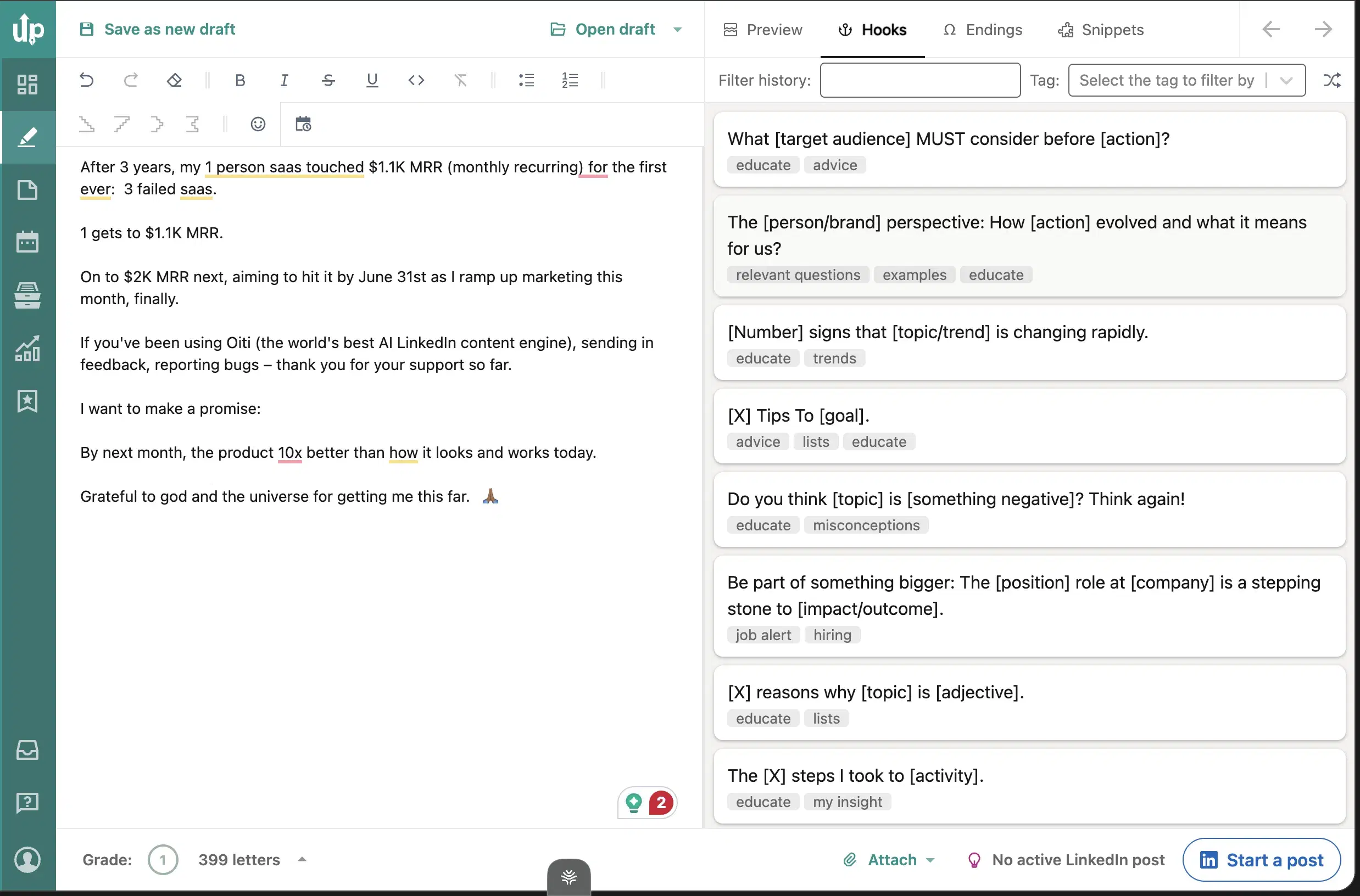
Hook variation feature: Swap hooks and post endings to test different opening structures.
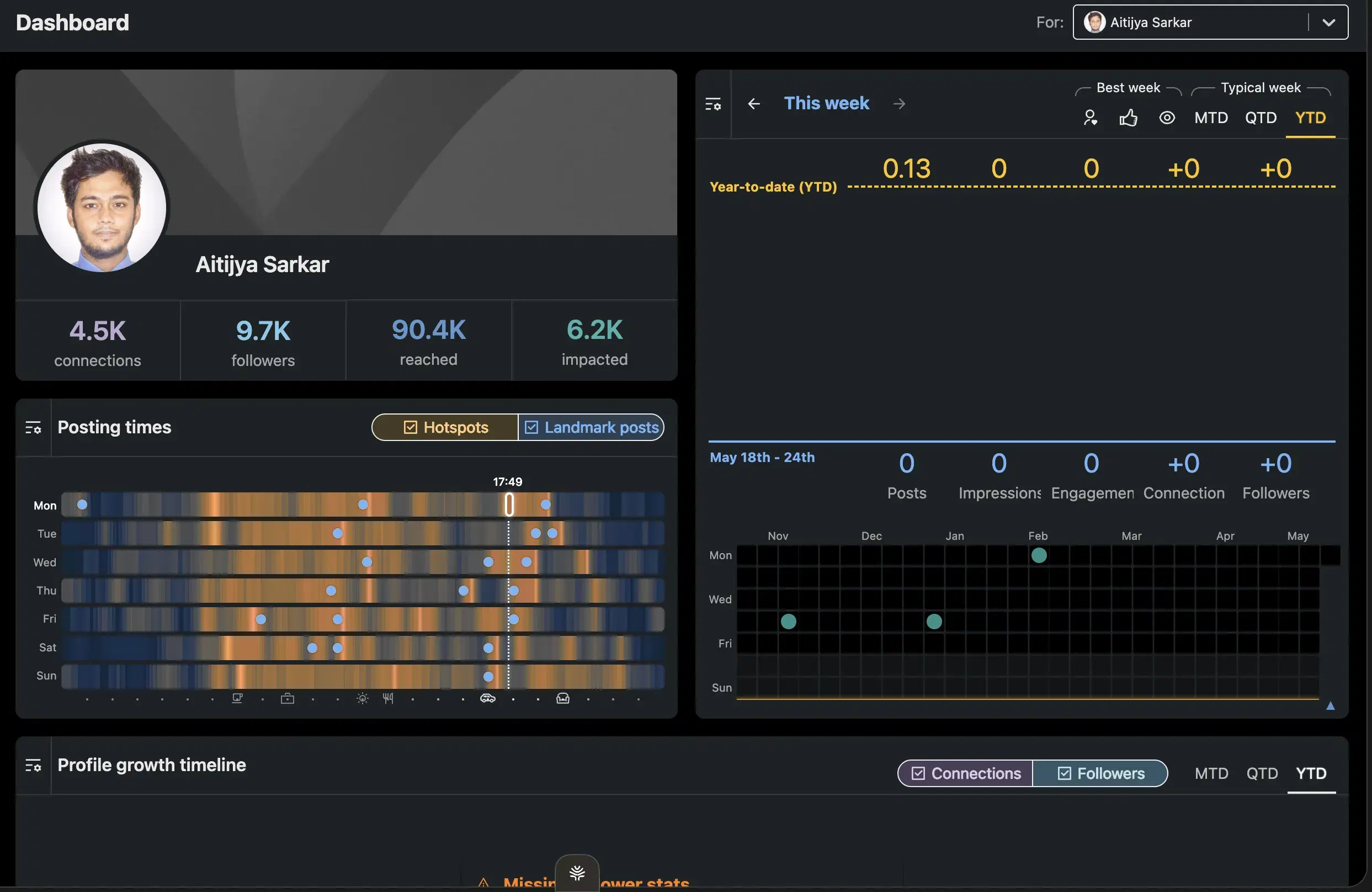
Light analytics layer: Per-post and per-account analytics that LinkedIn's native dashboard doesn't surface.
Best for
- People using it purely for formatting who want the polish and don't need AI writing.
- Free tools cover formatting too, so the paid case is narrow. If you fit it, it's genuinely good at the one job.
Pricing
~$19.95–$29.95/mo · Free trial
Pros
- Formatter is rock solid. Still the best if all you need is formatting.
- Pioneered ethical Chrome-extension building for LinkedIn. Earned goodwill, well-behaved compared to the rest of the category.
- Cheap and transparent pricing. No wall, no surprises.
Cons
- Chrome-extension category under LinkedIn pressure. The whole class is what LinkedIn is clamping down on. Oiti's approach: official APIs only.
- No AI writing, no KB, no memory. Pure formatter. The AI ghostwriter has been "on the way" without shipping. Oiti's approach: full content engine + formatting in one tool.
- Formatting alone is a narrow buy in 2026. Free tools cover the same need, including Oiti's free LinkedIn Text Post Formatter.(source)
Best for carousel-heavy publishers
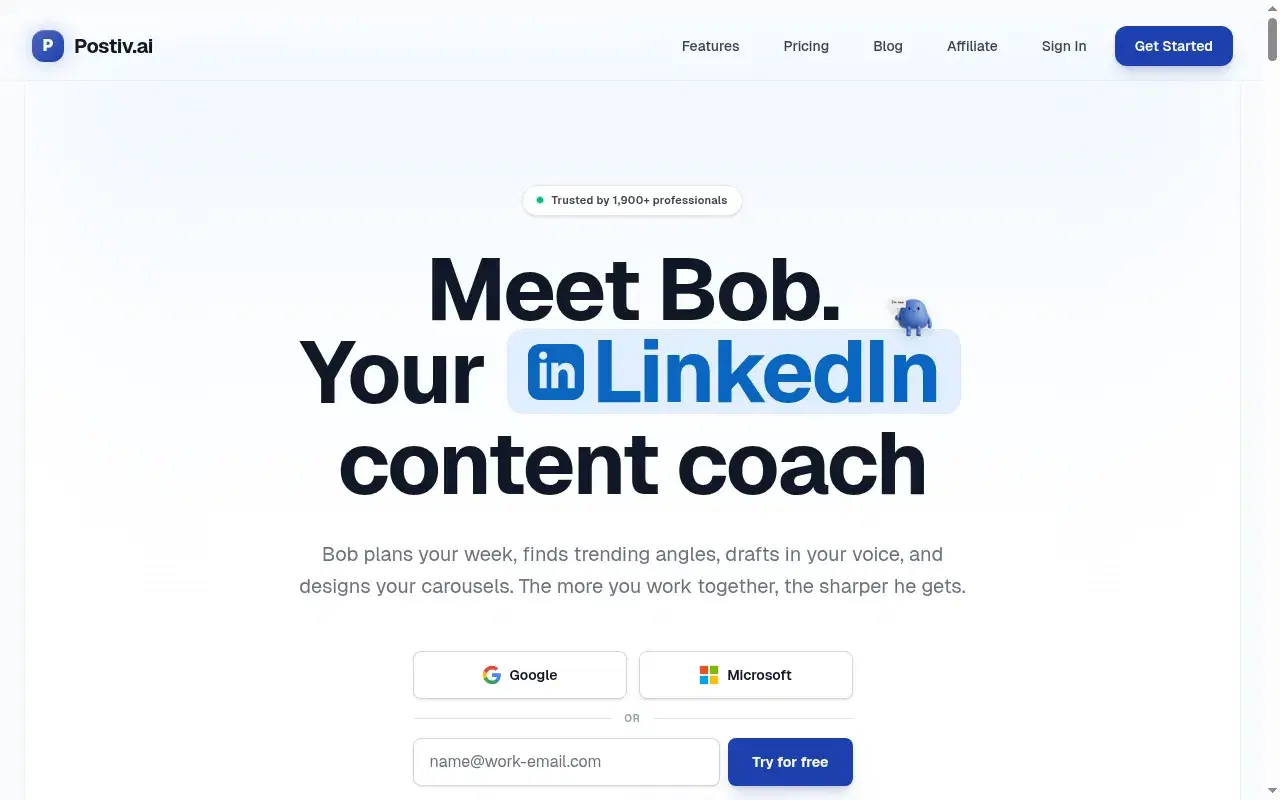
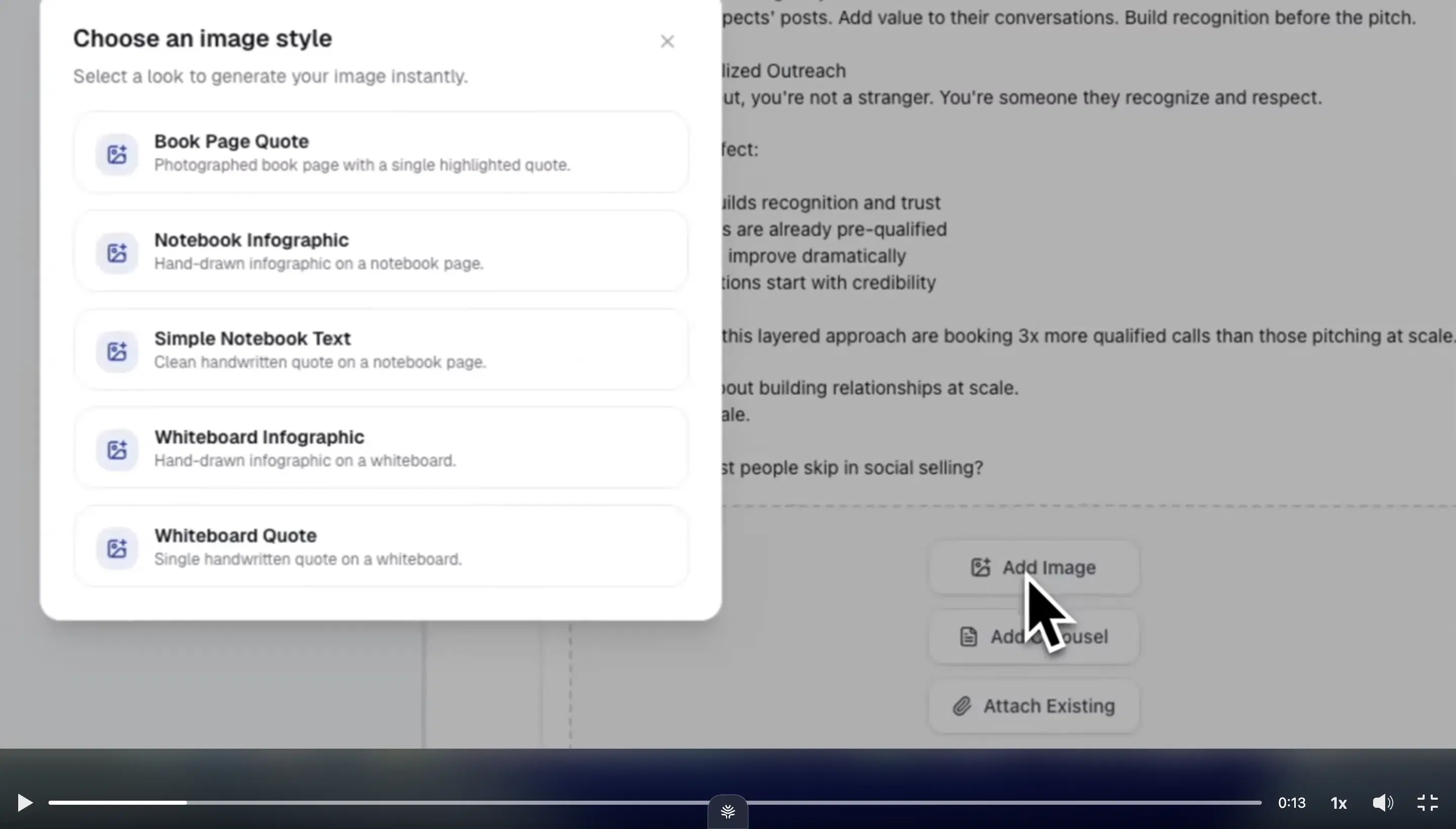
Postiv is going where the category is going. Agentic flow with knowledge inputs, a chat-style composer, a KB-equivalent assets feature, an inspiration tab. The direction is right. Where Postiv genuinely wins: carousels and slide decks. They have pre-built carousel workflows that work well and 7 infographic templates that are decent (Oiti has ~40, but Postiv's are usable). If your primary LinkedIn medium is carousels, Postiv beats Oiti on this specific axis — the one place a competitor here has something Oiti doesn't.
When I tested it
Where it falls down: the persona and memory layers are shallow. I tested by creating a post on a LinkedIn-content topic, and Postiv did not intelligently pull from my past posts — even though the product implies it does. The persona setup is form-based ("who do you want to write for?"), the same gap ContentIn and MagicPost have, not the structural extraction from your last 100 posts that Oiti runs. There's no dynamic memory across sessions, so feedback resets. The output came off generic because those layers are thin. The UI felt a bit vibe-coded, and the color branding felt off (personal taste). Postiv is iterating actively, and this reflects my testing as of this writing — they may have closed some of these gaps by the time you read it.
Key features
Pre-built carousel workflows: The one feature where Postiv beats Oiti. If carousels are your primary medium, this is the lane.
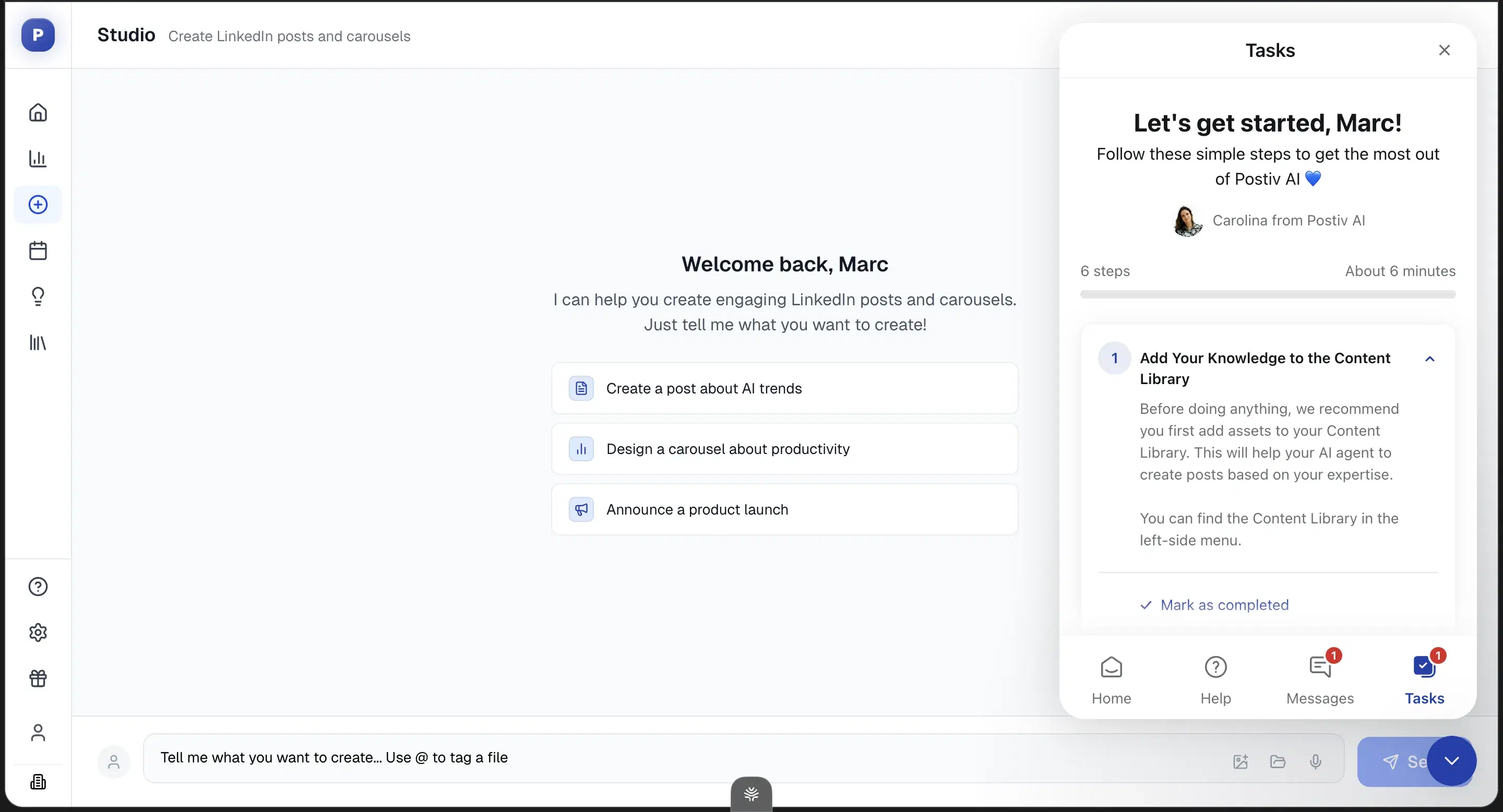
Chat-style composer: Agentic direction is right. Chat + inspiration tab + 7 infographic templates.
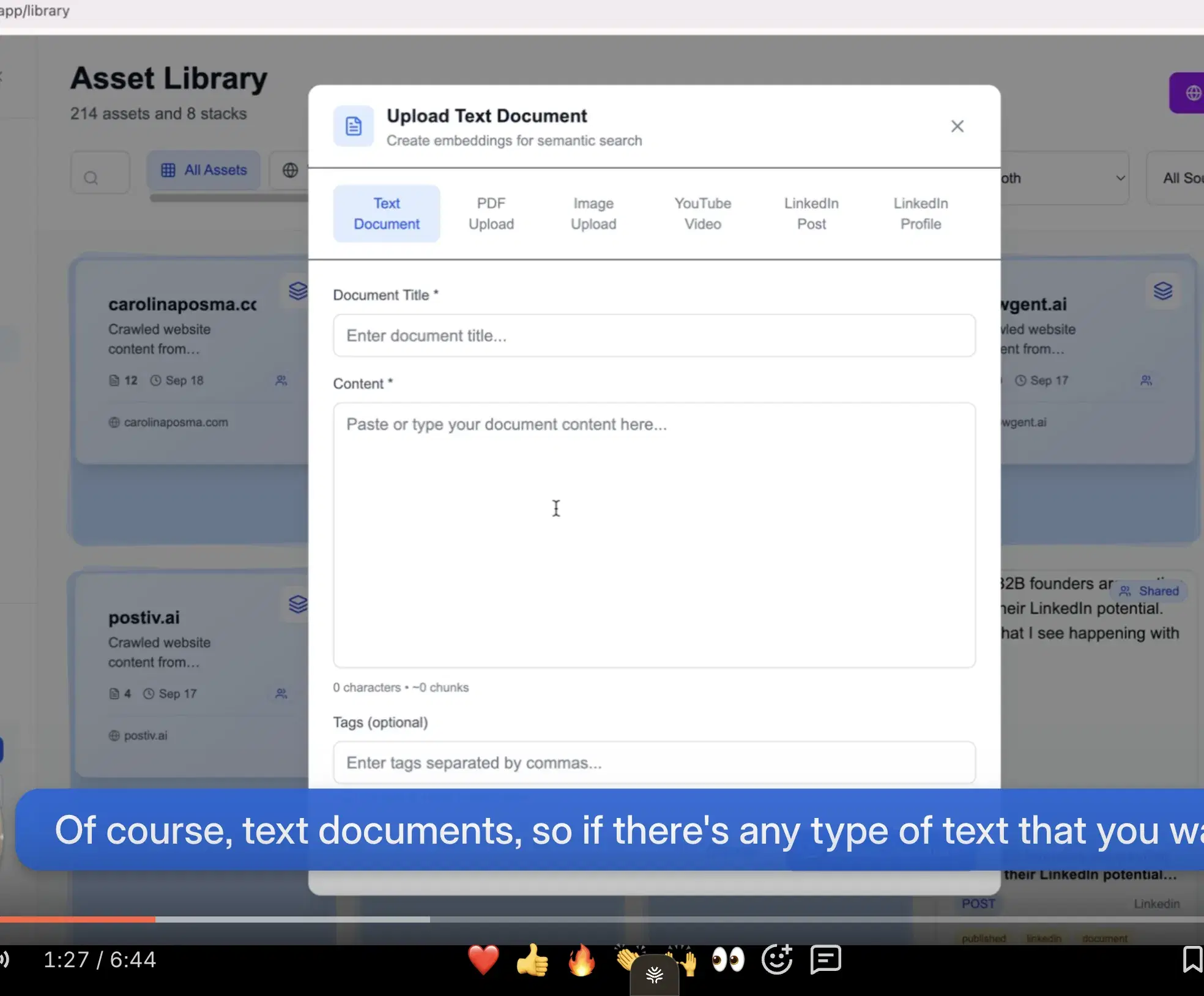
KB-equivalent assets feature: File uploads for grounding posts in your material — closer to a real KB than form-based personalization.
Transparent pricing tiers: $99 / $229 / $399 with seat add-ons. No hidden tier locks.
Best for
- Carousel-heavy publishers. If your primary output is carousels and slide decks, Postiv's pre-built workflows are worth the $99.
- For post-first creators, the persona/memory shallowness means you'll hit the same generic ceiling at three times the price. Try Oiti first.
Pricing
$99 / $229 / $399/mo · 7-day trial ($1 CC)
Pros
- Carousels + slide-deck pre-built workflows. The one feature where Postiv beats Oiti. If carousels are your medium, this is the lane.
- Heading in the right direction. Agentic flow with a chat composer, KB-equivalent assets, an inspiration tab, and 7 infographic templates.
- You can try it before you pay. A $1-card trial, but a trial.
Cons
- Persona + memory + RAG layers are shallow. Form-based persona, no dynamic cross-chat memory, RAG didn't pull from my past posts in testing. Output came off generic. Oiti's approach: 3,000+ word persona from your last 100 posts + ICP painpoint search; long-term memory across sessions; KB-grounded research agents.
- No one-click templates from inspiration. Postiv has the inspiration tab but no equivalent of Oiti's "use as inspiration → 1-click structural template" loop.
- Entry $99/mo is 2–6× the other AI writers here. At a similar feature surface, plus the $1 card-on-file gate. Oiti's approach: Creator $49 / Pro $79, 7-day trial.
Best for a linkedin preview before publishing

MagicPost's one genuinely useful feature is an in-editor LinkedIn preview that shows what a post will render like before you publish — line breaks and all. The caveat is the preview doesn't quite show the full post (the "see more" cutoff and a few rendering details are off), so even its strongest feature has friction. Everything else underwhelmed me. The onboarding output was vanilla. It picked up small patterns in how I write, but small patterns aren't enough — you could tell it hadn't gone through my full archive of hundreds of posts. The input is form-based ("type what you want, get an output"), not chat, so there's no way to iterate or give continuous feedback. No persona system, no ICP web search.
When I tested it
And here's the structural problem: LinkedIn's 360Brew algorithm actively suppresses generic content. Dwell time rules now, not likes (see LinkedIn's March 2026 engineering blog). So MagicPost's output isn't just mediocre — it's working against your distribution. While digging through reviews I came across Adam Darer on Trustpilot at 4/5: "the tool allows analyzes your own writing so if you've already been posting, it does great to keep your personal touch" (2025-08-30). Casual posters who haven't pushed hundreds of posts through real engagement data don't notice the voice ceiling a ghostwriter hits immediately — so I wouldn't recommend it for anyone building a brand on substance.
Review receipts
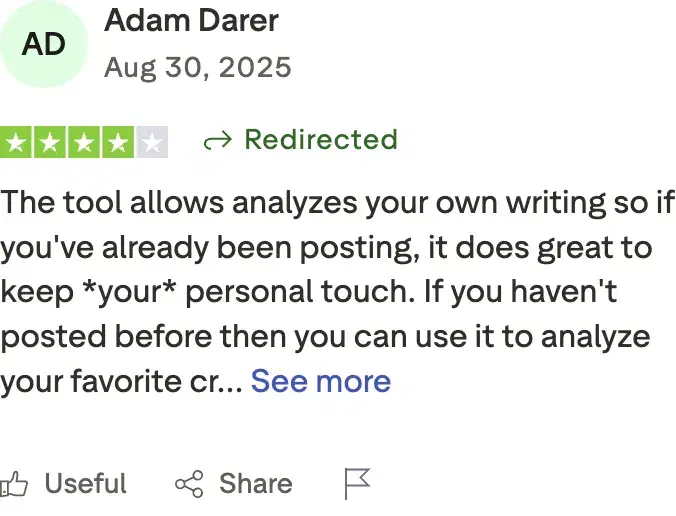
Key features
LinkedIn preview: See how a post renders before publishing. Useful for formatting + line-break verification (caveat: doesn't show the full preview).
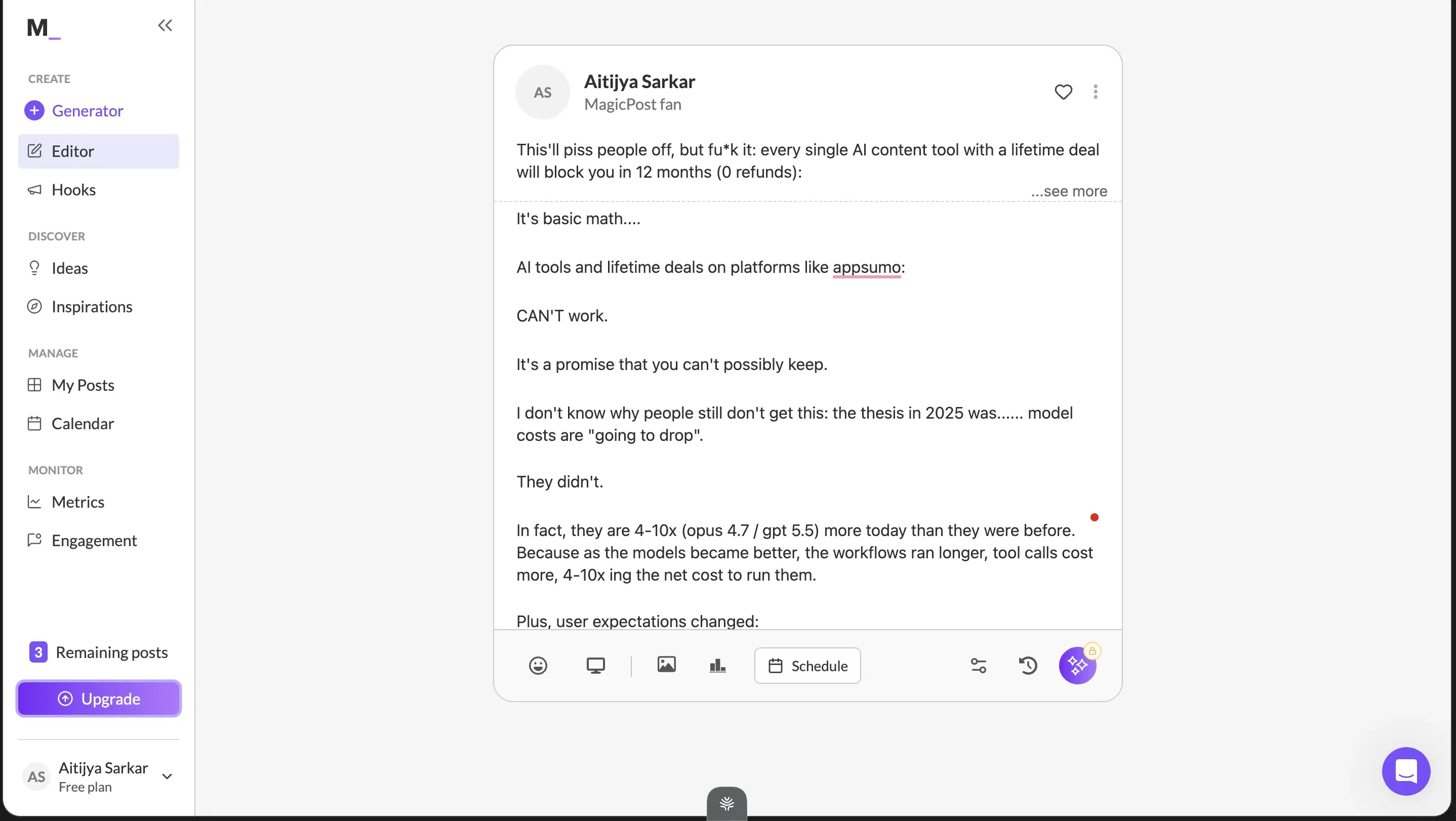
Form-based content input: Type what you want, get an output. No chat composer for iteration.
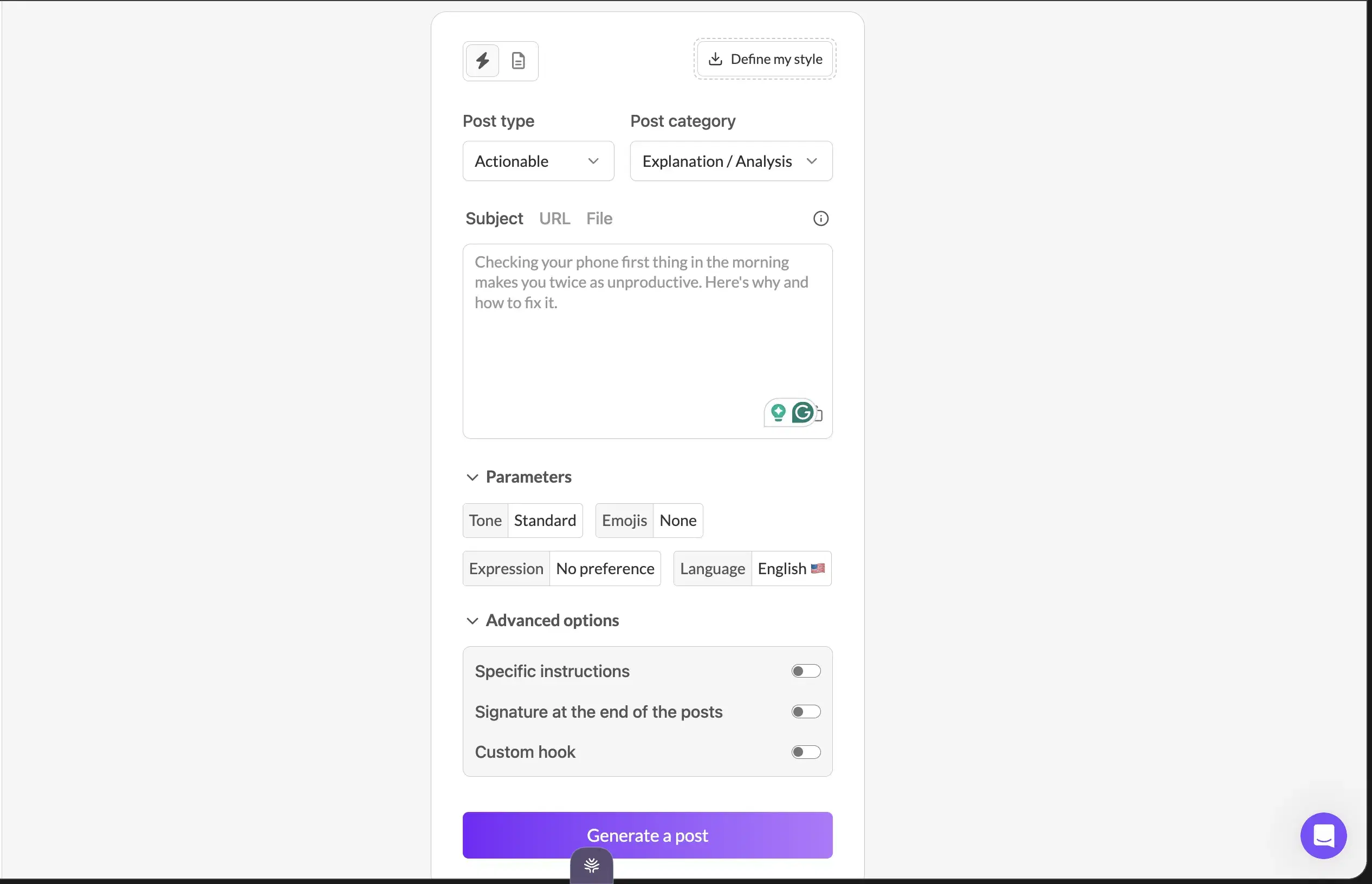
Onboarding flow is simple: Low-friction trial — small surface area to navigate.
Cheap entry: Around $16/mo undercuts most of the category if all you want is the preview plus light AI assist.
Best for
- Casual posters who want a preview and a simple AI assist and aren't trying to scale a personal brand on substance.
- If that's you, it works, and 91 reviewers back it up.
Pricing
~$16–$50/mo · Free trial
Pros
- LinkedIn preview is genuinely useful. See how a post renders before publishing (caveat: doesn't show the full preview).
- Simple onboarding. Low-friction trial.
- Cheap entry. Around $16/mo undercuts most of the category if all you want is the preview plus light AI assist.
Cons
- Content output reads vanilla. Small patterns of voice but no deep persona, no ICP grounding, no web search. Oiti's approach: 3,000+ word persona from your last 100 posts + website + ICP painpoint search.
- Form-based input, no chat composer. Can't iterate through conversation. Oiti's approach: chat-based composer + long-term memory.
- No KB, no persona depth, and 360Brew suppresses generic output. The post works against its own distribution.(source)
Best for budget-first solo creators
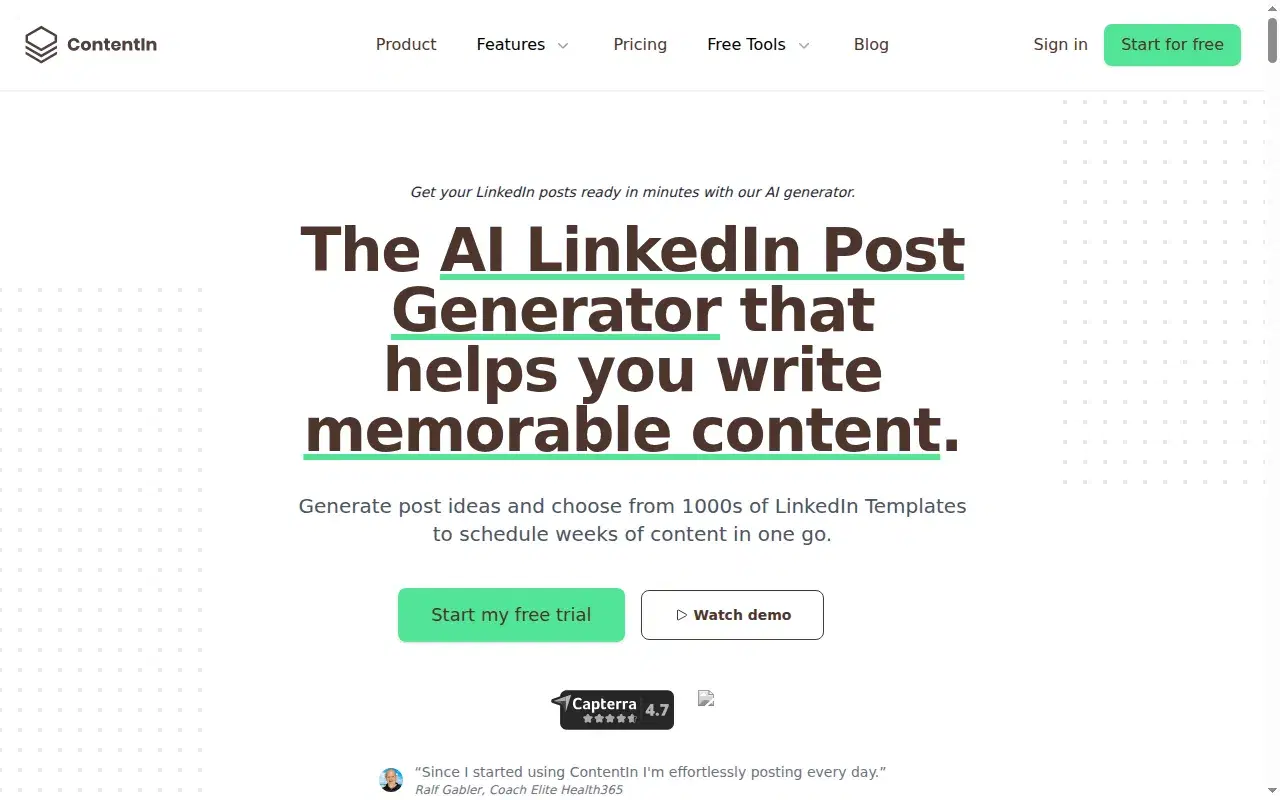
ContentIn is the cheapest entry in this article. $15/mo undercuts the category 2–3×, same "ghostwriter for LinkedIn" positioning as Oiti at a fraction of the price. The honest framing: right surface, wrong substance. It gets the structure right. LinkedIn-OAuth scheduling (no Chrome extension — same safe approach as Oiti), a week-view calendar, a Kanban writing queue where ideas sit and you can edit and schedule from there, composer and scheduling in one place. Closer to a full tool than AuthoredUp's formatter-only scope. Where it falls down is content quality. The composer output was extremely generic. It didn't ask a single clarifying question before generating — it just went, and the result read vanilla and influencer-template-flavored. It doesn't run web search for trending content, so it ideates from your past posts alone, which misses the point: what you actually want is your voice and what's trending in your ICP's world. ContentIn does one without the other.
When I tested it
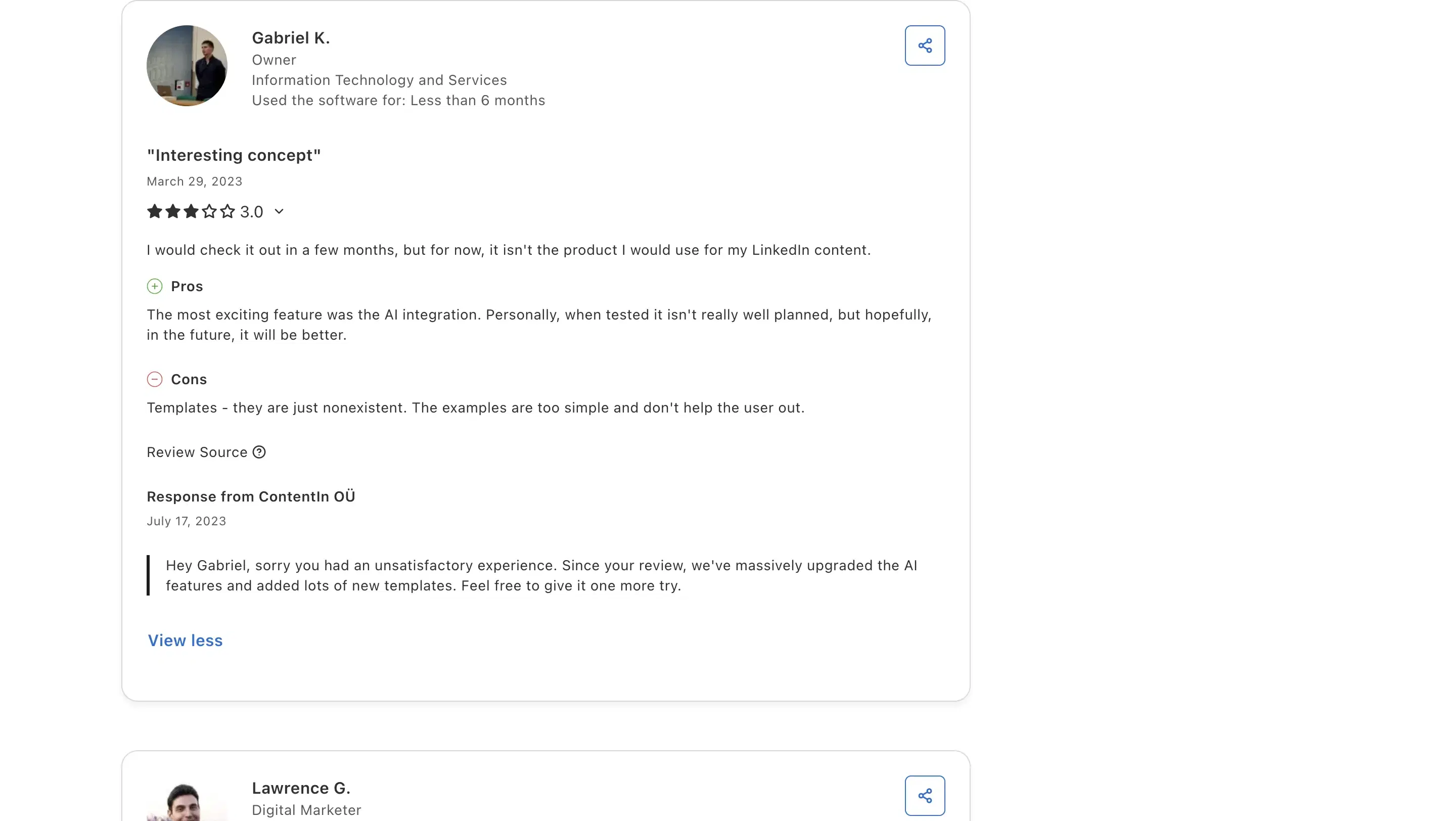
Their "personalization" is a 4-question multiple-choice quiz at onboarding — role, goals, challenges, how you heard about them — and then they use those answers to "train" your AI. Calling a multiple-choice quiz "training" is a stretch. Oiti's persona is a 2,000–3,000-word document built from your past 100 posts plus website plus ICP research. One structural flag worth knowing: ContentIn has a "who from your ICP just engaged with your content" feature, which implies they're pulling engagement-level LinkedIn data per person. How they source that isn't obvious — my hunch is it's scraped, which would be against LinkedIn's ToS. Soft flag, not a hard warning. Capterra lined up with my trial. Gabriel K., an IT & Services Owner, at 3/5: "Templates - they are just nonexistent. The examples are too simple and don't help the user out. The most exciting feature was the AI integration. Personally, when tested it isn't really well planned, but hopefully, in the future, it will be better."
Review receipts
Key features
$15/mo entry undercuts the category 2–3×: Cheapest LinkedIn-AI writer at a comparable feature surface.
LinkedIn-OAuth-safe scheduling: No Chrome extension. Week-view calendar, Kanban writing queue, composer + scheduling in one place.
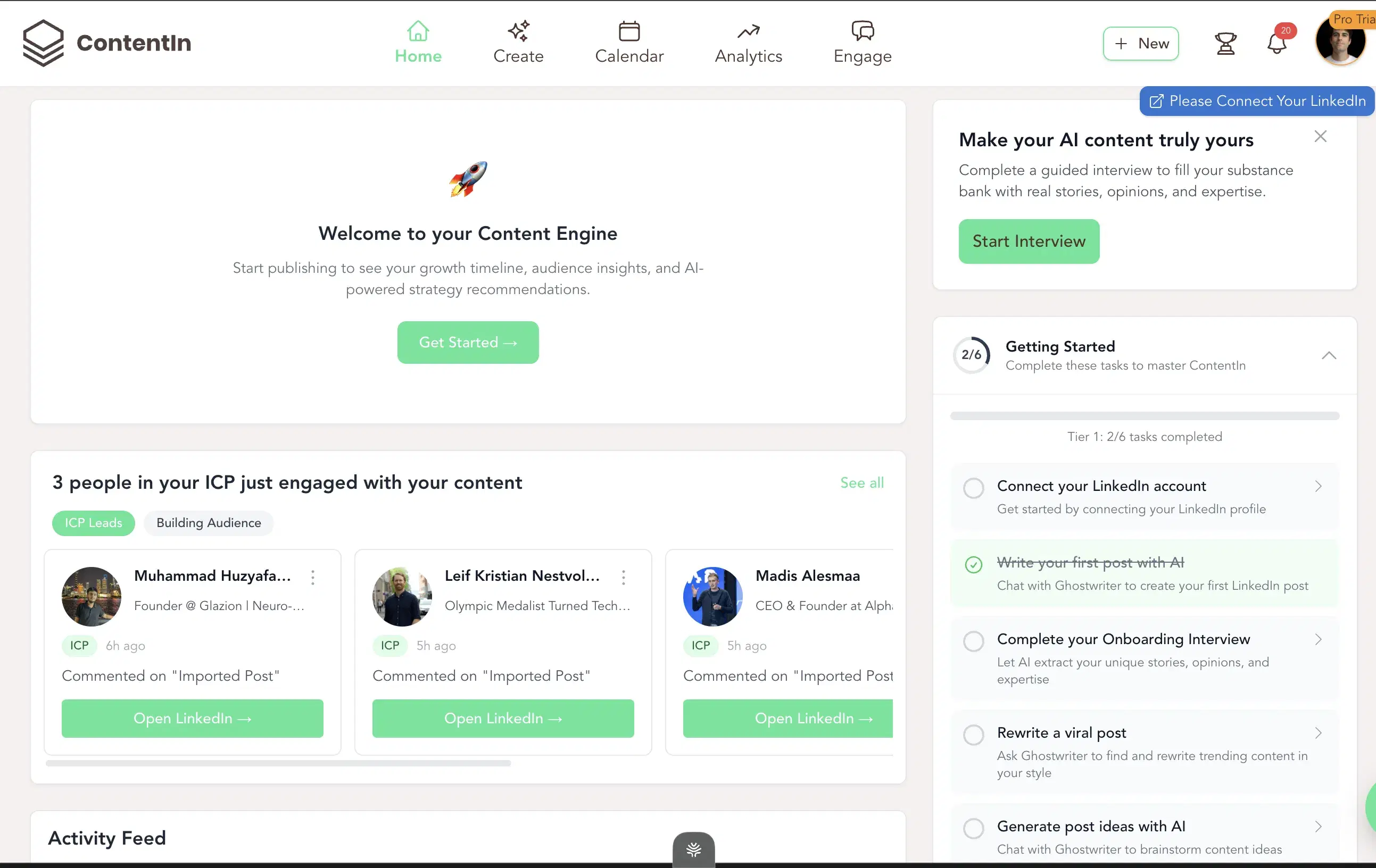
4-question personalization quiz: Multiple-choice onboarding — much shallower than persona extraction from past posts.
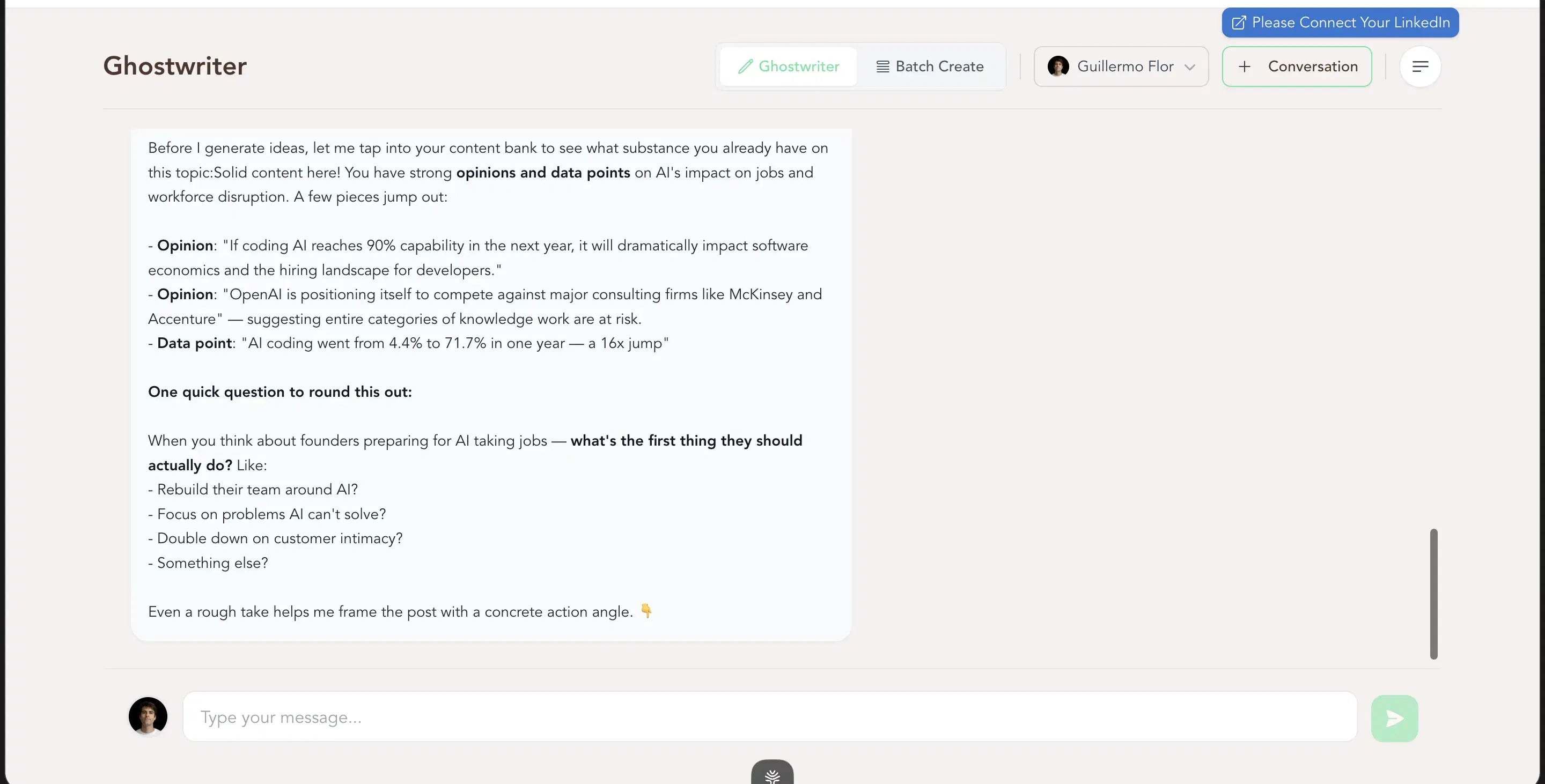
Vendor responds to negative reviews publicly on Capterra: Credibility signal — a real review sample on Capterra.
Best for
- Budget-first solo creators who want a clean Kanban + scheduling workflow at a low price and don't need persona depth.
- If sounding like you or research grounding matters, the gap to Oiti Creator ($49 — just $34 more) doesn't justify the ceiling.
Pricing
$15 / $31 / $48/mo · Free trial
Pros
- $15/mo entry undercuts the category 2–3×. Cheapest LinkedIn-AI writer at a comparable feature surface.
- Right structural product. LinkedIn-OAuth-safe scheduling, week-view calendar, Kanban writing queue, composer + scheduling in one place.
Cons
- Composer output is extremely generic and doesn't retain voice. No questions before generating, no web search for trending content. Oiti's approach: research agents search Reddit + ICP painpoints + the live web + your KB before drafting.(source)
- "Personalization" is a 4-question quiz. Multiple-choice doesn't train an AI on who you are. Oiti's approach: 2,000–3,000-word persona from your past posts + website + ICP research.
Best for multi-channel publishers

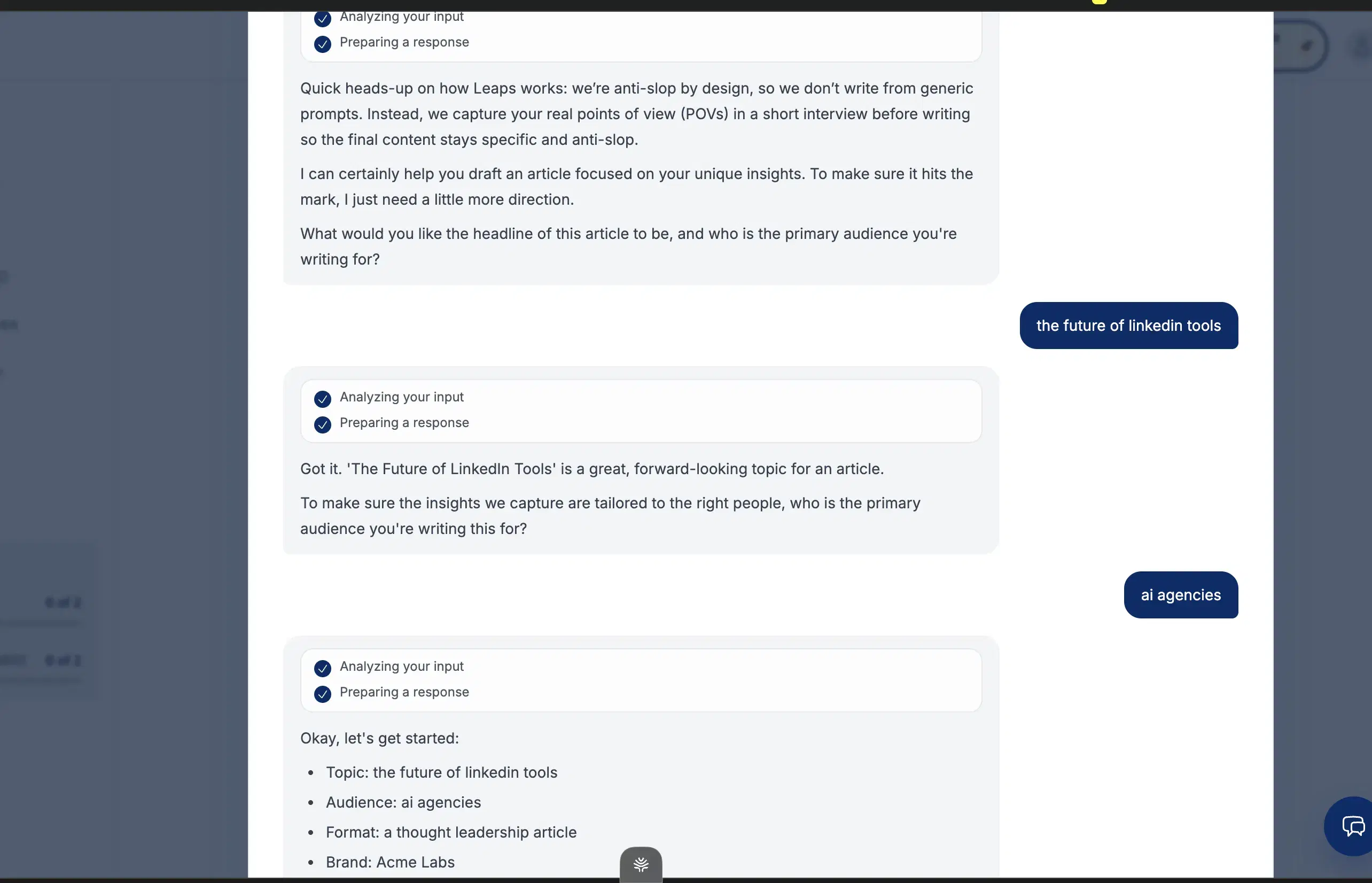
Interesting concept, wrong channel focus. Leaps' tagline is "anti-slop by design — we don't write from generic prompts. Instead, we capture your unique points of view in a short interview." And the interview is the right idea: a guided set of questions surfaces angles, and a talking-points step lets you pick which ones to explore — closer to how a real ghostwriter works than "what do you want to write about?" There's a voice-to-text mic, you can drop in writing samples, and they ship one-click edit workflows ("make hook stronger," "add more details," "shorter"). It's also a no-credit-card trial, the cleanest of any tool here.
When I tested it
The dealbreaker: it's not LinkedIn-optimized. Leaps covers LinkedIn + newsletters + tweets + outlines + articles + notes. For someone whose primary need is LinkedIn content quality, that breadth dilutes per-channel depth. The interview format is one-shot — questions → responses → output, then start over to revise — which is faster for a first draft and slower for a fifth one than a chat composer. There's no real-time preview, no "see more" cutoff, no knowledge base, no memory across sessions. And the SEO/GEO features in the nav signal a product trying to be a lot of things at once.
Key features
Anti-slop interview concept: Guided interview + talking-points selection forces specificity in a way generic-prompt tools don't.
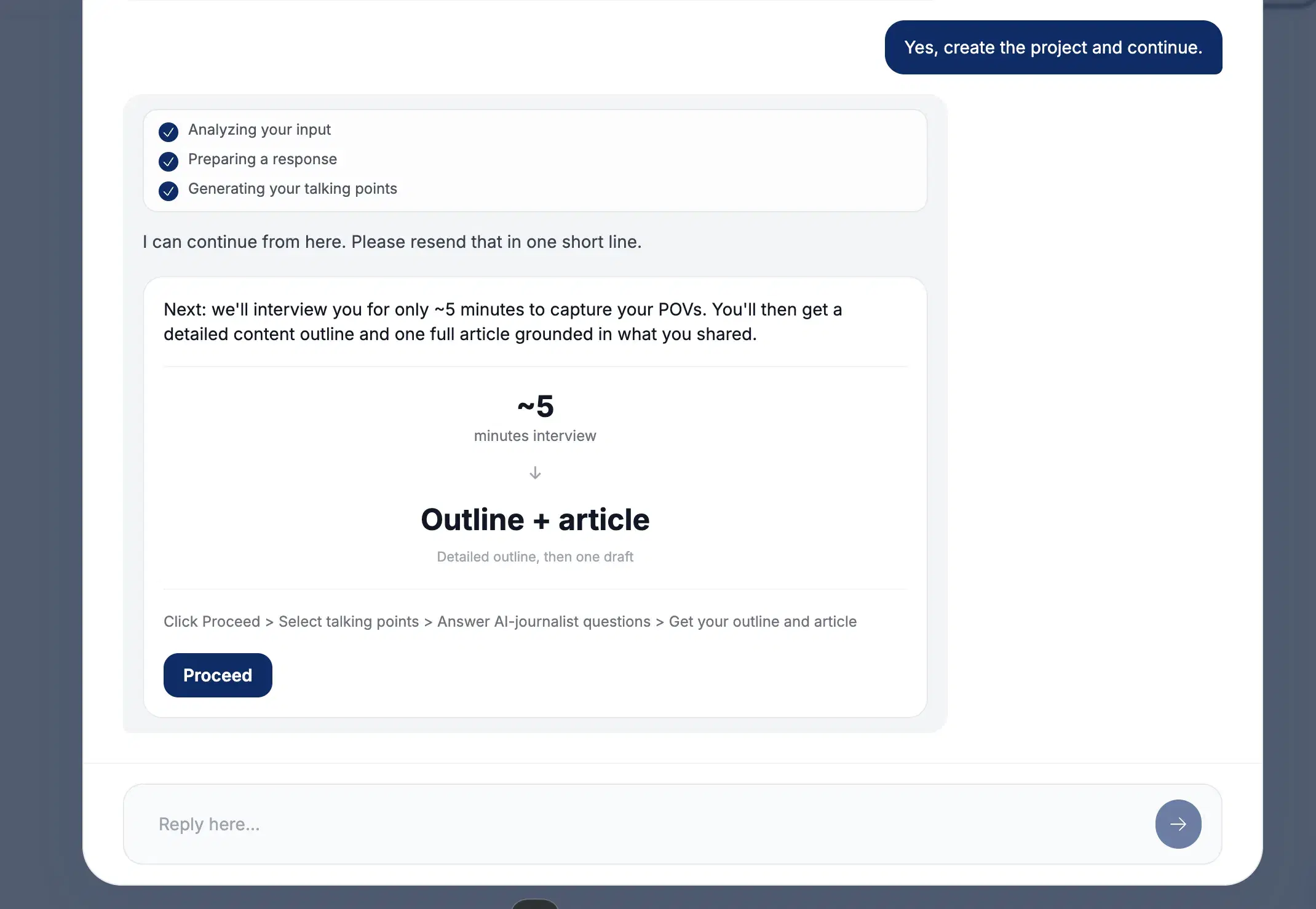
Talking-points selection: Pick which angles to explore from the answers given — narrows the output before drafting.
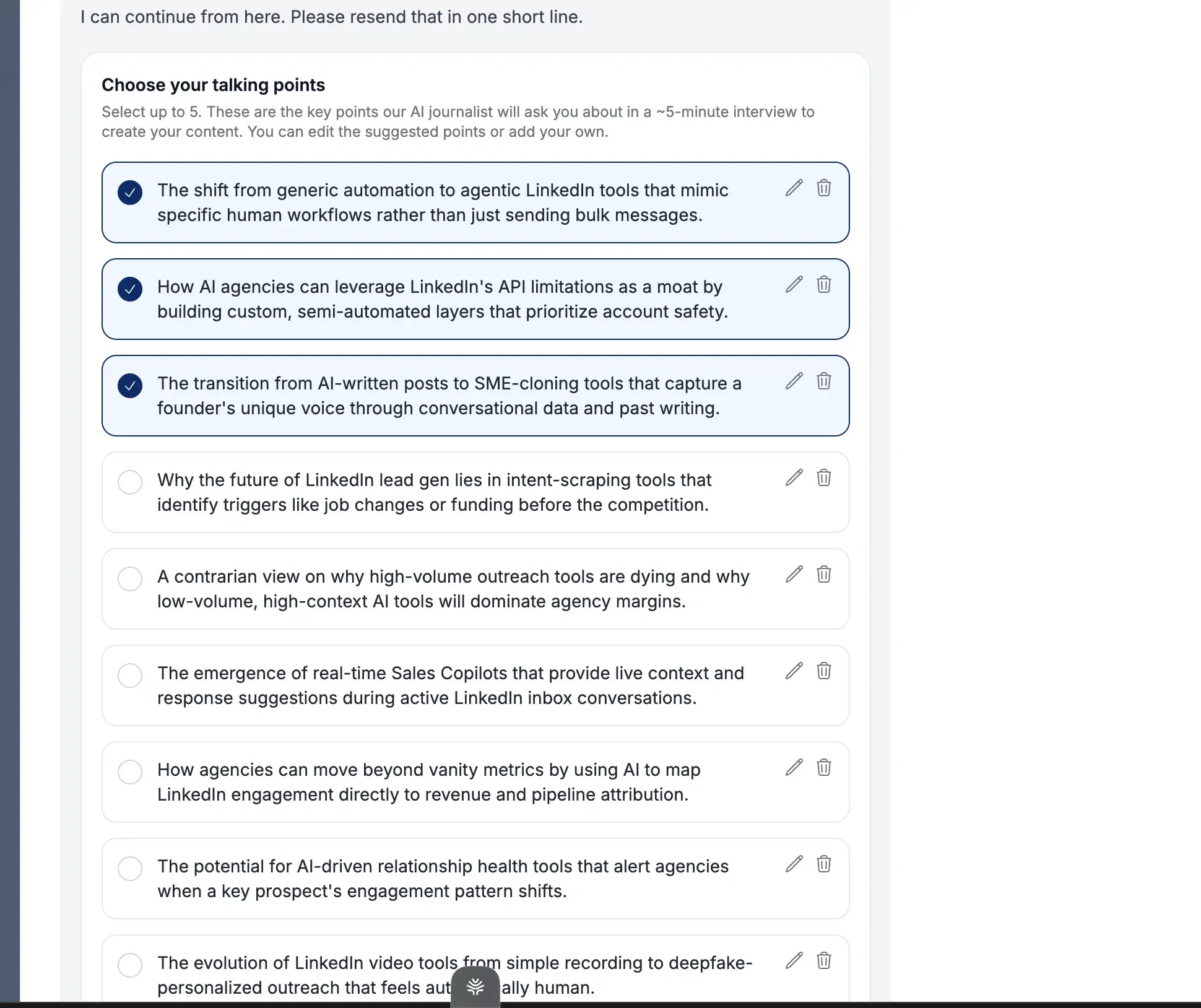
Multi-channel output + voice-to-text mic: LinkedIn + newsletters + tweets + outlines + articles + notes, all from one interview. Voice-to-text mic + writing-sample uploads.
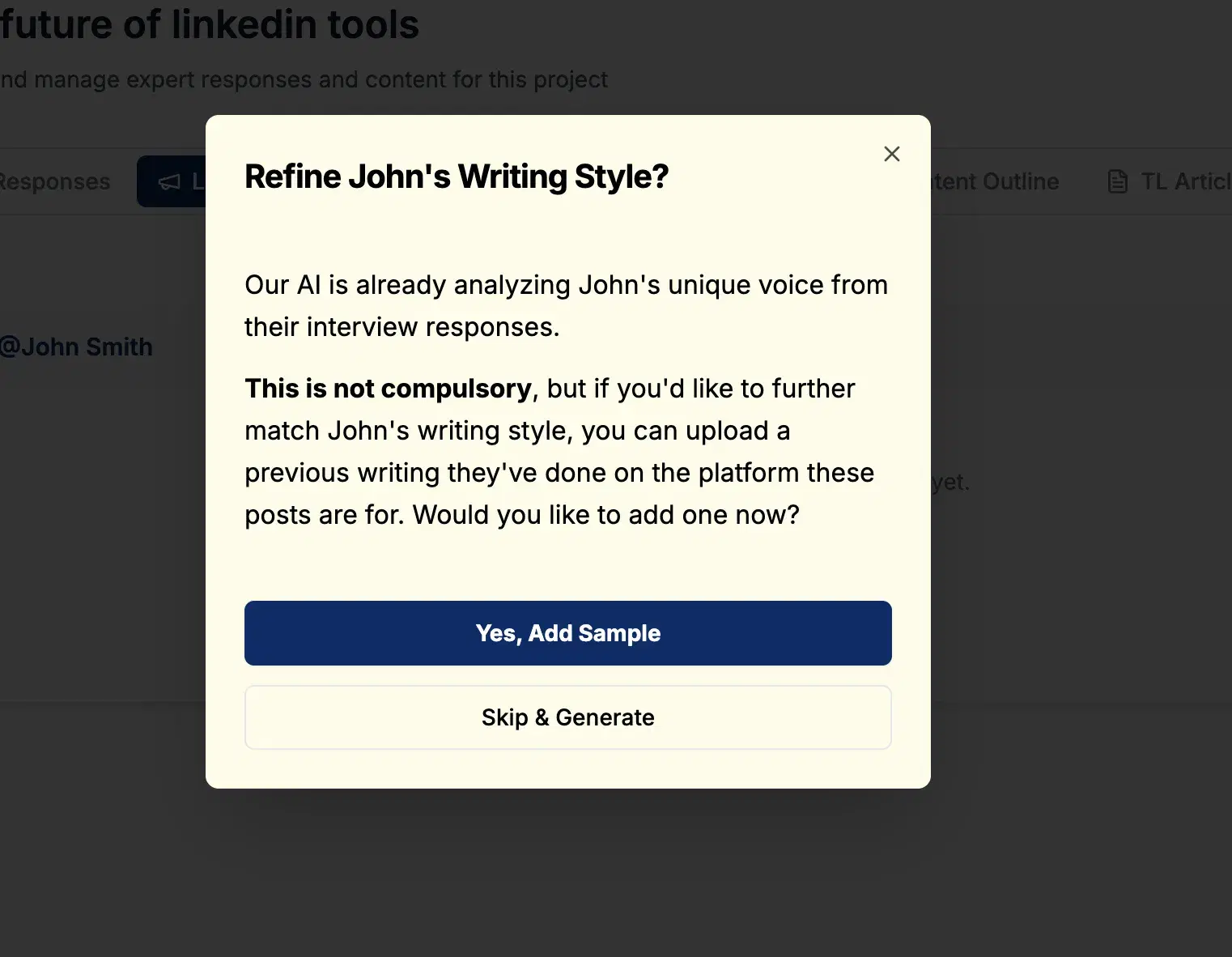
Pre-written edit workflows: "Make hook stronger", "add more details", "make the post shorter" — quick one-click refines.
Best for
- Publishers running multi-channel workflows (LinkedIn + newsletter + Twitter + long-form) where the interview-led model fits the rhythm.
- Specifically not LinkedIn-only solo creators — the breadth, no-memory, no-KB, no-chat gaps add up to a worse fit than Oiti at the same $49 entry.
Pricing
$49 / $99 / $149/mo · Free trial, no CC
Pros
- The anti-slop interview concept is novel. Guided interview + talking-points selection forces specificity. Real product idea.
- Multi-channel output is useful for the right person. LinkedIn + newsletters + tweets + articles + notes from one interview, plus a voice-to-text mic and writing-sample uploads.
- Well-priced, no-CC trial. $49 entry with unlimited team members at every tier, and the cleanest trial in the list.
Cons
- Not LinkedIn-optimized — breadth dilutes depth. If LinkedIn quality is the priority, the channel spread is a tax. Oiti's approach: LinkedIn-only by design — persona, KB, inspiration-template loop, 360Brew tuning, all built for LinkedIn.
- Interview format isn't chat, no real-time preview. One-shot per article rather than back-and-forth. Oiti's approach: chat-based composer with memory that compounds.
- No knowledge base, no memory layer. Can't ingest YouTube/PDFs/past posts; each session starts fresh. Oiti's approach: KB ingest + research agents over your past posts + ICP web search.
Best for 5+ person teams needing approval workflows
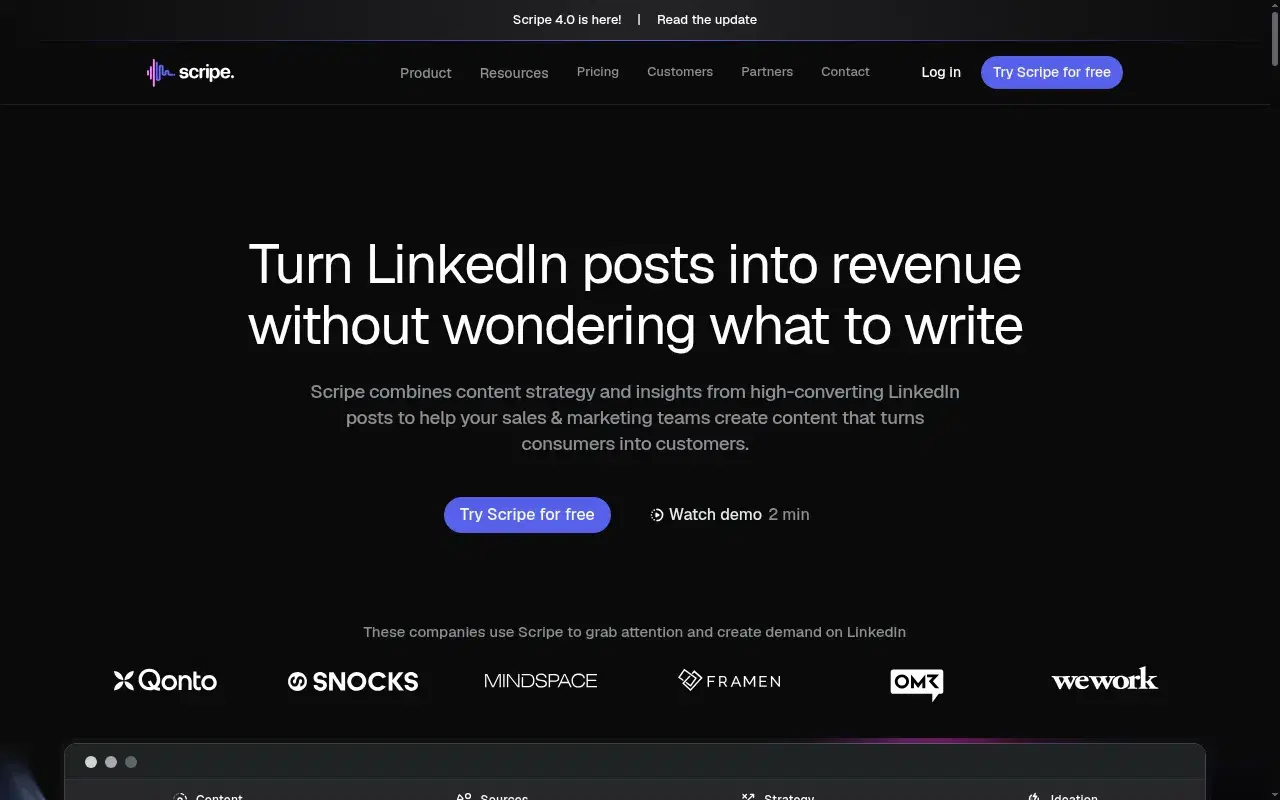
Scripe is European-founded and built for teams. Approval flows, a shared Kanban content pipeline, a shared workspace knowledge base, Amplifier seats that split auto-engagement accounts from posting accounts. If your job is running LinkedIn content for a 5+ person team, the structure is genuinely well thought through. Where it breaks at scale is content depth. Two points cover it, and the full teardown lives on the dedicated Scripe alternatives page: (1) No long-term memory and a form-based persona. Each conversation starts fresh, and the voice setup is a "describe how you sound" form, not a structural extraction of who you've already been online. So at scale the output flattens toward viral templates and everyone's posts start to sound the same. (2) The KB holds files but doesn't compound. It stores your documents; it doesn't get smarter from your prior chats. Oiti's KB + memory means every conversation improves the next.
When I tested it
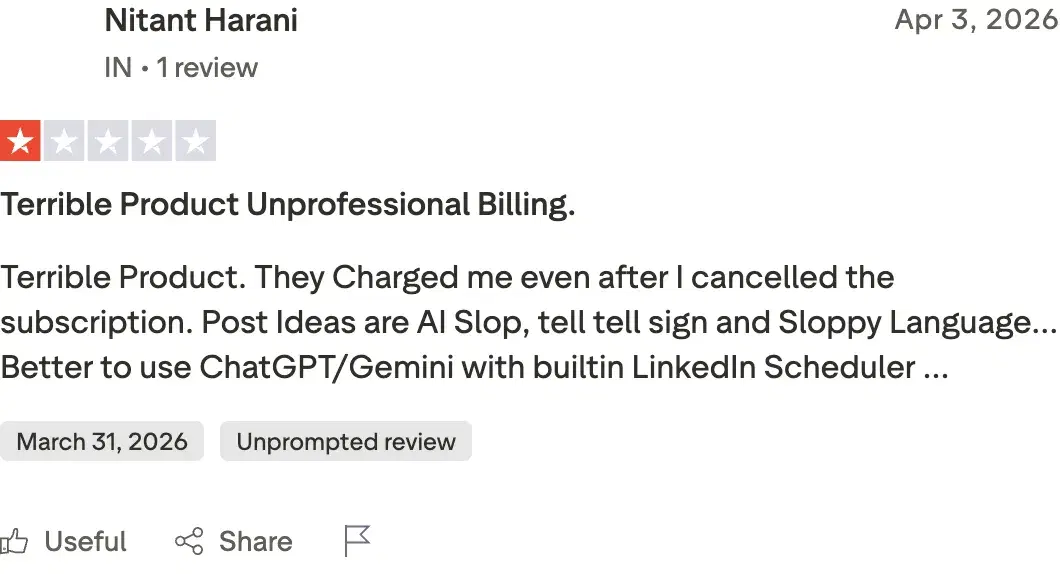
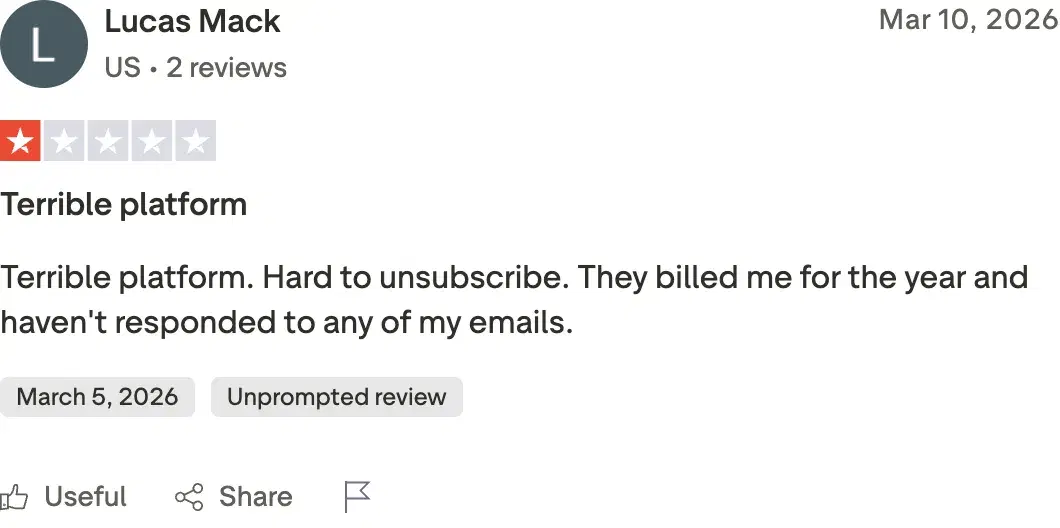
The agency user I spoke to had a finance-founder client on Scripe and called the content "AI slop" — generic, with infographics he flatly called cringe. A finance founder of a fast-growing company can't post that without damaging credibility. They switched to Oiti. Trustpilot lines up — Scripe sits at 2.6/5 across 6 reviews, with a recurring billing-after-cancellation complaint. Nitant Harani at 1/5: "Terrible Product. They Charged me even after I cancelled the subscription. Post Ideas are AI Slop…"
Review receipts
Key features
Team workflows are deep: Shared Kanban content pipeline, workspace knowledge base, approval flows at Advanced tier, Amplifier-seats model at higher tiers.
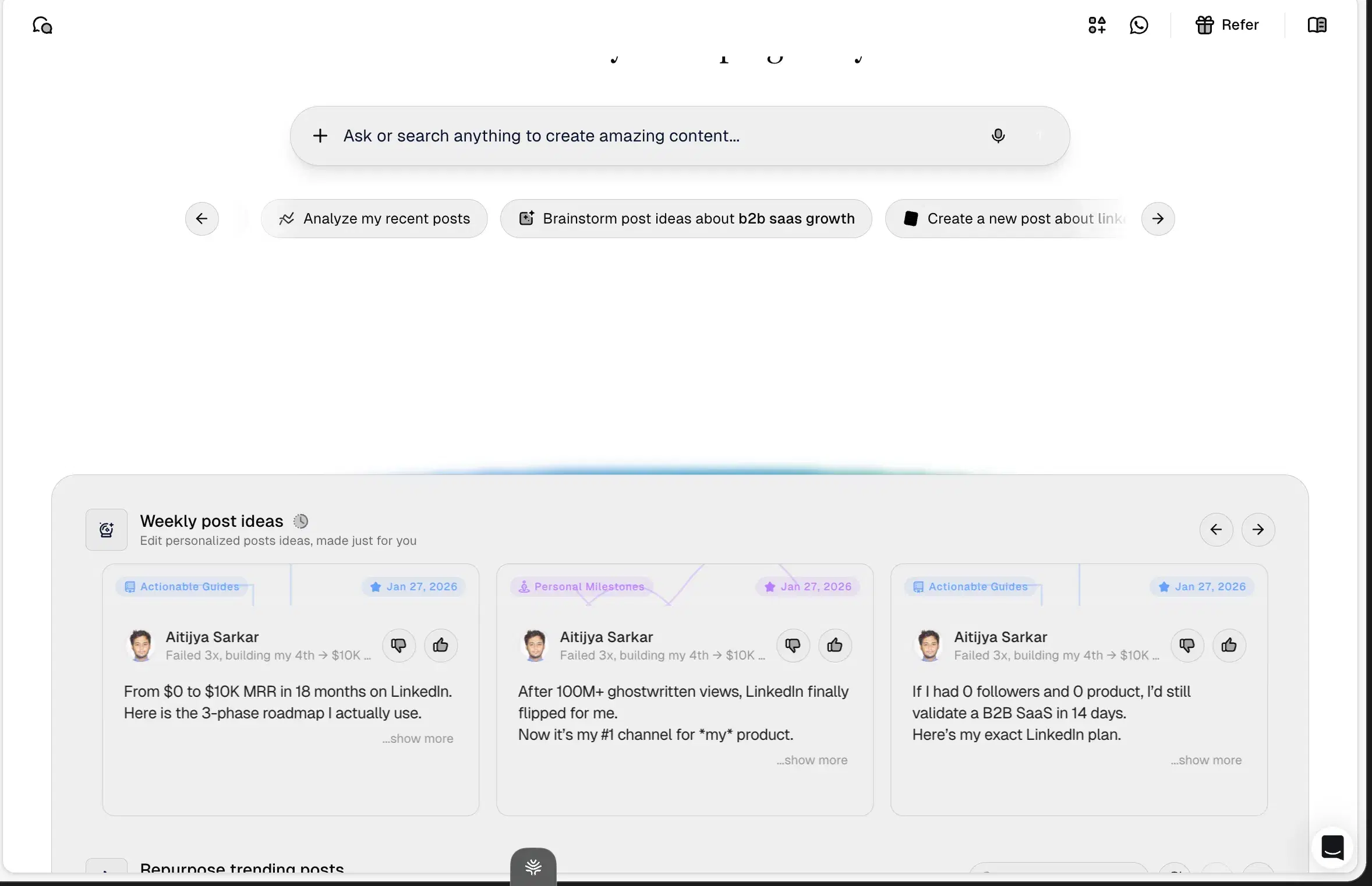
Tone-of-voice + knowledge-base bundled at Solo tier: They try the depth layer Oiti owns. The execution misses, but the structural commitment is real.
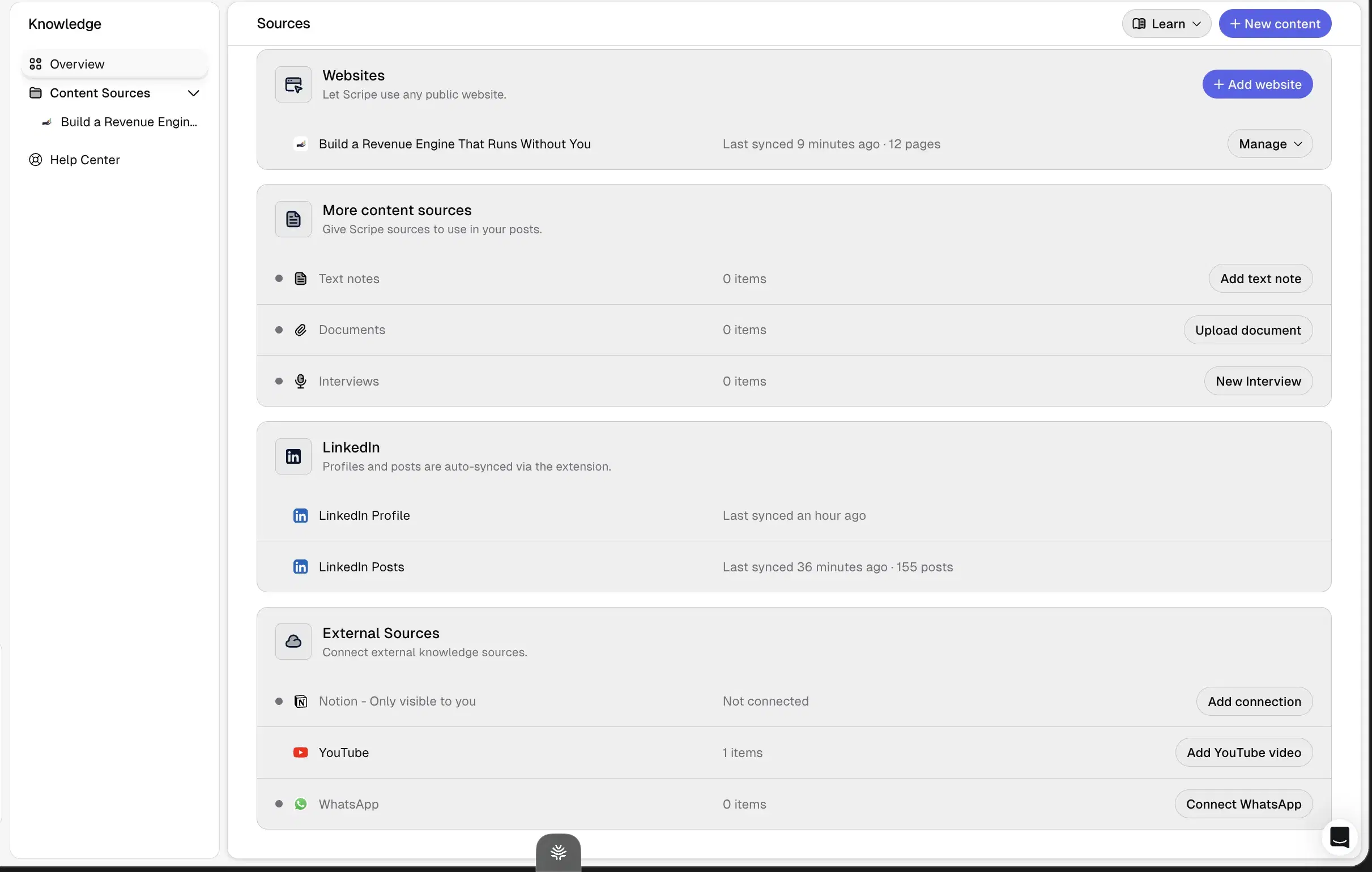
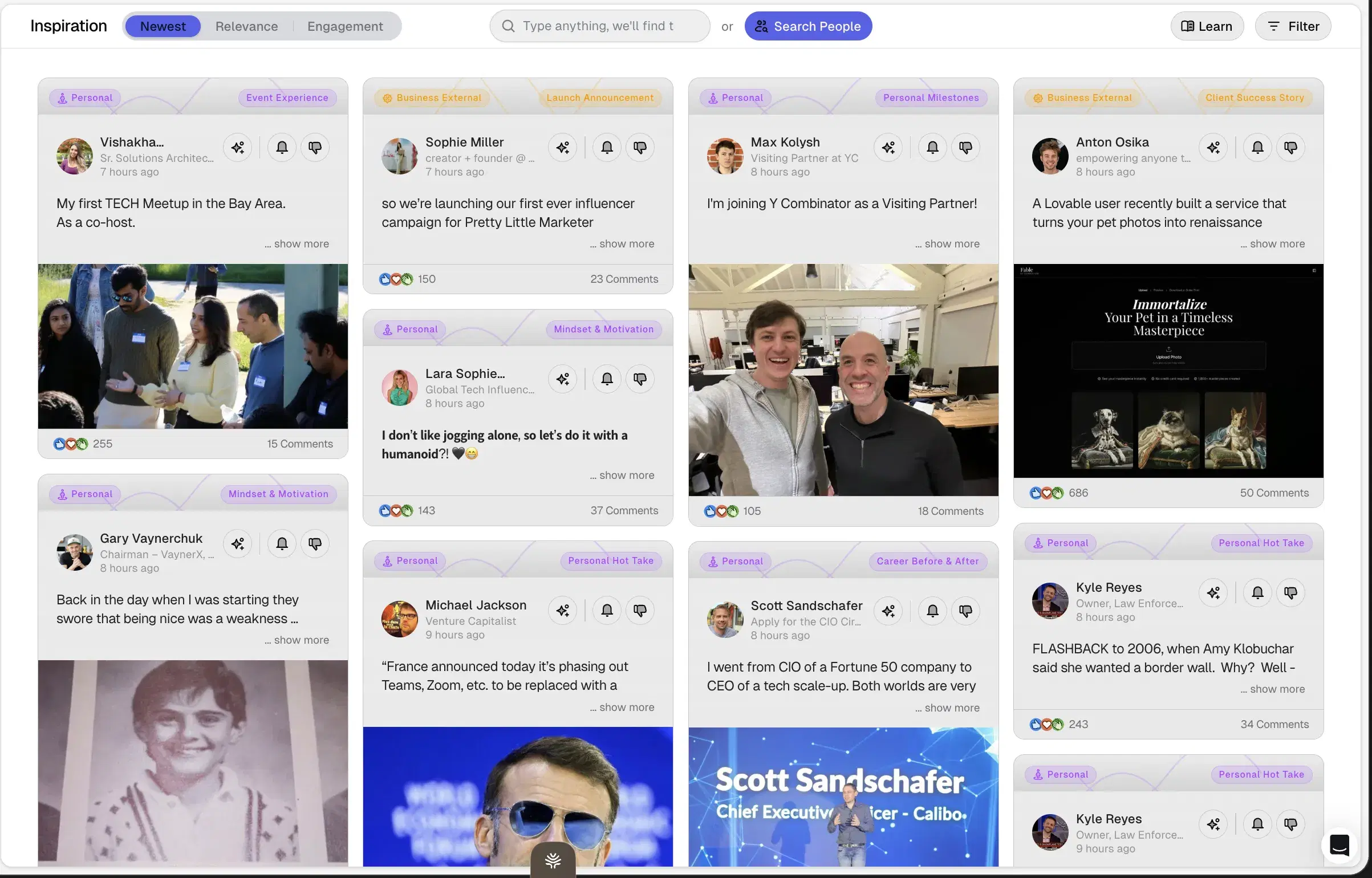
Snapshot-in-time inspiration listing: Idea / inspiration tab is what's viral right now — a moment, not a system that learns who you are.
Per-extra-account pricing: €45/mo per extra LinkedIn account. Multi-account math gets expensive fast.
Best for
- Teams of 5+ who specifically need deep LinkedIn workflows — approval flows, shared Kanban, shared KB, Amplifier seats. The structure earns the €99 Advanced tier if you'll actually use it.
- Not for solo creators. Not for anyone in a serious niche where generic AI content damages credibility.
Pricing
€69 / €99 / €149/mo · 14-day free trial
Pros
- Team workflows are deep. Shared Kanban pipeline, workspace KB, approval flows at Advanced, Amplifier seats at higher tiers. A genuine wedge vs solo-focused tools.
- Tone-of-voice + KB bundled from the Solo tier (€69/mo). They attempt the depth layer, even if the execution misses. And the 14-day trial means you can confirm that for yourself before paying.
Cons
- Content output is generic at scale and flattens voice. Snapshot ideas, no long-term memory, form-style persona, viral-pattern bias. Oiti's approach: persistent memory + persona from your past 100 posts + ICP web search.
- Billing-after-cancellation reports. Set a cancel reminder if you trial it.(source)
- Multi-account math gets expensive. Solo covers 1 account; €45/mo per extra. Three accounts = €69 + €45 + €45 = €159/mo (~$175 USD). Three accounts on Oiti Pro = $79/mo flat.
Best for viral-format content (one account)
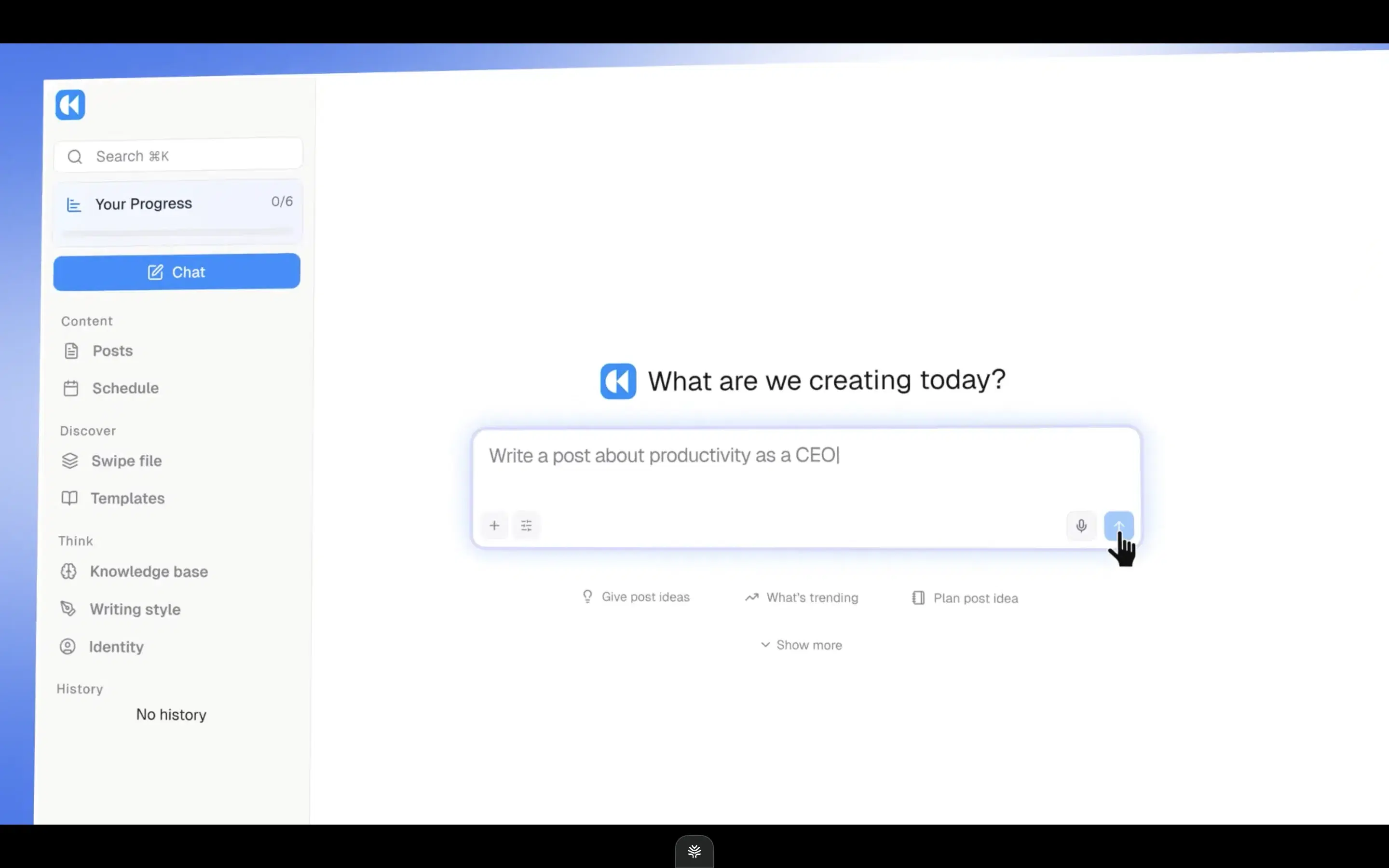
Kleo is the one other tool here that, like Stanley, makes you pay before you can evaluate it — so it's worth understanding why, because the story is more sympathetic than Stanley's. Kleo's original Chrome extension was forced offline by LinkedIn after two years and 70,000+ users. They took that and rebuilt from scratch as a full-stack web tool. That's the version I'm reviewing, and they rebuilt intelligently. Decent infographics (fewer than Oiti, but well done). A chat composer. An inspiration tab. A KB that exists, even if it's primitive. Their angle is opinionated around viral formats. Going viral fast is what Kleo is built for. If that's the only thing you care about, this is the lane.
When I tested it
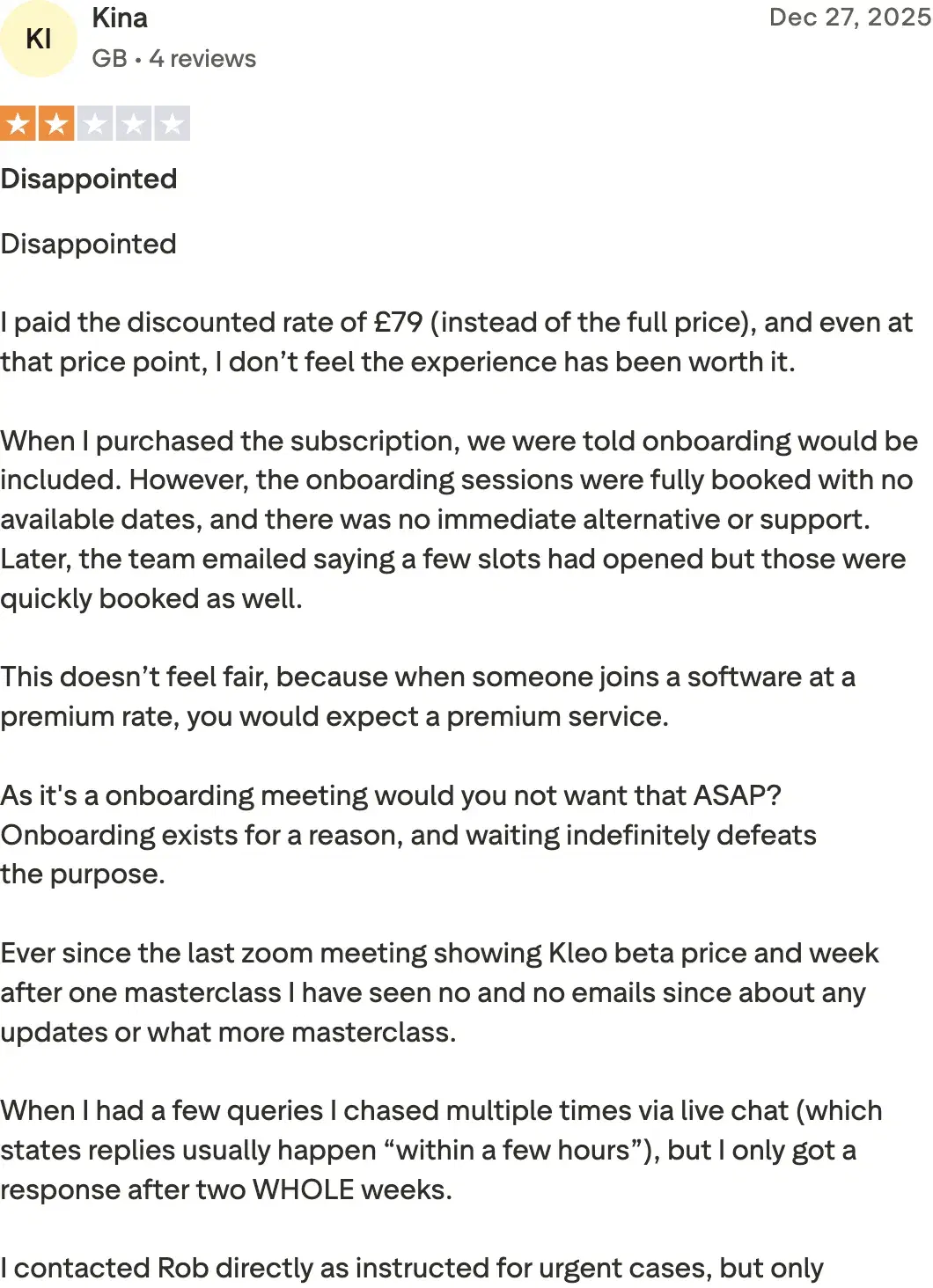
Where it gets harder to defend: chasing viral flattens your voice. Going viral is often the wrong play — for boring niches, educated audiences, anyone whose distribution depends on credibility rather than reach. The 2026 algorithm rewards dwell time, not virality: a post 200 people read for 90 seconds beats one 2,000 people skim in 4. Optimizing for viral patterns bakes in the wrong outcome. Underneath that, the KB is primitive and there's no long-term memory — every session starts fresh. And the price: $99/mo single-account with no free trial. Annual is $999 (~$83/mo effective), but you can't evaluate it without paying $99 upfront. I personally moved on from Kleo for this exact reason — Oiti Pro at $79/mo covers 3 personal accounts vs Kleo's single account at $99, and you still can't try it before you commit. Kina out of the UK on Trustpilot at 2/5: "I paid the discounted rate of £79 (instead of the full price), and even at that price point, I don't feel the experience justifies it…"
Review receipts
Key features
Built for viral content fast: Kleo's opinionated angle is around viral formats.
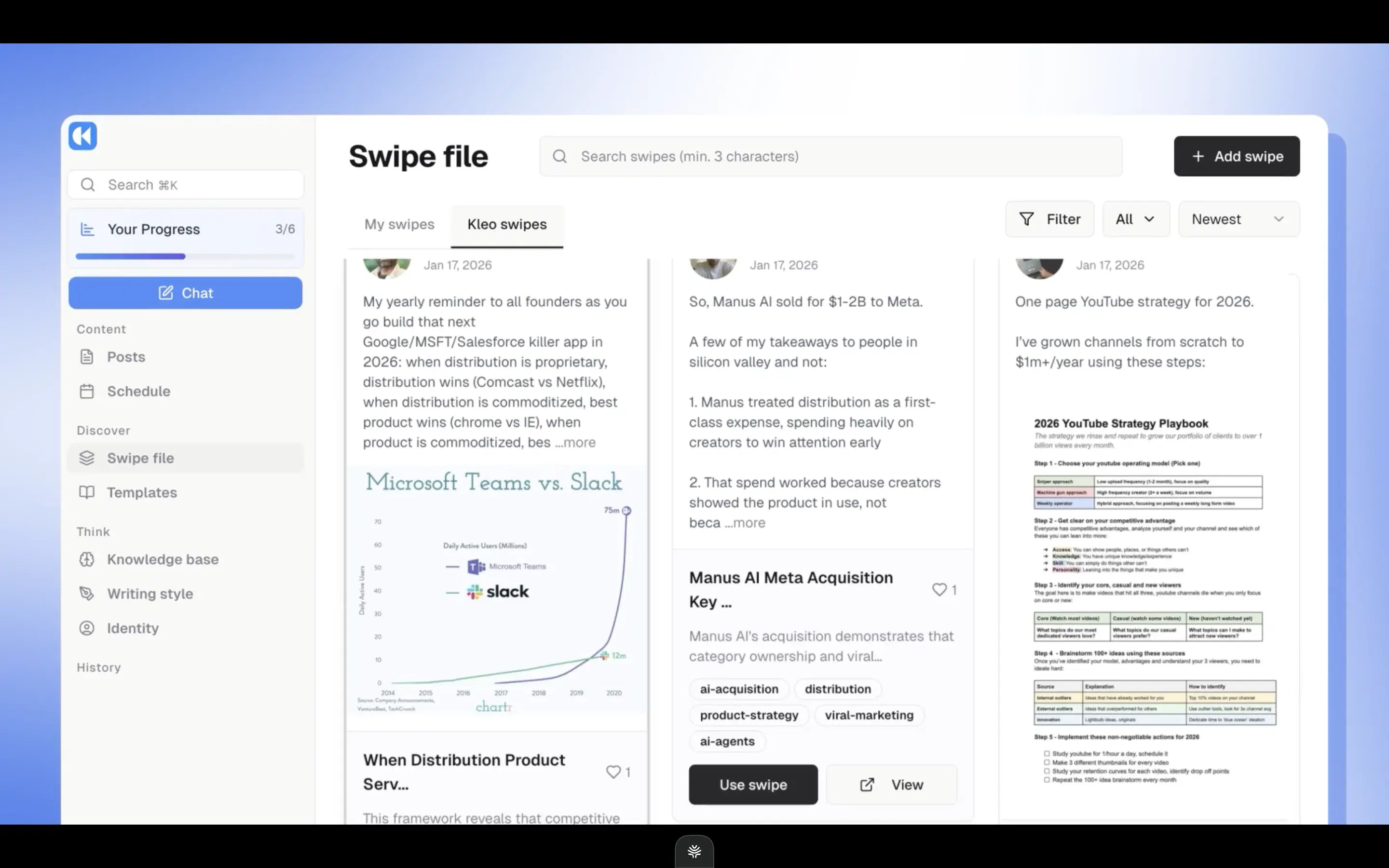
Context Engine: Mirrors Oiti's persona/KB direction. A real bet on grounding posts in who you are, even if the KB stays primitive.
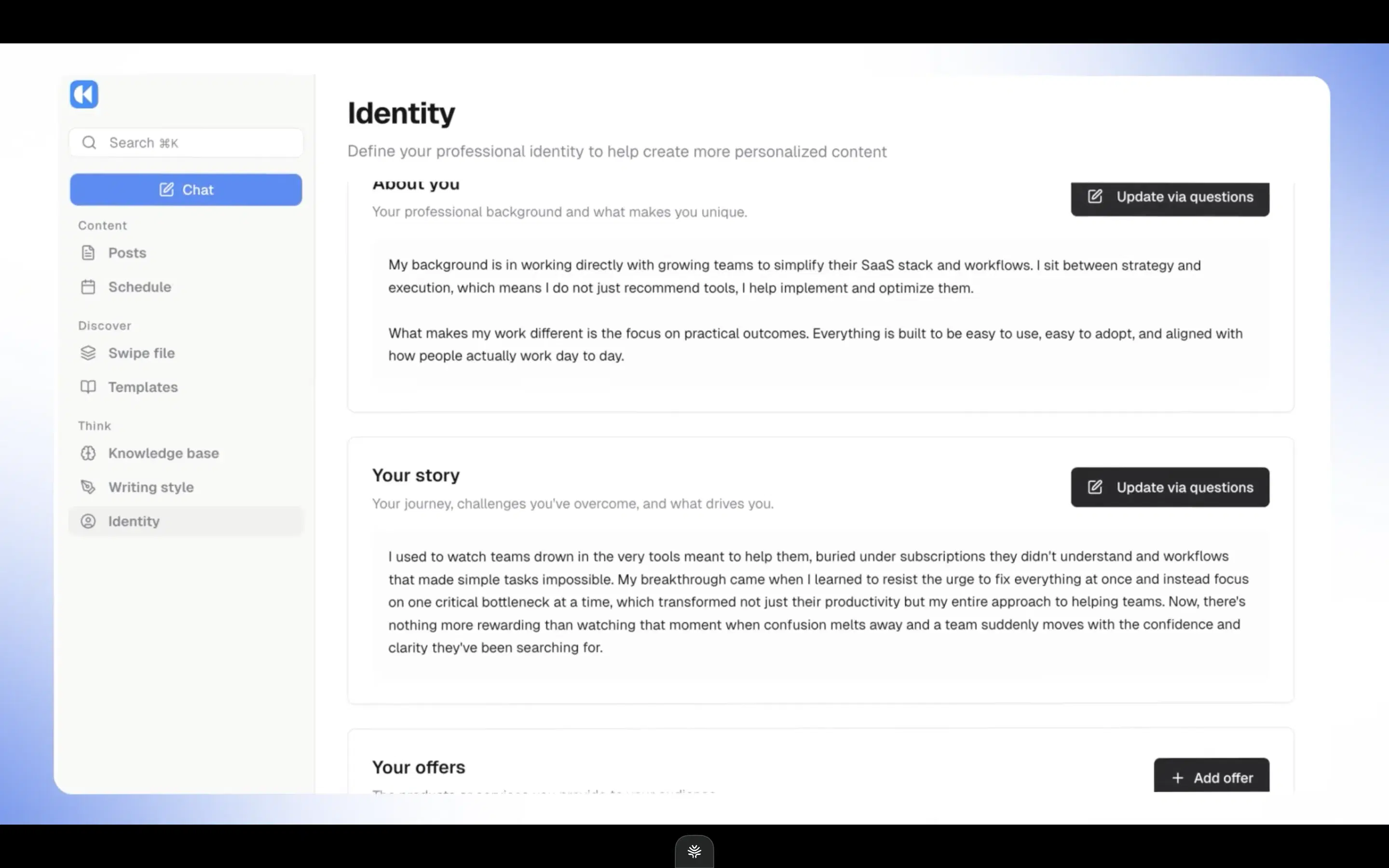
Chat composer + infographics: Feature parity on the writing surface. Infographics are fewer and less polished than Oiti's, but real and well done.
Credible rebuild post-shutdown: After LinkedIn forced the original extension offline, the team rebuilt as a full web product — no extension exposure now.
Best for
- Someone who specifically wants viral-format content for one account, doesn't mind paying $99 without a trial, and will push back when the viral bias tries to strip their voice.
Pricing
$99/mo or $999/yr · No free trial
Pros
- Built for viral content fast. If you specifically want viral-pattern content for one account, the product opinion lives here.
- Feature parity with Oiti on the writing surface. Chat composer + inspiration tab + infographics (fewer and less polished than Oiti's, but real).
- Credible rebuild post-shutdown. They took the forced shutdown and shipped a full web product. No extension exposure now.
Cons
- Viral-format opinion flattens voice. Strongest angle, biggest pitfall. For boring niches or educated audiences, viral is the wrong target. Oiti's approach: narrative timeline + tone clone prioritize sounding like you over pattern-matching.
- No free trial. $99/mo single-account. Can't evaluate without paying $99 upfront — same wall as Stanley, lower number. Oiti's approach: Pro $79/mo for 3 personal accounts; 7-day free trial with no usage cap.(source)
- Primitive KB, no long-term memory. Every session starts fresh. Oiti's approach: persistent memory + KB that ingests YouTube, PDFs, notes, competitor posts.
How to choose
If your top concern is try-before-you-pay → almost everything here clears that bar except Kleo. Stanley's $149 no-trial wall is the whole reason this article exists, so start with the trial that asks the least of you: Oiti's 7-day free trial has no usage caps. Leaps and Supergrow and ContentIn all have trials too.
If your top concern is safety / ToS → Oiti or Supergrow (both official APIs only) or ContentIn (LinkedIn-OAuth, no extension). Skip anything Chrome-extension-based for outbound or scheduling. The category is under active LinkedIn pressure — Shield Analytics shut down in May 2026, Kleo's extension was forced offline, Taplio is banned from the platform.
If you're budget-first, under $30/mo → ContentIn at $15/mo is the cheapest credible option. The structure is right; the content quality has a ceiling. Run its trial next to Oiti's and compare the output side by side before committing.
If you want a thinking partner for long writing sessions — deep context, memory that compounds, a real KB to ground research → Oiti. The persona + memory + KB loop is the wedge nothing else in this list closes.
If you're a ghostwriter or agency writing for 3+ clients or running multiple personas → Oiti Pro at $79/mo. Multi-Clone, multi-voice, multi-account scheduling, separate KB per voice. Pro isn't agency-only — many solo users opt up for the headroom (founder + company page, two unrelated projects).
If you only need formatting → Oiti's free LinkedIn Text Post Formatter (no signup, AI hook audit included).
If you only need scheduling across multiple accounts → Supergrow's scheduling is the genuine wedge. Oiti Pro covers the same scheduling at $79/mo and adds the writing layer.
If your primary LinkedIn medium is carousels and slide decks → Postiv. Their pre-built carousel workflows are the one thing they genuinely beat Oiti on.
If you publish across multiple channels (LinkedIn + newsletter + Twitter + long-form) and the interview model fits → Leaps. Specifically not for LinkedIn-only creators.
If you need deep team workflows for 5+ people → Scripe (with the caveat that the writing quality plateaus). Pair it with a strong content lead so the structure doesn't carry generic output to your audience.
The verdict
Stanley spends its whole free experience analyzing you — your numbers, your old posts read back as "analysis" — then charges $149/mo before you've written a word. It's a coach. You came for a full content engine. And that's an entirely different use case: posts in your voice, grounded in what you actually know, getting better the more you use the thing. Stanley doesn't do that — it grades you. Most of the other tools here at least try to write, so trial a couple and let the output decide it. For most people that's Oiti, because it's the one that builds a deep AI clone of you (3000+ words) — persona, Knowledge Base, memory that compounds across conversations. Not to mention it gives you 7 days free, with a generous unlimited usage to try the product. Yearly plans 50% off for early adopters: $49 Creator → $245/year ($24.50/mo effective). $79 Pro → $395/year ($39.50/mo effective). Active as of 2026-05. Expires when the early-adopter window closes — no renewal at this rate.
7 days free · No usage limits