I Tested 10 Best 'Free' LinkedIn AI Content Tools — Ranked (2026)
Every "free" LinkedIn AI tool has a catch: a two-post cap, a credit meter, a card that auto-renews. I tested 10 to find where "free" is real, where it's a leash, and which one hands you the whole product free for a week with no limits at all.

Why I wrote this
Truly-free LinkedIn AI writing barely exists
The short answer
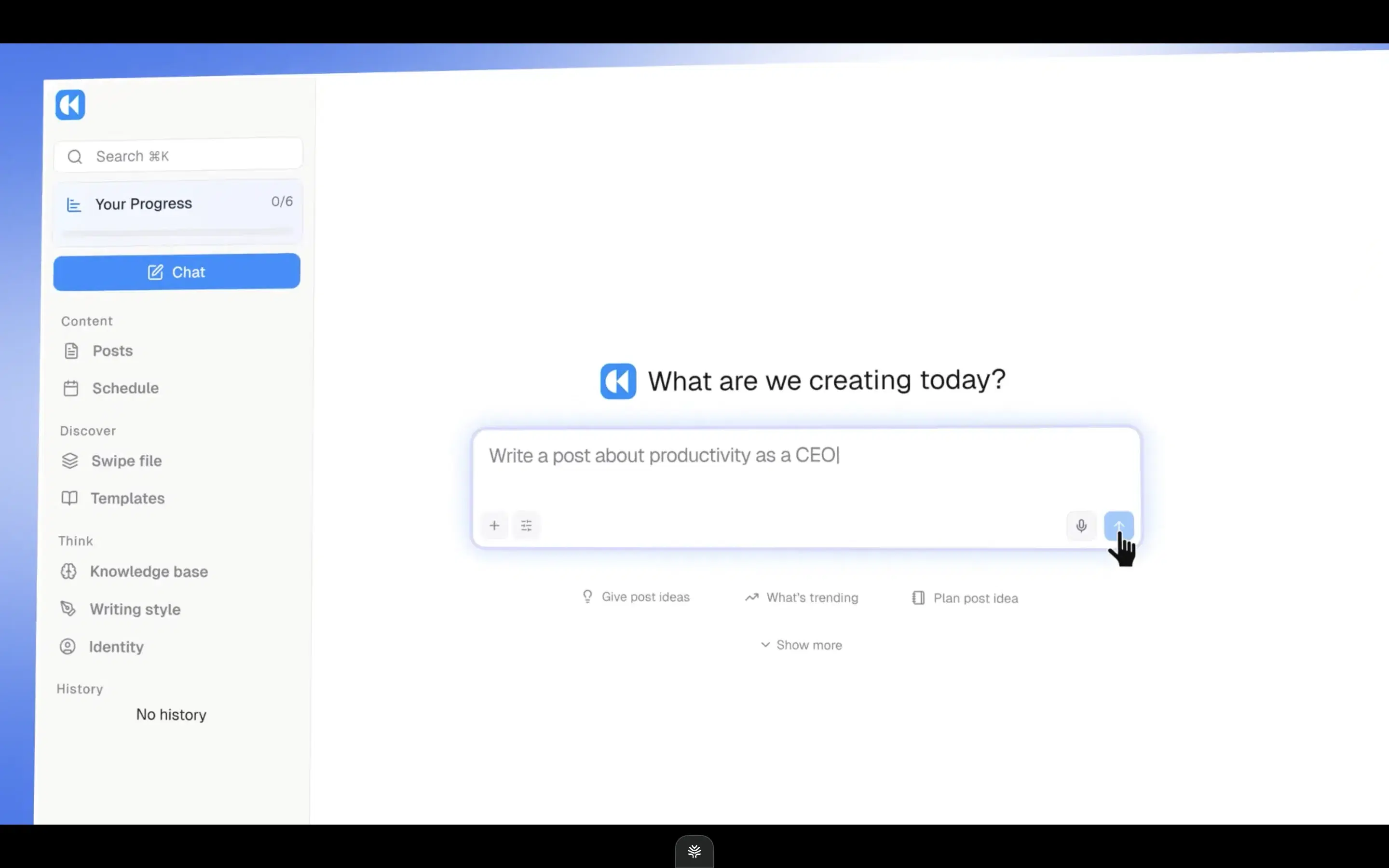
After testing the 10 'free' tools people reach for to create LinkedIn posts, Oiti, the AI clone for LinkedIn ranked #1. Oiti reads your last 100 posts and your website, builds an AI clone of what you actually believe, and remembers every correction / feedback you give to it — the one tool here where you review a point of view once and stop babysitting the drafts. Pair this with Oiti's deep knowledge base (to dump meeting notes, thesis, books, youtube videos) and deep analytics and scheduling using LinkedIn's official apis and no other tool comes even close. **AuthoredUp #2** the best free formatter, but it formats rather than writes and rides a fragile Chrome extension. **Supergrow #3** a safe official-API posting cadence you can test on a free trial, though the writer stays thin.
You're bootstrapping, or between jobs, or freelancing, and someone told you to post on LinkedIn. But no budget yet. So you search "free LinkedIn AI tools," sign up for three in an afternoon, and hit the same wall each time: two free posts and a paywall, or a trial that wants a card up front and auto-renews the next week. The content before the wall was generic anyway, the same post four hundred people shipped this week.
That's the trap, and it's mechanical. "Free" here almost always means "free until you're hooked." The tools that gate you behind a card on file are betting you forget to cancel; the ones with a real free tier cap you so tight the tool can't do its job.
I spent six years ghostwriting on LinkedIn for 50–60 founders and consultants, and I've paid for or trialed nearly every tool on this list. This is the ranking I wish existed when someone with no budget asks where to start.
The 10 tools, and what "free" actually buys
Sorted by overall fit for solo creators and small teams writing on LinkedIn in 2026. Click any tool name to jump to the full writeup.
| # | Tool | Pricing | What sets it apart |
|---|---|---|---|
| 1 | Oiti | $49 Creator / $79 Pro (early-adopter yearly: $245 / $395) | The only free way to use the whole engine without a rate limit; free tools never expire |
| 2 | AuthoredUp | Free + paid tiers | Best free formatter, but no AI writing and a fragile Chrome extension |
| 3 | Supergrow | $19–$139/mo | Safe official-API scheduling, thin writer |
| 4 | Leaps | $49 / $99 / $149/mo | Anti-slop interview, not LinkedIn-optimized |
| 5 | ContentIn | $39 / $59/mo ($31 / $48 annual) | Safe OAuth scheduling, generic composer |
| 6 | Taplio | ~$65 Standard / ~$375 Pro (the $39 tier ships zero AI credits) | Widest scope, but the AI you came for isn't in the free tier |
| 7 | MagicPost | $49 Starter / $69 Creator per month ($29 / $39 annual) | Good preview, vanilla content |
| 8 | Scripe | €69 Solo / €99 Advanced / €149 Business per month + €45/mo per extra account | Strong team workflows, generic output at scale |
| 9 | Postiv | $99 / $229 / $399/mo + per-seat add-ons | Real carousel tools, shallow persona, worst free experience |
| 10 | Kleo | $99/mo or $999/yr (~$83/mo effective) | The one tool with no free door in |
The 6 things I scored on
I scored these on the six things that decide whether "free" is actually usable, not vanity metrics — and I put "is the free real?" first, because on a free search that is the whole game.
Is the "free" real, or a metered leash?
A free-forever tier, an expiring trial, or a freemium plan capped so tight it can't do the job? Does it rate-limit you — a post cap, a credit meter, throttled generations — right as you start getting value? And does the trial demand a card up front and renew silently? For a "free" search this is the whole game, so I put it first.
Does it sound like you actually talk?
Not just hook patterns, but who you are. Most tools scrape your last twenty posts and call it a voice.
Knowledge-base grounding.
Can you feed it a one-pager and have it ground the post in what you actually do, instead of hallucinating a stat a reader catches in line one?
Memory that compounds.
When you correct it, does that stick forever or reset at the next login? Most tools here reset.
360Brew fit.
LinkedIn's 2026 algorithm is a 150-billion-parameter decoder-only LLaMA 3 that rewards meaningful reads over vanity metrics, so dwell time beats a wide, shallow skim.
Account safety.
Official Marketing Developer Platform APIs or a Chrome extension hooking your cookies? The extension path is exactly what LinkedIn is throttling, and free tools attract the least careful users.
So the ranking below goes by how much genuinely-free value you get before the wall.
The ranking
Best for anyone who wants the whole engine free for a week with no rate limits
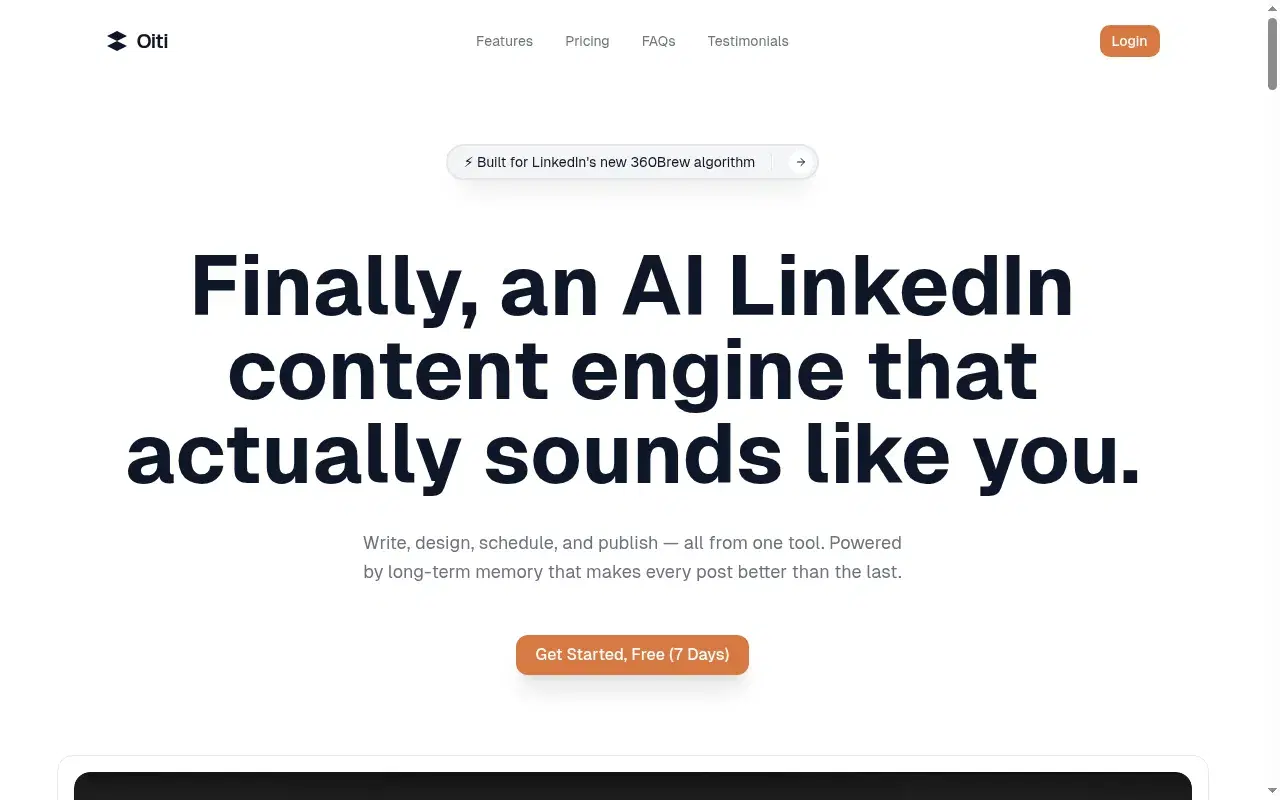
Here's what "free" looks like on most of this list: two posts and a paywall, ten AI credits a month, a generation counter ticking down while you're still finding your voice. Oiti's free trial is the opposite. For 7 full days you get the entire product — long-term memory, the Knowledge Base, and the AI Clone — with no usage caps at all. Not a metered preview, not three drafts and a wall: unlimited, for a week, so you can actually judge it before a cent changes hands. That's the honest reason it tops a free page. Most "free" tiers rate-limit you precisely where it hurts, right as the tool starts earning its keep, and Oiti simply doesn't.
The AI Clone is a 3,000-word narrative timeline of who you are, built in about 30 seconds from your last 100 posts, your website, and an ICP painpoint search. Feed it a one-pager and its research agents ground the draft in your actual world instead of a "5 tips" template, and every edit you make sticks, because there's real memory underneath. No Chrome extension, so far less throttle risk. On top of the trial, two Oiti tools are free with no signup and never expire: the LinkedIn Text Post Formatter (bold, italics, line breaks, the 210-character "see more" cutoff) and the headline generator, real free value even if you never start the trial. The honest limits: after 7 days it's paid ($49), and it's LinkedIn-only with no carousels yet. But the week is genuinely the whole thing, uncapped.
The proof it works without a paid boost: Yash Tak, founder at Standard Volumes, ran one ~300-word post about AC mandates through this stack: "250k views, 2300+ likes, 400+ connection requests, and more demos than I can handle. All from one post. In a tough niche too."
Ipsita Dhar pulled "15k views, 300+ comments, and 15 qualified leads."
Neither bought reach; both grounded a real point of view in a real audience.
Inside Oiti
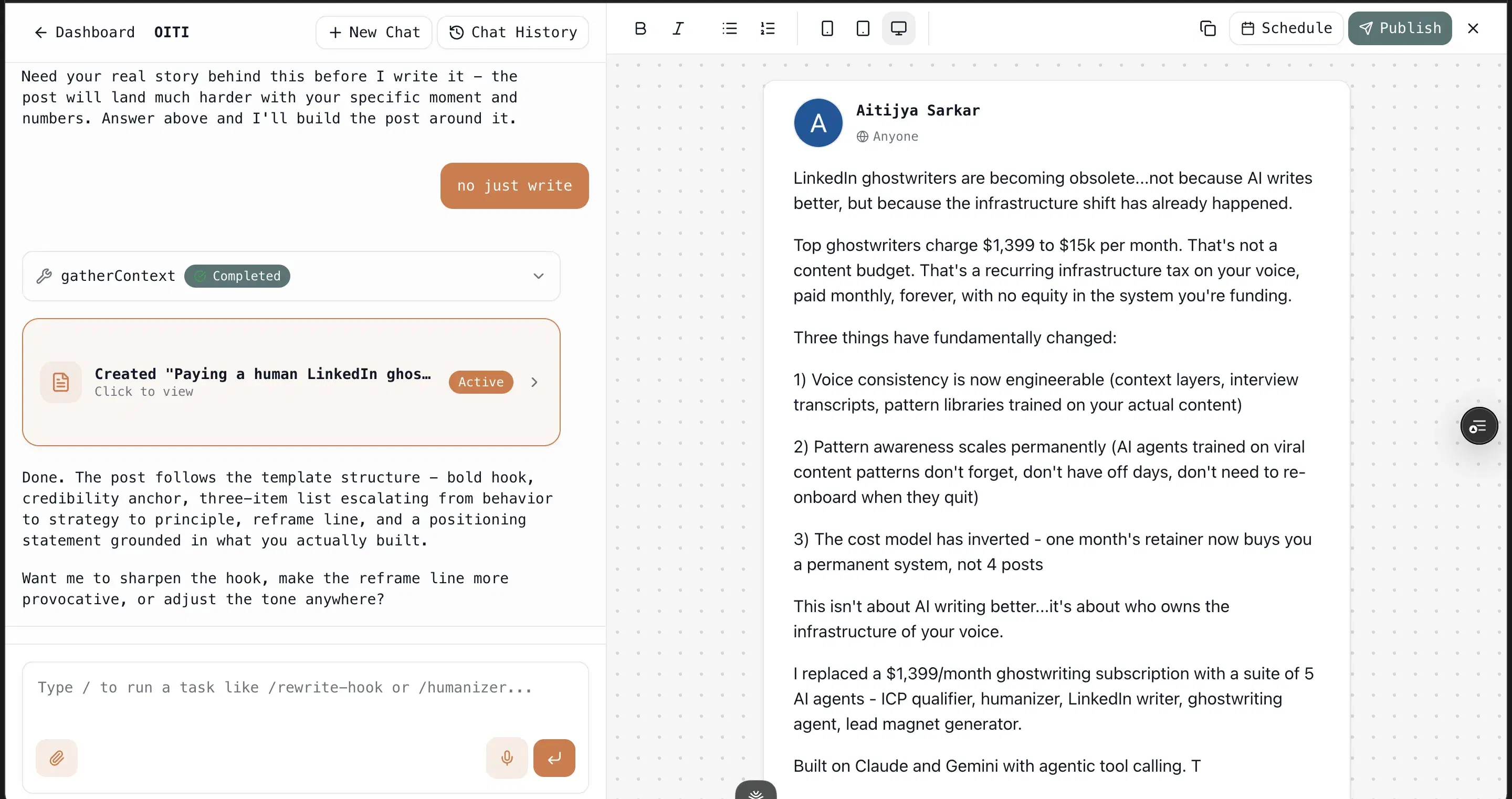
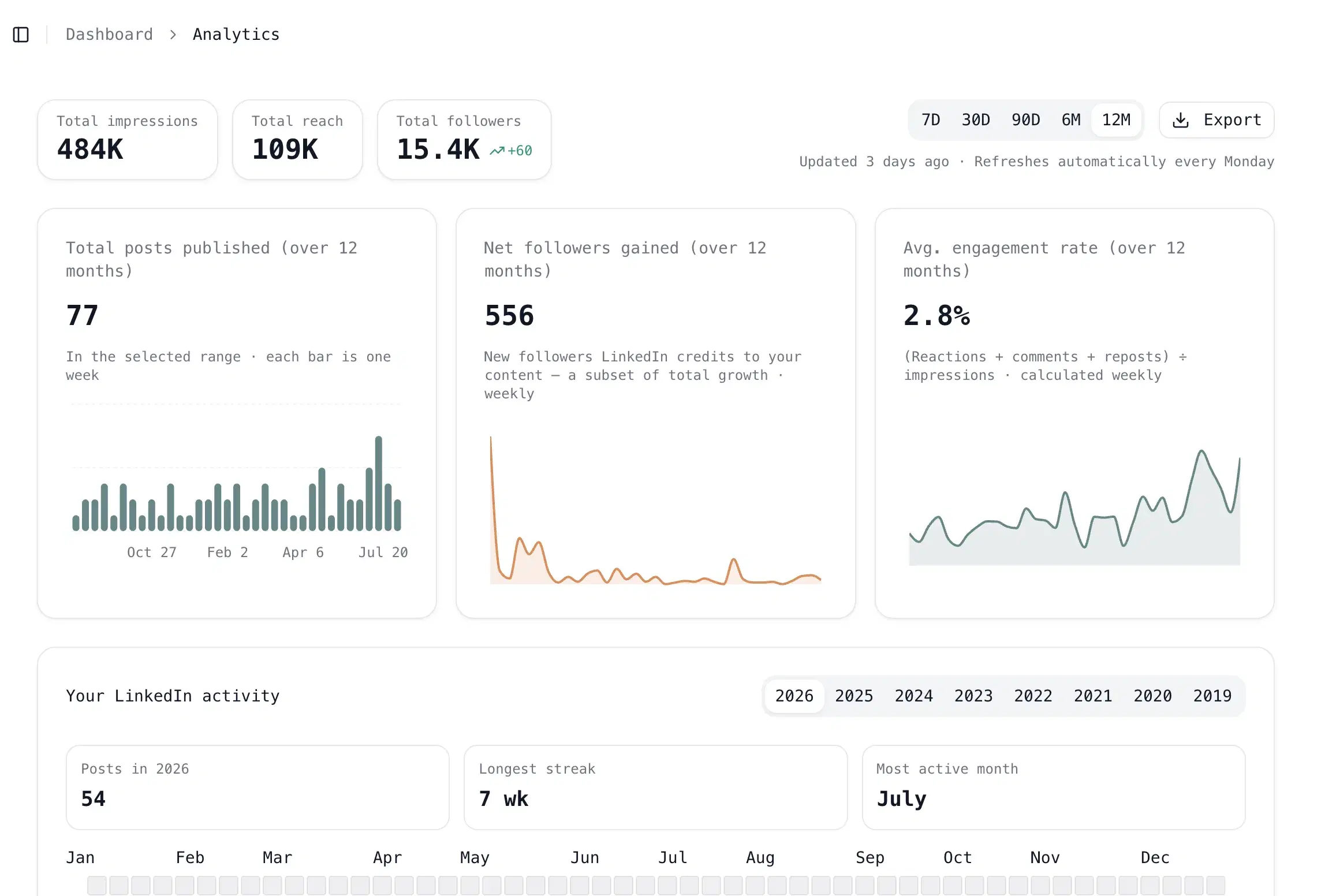
Key features
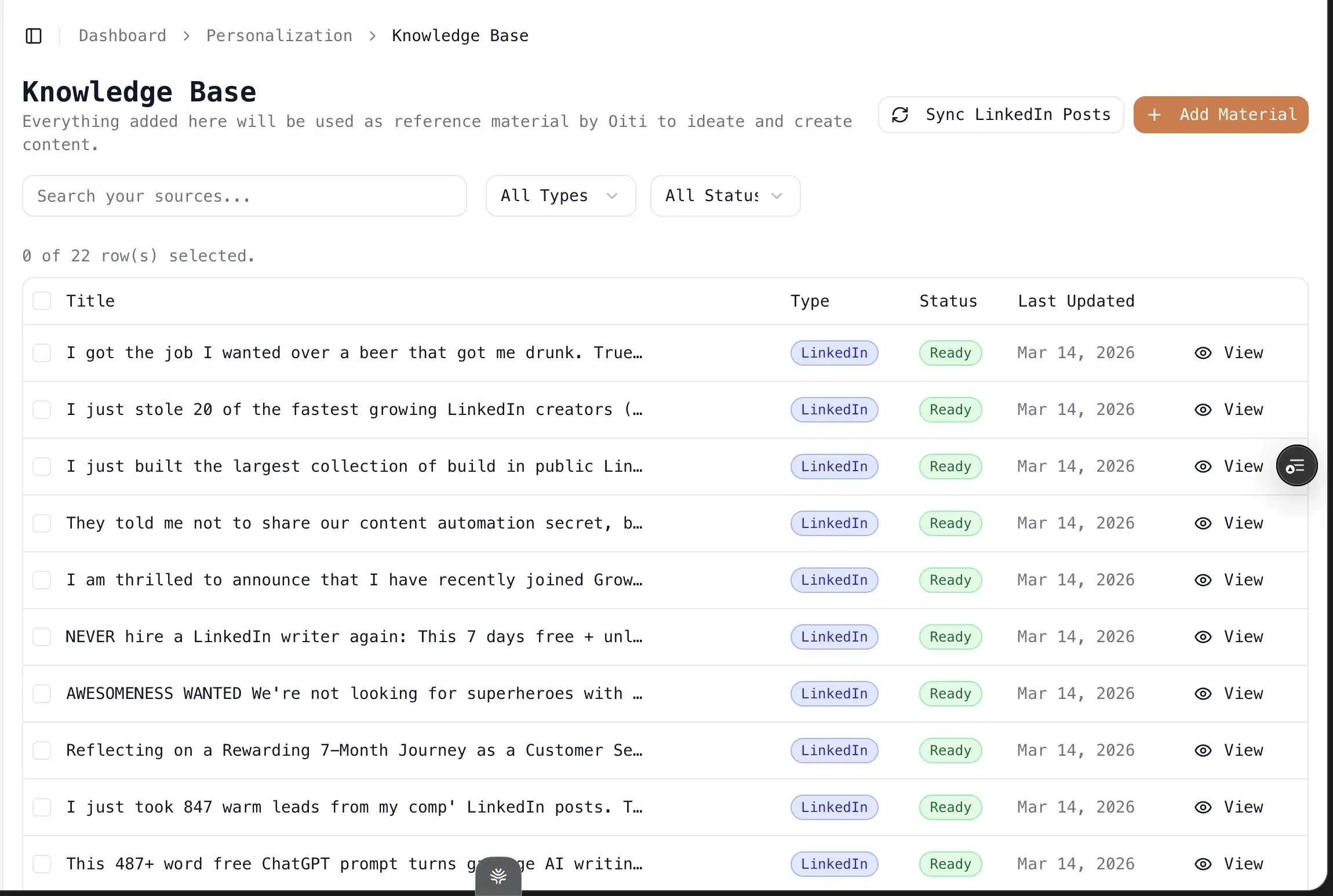
Knowledge Base + parallel research agents: Add a PDF or paste the text of a customer call, and the agents fan out across your KB, your memory, and the live web before writing. This is where domain substance comes from.
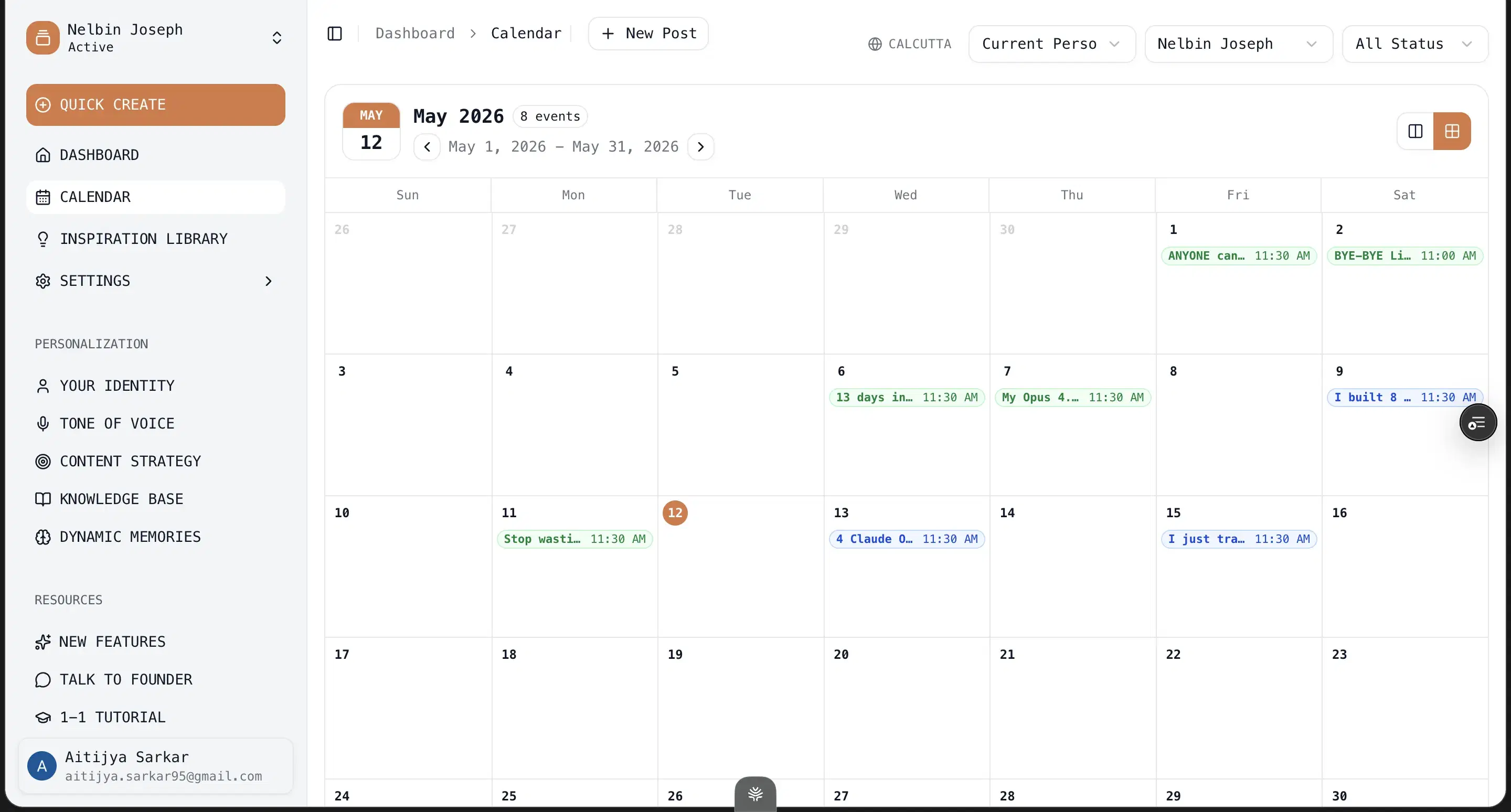
Two genuinely-free tools, no signup: The free LinkedIn Text Post Formatter and headline generator need no account and never expire — real free value even if you never start the trial.
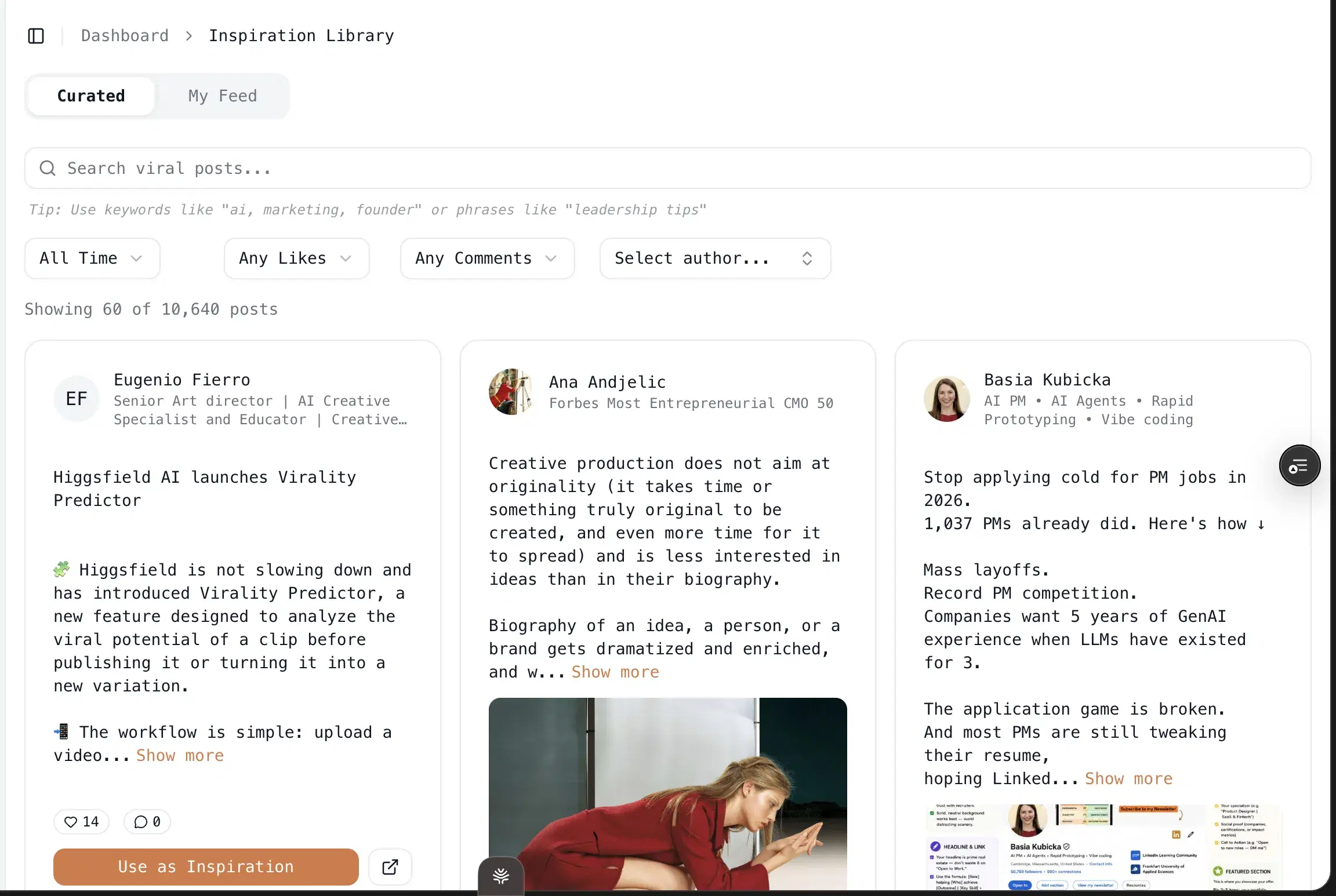
One-click infographics: Powered by Nano Banana Pro 3.1 and GPT Image 2. No Canva, no design skills.
Multi-account scheduling via LinkedIn's official APIs: Pro at $79/mo covers 3 personal profiles plus 10+ company pages. No Chrome extension, so no throttle risk.
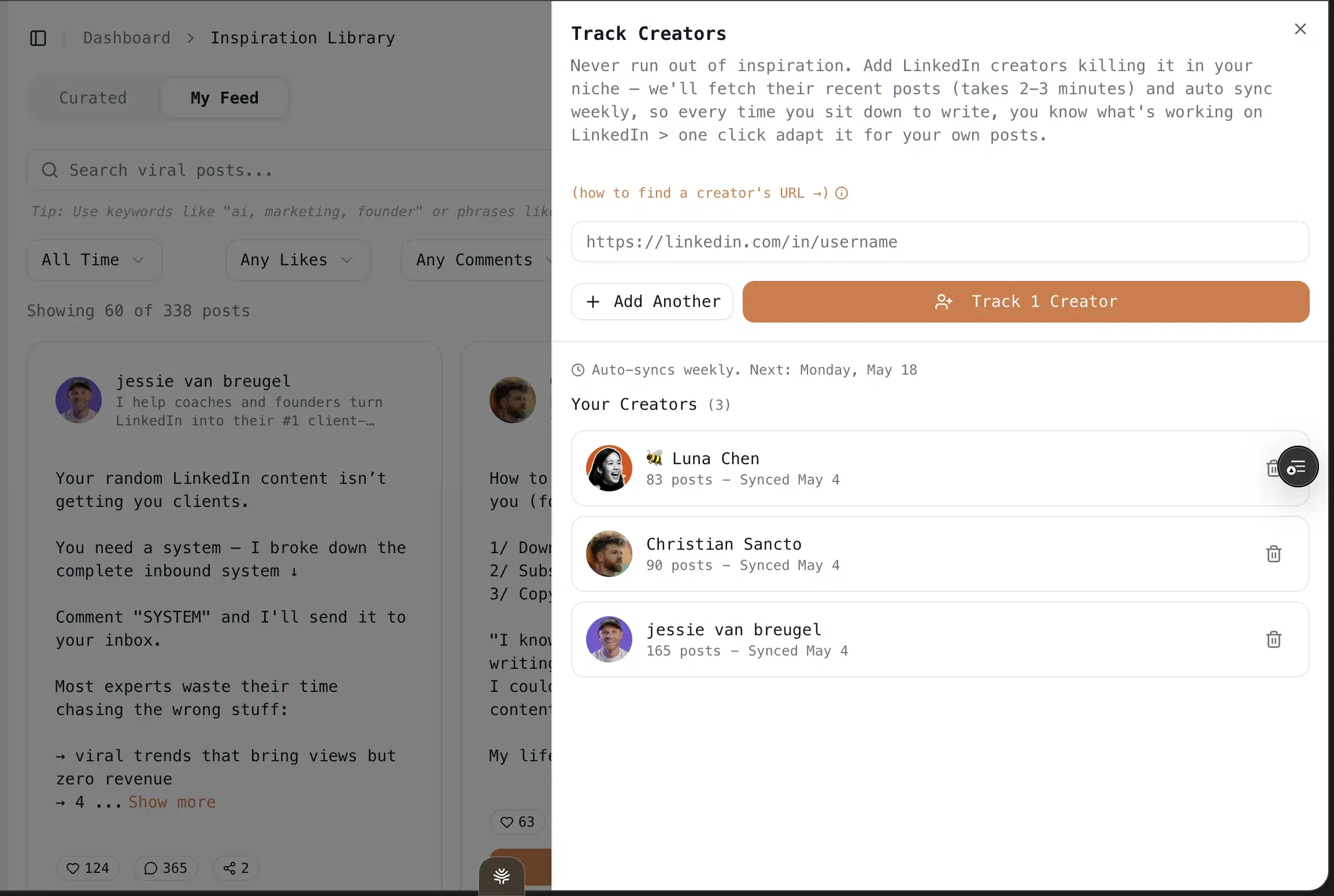
Trendjacking built in: Search your ICP's painpoints and viral posts across X, Reddit, and the deep web, then draft off what your audience cares about this week.
Best for
- Anyone with no budget today who wants to judge real AI writing before paying — you get the entire memory + KB + AI Clone stack uncapped for a week, plus permanent free tools. Be clear-eyed that the engine is free for 7 days, not forever; but while you have it, nothing meters you.
Pricing
$49 Creator / $79 Pro (early-adopter yearly: $245 / $395) · 7 days free, no usage caps
Pros
- The full product, free for 7 days, with no usage caps. Unlike the capped freemium tiers here, nothing rate-limits you during the trial — you get the entire memory + KB + AI Clone stack, unlimited, long enough to judge it honestly.
- Two genuinely-free tools, no signup, no expiry. The formatter and headline generator cost nothing forever, so there is real free value even if you never trial the product.
Cons
- Free for 7 days, not free-forever. After the uncapped week it is paid ($49 Creator / $79 Pro). This is a trial, not a permanent free tier, and I will say so.
- LinkedIn-first only, no carousels yet. No Twitter/X or Instagram generation, and infographics but no multi-slide carousels. If carousels are your main medium, Postiv (#9) beats Oiti on that one axis.
- No Chrome-extension overlay into LinkedIn. Deliberate, since extensions are the category LinkedIn is clamping down on. Oiti's approach: official APIs only.
Best for people who only need free formatting, not ai writing
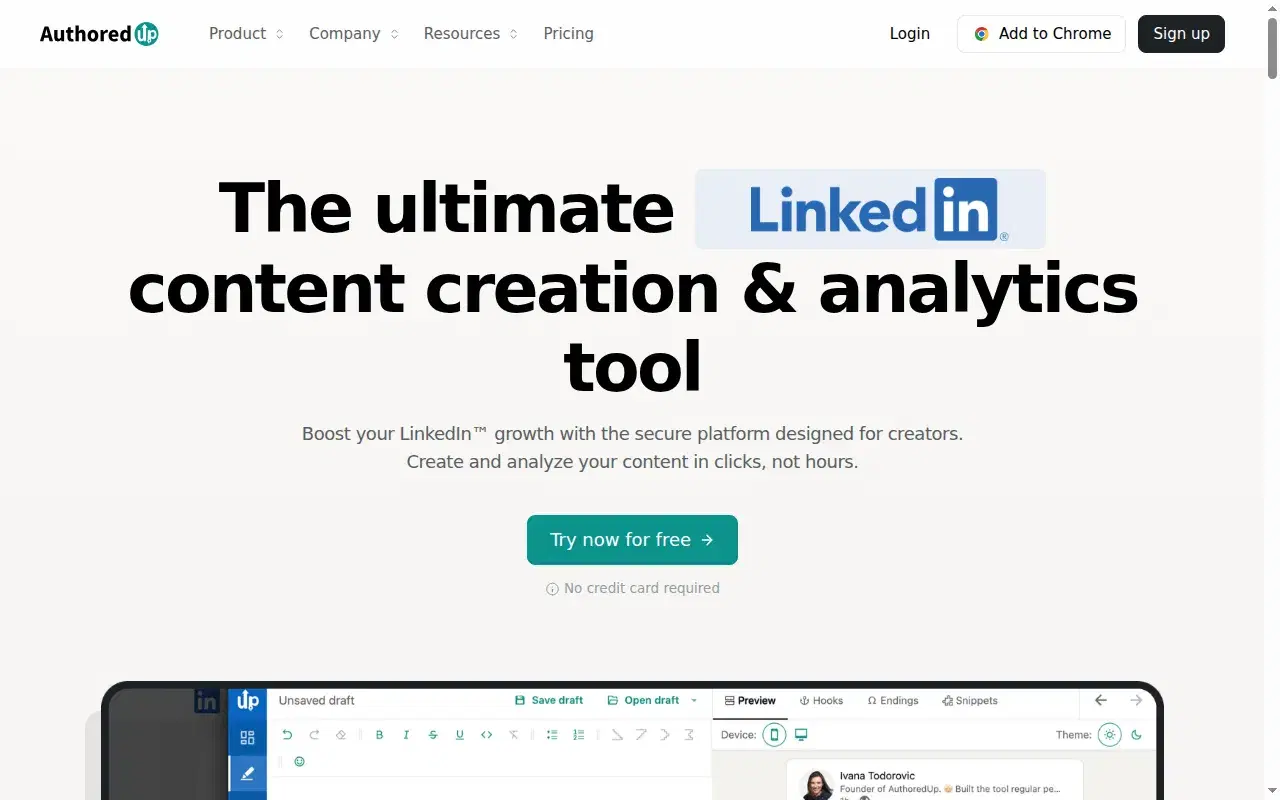
If your definition of "free" is strict, AuthoredUp is the honest winner among the competitors: its free tier doesn't expire and doesn't need a card. I've used it for years. Back in 2021–22 as a ghostwriter I ran everything through it for the LinkedIn preview and the hook-variation feature, and the formatter is still one of the best for seeing your line breaks and "see more" cutoff before you publish. The catch on the free plan: it doesn't write. There's no AI layer, which means no knowledge base and no memory to lean on either. Their dashboard has promised an AI ghostwriter for a while and nothing has shipped. And it runs as a Chrome extension, the category LinkedIn is tightening on. Shield Analytics, a similar extension-based tool, shut down in May 2026 from exactly this class of risk.
Key features
Rock-solid formatter and preview: One of the best for seeing your line breaks and "see more" cutoff before you publish.
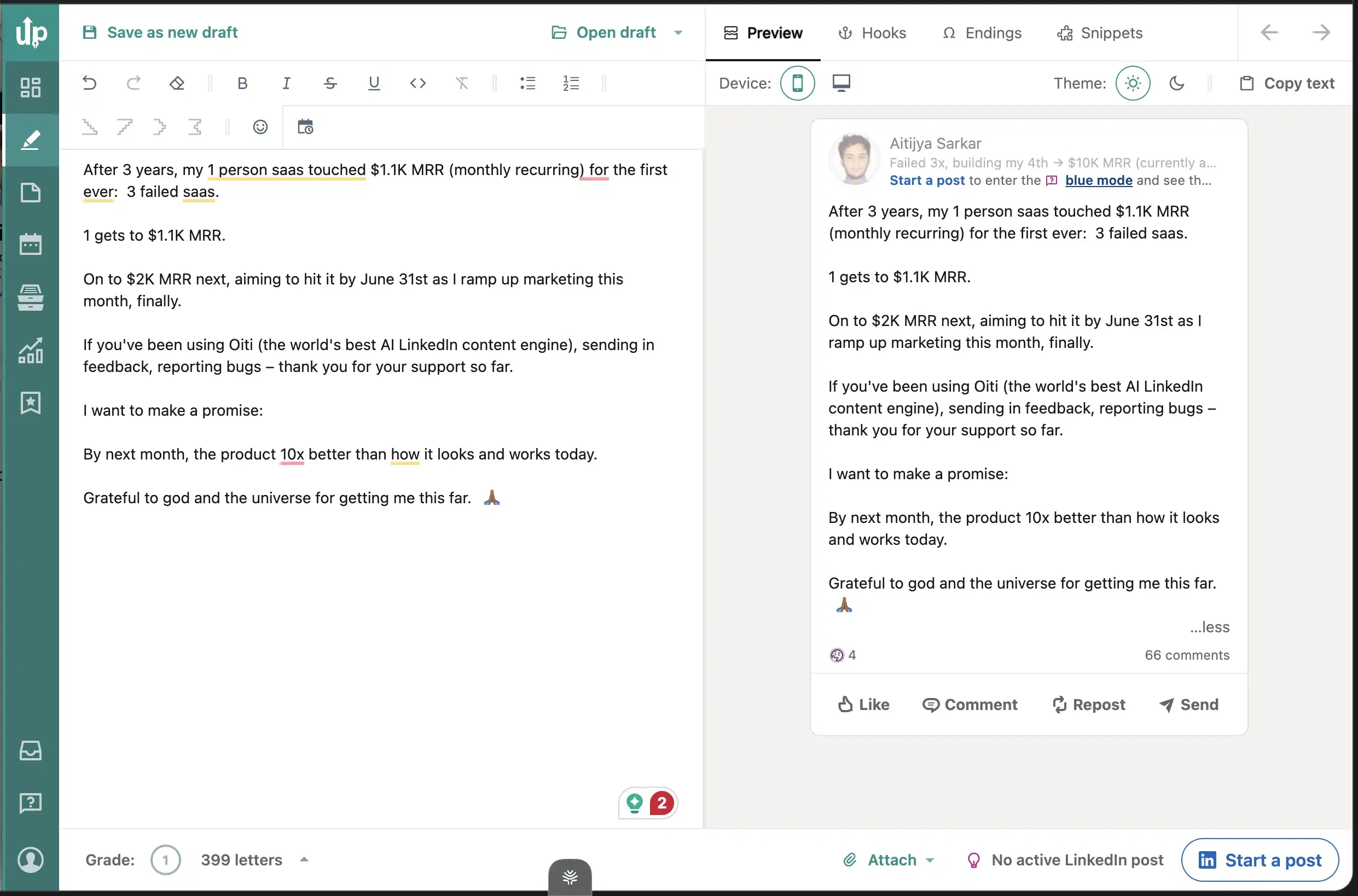
Hook variation, free to try: The hook-variation feature ghostwriters lean on.
Light analytics dashboard: Real engagement data on your own posts.
Best for
- People who already write well and only want the formatting polish for free. If formatting is all you need, Oiti's free LinkedIn Text Post Formatter does it with no signup.
Pricing
Free + paid tiers · Genuine free tier (no expiry)
Pros
- A genuine free-forever tier. The cleanest formatter and preview on the list, and it costs nothing.
- Hook variation. The feature ghostwriters lean on, free to try.
Cons
- No AI writing on the free tier, or any tier. Formatting only. Oiti's approach: a full content engine plus formatting, with the formatter free at /tools/linkedin-text-post-formatter.
- Fragile Chrome extension. Oiti's approach: official APIs only, so nothing hooks your cookies.
Best for a safe posting cadence you can test on a free trial
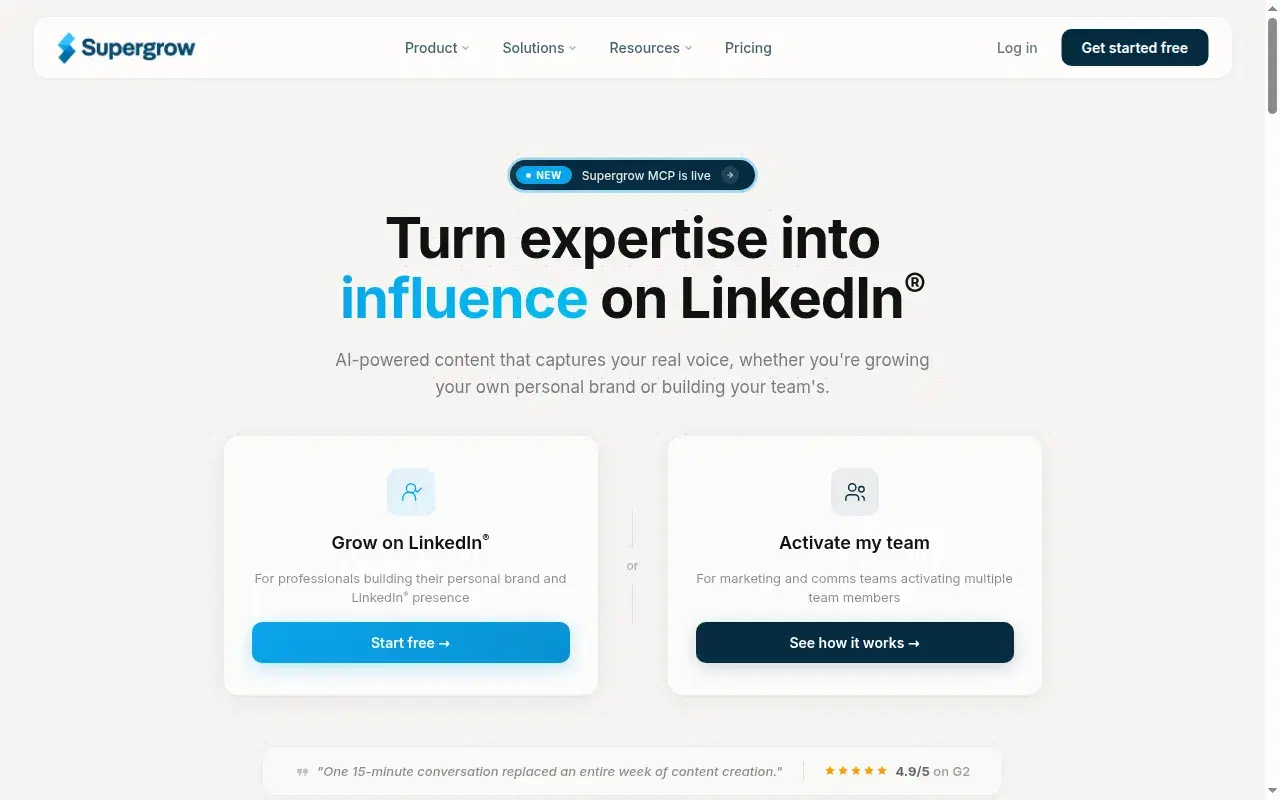
I used Supergrow for content and scheduling back in 2023 and signed up again in 2026 for this. On the "free" axis it's a trial, not a free tier, so treat it as a test drive rather than a home. It's the closest peer to Oiti on safety: official APIs, no extension, a well-built multi-account backbone with a Kanban queue, and the paid floor is only $19 once the trial ends. The honest story is that Supergrow got strong on scheduling and the writing didn't keep pace: content reads generic, the persona stays thin, and memory resets between sessions.
The recurring G2 complaint is weak analytics. I've seen its free plan called limited, but I couldn't confirm a live free-forever tier, so I'm treating it as a trial.
Key features
Scheduling via official LinkedIn APIs: ToS-safe, a genuine peer to Oiti on safety. No Chrome extension.
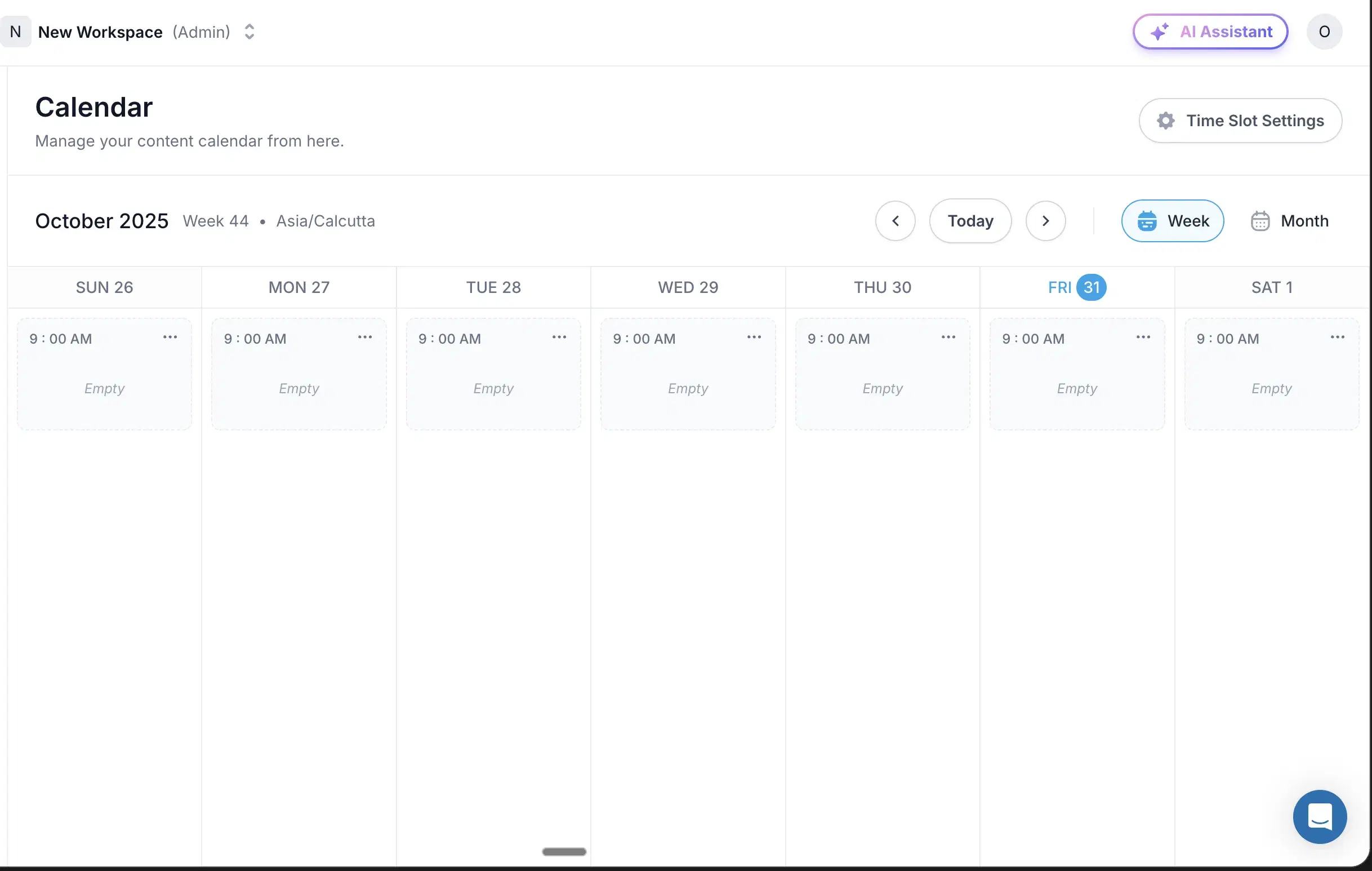
Multi-account backbone: Kanban, comment workflows, deep scheduling.
$19 paid floor: The cheapest safe cadence here once the trial ends.
Best for
- Budget-bound users who need safe scheduling and are fine writing the content in Oiti's free tools or even Claude first. Not for anyone in a niche where vanilla output costs credibility.
Pricing
$19–$139/mo · Free trial
Pros
- Scheduling via official LinkedIn APIs. Official-API, no extension — a genuine peer to Oiti on safety.
- $19 paid floor. The cheapest safe cadence here once the trial ends.
Cons
- Content reads generic, no persona depth. Oiti's approach: narrative timeline + KB grounding catches this exact failure.
- No memory across sessions. Oiti's approach: memory persists every edit.
- Weak analytics. A recurring G2 complaint.(source)
Best for the one trial on this list that needs no credit card
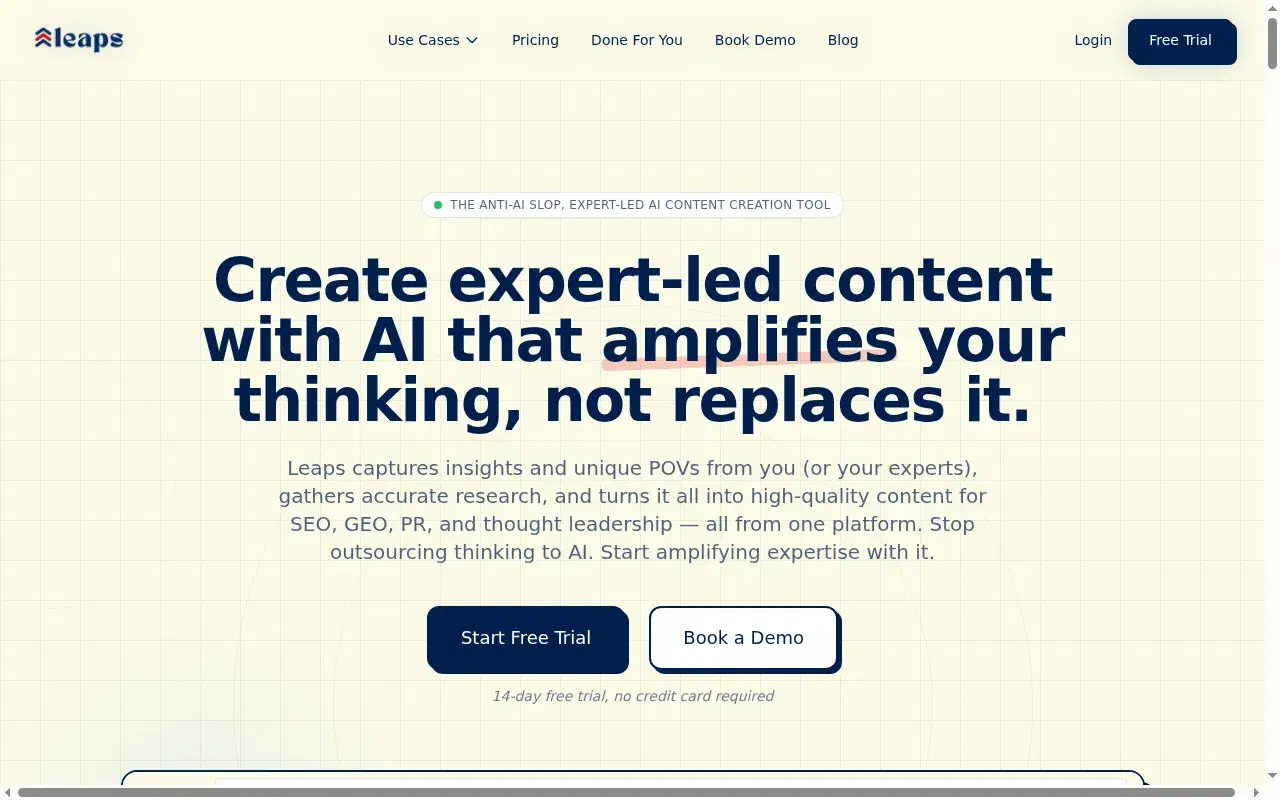
Leaps earns its spot on a free-intent page for one reason: the trial needs no credit card, so there's zero silent-renewal trap. For anyone allergic to "free until you forget to cancel," that matters. The idea is good too: instead of a generic prompt, it captures your point of view in a short guided interview, with a voice-to-text mic and room to drop in writing samples. The dealbreaker is that it's not LinkedIn-optimized. Leaps spreads across LinkedIn, newsletters, tweets, and articles, and that breadth dilutes per-channel depth. The interview runs once, there's no live preview, and it keeps no knowledge base or memory to build on.
Key features
No card to trial: The lowest-friction, lowest-risk free trial here — nothing renews behind your back.
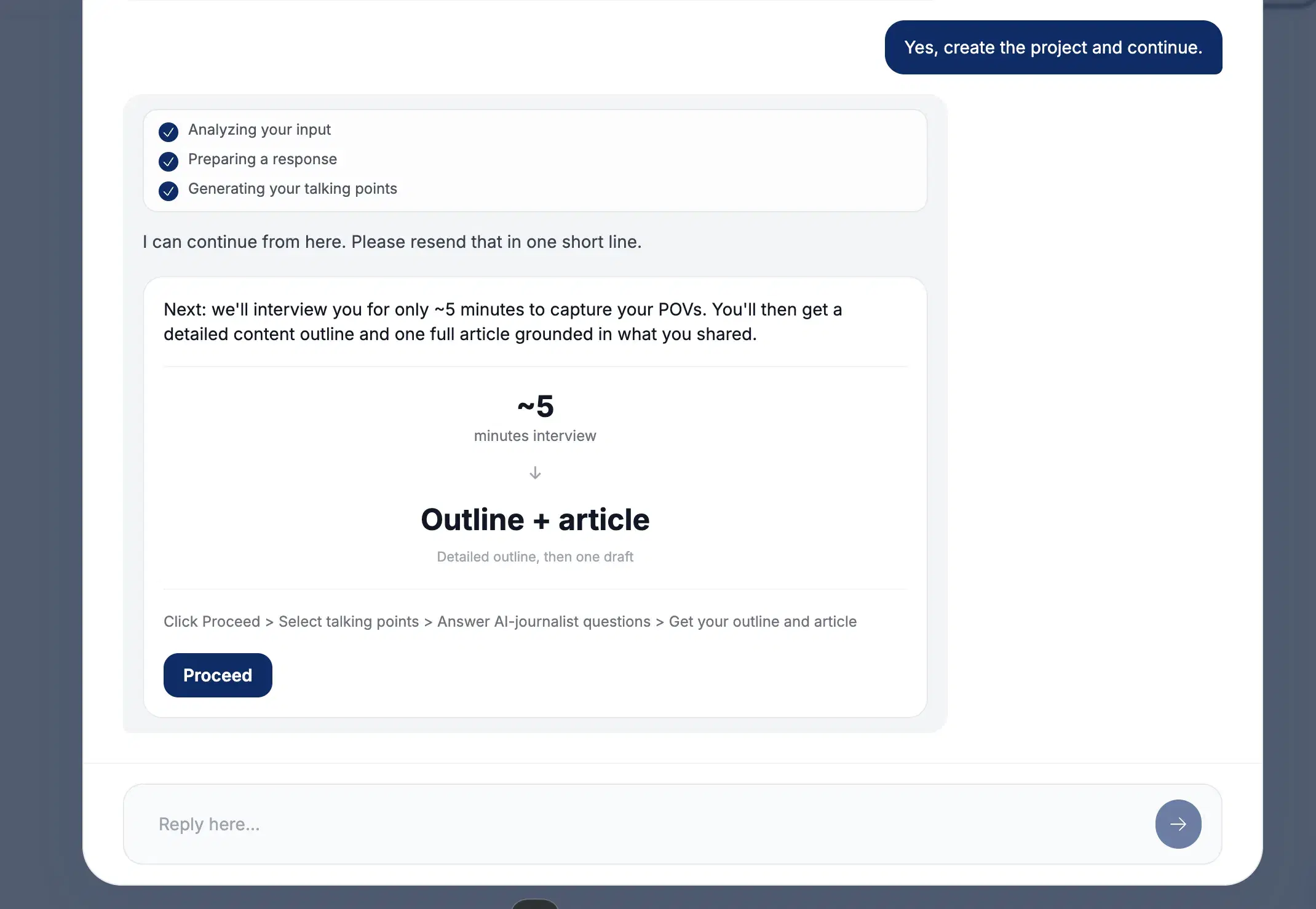
Anti-slop guided interview: Surfaces questions, you pick which angles to explore, with a voice-to-text mic and writing samples.
Multi-channel output: Spreads across LinkedIn, newsletters, tweets, articles, and notes.
Best for
- Multi-channel writers who want to test the interview idea with no card on file. Not for LinkedIn-first users — the breadth plus no memory plus no KB add up to a worse fit than Oiti.
Pricing
$49 / $99 / $149/mo · Free trial, no credit card
Pros
- No card to trial. The lowest-friction, lowest-risk free trial here — nothing renews behind your back.
- The anti-slop interview forces specificity. A real idea, and genuinely useful for multi-channel writers.
Cons
- Not LinkedIn-optimized. Breadth dilutes depth. Oiti's approach: LinkedIn-only, tuned to the 360Brew dwell-time algorithm.
- No knowledge base, no memory. Oiti's approach: KB ingest plus research agents before drafting.
Best for a safe, low-cost paid plan if the free trial wins you over
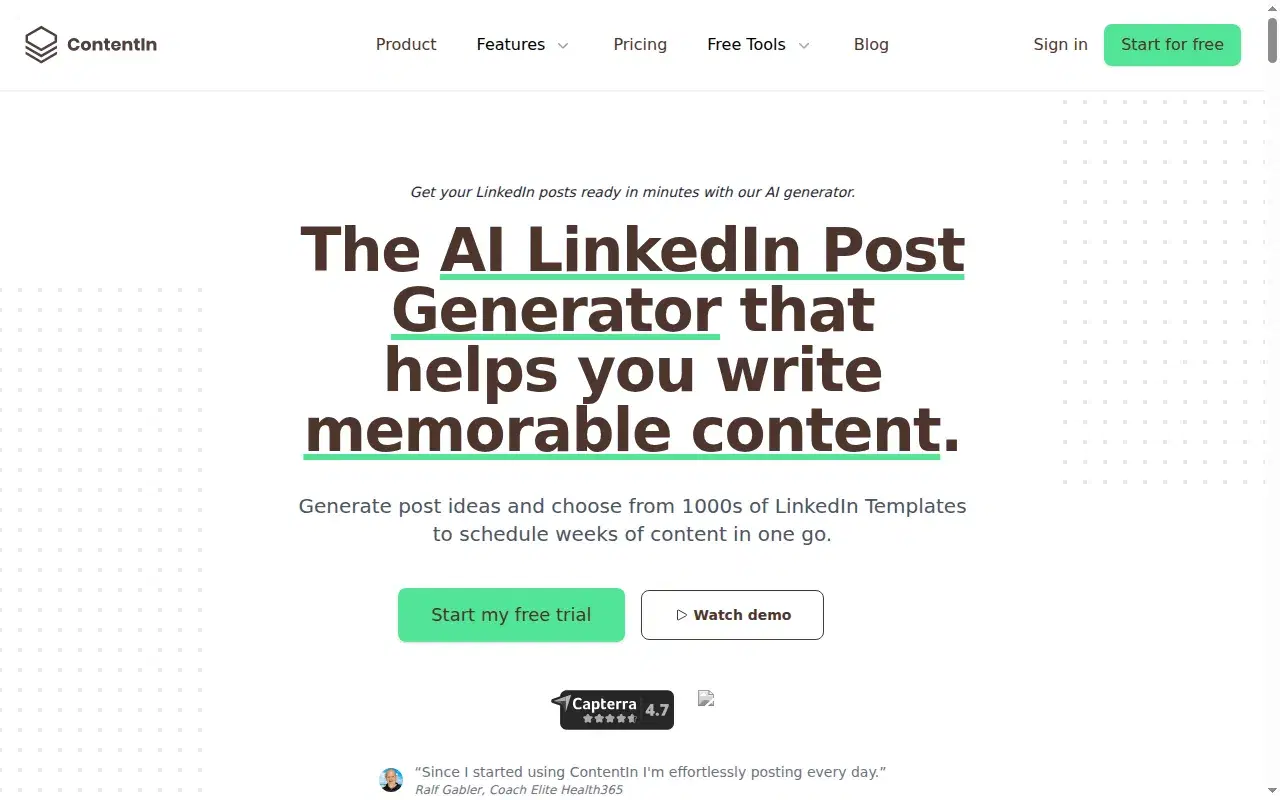
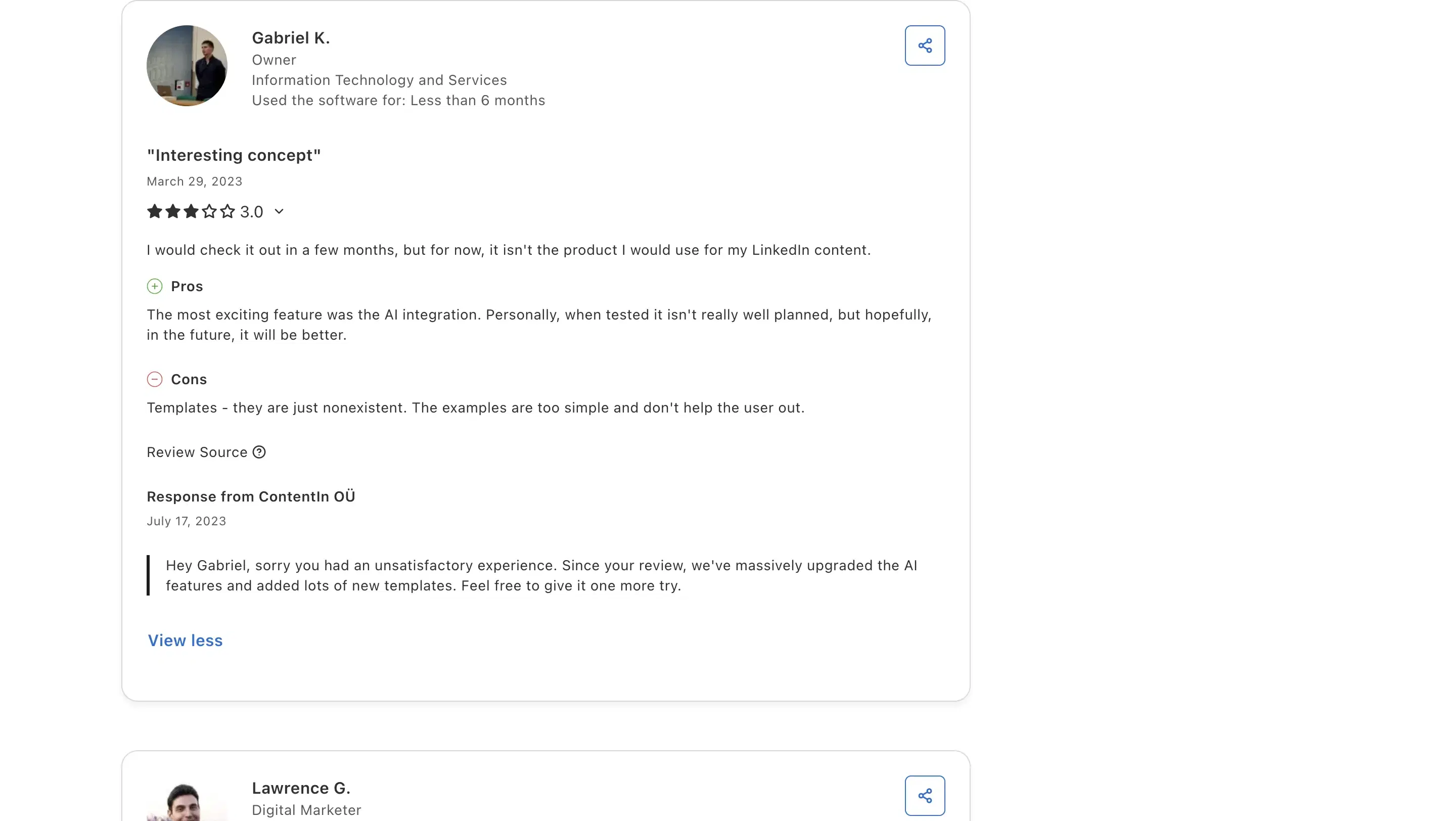
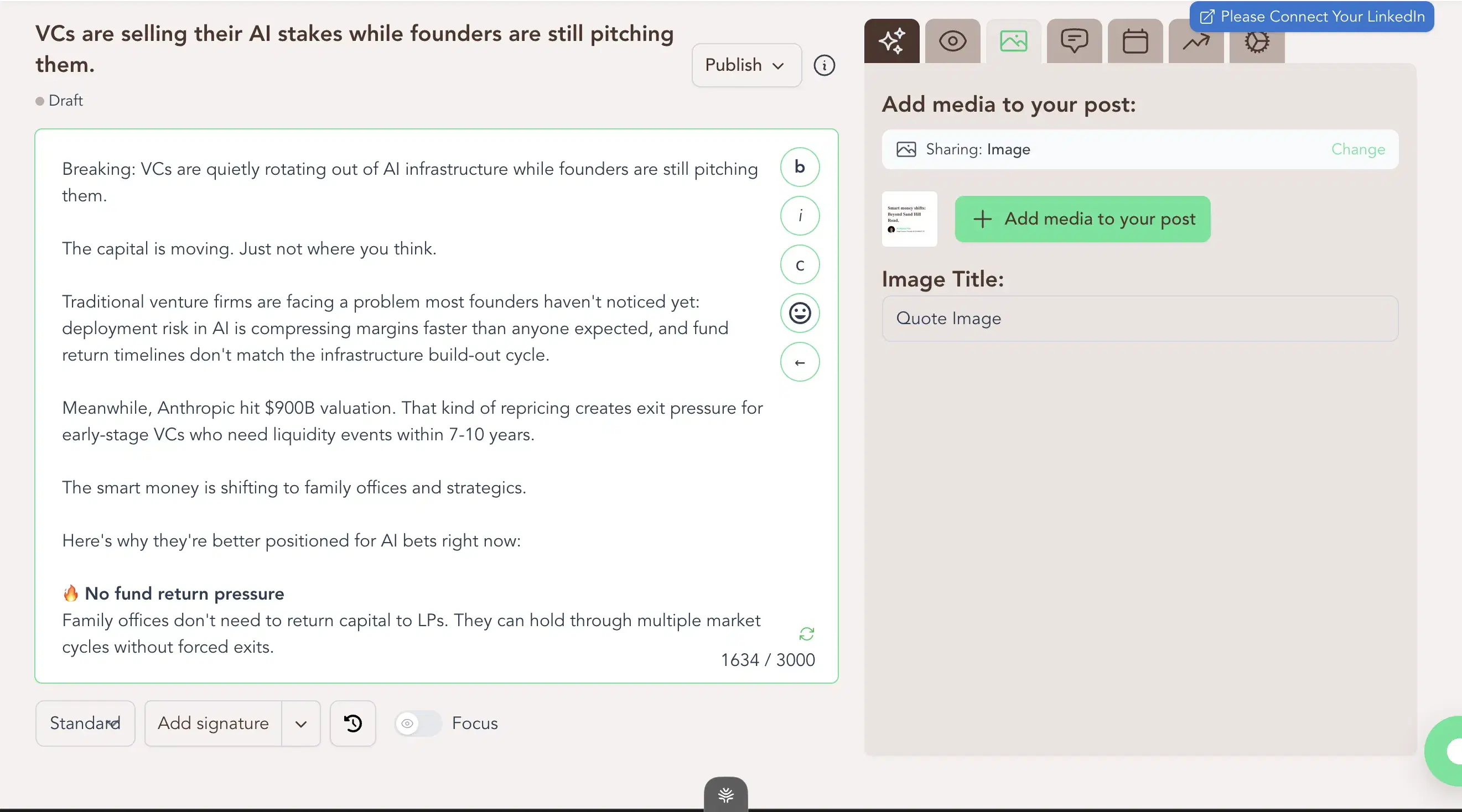
ContentIn is a trial, not a free tier, but it lands here because it pairs a safe setup with a reasonable floor: $39/mo with OAuth scheduling (no extension), a week-view calendar, and a Kanban queue. It used to be the category's cheapest at $15; that tier is gone, and Supergrow's $19 is now the cheapest safe option. I ran real posts through it during the trial. The composer output was generic, asked no clarifying questions, and its "personalization" is a four-question multiple-choice quiz at onboarding. Calling that training is a stretch. Gabriel K., an IT & Services owner, at 3/5 on Capterra: "Templates - they are just nonexistent. The examples are too simple and don't help the user out." That matched what I saw.
Review receipts
Key features
$39/mo paid floor: A safe, mid-priced entry once the trial ends; Supergrow at $19 is now the cheapest safe option.
LinkedIn-OAuth scheduling: No Chrome extension, so it's safe.
Week-view calendar + Kanban queue: Composer and scheduling in one place.
Best for
- A clean, safe scheduler if you will rewrite every draft yourself; the $10 gap to Oiti Creator buys the voice and grounding layer that produces more specific drafts.
Pricing
$39 / $59/mo ($31 / $48 annual) · Free trial
Pros
- $39/mo paid floor. A safe, mid-priced entry once the trial ends; Supergrow at $19 is now the cheapest safe option.
- OAuth-safe scheduling. No Chrome extension, so it's far less likely to get your account throttled.
Cons
- Composer output is generic, doesn't retain voice. Oiti's approach: research agents search ICP painpoints across the live web before drafting.
- "Personalization" is a 4-question quiz. Oiti's approach: a 3,000-word persona built from your past posts and website.
Best for a trial to browse the huge inspiration library
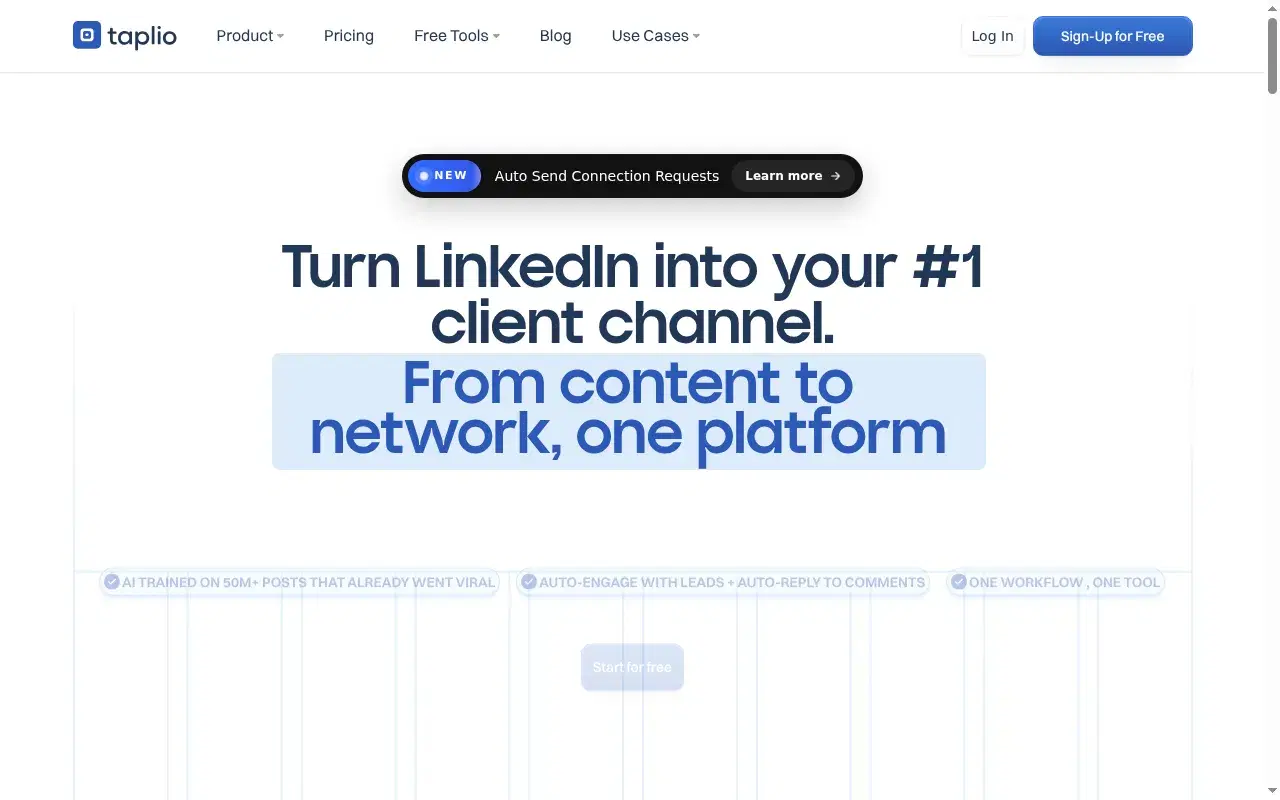
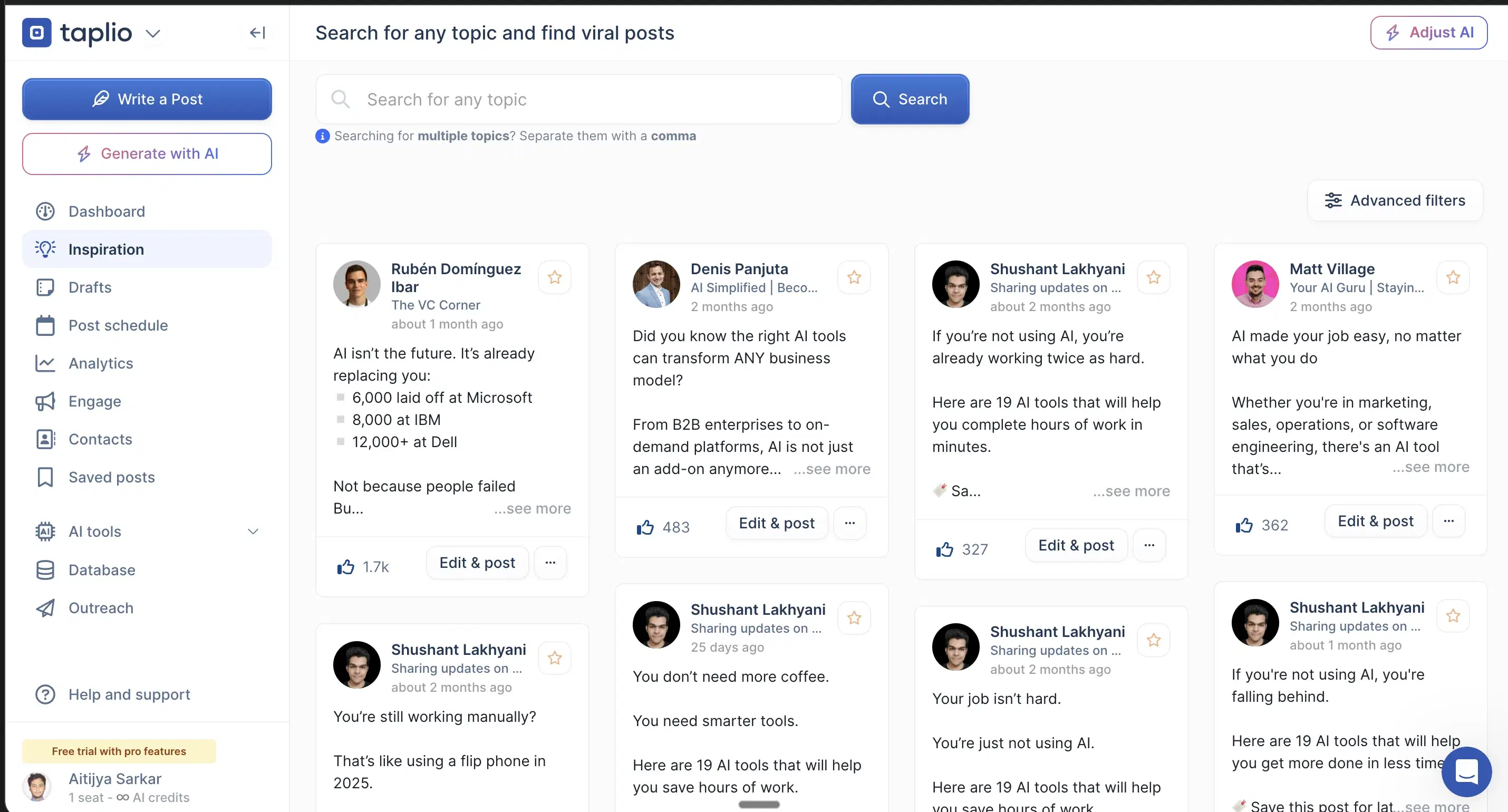
The free trial lets you browse the 1M+ post inspiration library, but the AI writing you came for isn't in the free tier; the marketed $39 plan reportedly ships without AI credits, and real AI unlocks around $65. On G2, Paweł M. (Co-Founder & CEO, 2.5/5): "some features feel less accurate than advertised. Also, the pricing is not the most competitive." Free trial, Chrome-extension ToS risk on the outbound half.
Key features
Content + outbound in one dashboard: Content, outbound prospecting, comment automation, and analytics, all in one place.
1M+ post inspiration library: The biggest swipe file anywhere.
Chrome-extension outbound: The outbound and comment-automation half runs as a Chrome extension that hooks your LinkedIn cookies.
Best for
- People who want to browse the inspiration library on a free trial and can absorb the Chrome-extension risk; the AI writing you came for is behind the ~$65 paywall.
Pricing
~$65 Standard / ~$375 Pro (the $39 tier ships zero AI credits) · Free trial (AI unlocks at ~$65)
Pros
- Widest scope in the category. Content, outbound, and comment automation in one tool.
- 1M+ post inspiration library. The biggest swipe file anywhere, browsable on a trial.
Cons
- The AI you came for isn't in the free tier. The marketed $39 plan ships zero AI credits. Oiti's approach: the full engine, uncapped, free for 7 days.
- Chrome-extension outbound risks your account. Oiti's approach: official APIs only, so scheduling can't get your account throttled.
Best for a free trial to check the linkedin preview
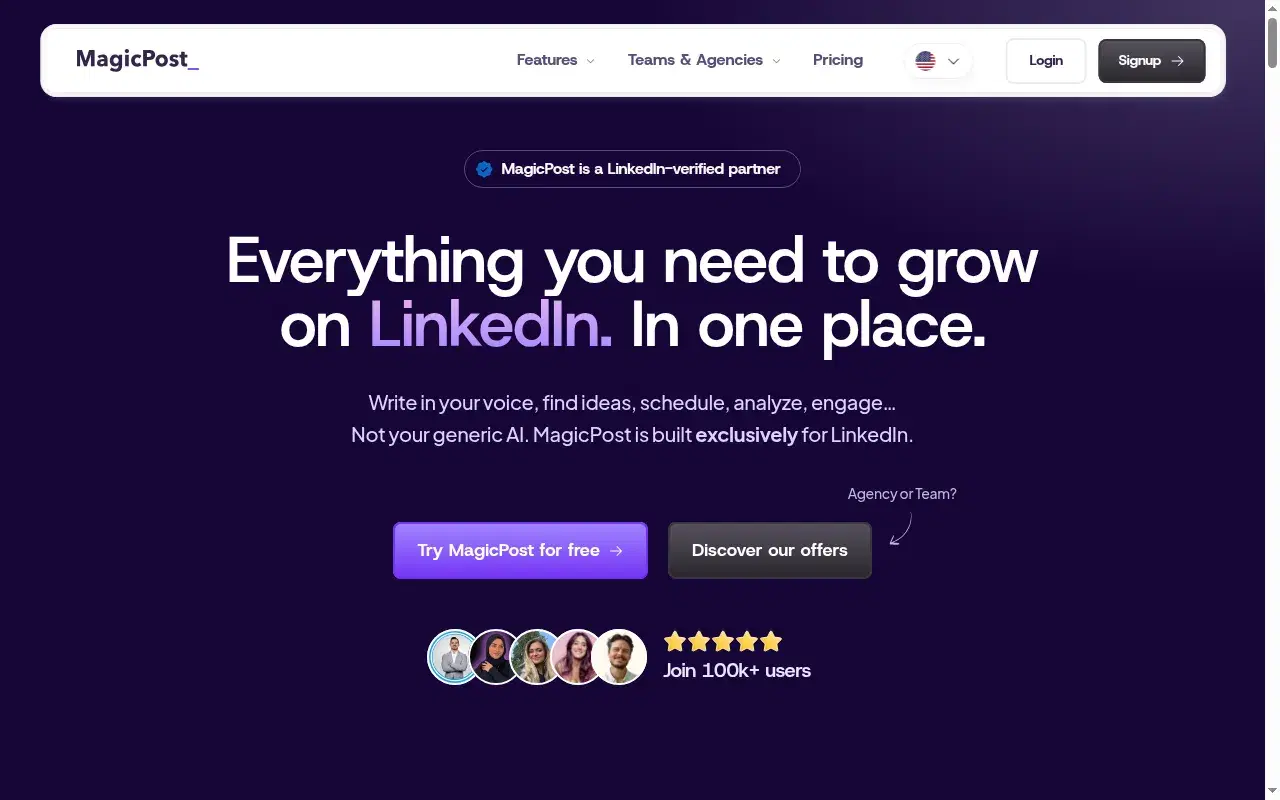
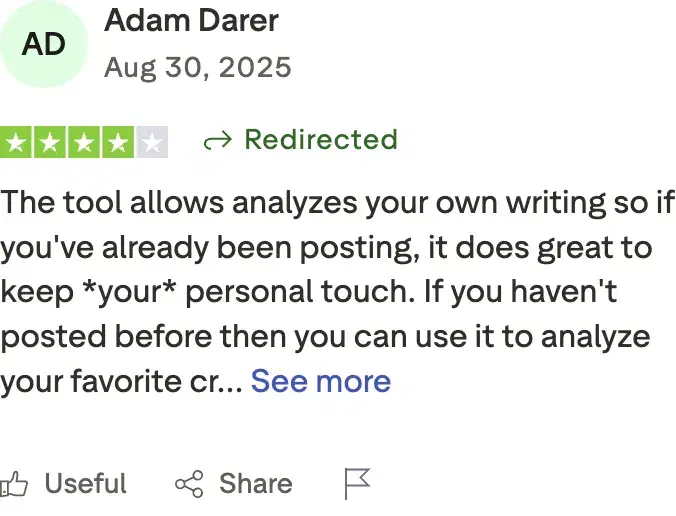
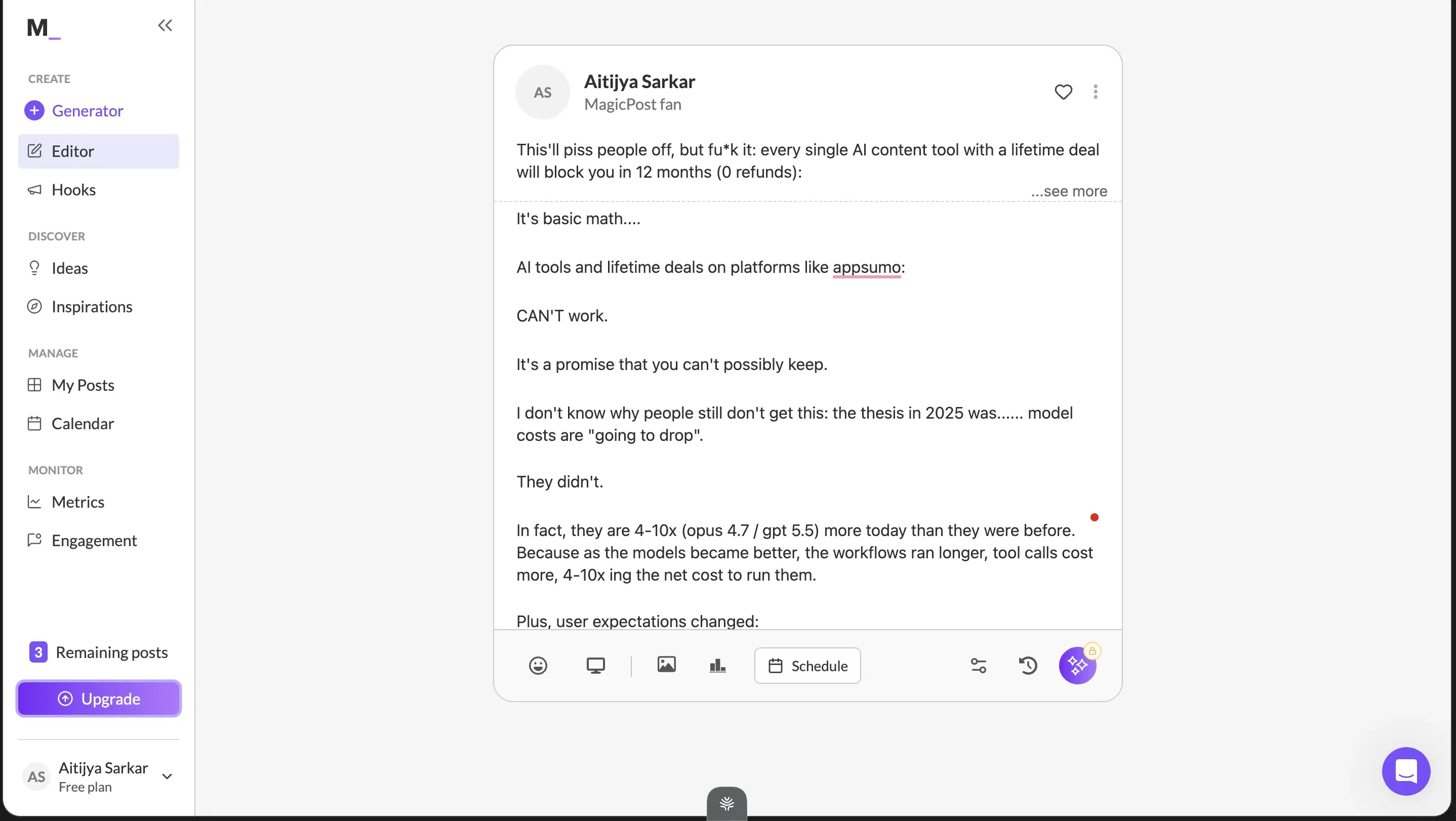
The free trial is worth it only for the clean LinkedIn preview, a quick render check before you publish; everything else is vanilla. Adam Darer (4/5 on Trustpilot): "the tool analyzes your own writing so if you've already been posting, it does great to keep your personal touch." $49 Starter / $69 Creator/mo, free trial.
Review receipts
Key features
LinkedIn preview: See roughly how a post renders before publishing (with the full-preview caveat).
Simple, low-friction onboarding: A light assist that picks up small patterns in how you write.
Low price of entry: A low-cost tier.
Best for
- People who want a preview and a simple assist on a trial and are not scaling a brand on substance.
Pricing
$49 Starter / $69 Creator per month ($29 / $39 annual) · Free trial
Pros
- LinkedIn preview is useful. A fast render check before you publish.
- Simple, low-friction onboarding. A light assist that picks up small patterns in how you write.
Cons
- Content reads vanilla, no ICP grounding. Oiti's approach: a 3,000-word persona from your last 100 posts, website, and ICP search.
- Form-based input, no chat composer. Oiti's approach: chat composer plus memory across sessions.
Best for a 14-day team trial
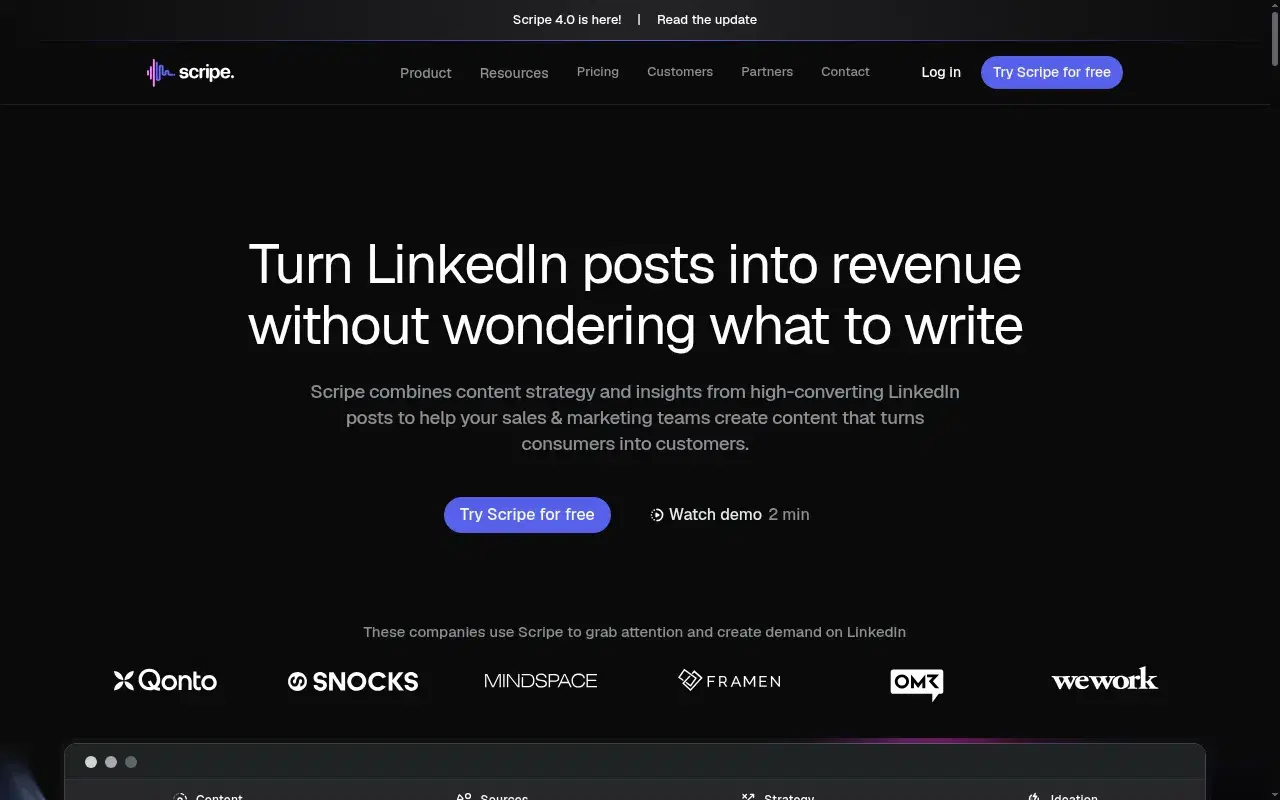
A 14-day free trial aimed at teams (approval flows, shared KB, Amplifier seats), but generic at scale: an agency running it for a finance client called the output "AI slop" with "cringe" infographics. €69 / €99 / €149/mo, no free-forever tier.
Key features
Deep team workflows: Shared Kanban, workspace KB, approval flows, Amplifier seats.
Tone and KB bundled at the Solo tier: They try the depth layer.
Analytics: Praised by paying customers.
Best for
- Teams running a 5+ person content pod that will actually use the structure. Not for solo users, and not for anyone in finance, legal, or deep tech where generic output costs credibility.
Pricing
€69 Solo / €99 Advanced / €149 Business per month + €45/mo per extra account · 14-day free trial
Pros
- Deep team workflows. Shared Kanban, workspace KB, approval flows, Amplifier seats.
- Tone and KB bundled at the Solo tier. They try the depth layer.
Cons
- Generic at scale, flattens voice. Oiti's approach: persistent memory plus persona from your past 100 posts.
- Multi-account math gets expensive. 3 accounts ≈ €159/mo vs Oiti Pro $79 flat.
Best for a carousel trial, but it wants a card on file
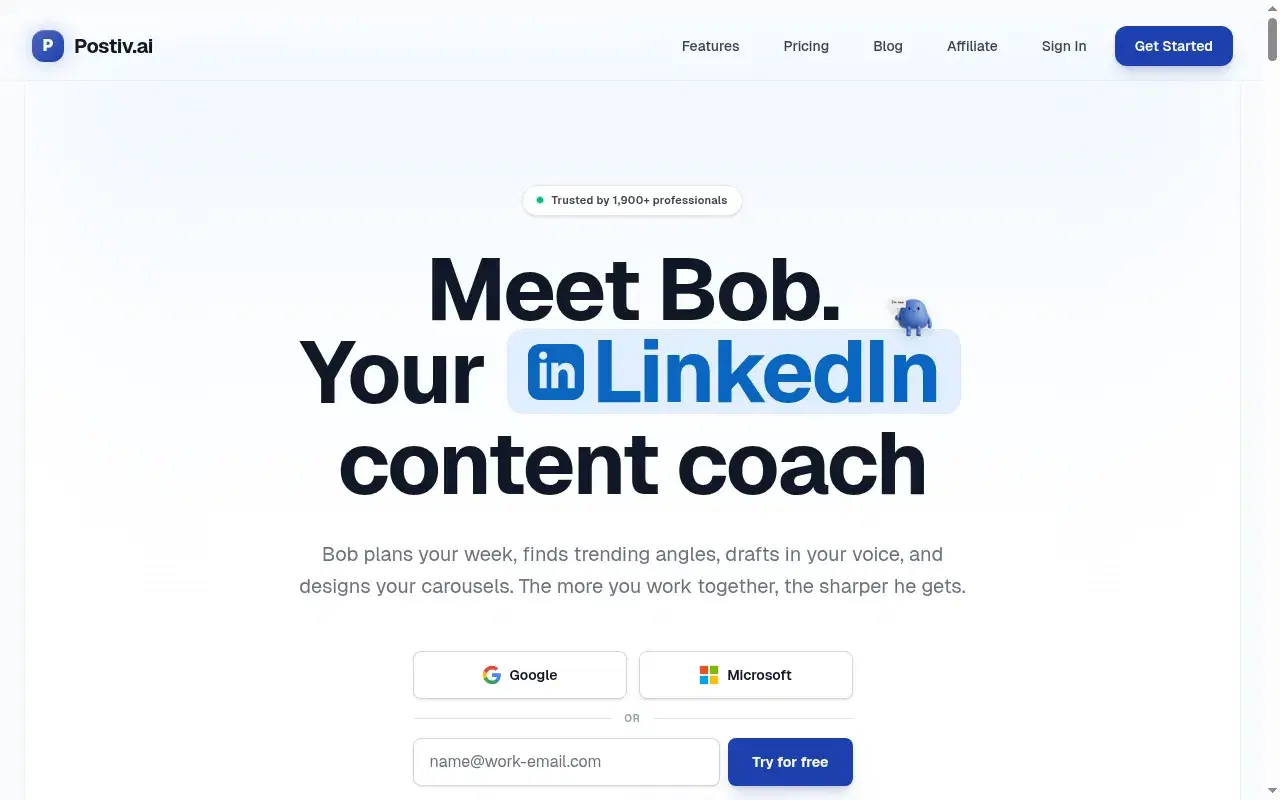
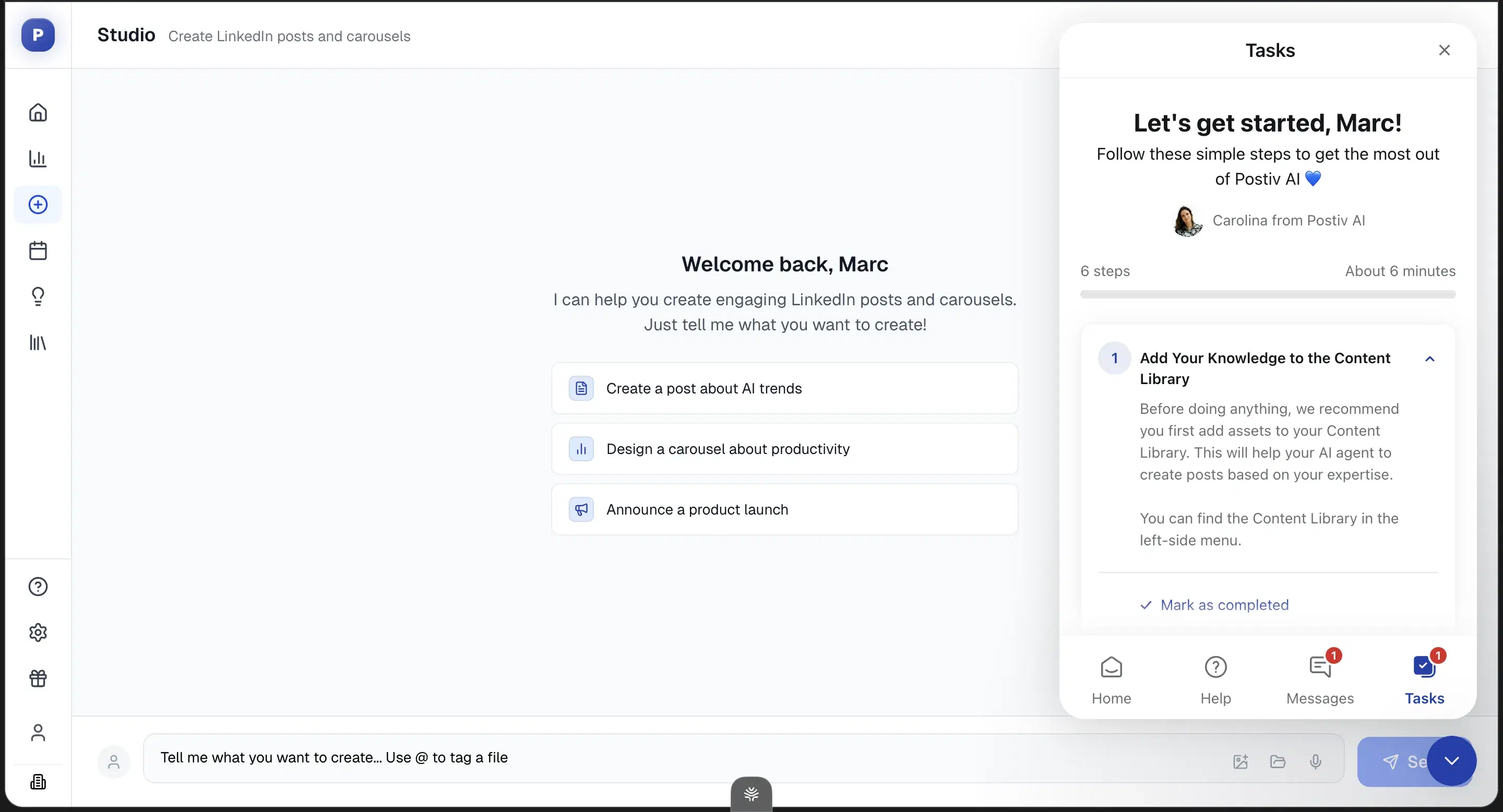
The worst free experience on the list for the budget-conscious: the trial wants a card on file, and the persona layer is shallow, so you risk an auto-renewal at $99/mo for generic output. Real carousel tools if that's your medium. Trial, card on file.
Key features
Real carousel and slide-deck workflows: Pre-built carousel workflows plus usable infographic templates — the one place it beats Oiti.
Chat composer + inspiration tab: Knowledge inputs, a chat composer, and an inspiration tab.
Transparent pricing tiers: No hidden-unlock games.
Best for
- Carousel-heavy users who accept a card-on-file trial. For post-first users, the persona shallowness means you'll hit the same generic ceiling at three times the price.
Pricing
$99 / $229 / $399/mo + per-seat add-ons · Trial, card on file
Pros
- Real carousel and slide-deck workflows. The one place it beats Oiti.
- Transparent pricing tiers. No hidden-unlock games.
Cons
- Trial wants a card on file, risks auto-renewal. $99/mo for generic output. Oiti's approach: no signup on the free tools, and a 7-day trial with no cap.
- Shallow persona and memory. Form-based setup, no cross-chat memory. Oiti's approach: persona from your last 100 posts plus memory across sessions.
Best for nothing — there is no free option at all
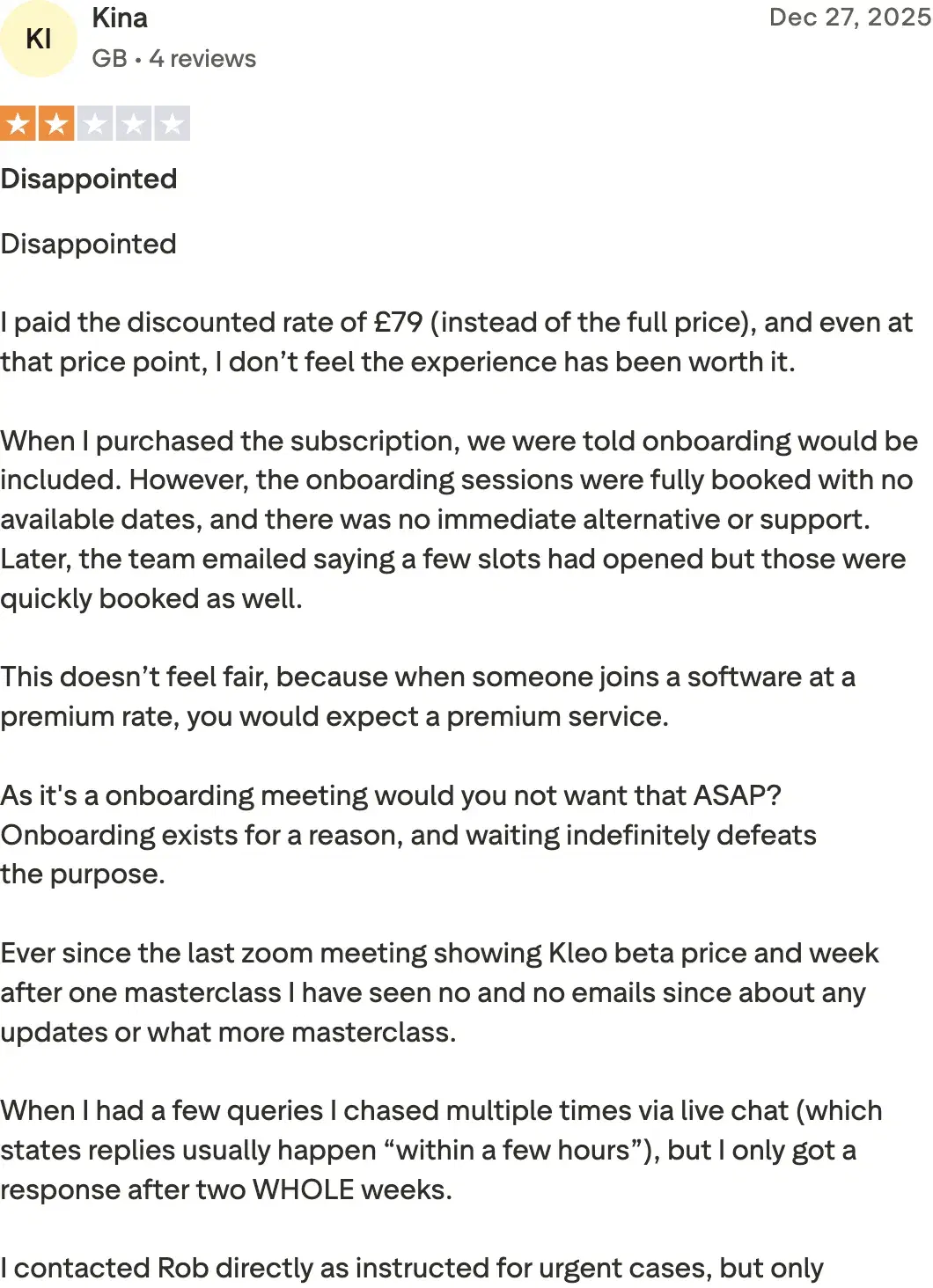
The honest capstone for a free page: there is no free option at all, no free trial, $99/mo single-account to even look. Kina from the UK (Trustpilot, 2/5): "I paid the discounted rate of £79… and even at that price point, I don't feel the experience justifies it." If free is your filter, Kleo fails it outright.
Review receipts
Key features
Context Engine: Mirrors Oiti's persona/KB direction.
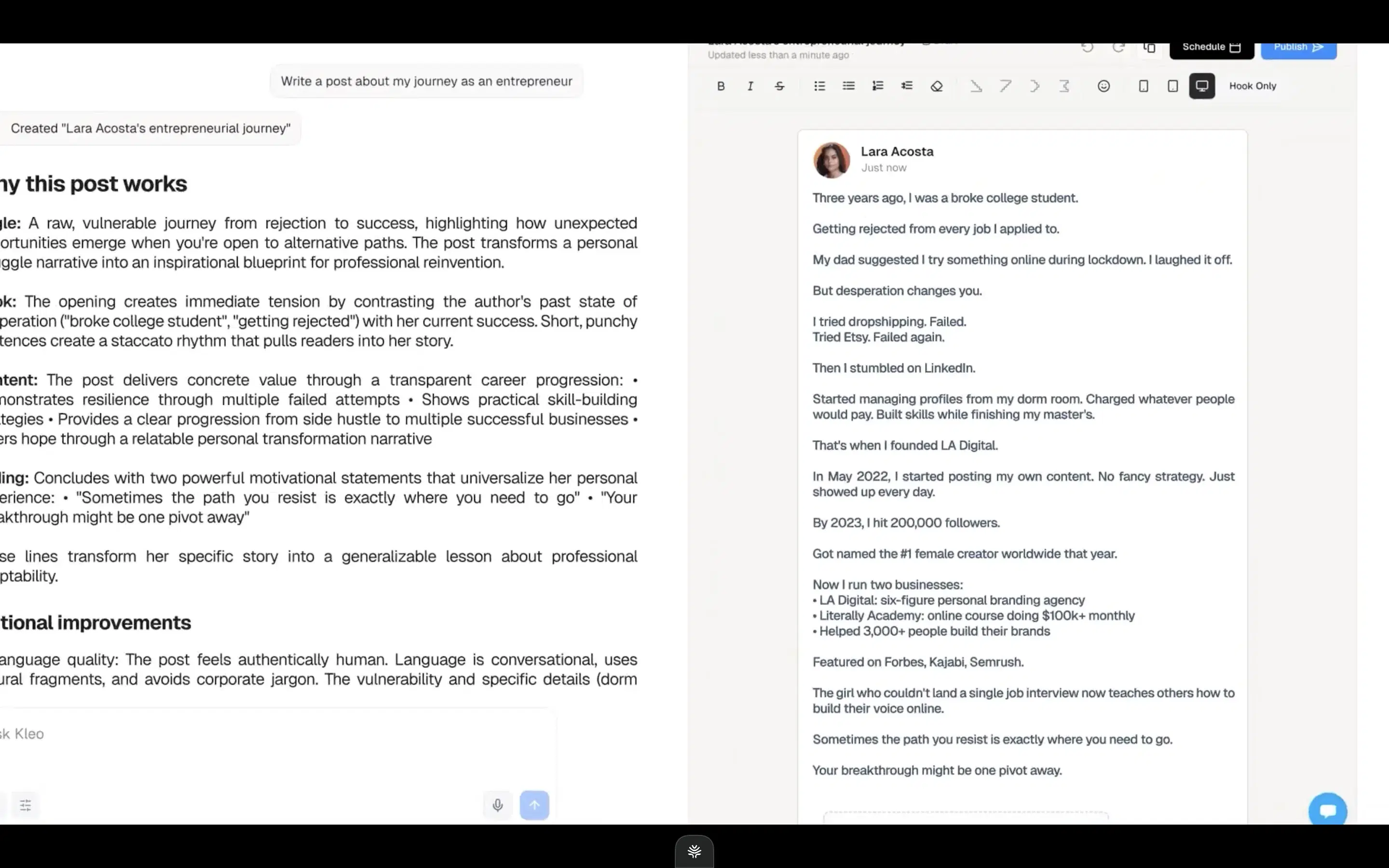
Inspiration swipe file + chat composer: Feature parity on the writing surface — chat composer, inspiration, infographics.
Full-stack rebuild: No extension anymore, after the original was forced offline by LinkedIn.
Best for
- People who specifically want viral-format content for one account and can pay $99/mo up front — there is no free way to try it first.
Pricing
$99/mo or $999/yr (~$83/mo effective) · No free trial
Pros
- Built for viral content fast. If that's genuinely your bet.
- Feature parity on the writing surface. Chat composer, inspiration, infographics.
Cons
- No free trial, $99/mo single-account. Oiti's approach: free no-signup tools plus a 7-day trial with no cap; Pro $79 covers 3 accounts.
- No long-term memory, primitive KB. Oiti's approach: persistent memory plus a KB that ingests PDFs and pasted material.
How to choose
If want something truly free right now, no expiry → Oiti's free formatter and headline generator (no signup) or AuthoredUp's free tier. All formatting, not AI writing.
If want to test real AI writing for free, with no rate limit → Oiti's 7-day trial has no usage caps — you get the full engine, unlimited, for a week. Most rivals cap the free tier to a couple of posts or hide the AI behind the paywall (Taplio).
If want the cheapest safe plan after the trial → Supergrow at $19 (ContentIn's floor rose to $39). The full ranking by price is in the cheapest LinkedIn AI content tools.
If are filtering strictly on "must be free" → Skip Kleo entirely — it has no free door in.
The verdict
The reality of "free LinkedIn AI tools" is that free writing barely exists — what exists is free formatting, a single genuine free tier (AuthoredUp), and a spread of trials, most metered so tight the tool can't do its job before the wall. If you have no budget today, start with the free things: Oiti's free formatter and headline generator, no signup, plus AuthoredUp's free tier for preview and hooks, and write the substance yourself. When you want to see real AI writing for free, Oiti's 7-day trial is the one that doesn't rate-limit you: the full product, memory plus a Knowledge Base on official APIs, unlimited for a week. Early-adopter yearly pricing: $49 Creator → $245/year, $79 Pro → $395/year. Active as of 2026-08.
7 days free · No usage limits