I Tried the 10 Best Cheapest AI LinkedIn Content Tools — Ranked (2026)
Ten tools ranked for a tight budget — the one actually worth paying for first, then straight down the true price ladder — each scored on the six things that decide whether cheap means good or cheap means slop: whether it sounds like you, knowledge-base grounding, memory that compounds, time-to-content, 360Brew fit, and whether it can get your account throttled.

Why I wrote this
Does cheap mean garbage?
The short answer
After testing the 10 cheapest tools people reach for to create LinkedIn posts, Oiti, the AI clone for LinkedIn ranked #1 on value. Oiti reads your last 100 posts and your website, builds an AI clone of what you actually believe, and remembers every correction / feedback you give to it — the one tool here where you review a point of view once and stop babysitting the drafts. Pair this with Oiti's deep knowledge base (to dump meeting notes, thesis, books, youtube videos) and deep analytics and scheduling using LinkedIn's official apis and no other tool comes even close. **Supergrow #2** the true budget floor for safe official-API scheduling, though the writer stays thin. **ContentIn #3** OAuth-safe with a generic composer, repriced to sit just under Oiti.
If you're a solo consultant or a bootstrapped founder, you've probably looked at last month's bills and found four SaaS subscriptions you forgot you had. One was a $99/mo LinkedIn tool that kept handing you posts you were too embarrassed to publish, the same "5 lessons I learned" scaffold everyone else runs. You cancelled it. Now it's 11pm and you're searching "cheapest LinkedIn AI tool," half-convinced that cheap just means a worse version of the slop you already paid for.
So does cheap mean garbage?
Sometimes, but the failure is mechanical, not about the price tag. Most tools break in the same two places: no long-term memory, so your corrections never compound, and no knowledge base, so nothing grounds the post in what you actually do. That failure shows up at $19 and at $99 alike, which is the good news: you don't have to overpay to escape it.
I spent six years ghostwriting on LinkedIn for 50–60 founders and consultants, and I signed up for every tool below and ran real posts through each editor. So here's the honest ranking — the one worth paying for first, then the true price ladder from the $19 floor up, with a clear note on where the money actually buys you something.
The cheapest LinkedIn AI tools at a glance
Sorted by overall fit for solo creators and small teams writing on LinkedIn in 2026. Click any tool name to jump to the full writeup.
| # | Tool | Pricing | What sets it apart |
|---|---|---|---|
| 1 | Oiti | $49 Creator / $79 Pro (early-adopter yearly: $245 / $395) | Not the cheapest; memory + Knowledge Base + a 3,000-word AI Clone; official APIs |
| 2 | Supergrow | $19–$139/mo | Cheapest safe official-API scheduling, thin writer |
| 3 | ContentIn | $39 / $59/mo ($31 / $48 annual) | Repriced from $15; OAuth-safe, generic composer, now $10 under Oiti |
| 4 | AuthoredUp | Free + paid tiers | The literal cheapest, but it formats, it doesn't write |
| 5 | MagicPost | $49 Starter / $69 Creator per month ($29 / $39 annual) | Good LinkedIn preview, vanilla content |
| 6 | Leaps | $49 / $99 / $149/mo | Anti-slop interview, not LinkedIn-optimized |
| 7 | Taplio | ~$65 Standard / ~$375 Pro (the $39 tier ships zero AI credits) | The $39 tier ships zero AI credits; real cost is ~$65+ |
| 8 | Scripe | €69 Solo / €99 Advanced / €149 Business per month + €45/mo per extra account | Strong team workflows, generic output at scale |
| 9 | Postiv | $99 / $229 / $399/mo + per-seat add-ons | Real carousel tools, shallow persona, steep entry |
| 10 | Kleo | $99/mo or $999/yr (~$83/mo effective) | Priciest single-account entry, viral bias flattens voice |
The 6 things I scored on
Every price is on the table, but the ranking isn't a pure price sort. These six are the quality filter that separates cheap-and-good from cheap-and-garbage — and they're why the $49 pick sits above the $19 one.
Does it sound like you actually talk?
Not just hook patterns, but who you are and how you think. Most tools scrape your last twenty posts and call it a voice.
Knowledge-base grounding.
Can you feed it a one-pager and have it ground the post in what you actually do, instead of hallucinating a stat a reader catches in line one?
Memory that compounds.
When you correct it, does that stick forever or reset at the next login? At the cheap end, almost everything resets.
Time-to-content.
How fast do you get from "people are talking about X" to a finished post you'd put your name on?
360Brew fit.
LinkedIn's 2026 algorithm is a 150-billion-parameter decoder-only LLaMA 3 that rewards meaningful reads over vanity metrics, so dwell time beats a wide, shallow skim. Generic content works against that math no matter what you paid.
Account safety.
Official Marketing Developer Platform APIs or a Chrome extension hooking your cookies? The extension path is exactly what LinkedIn is throttling, and a cheap tool that gets your account restricted isn't cheap.
A note on the ranking: this isn't a strict price sort — every price is on the table so you can see the real floor. #1 goes to Oiti not on price but on value: it's the cheapest tool that actually clears the generic-output ceiling. The genuinely cheapest options are Supergrow at $19 and free AuthoredUp — but AuthoredUp is a formatter, not a writer, so it sits at #4 rather than higher. Everything else is placed on the real monthly cost of the plan that actually writes.
The ranking
Best for the cheapest tool actually worth paying for
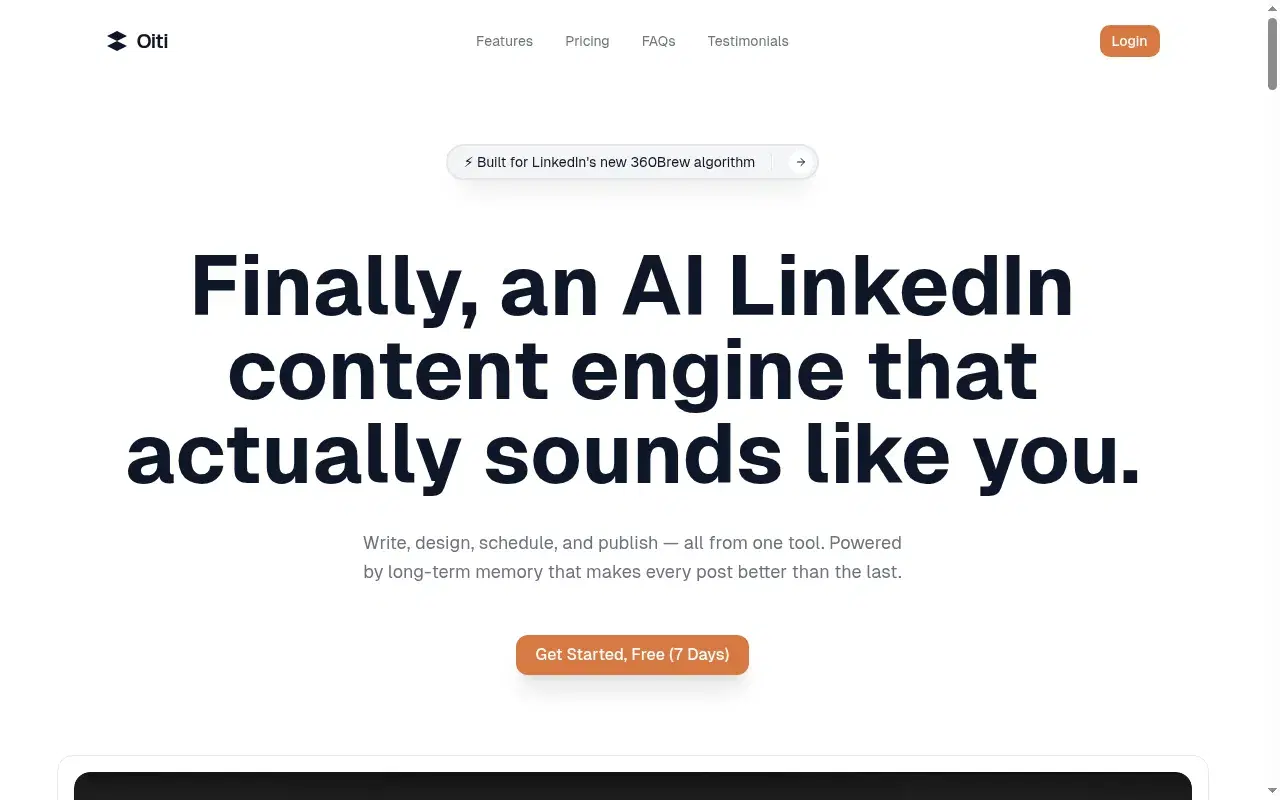
At $49 Creator, Oiti is more than twice Supergrow's $19 and, since the reprice, just $10 above ContentIn's $39. On price alone it isn't the floor. But everything below it shares one ceiling, generic output, and Oiti is the one here built to clear it, which is exactly why a price-first list still leads with it.
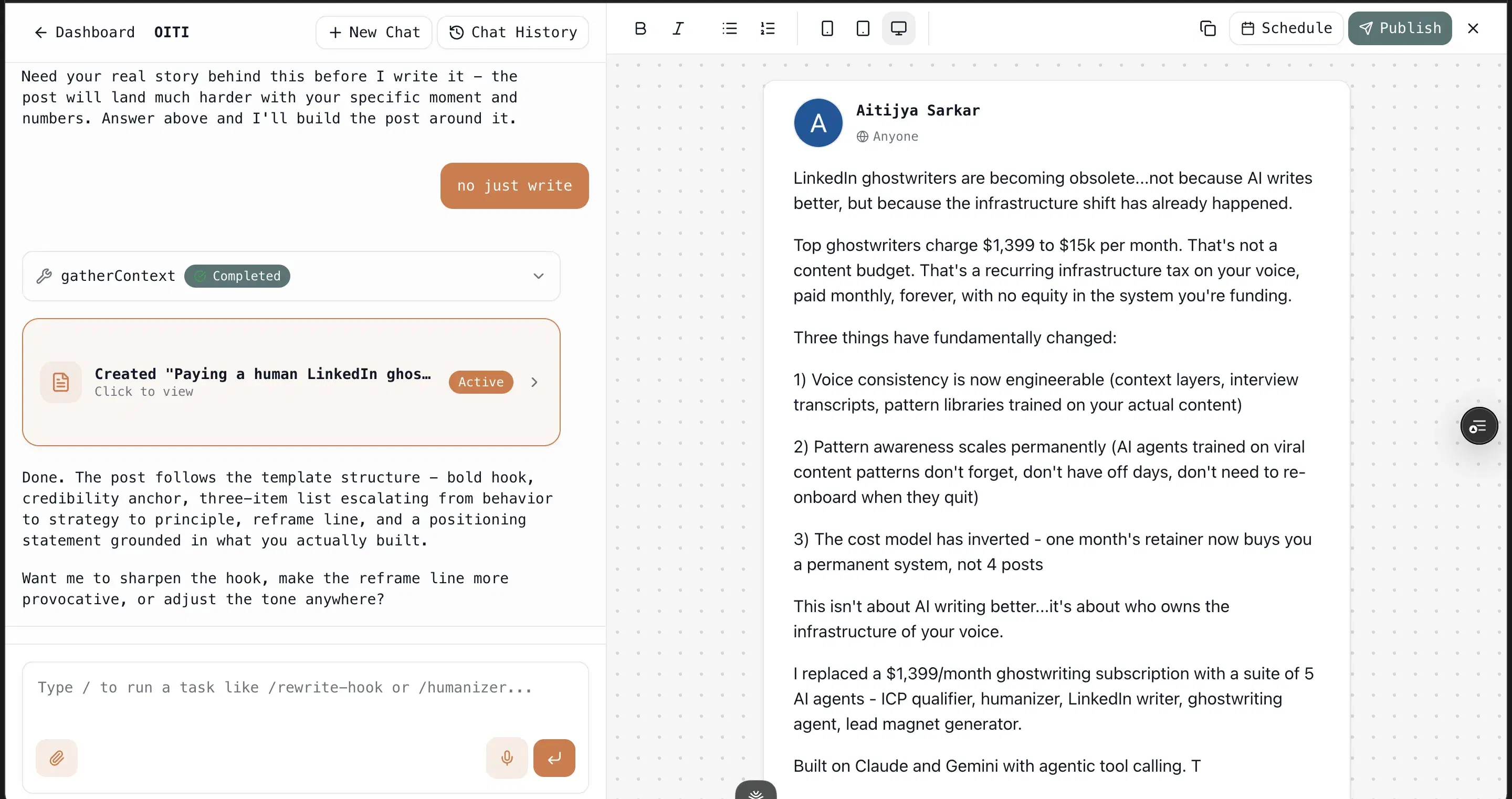
It runs on long-term memory plus a real Knowledge Base, with the AI Clone on top: a 3,000-word narrative timeline of who you are, built in about 30 seconds from your last 100 posts, your website, and an ICP pain point search. Feed it a one-pager or a call summary and its research agents ground the draft in what you actually do instead of a "5 tips" template. Then memory takes over, so every edit sticks and the output gets more like you over time. No Chrome extension, so it avoids the connection method LinkedIn throttles. Honest limits: LinkedIn-only, no carousels yet, and $49 is a real step up from the $19 floor.
Yash Tak, founder at Standard Volumes, ran one ~300-word post about AC mandates through this stack: "250k views, 2300+ likes, 400+ connection requests, and more demos than I can handle. All from one post. In a tough niche too." One outcome like that pays for years of the subscription.
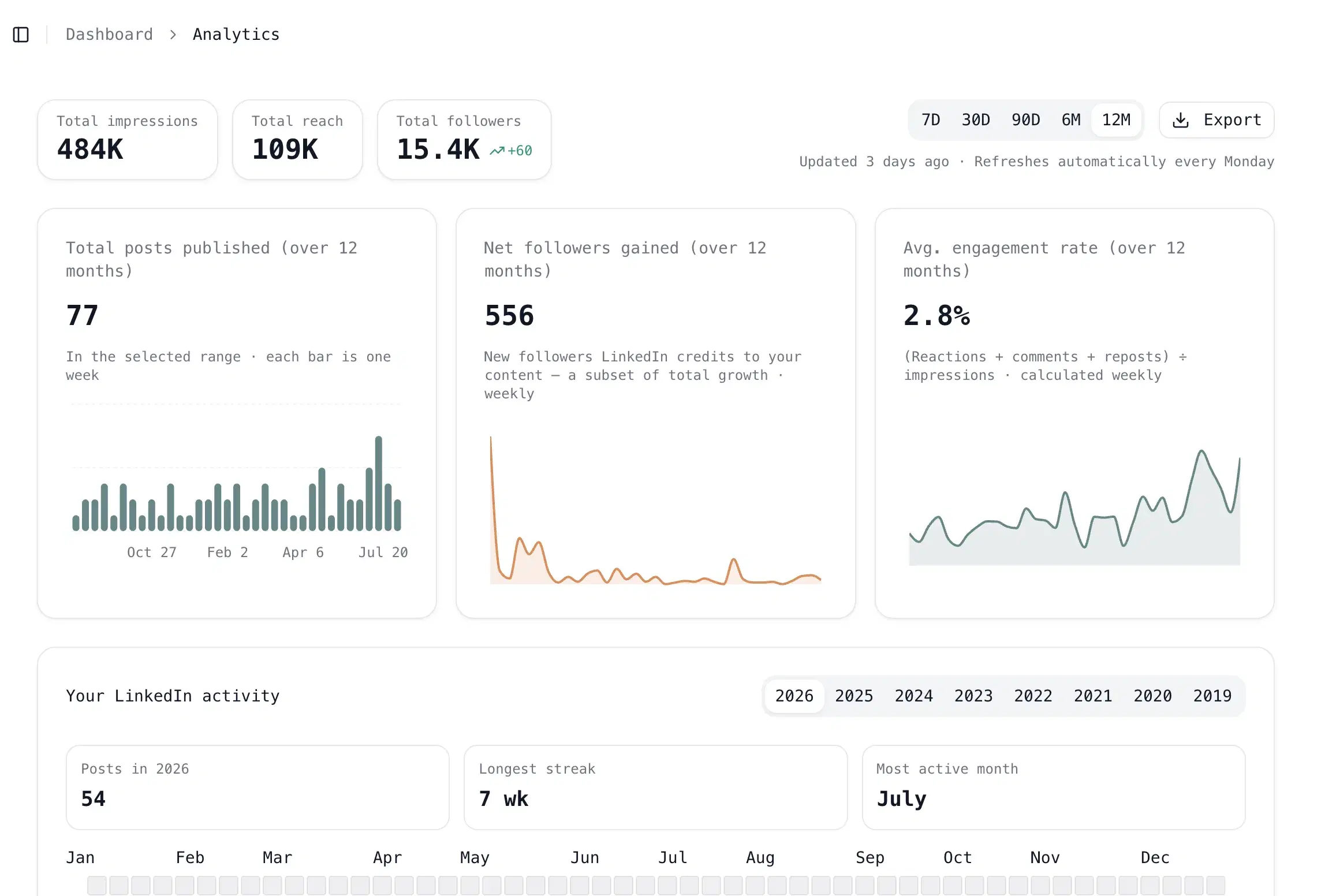
Inside Oiti
Key features
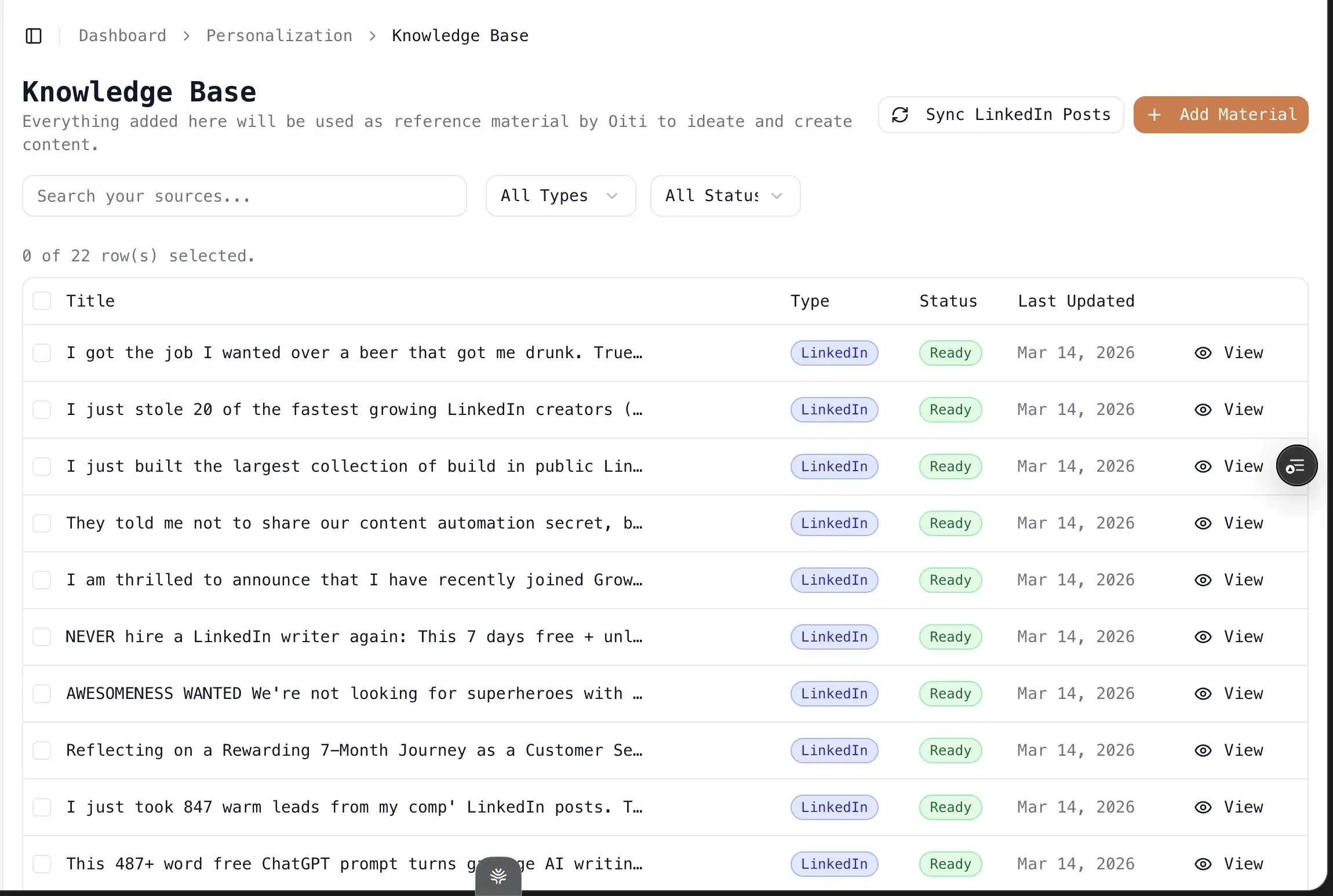
Knowledge Base + parallel research agents: Add a PDF or paste the text of a customer call, and the agents fan out across your KB, your memory, and the live web before writing. This is where domain substance comes from.
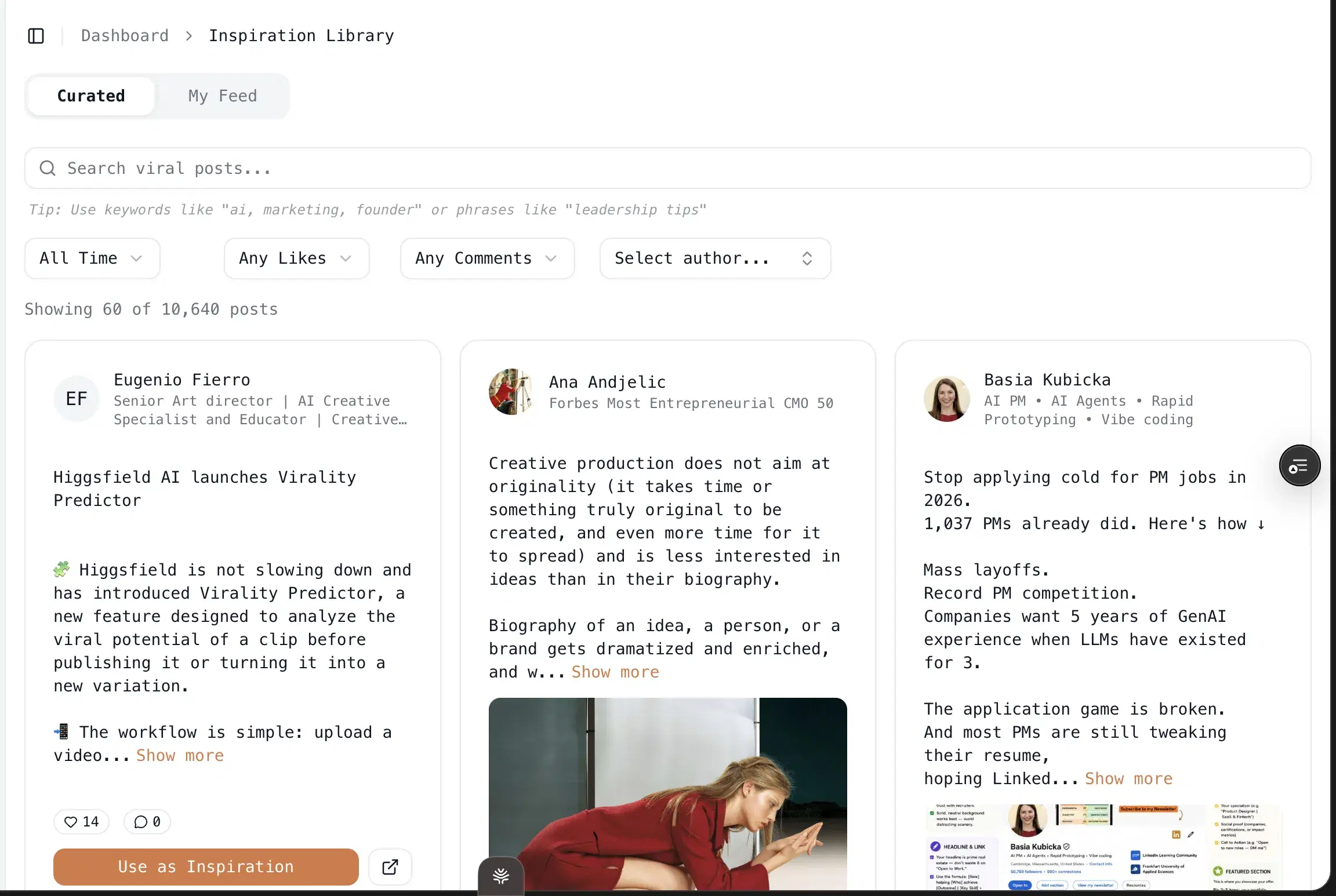
Trendjacking built in: Search your ICP's painpoints and viral posts across X, Reddit, and the deep web, then draft off what your buyers care about this week.
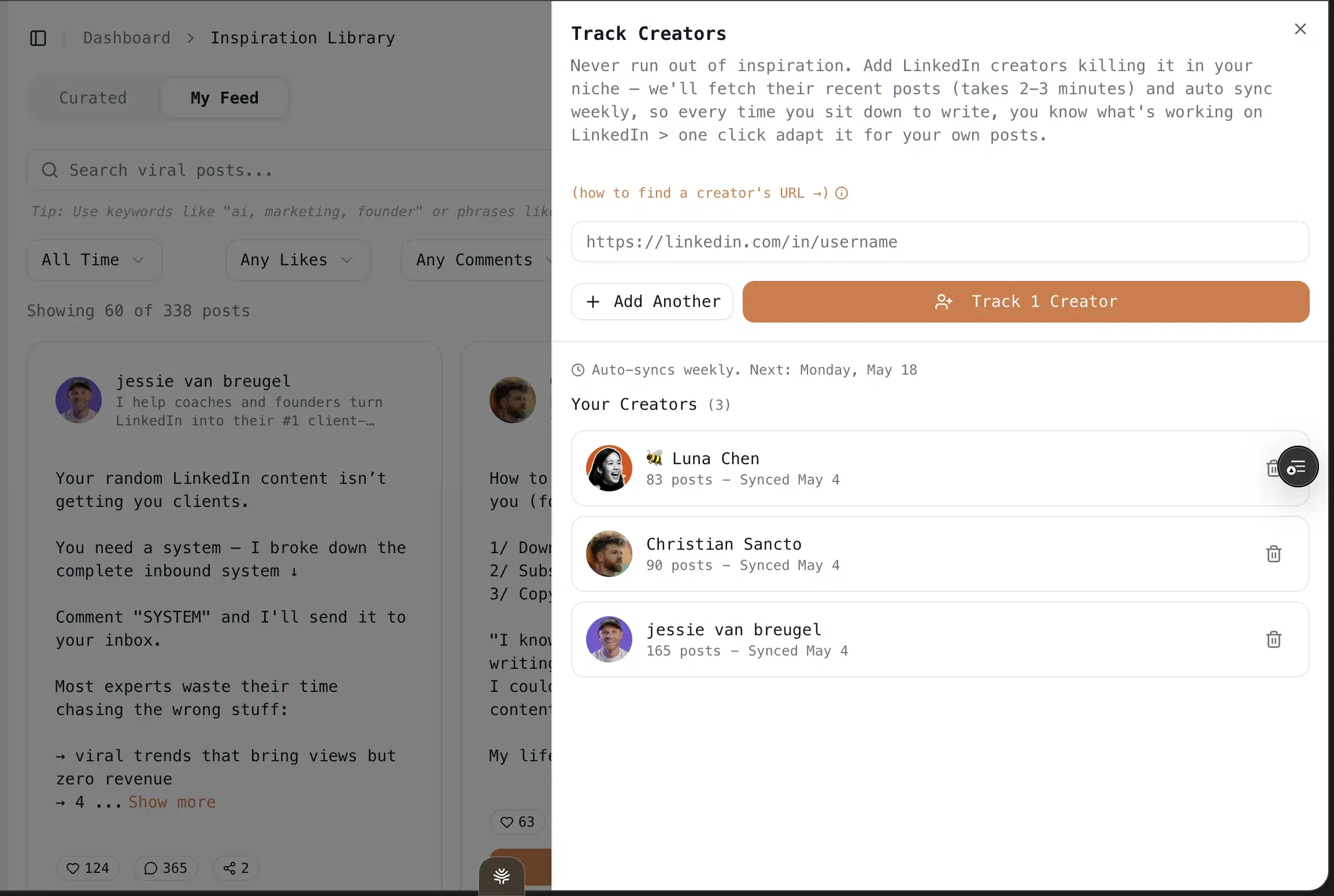
One-click infographics: Powered by Nano Banana Pro 3.1 and GPT Image 2. No Canva, no design skills.
Multi-account scheduling via LinkedIn's official APIs: Pro at $79/mo covers 3 personal profiles plus 10+ company pages. No Chrome extension, so no throttle risk.
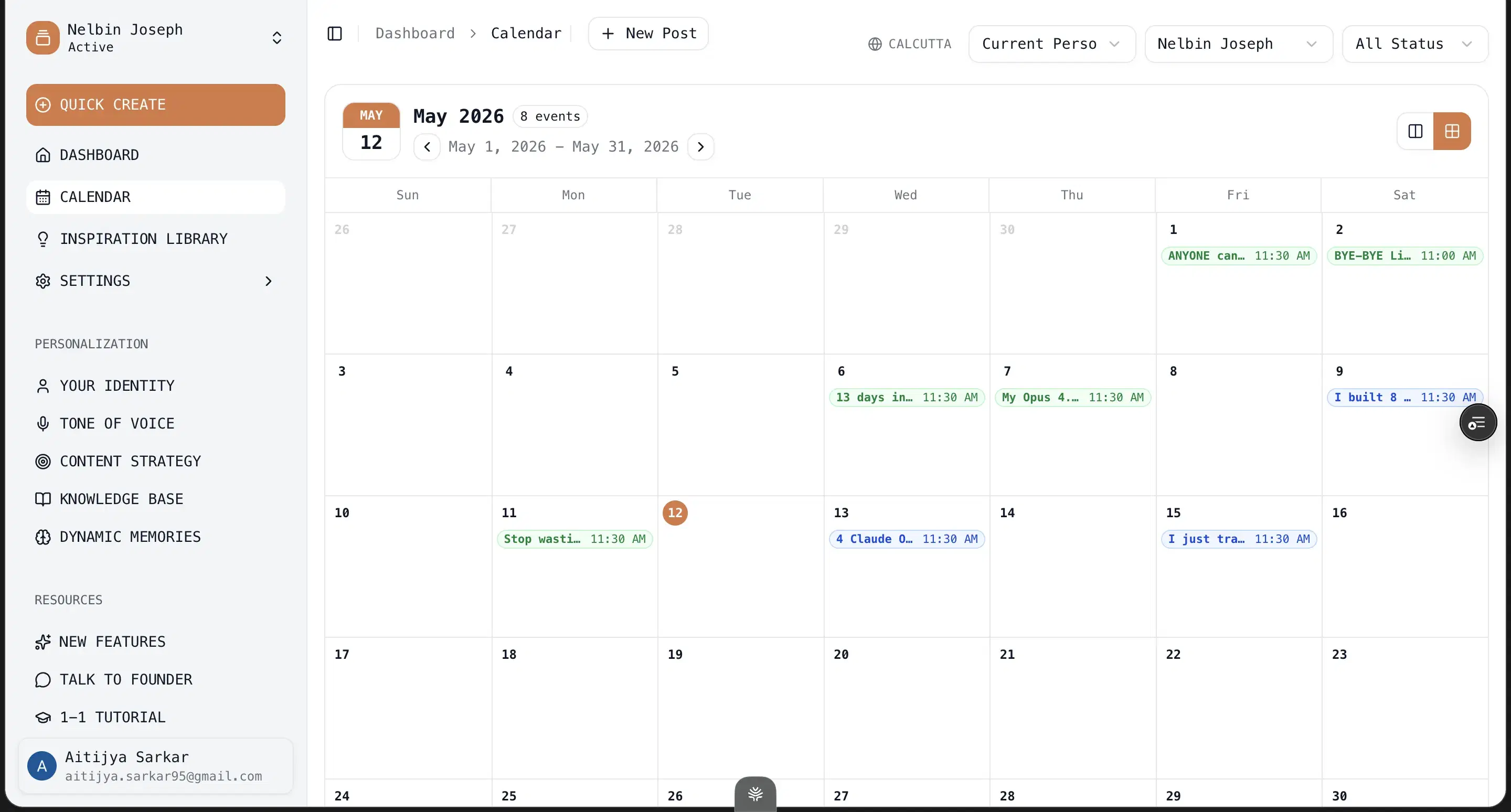
17,300+ outlier templates and hooks: Drawn from 100M+ views, filled by your persona instead of left generic.
Best for
- Price-first buyers who still want the output to clear the generic ceiling: if one booked call or signed client beats a ten-dollar saving, Oiti is where the money starts buying something real.
Pricing
$49 Creator / $79 Pro (early-adopter yearly: $245 / $395) · 7 days free, no usage caps
Pros
- The persona + KB + memory stack. It's what makes drafts read like you typed them, not like a template with your name on it.
- It gets sharper, not staler. Every correction persists, so by your third or fourth post the model is close to how you'd actually write.
Cons
- No native iOS/Android app. The web app works on phones, but there's no App Store download.
- No Chrome-extension overlay into LinkedIn. Deliberate, since extensions are the category LinkedIn is clamping down on. But if you wanted in-feed suggestions, that's not the model.
- LinkedIn-first only. No Twitter/X or Instagram generation. Buyers who want one tool for every channel will need a second tool.
- No carousels yet. Infographics yes (40+ templates), multi-slide carousels no. If carousels are your main medium, Postiv (#9) beats Oiti on that one axis.
Best for the true budget floor — cheap, safe scheduling
I used Supergrow for content and scheduling back in 2023 and signed up again in 2026 for this. On safety it's the closest peer to the premium tools: official APIs, no extension, a well-built multi-account backbone with a Kanban queue. With ContentIn's move to $39, Supergrow at $19 is now the cheapest safe entry on this list, full stop. The real story is that Supergrow got strong on the scheduling side and the writing side didn't keep pace: the content reads generic, there's no persona depth, and there's no memory across sessions, so feedback I gave it in one chat didn't carry to the next.
No named review to quote here, but the recurring G2 complaint is weak analytics, which stings when you're trying to tell whether a post did anything.
Key features
Scheduling via official LinkedIn APIs: ToS-safe, a genuine peer to the premium tools on safety. No Chrome extension.
Multi-account backbone: Kanban, comment workflows, deep scheduling.
$19 entry: Now the outright cheapest safe posting cadence on the list.
Best for
- Budget-first buyers who write the posts in Oiti or Claude first and use Supergrow purely to schedule them safely. Not for anyone in a niche where vanilla output costs credibility.
Pricing
$19–$139/mo · Free trial
Pros
- Scheduling via official LinkedIn APIs. The connection method LinkedIn allows, not the extension path it throttles.
- $19 entry. Now the outright cheapest safe posting cadence on the list.
Cons
- Content reads generic, no persona depth. Oiti's approach: a narrative timeline plus Knowledge Base grounding catches this exact failure.
- No memory across sessions. Oiti's approach: memory persists every edit, so it gets sharper instead of resetting.
- Weak analytics. A recurring G2 complaint, which stings when you are trying to tell whether a post did anything.(source)
Best for a safe writer, now mid-priced, if you'll rewrite the draft
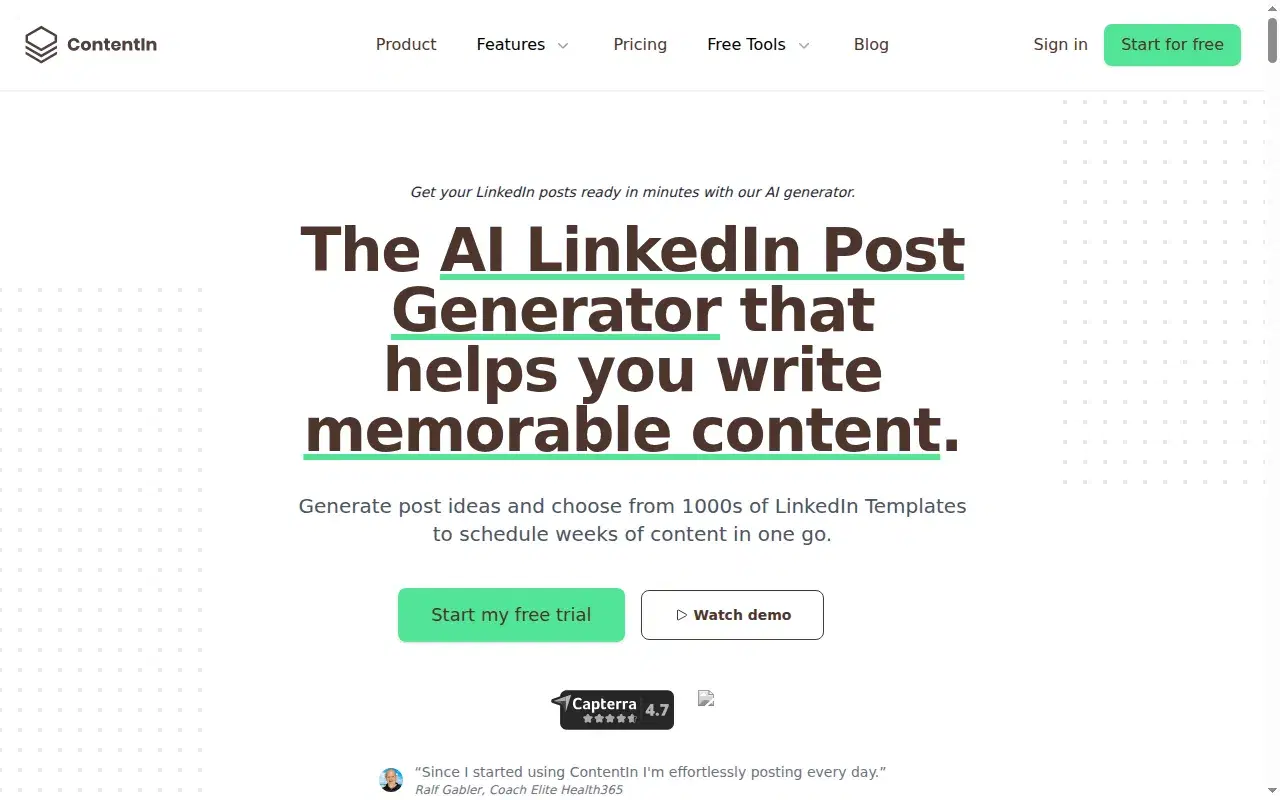
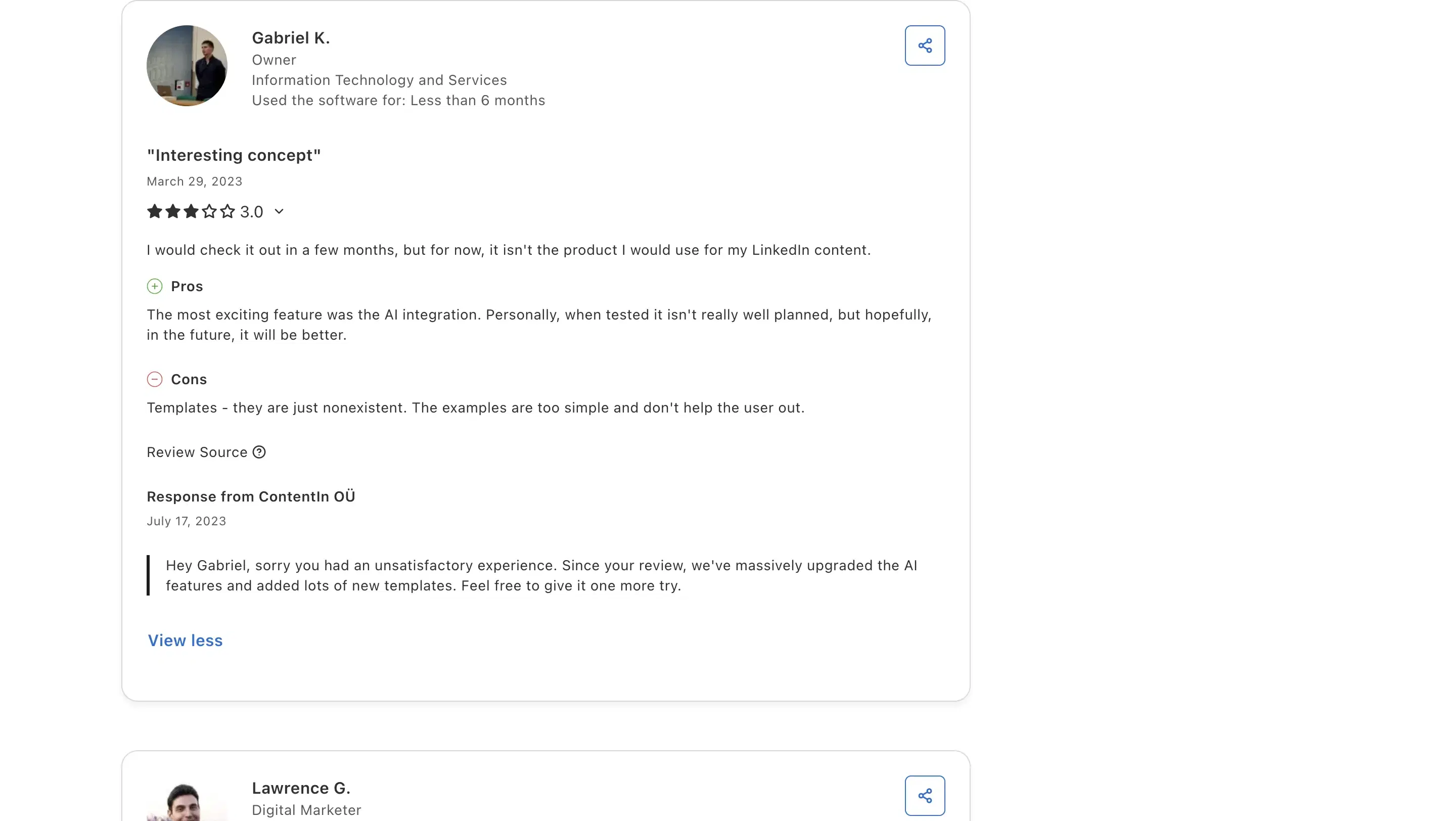
ContentIn was the rock-bottom pick on this list at $15. It's since repriced to $39/mo for its Growth tier, which changes the calculus: it's no longer undercutting the category, and it now lands just $10 under Oiti Creator while still skipping the voice and grounding layer. The infrastructure is still clean — OAuth scheduling (no extension), a week-view calendar, and a Kanban queue in one place. But I ran real posts through it: the composer output was generic, asked no clarifying questions, and its "personalization" is a four-question multiple-choice quiz at onboarding. Calling that training is a stretch. Gabriel K., an IT and Services owner, at 3/5 on Capterra: "Templates - they are just nonexistent. The examples are too simple and don't help the user out." That matched what I saw.
Review receipts
Key features
$39/mo Growth tier: Repriced from $15, so it no longer undercuts the category; Supergrow at $19 is now the cheapest safe option.
LinkedIn-OAuth scheduling: No Chrome extension, so it's safe.
Week-view calendar + Kanban queue: Composer and scheduling in one place, cleanly built.
Best for
- Budget buyers who'll rewrite the draft themselves; at $39 the gap to Oiti Creator is only $10, and that $10 is exactly the voice-and-grounding layer ContentIn skips.
Pricing
$39 / $59/mo ($31 / $48 annual) · Free trial
Pros
- OAuth-safe scheduling. No Chrome extension, so it steers clear of the connection method LinkedIn throttles.
- A real calendar and Kanban workflow. In one place, cleanly built.
Cons
- Composer output is generic, doesn't retain voice. Oiti's approach: research agents search your ICP's pain points across the live web before drafting.
- "Personalization" is a 4-question quiz. Oiti's approach: memory plus a Knowledge Base and a 3,000-word persona built from your past posts and website.
Best for free, if you already write well and only need formatting
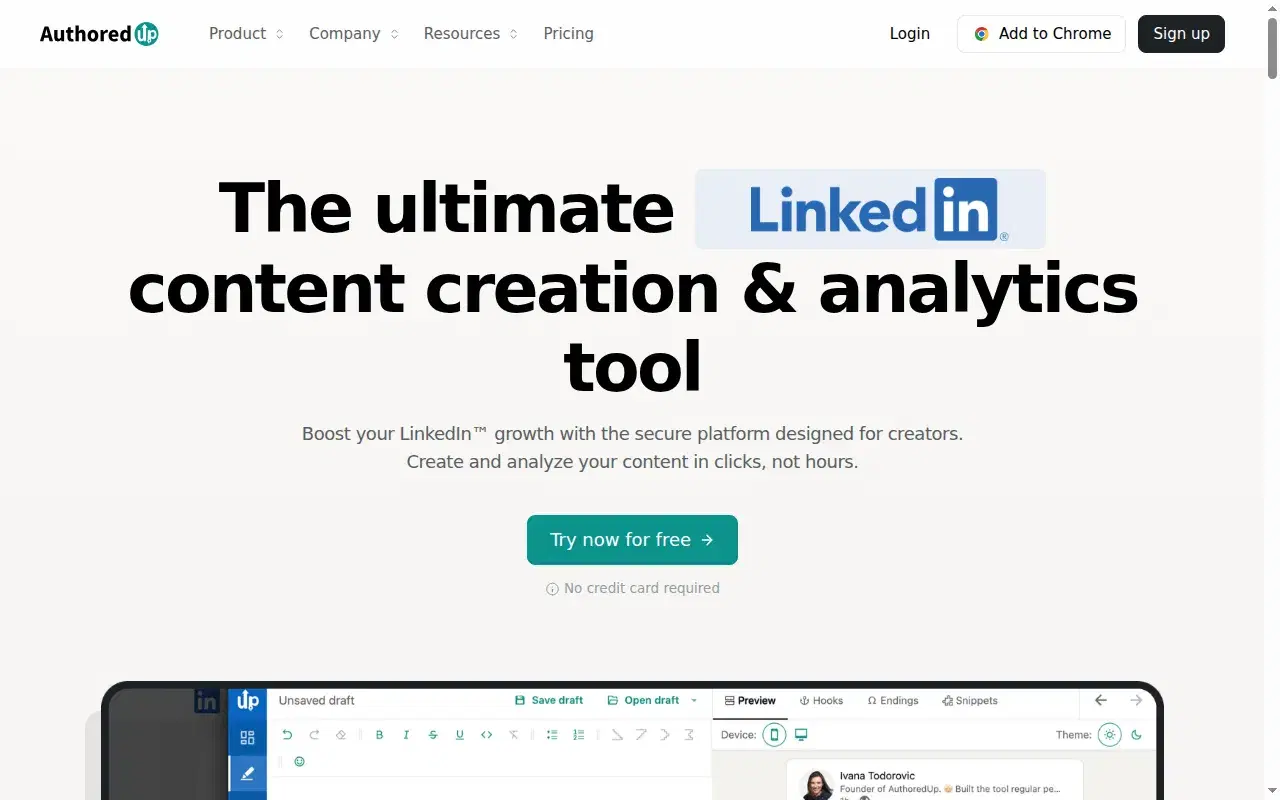
If you sort strictly by price, AuthoredUp wins: the free tier costs nothing. But it belongs in a different column. It's the best LinkedIn formatter and hook-variation preview I've used for years, and it has no AI writing layer, no knowledge base, and no memory. So if you're here for a cheap tool to write posts, "free" is a mirage, because writing is the one thing it doesn't do. It's also a Chrome extension. It doesn't automate actions the way outbound tools do, so the risk isn't throttling — it's platform dependence: extensions break or get pulled when LinkedIn changes its page (Shield Analytics, another extension tool, shut down in May 2026).
Key features
Rock-solid formatter and preview: One of the best for seeing your line breaks and "see more" cutoff before you publish.
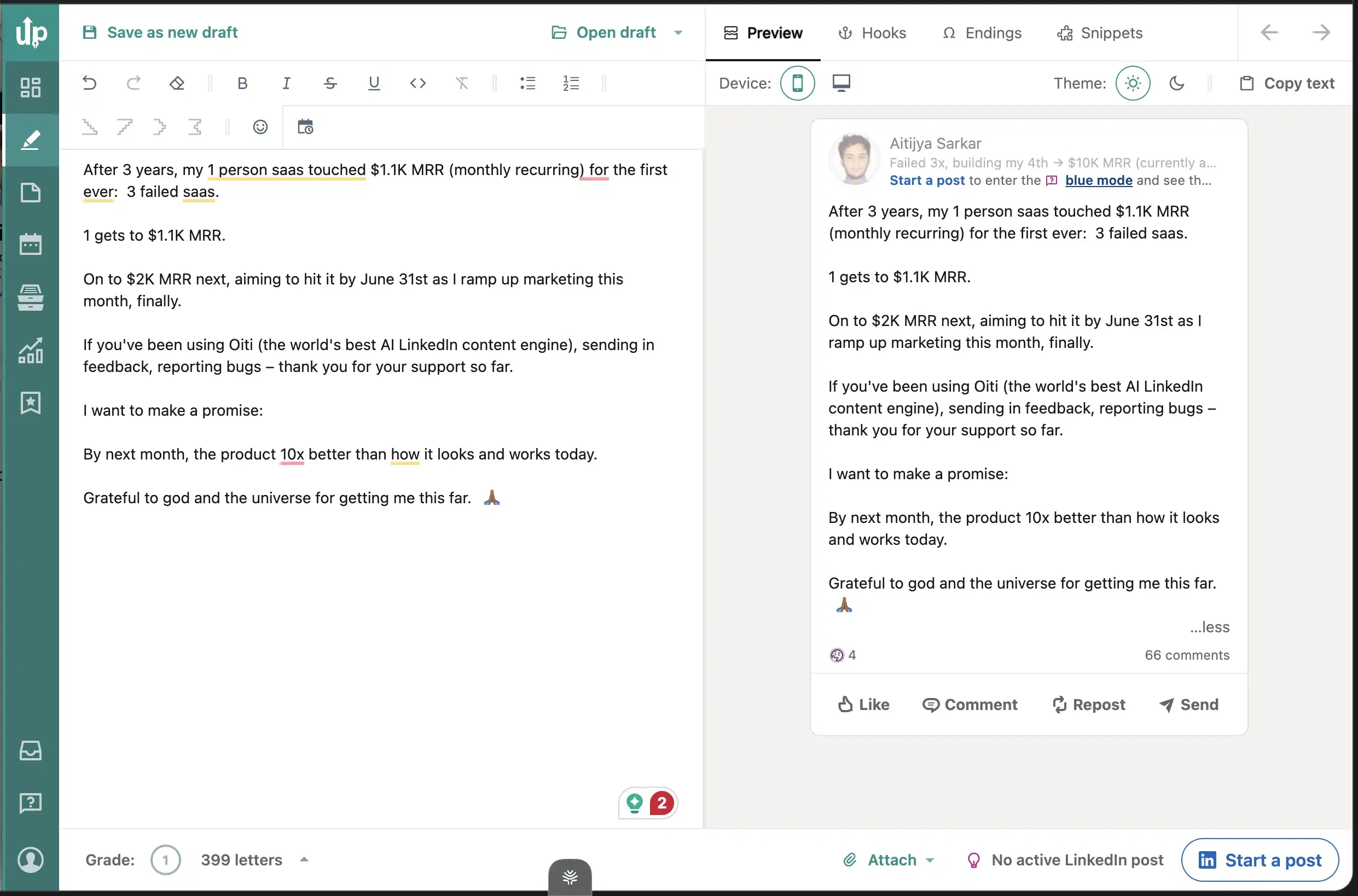
Hook variation: The hook-variation feature ghostwriters lean on.
A genuinely free tier: Nothing else here is actually free.
Best for
- Buyers who already write well and only want the formatting polish. If that's the whole job, Oiti's free LinkedIn Text Post Formatter does it with no signup and no extension.
Pricing
Free + paid tiers · Free tier available
Pros
- Rock-solid formatter and preview. Line breaks and the "see more" cutoff, before you publish.
- A genuinely free tier. Nothing else here is actually free.
Cons
- No AI writing layer. Formatting only. Oiti's approach: a full content engine and formatting in one.
- No knowledge base, no memory. Stateless. Oiti's approach: a persistent persona plus Knowledge Base plus memory.
Best for a cheap preview and a light assist

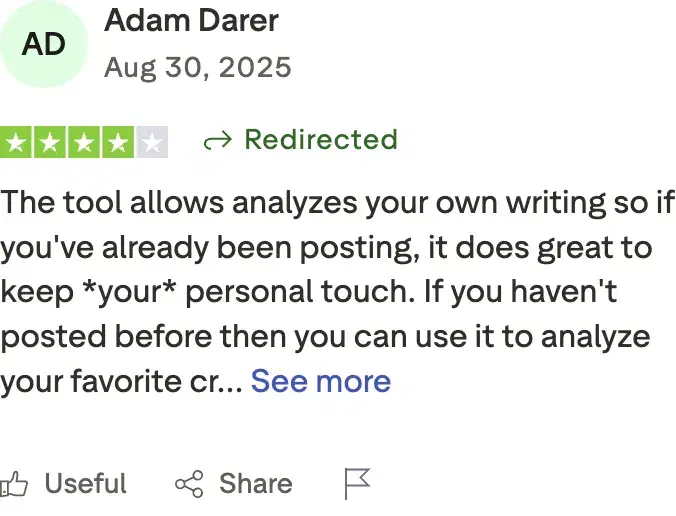
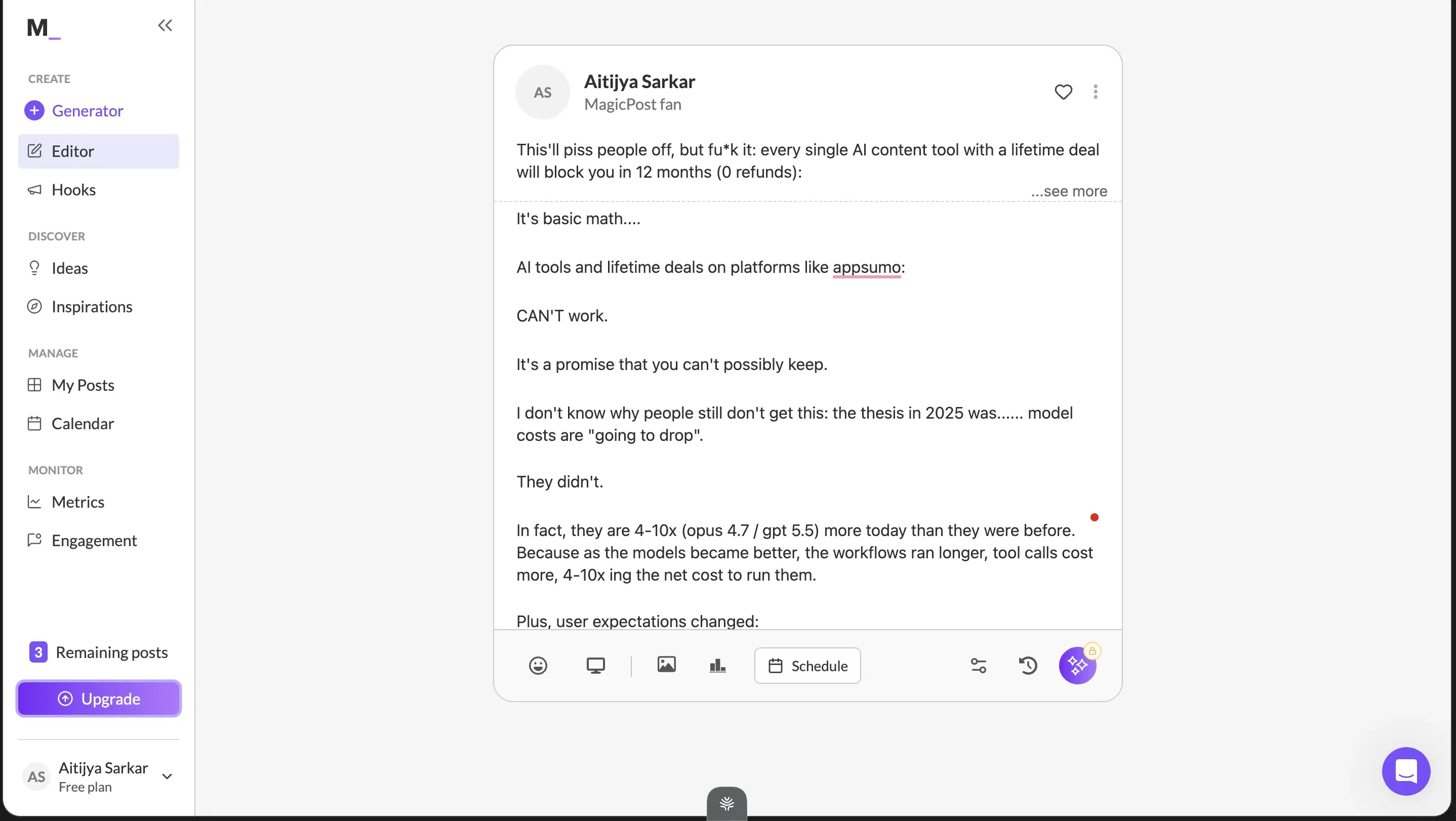
I found MagicPost through an influencer's LinkedIn post and tried it. The one thing I'd recommend it for is the clean LinkedIn preview, a quick render check before you publish (caveat: it doesn't quite show the full "see more" cutoff). Everything else underwhelmed: the onboarding output was vanilla, it picked up small patterns in how I write but clearly hadn't gone through my full archive, and the input is form-based with no way to iterate. On a dwell-time feed, that vanilla output is easy to scroll past. Adam Darer (4/5 on Trustpilot): "the tool analyzes your own writing so if you've already been posting, it does great to keep your personal touch." Fair enough, but I still wouldn't lean on it to carry a brand.
Review receipts
Key features
LinkedIn preview: See roughly how a post renders before publishing (with the full-preview caveat).
Simple, low-friction onboarding: A light assist that picks up small patterns in how you write.
Low price of entry: A low-cost tier.
Best for
- Fine as a cheap preview-and-assist, not as the thing that produces posts worth reading or carries a brand.
Pricing
$49 Starter / $69 Creator per month ($29 / $39 annual) · Free trial
Pros
- LinkedIn preview is useful. A fast render check before you publish.
- Simple, low-friction onboarding. At a low price of entry.
Cons
- Content reads vanilla, no real grounding. Oiti's approach: a 3,000-word persona from your last 100 posts, website, and an ICP pain point search.
- Form-based input, no chat composer. Oiti's approach: a chat composer plus memory across sessions.
Best for multi-channel writers on a mid budget

$49 with a genuinely novel anti-slop guided interview that captures your point of view, but it spreads across newsletters, tweets, and articles instead of being LinkedIn-optimized, with no live preview, KB, or memory. Free trial, no card.
Key features
Anti-slop guided interview: Surfaces questions, you pick which angles to explore, with a voice-to-text mic and writing samples.
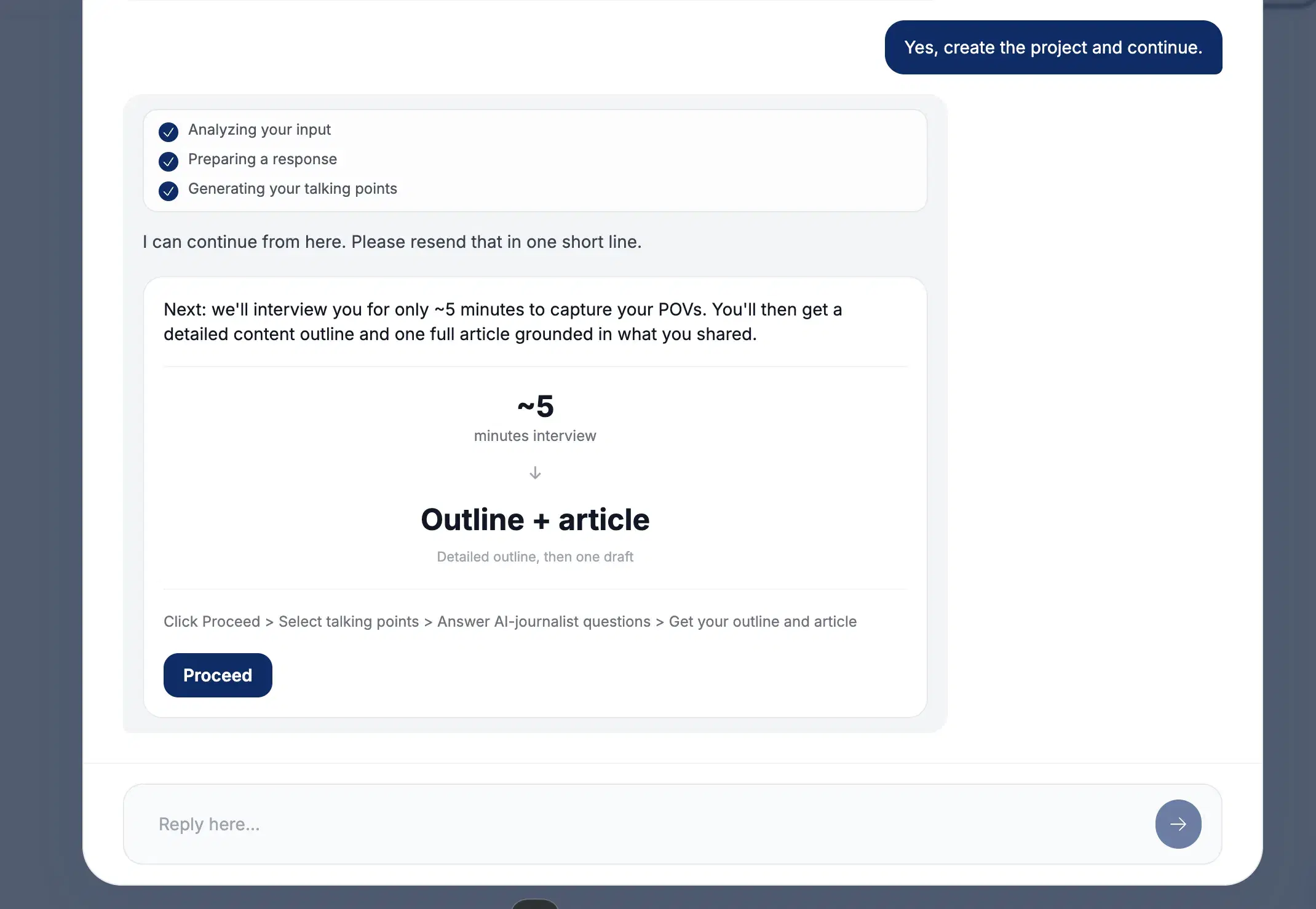
Multi-channel output: Spreads across LinkedIn, newsletters, tweets, articles, and notes.
Competitively priced: $49 with unlimited team members, no credit card to trial.
Best for
- Buyers running genuine multi-channel workflows where the interview model fits. Not for LinkedIn-first buyers — at the same $49 entry, the breadth plus no memory plus no KB add up to a worse fit than Oiti.
Pricing
$49 / $99 / $149/mo · Free trial, no credit card
Pros
- The anti-slop interview concept is novel. It forces specificity.
- Multi-channel output. Genuinely useful for the right writer.
- Competitively priced. $49 with unlimited team members, no credit card to trial.
Cons
- Not LinkedIn-optimized. Breadth dilutes depth. Oiti's approach: LinkedIn-only, tuned to the 360Brew dwell-time algorithm.
- Interview isn't chat-based, no live preview. Oiti's approach: chat composer with memory that compounds.
- No knowledge base, no memory. Oiti's approach: KB ingest plus research agents before drafting.
Best for content plus outbound, if you can absorb the real cost
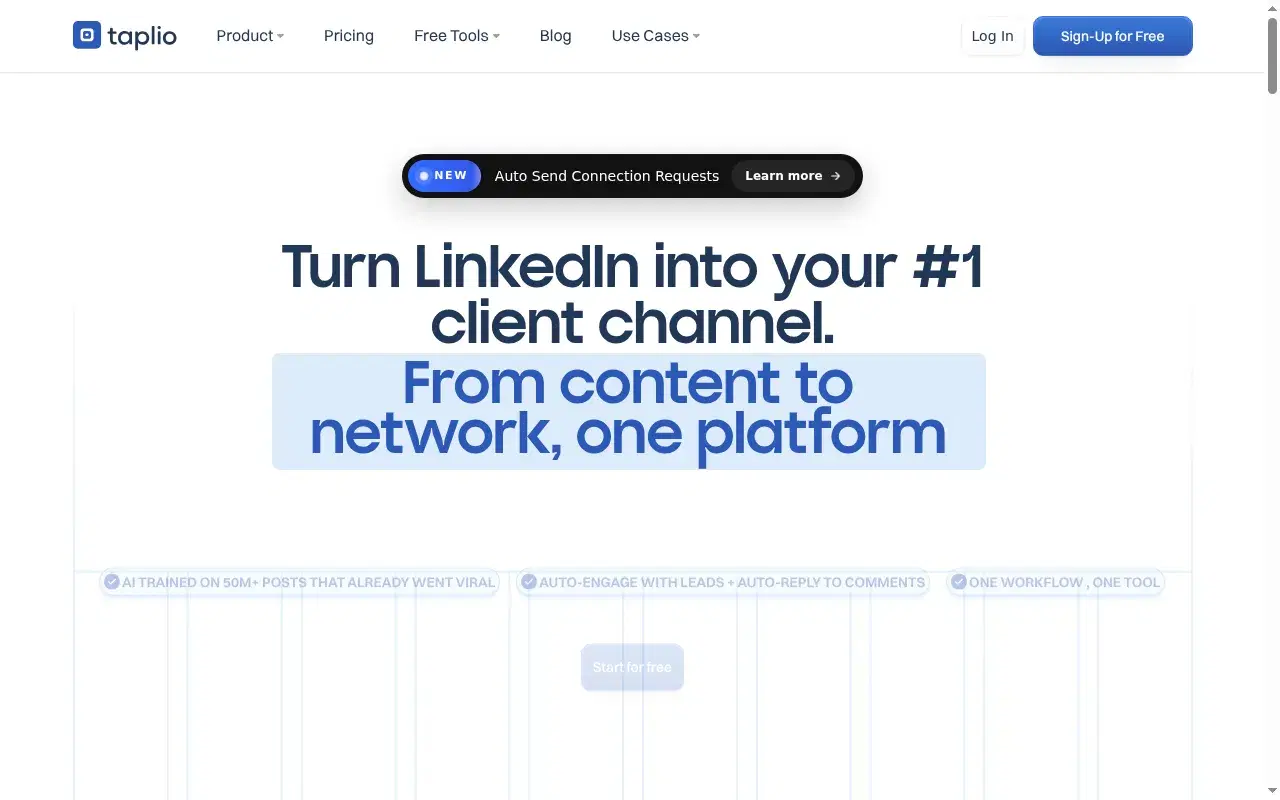
The sticker price says $39, but that tier ships zero AI credits, so the real cost of the features you came for is ~$65 Standard to ~$375 Pro. Broadest scope (content plus outbound), but the outbound runs as a Chrome extension that risks your account, and the writing reads generic. Free trial.
Key features
Content + outbound in one dashboard: Content, outbound prospecting, comment automation, and analytics, all in one place.
1M+ post inspiration library: The biggest swipe file anywhere.
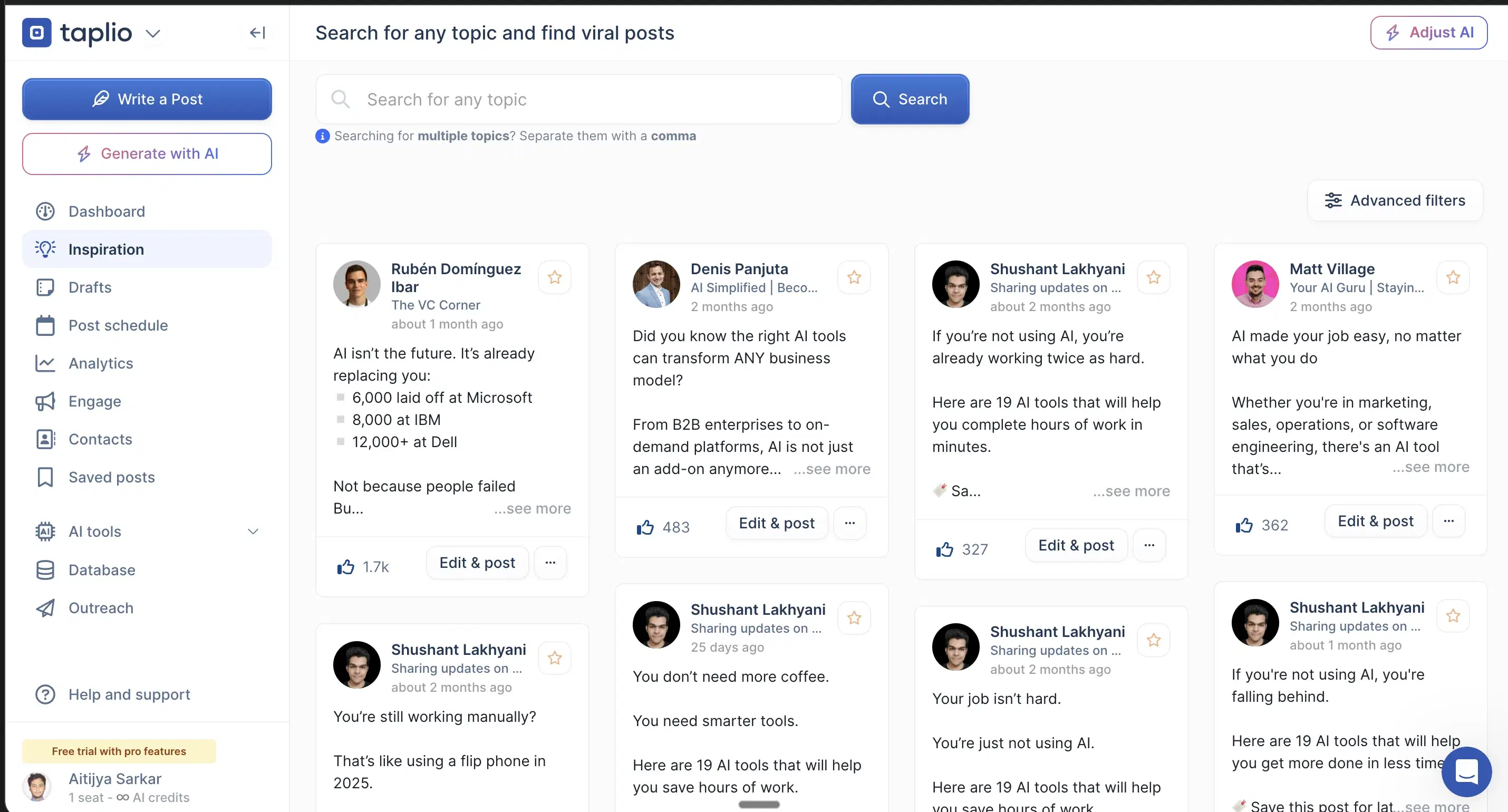
Chrome-extension outbound: The outbound and comment-automation half runs as a Chrome extension that hooks your LinkedIn cookies.
Best for
- Buyers who want content and outbound in one tool and can absorb both the ToS risk and the ~$65+ real cost. Keep the writing elsewhere; the AI output reads generic.
Pricing
~$65 Standard / ~$375 Pro (the $39 tier ships zero AI credits) · Free trial
Pros
- Widest scope in the category. Content, outbound, and comment automation in one tool.
- 1M+ post inspiration library. The biggest swipe file anywhere.
Cons
- The $39 tier ships zero AI credits. The AI features you came for unlock at ~$65 Standard or ~$375 Pro.
- Chrome-extension outbound risks the account you post from. Oiti's approach: official APIs only, so scheduling can't get your account throttled.
- AI is bolted onto a pre-AI codebase, so output reads generic. Oiti's approach: persona + KB + memory before a word gets written.
Best for teams running a shared content pod
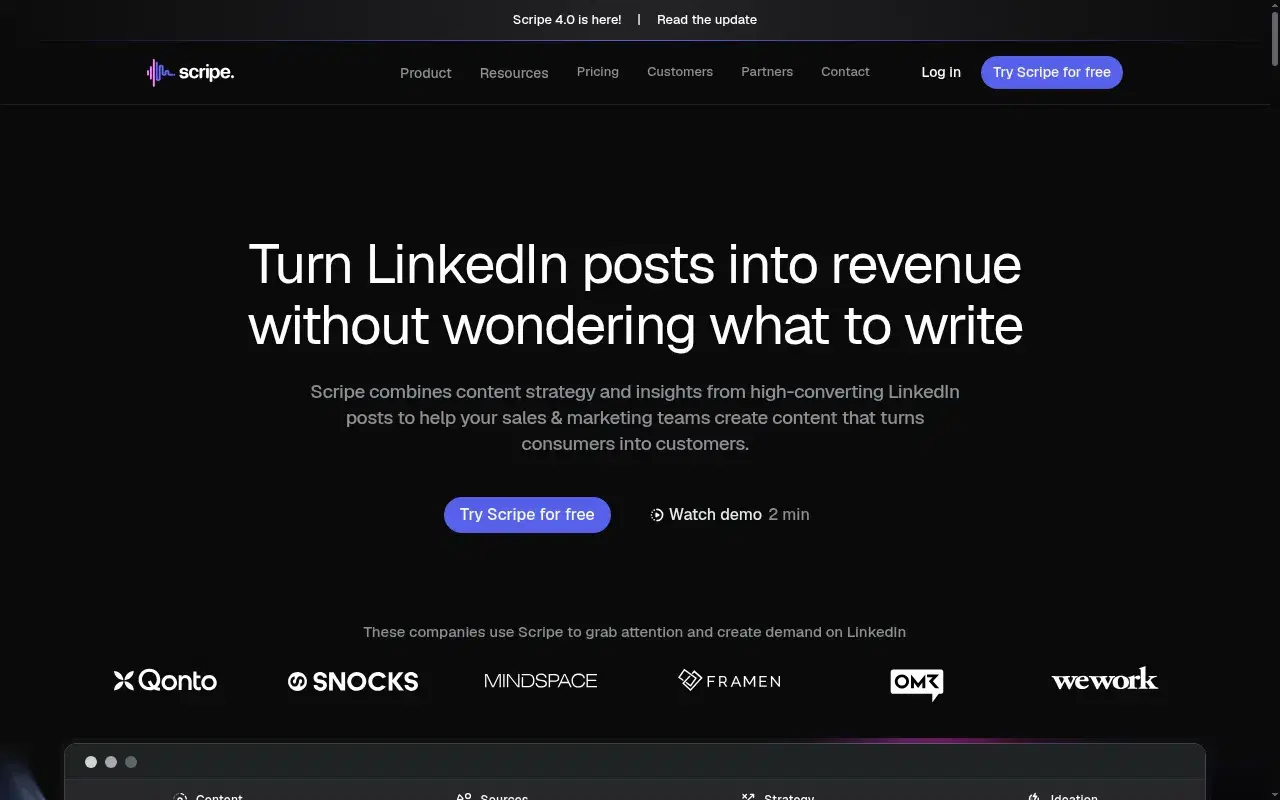
€69 for strong shared-team workflows (approval flows, shared KB, Amplifier seats), but generic at scale: an agency running it for a finance client called the output "AI slop" with "cringe" infographics. 14-day trial.
Key features
Deep team workflows: Shared Kanban, workspace KB, approval flows, Amplifier seats.
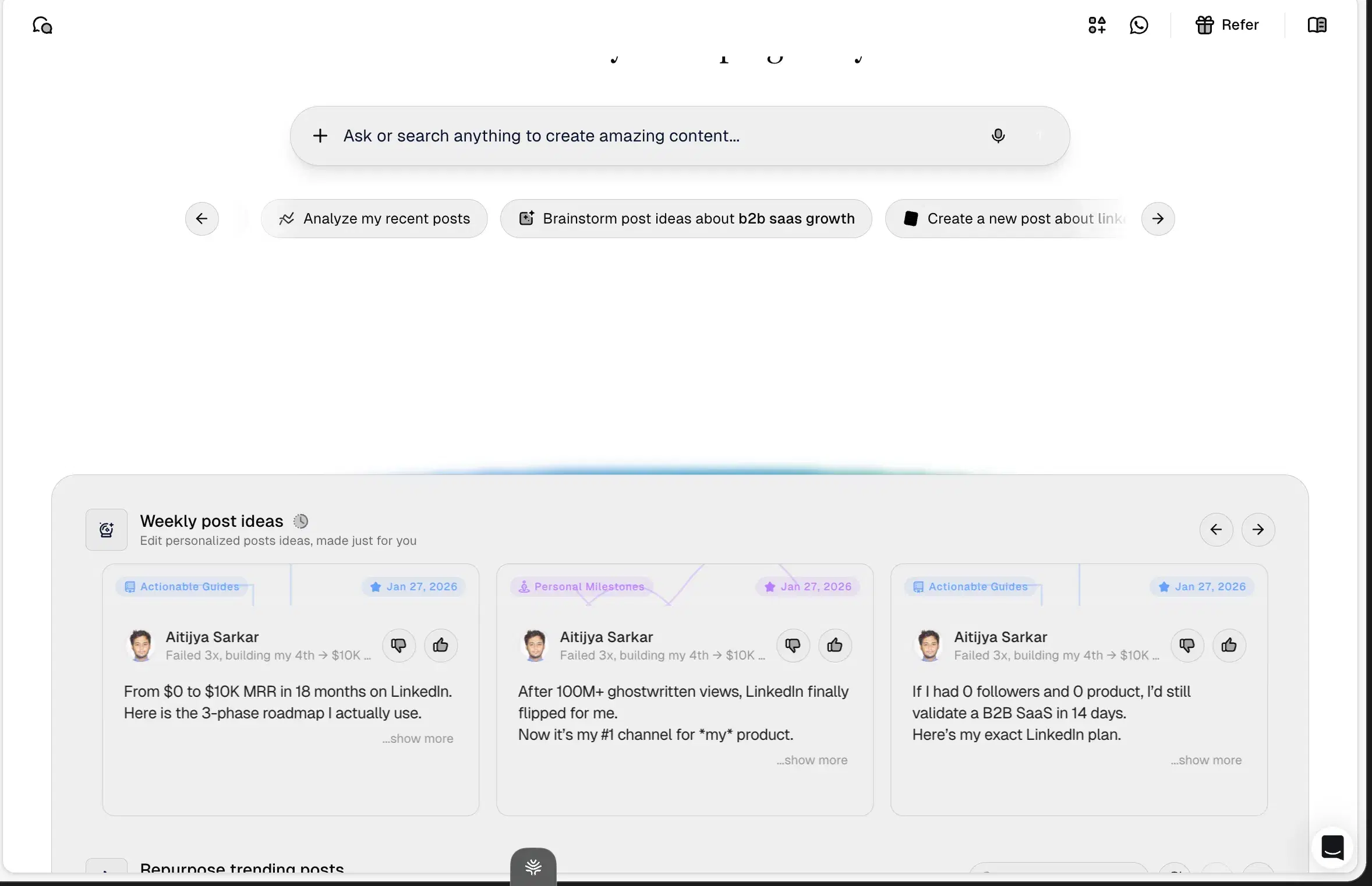
Tone and KB bundled at the Solo tier: They try the depth layer.
Analytics: Praised by paying customers.
Best for
- Teams running a 5+ person content pod that will actually use the structure. Not for solo buyers, and not for anyone in finance, legal, or deep tech where generic output costs credibility.
Pricing
€69 Solo / €99 Advanced / €149 Business per month + €45/mo per extra account · 14-day free trial
Pros
- Deep team workflows. Shared Kanban, workspace KB, approval flows, Amplifier seats.
- Tone and KB bundled at the Solo tier. They try the depth layer.
- Analytics praised. By paying customers.
Cons
- Generic at scale, flattens voice. Oiti's approach: persistent memory plus persona from your past 100 posts.
- Billing-after-cancellation reports. Show up on Trustpilot. Set a reminder.
- Multi-account math gets expensive. 3 accounts ≈ €159/mo vs Oiti Pro $79 flat.
Best for carousel-first creators with budget
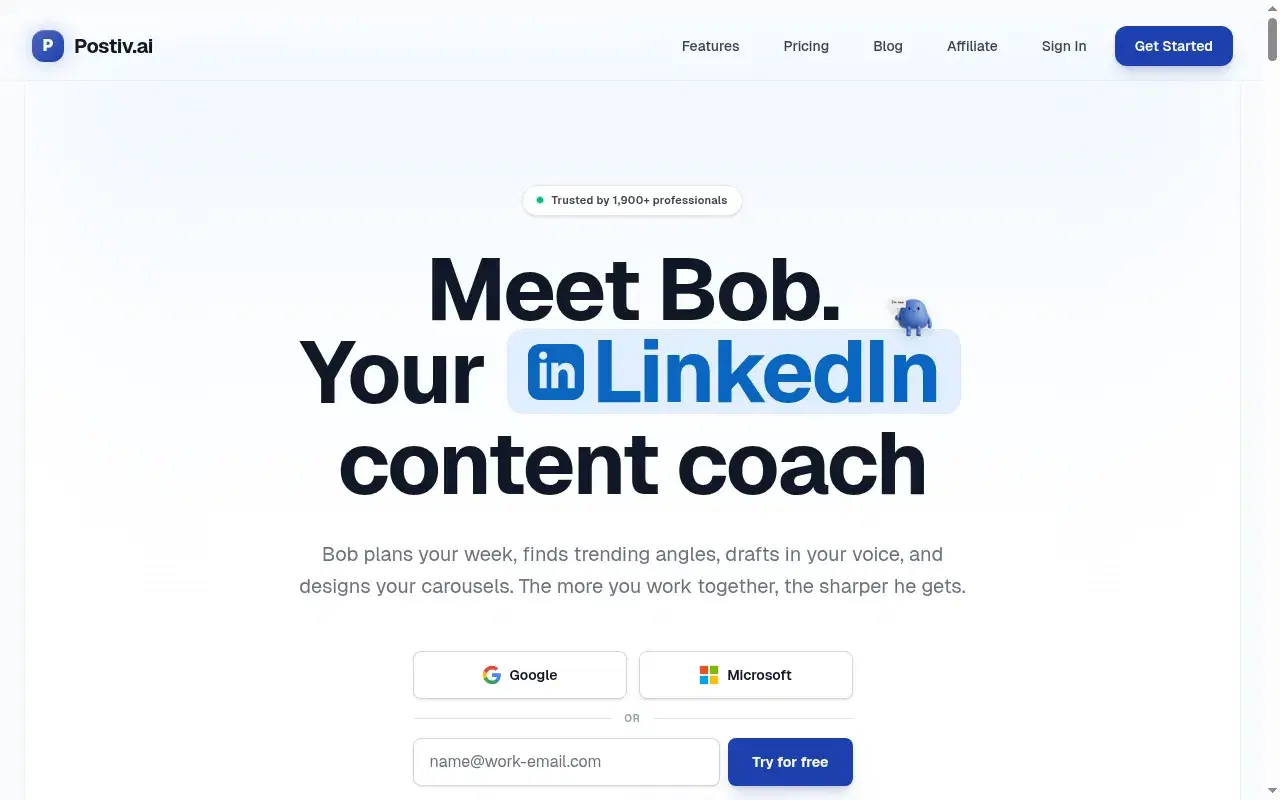
$99/mo entry, wins on carousels and slide decks with transparent pricing, but the persona and memory layers are shallow, so post-first output comes out generic at 2× Oiti Creator. Free trial.
Key features
Real carousel and slide-deck workflows: Pre-built carousel workflows plus usable infographic templates — the one place it beats Oiti.
Chat composer + inspiration tab: Knowledge inputs, a chat composer, and an inspiration tab.
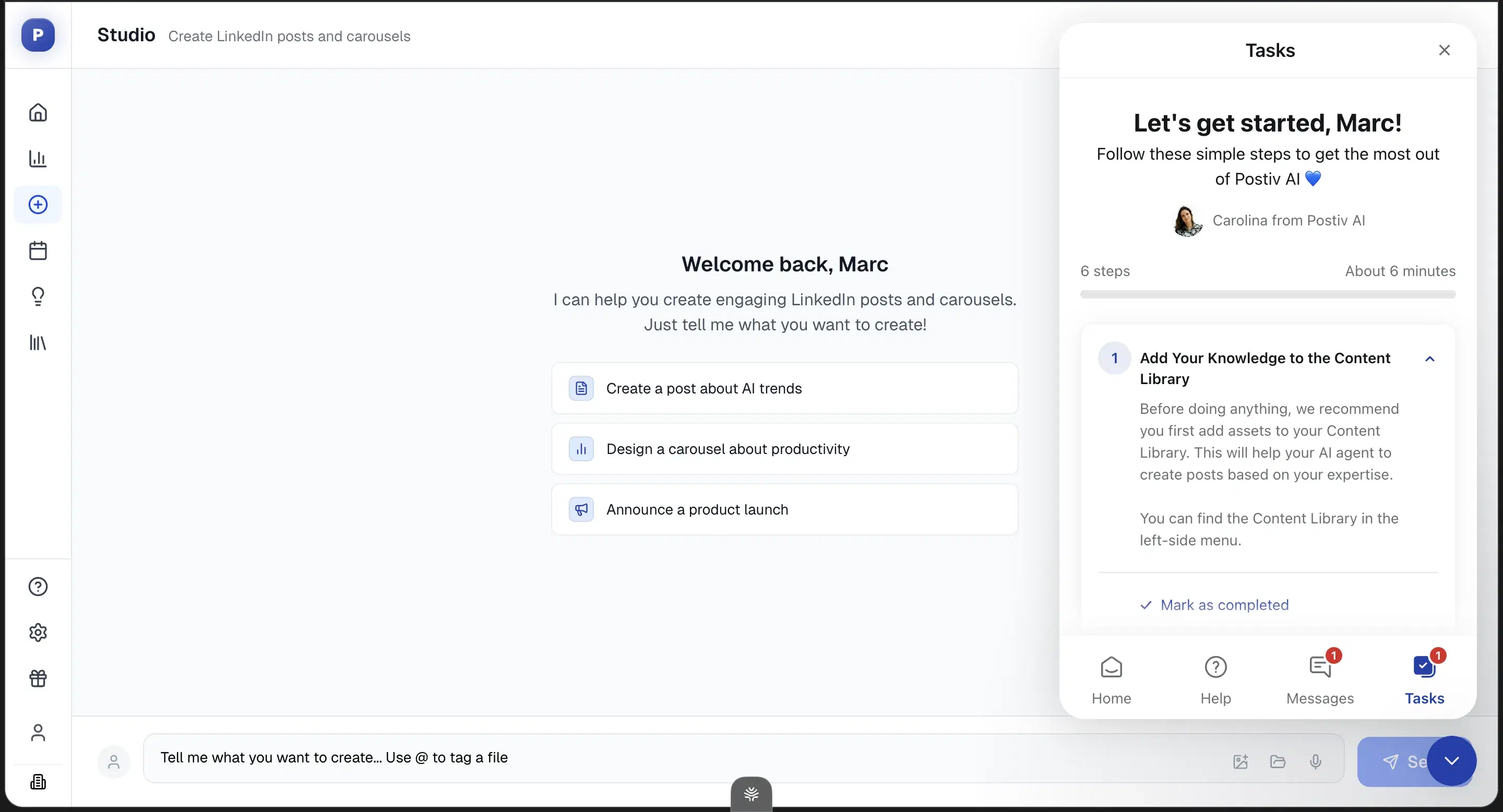
Transparent pricing tiers: No hidden-unlock games.
Best for
- Carousel-heavy creators with budget. For post-first buyers, the persona shallowness means you'll hit the same generic ceiling at twice the price.
Pricing
$99 / $229 / $399/mo + per-seat add-ons · Free trial
Pros
- Real carousel and slide-deck workflows. The one place it beats Oiti.
- The direction is right. Chat composer, KB-style assets, inspiration tab.
- Transparent pricing tiers. No hidden-unlock games.
Cons
- Shallow persona and memory. Form-based setup, no cross-chat memory, it didn't pull my past posts. Oiti's approach: persona from your last 100 posts plus memory across sessions.
- No one-click templates from inspiration. Oiti's approach: the inspiration → template loop, filled by a layer that knows you.
- $99 entry. 2× Oiti Creator, plus a card-on-file trial.
Best for viral-format chasers with budget
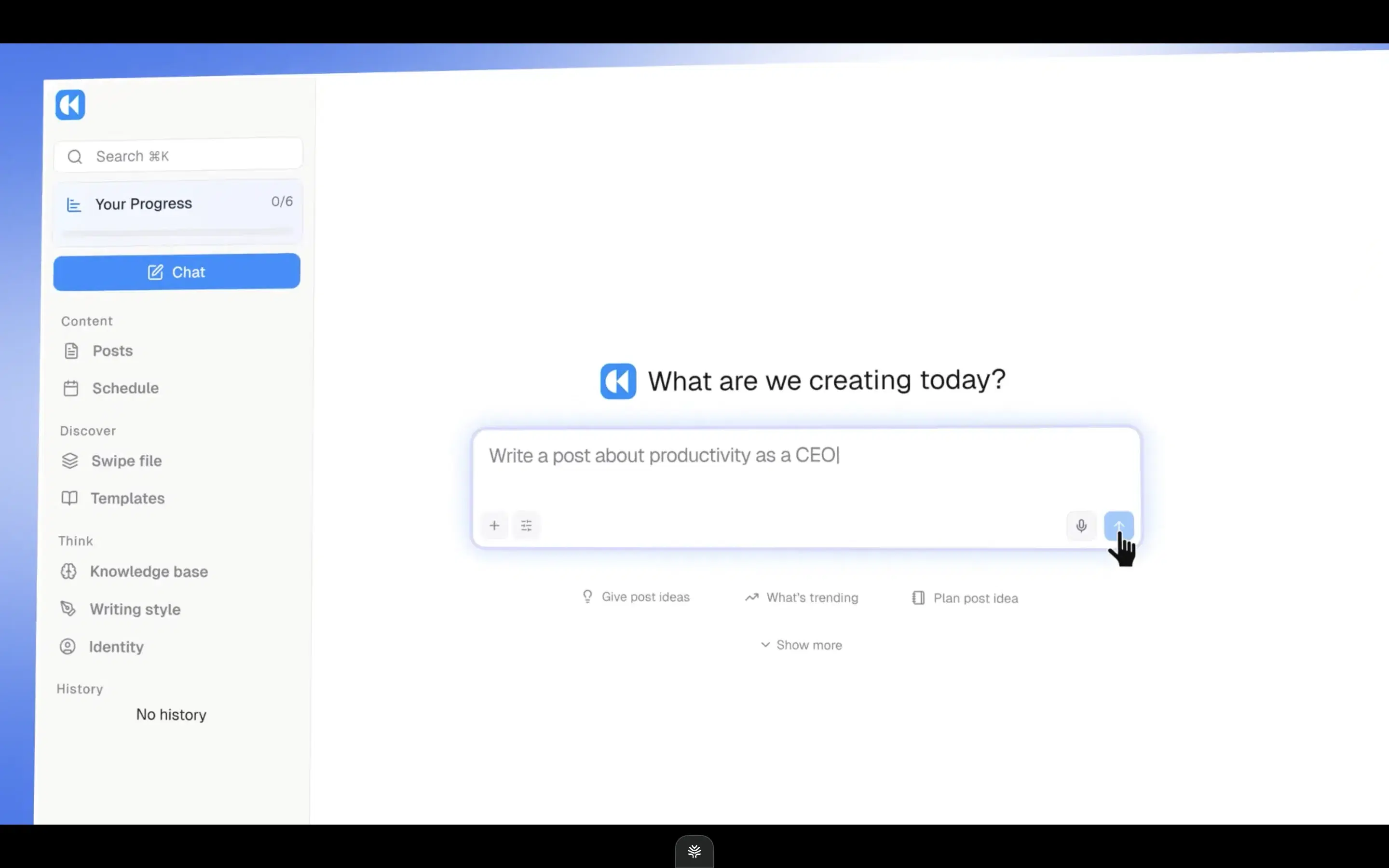
$99/mo or $999/yr, the priciest single-account entry with no free trial. A full-stack rebuild with a Context Engine mirroring Oiti's direction, but it optimizes for viral reach, which flattens a credible voice, and there's no long-term memory.
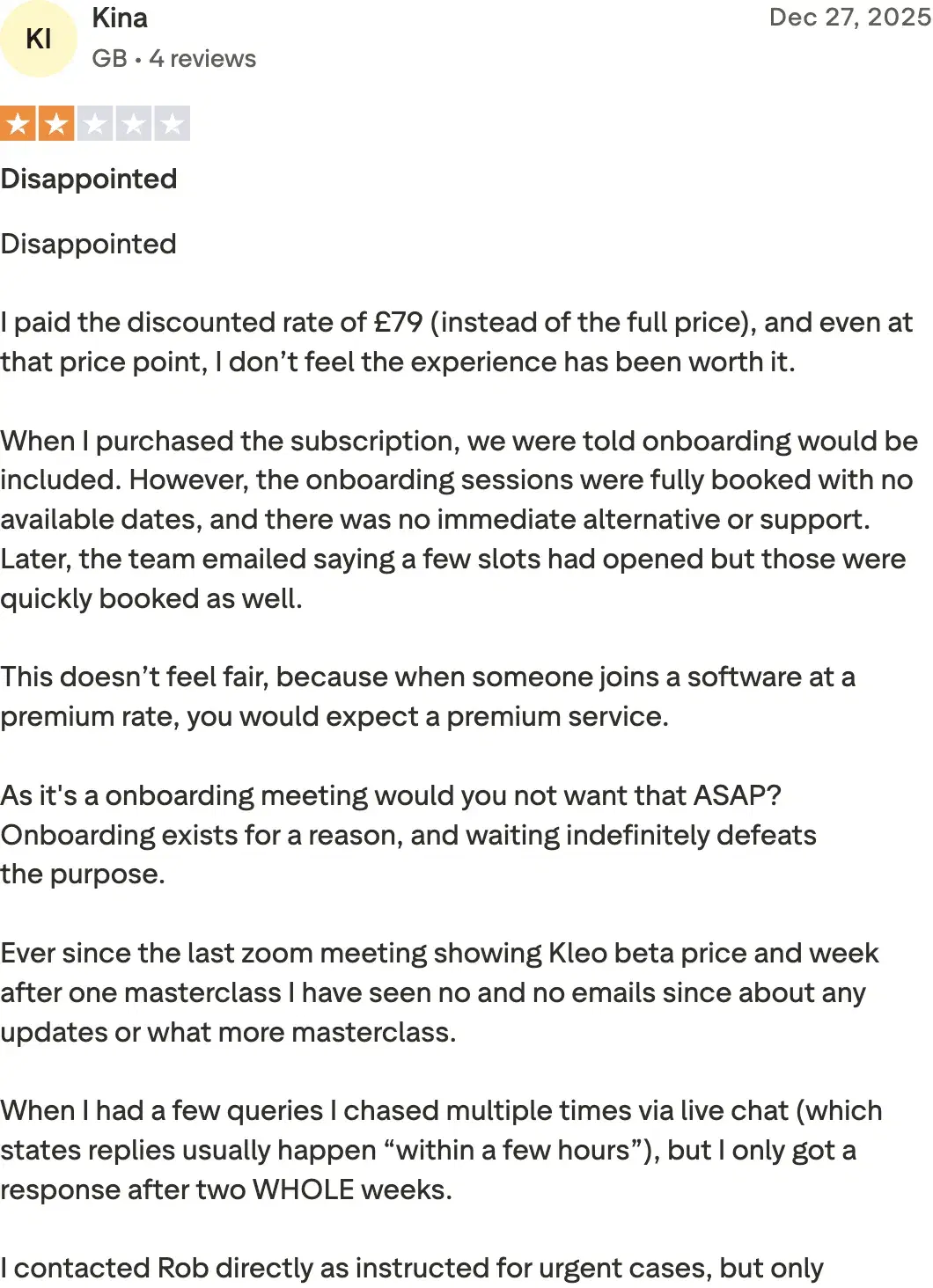
Review receipts
Key features
Context Engine: Mirrors Oiti's persona/KB direction.
Inspiration swipe file + chat composer: Feature parity on the writing surface — chat composer, inspiration, infographics.
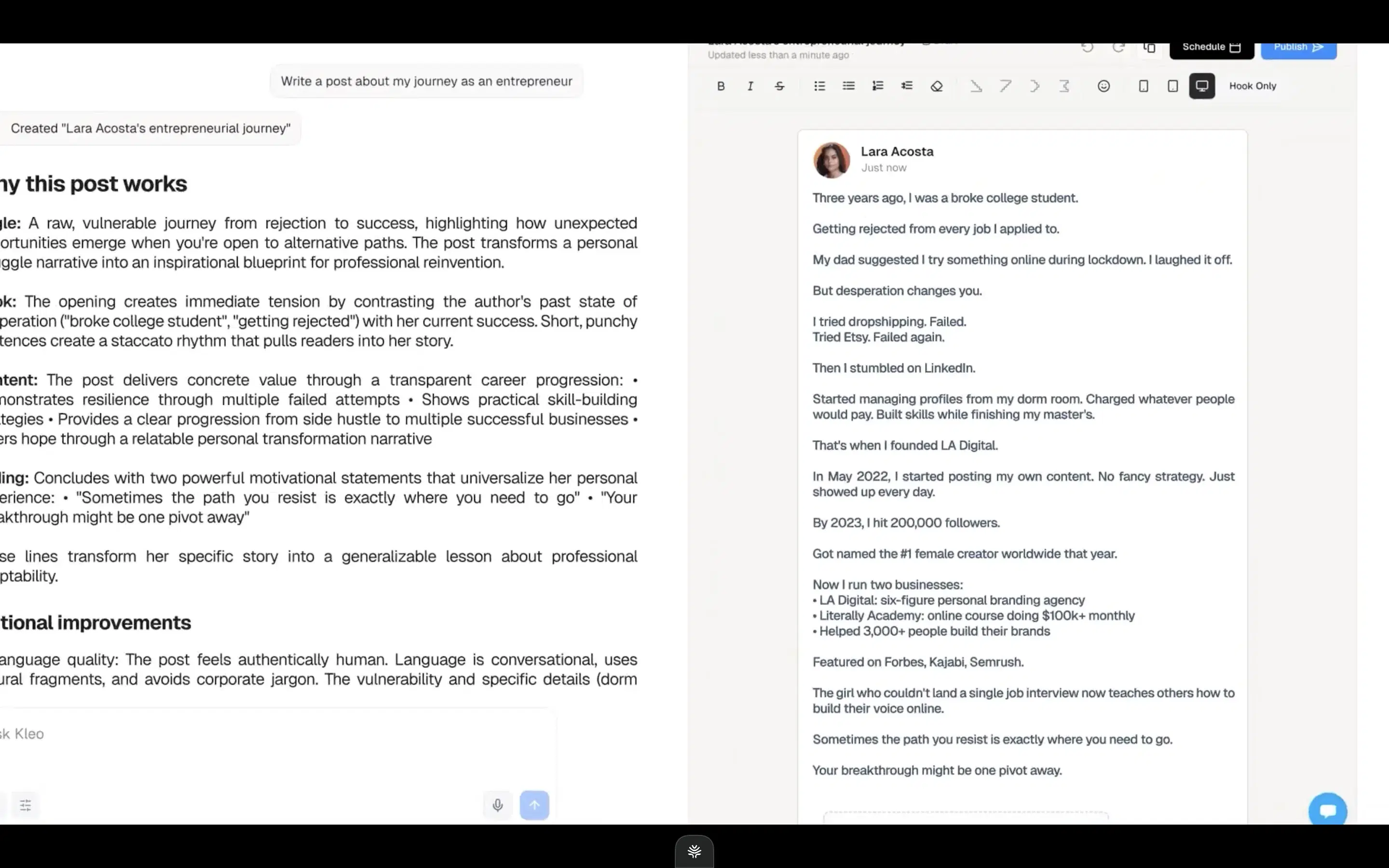
Full-stack rebuild: No extension anymore, after the original was forced offline by LinkedIn.
Best for
- A buyer who specifically wants viral-format content for one account, has the budget for the priciest single-account entry, and is disciplined enough not to let the viral bias flatten their voice.
Pricing
$99/mo or $999/yr (~$83/mo effective) · No free trial
Pros
- Built for viral content fast. If that's genuinely your bet.
- Feature parity on the writing surface. Chat composer, inspiration, infographics.
Cons
- Viral-format opinion flattens voice. The wrong bet in a serious niche. Oiti's approach: sounding like you over pattern-matching.
- No free trial, $99/mo single-account. Oiti's approach: Pro $79 covers 3 accounts; 7-day trial, no cap.
- No long-term memory, primitive KB. Oiti's approach: persistent memory plus a KB that ingests PDFs and pasted material.
How to choose
If you want rock-bottom and safe → Supergrow at $19, now the cheapest safe writer on the list (ContentIn repriced to $39). Write the draft elsewhere and use it to schedule.
If you want something actually free → AuthoredUp, but only for formatting. It doesn't write, so pair it with a writer. Every free option is in the best free LinkedIn AI content tools.
If you want the cheapest that's actually worth paying for → Oiti at $49 — and with ContentIn now at $39, it's only $10 more than the nearest safe writer. The sub-$40 tools share a generic-output ceiling; this is the first one built past it.
If you want to avoid overpaying → Don't spend $99+ (Postiv, Kleo) unless carousels are your main medium, in which case Postiv earns it. And read Taplio's real price: the $39 tier writes nothing. Pair any cheap trial with Oiti's 7-day free trial and compare the actual output side by side.
The verdict
Ranked for a budget, the tool worth paying for is Oiti at $49 — the cheapest one here that clears the generic-output ceiling, because it's built on memory and a real Knowledge Base with a 3,000-word AI Clone on top, and it publishes on official APIs, so the connection method isn't the thing working against you. The genuinely cheapest safe options are Supergrow ($19) and free AuthoredUp for formatting — buy those with clear eyes: they schedule safely and hand you generic drafts, so you'll do the writing. And note ContentIn's reprice to $39: the old $15 budget gap to Oiti has collapsed to $10, which is the entire voice-and-memory layer. One booked outcome pays for the year. Early-adopter yearly pricing: $49 Creator → $245/year, $79 Pro → $395/year. Active as of 2026-08.
7 days free · No usage limits