I Tried the 10 Best AI LinkedIn Content Tools for Ghostwriters — Ranked (2026)
I ghostwrote LinkedIn for 6 years — 50-60 founders, ~100M organic views. Hands-on with all ten, scored for the one thing ghostwriting actually runs on: bandwidth.

Why I wrote this
The hard part was never the writing
The short answer
Oiti #1, AuthoredUp #2, MagicPost #3. Ghostwriting isn't a writing problem. It's a bandwidth problem. You're one person holding N client voices, and every tool that makes you retrain the model every Monday or rewrite the output by hand is quietly eating your margin. Oiti wins because each client gets their own isolated memory + Knowledge Base + AI Clone that survives the handoff. AuthoredUp and MagicPost rank high because shipping drafts to a client for approval is real, unglamorous work, and both own that step.
Jump to: the full ranking · how I tested · FAQ
I spent six years ghostwriting on LinkedIn. 50 to 60 clients — founders, coaches, consultants, CXOs across basically every B2B niche you can name: SaaS, crypto, insure-tech, deep tech, dev tools. Somewhere close to 100 million organic views across that book of business.
So when I tell you the hard part of ghostwriting isn't the writing, believe me — I did it long enough to know.
The hard part is that you're capacity-bound. One brain, N clients, each a completely different person who talks a completely different way. The moment you take on client four or five, the math stops working. You spend Monday re-explaining last week's feedback to a tool that forgot it, Tuesday rewriting AI slop by hand because it doesn't sound like the client, and Wednesday realizing you've become the bottleneck you were hired to remove.
One client made it concrete for me.
He was in wholesale — B2B, genuinely boring niche, Forbes 30 Under 30, seed stage, the works. Great guy, real business, nothing viral about any of it. Every tool I owned was useless for him because they all worked the same way: they looked at what had already gone viral on LinkedIn and tried to bolt his topic onto it. None of them could capture who he actually was first.
This piece ranks the ten tools I'd hand a ghostwriter who's drowning at four clients and wants to get to eight without hiring. Short answer's above. Long one's below.
On pricing: I've paid for or shipped client work through every tool here, and the prices come from each vendor's own page. Oiti's yearly is 50% off for early adopters — $245 Creator, $395 Pro. And the numbers are small next to what ghostwriting pays: one retainer runs $1,000-5,000/mo, so $79 to carry three client voices barely registers.
The 10 best AI LinkedIn content tools for ghostwriters at a glance
Sorted by overall fit for solo creators and small teams writing on LinkedIn in 2026. Click any tool name to jump to the full writeup.
| # | Tool | Pricing | What sets it apart |
|---|---|---|---|
| 1 | Oiti | $49 Creator · $79 Pro (50% off yearly) | Per-client memory + Knowledge Base + AI Clone that survives handoff |
| 2 | AuthoredUp | $19.95/mo ($16.63 billed annually) | Cleanest LinkedIn formatter + preview in the category |
| 3 | MagicPost | $29 – $69/mo | LinkedIn-feed preview before the client signs off |
| 4 | Supergrow | $19 – $139/mo | Official-API multi-account queue, Kanban |
| 5 | Taplio | $39 → $65+/mo | 1M+ inspiration library (ToS-risky extension) |
| 6 | Scripe | €69 – €149/mo (~$76 – $164) | Approval flows, shared Kanban, Amplifier seats |
| 7 | ContentIn | $15 – $48/mo | Composer + Kanban queue + OAuth-safe scheduling |
| 8 | Leaps | $49 – $149/mo | Interview-led, multi-channel production |
| 9 | Kleo | $99/mo ($999/yr) | Rebuilt full-stack after the extension shutdown |
| 10 | Postiv | $99 – $399/mo | Pre-built carousel workflows |
Why ghostwriters are looking for AI LinkedIn content tools — and why ChatGPT (& Gemini / Claude) isn't enough
- No memory that survives the week. The tools don't fail at generating words. Words are a commodity now — a general LLM will hand you 500 of them for $20/mo. They fail at the things that let one person scale to many clients. You tell the chat "this client never opens with 'I'" on Monday, and by Thursday it's forgotten. You become the memory layer — the exact job you were supposed to automate.
- No per-client isolation. One workspace, one voice profile. Run three clients through it and by the third post the finance founder and the wellness coach are opening with the same hook.
- Shallow persona = you rewrite by hand. A four-question quiz can't hold who a client is. The draft comes out vanilla, you rewrite it, and the tool saved you nothing.
- No safe way to onboard a client's LinkedIn. Chrome extensions and proxy logins are how a client's account gets flagged. Do that once to a paying client and you've lost them.
- Nothing to show a client to close them. Ghostwriting is a sales business too, and most tools give you nothing to hand a prospect that says "here's how well I already understand you."
- Built for one creator, not a roster. Everything is built for one creator posting for themselves — the solo operator writing their own feed, not the ghostwriter juggling a roster.
- The per-account tax. And the few tools that do keep clients separate usually charge you for the privilege as you scale. Scripe's Solo tier covers one LinkedIn account; every extra client adds €45/mo and every engagement seat another €20, so three clients lands around €159/mo. AuthoredUp's multi-profile tier bills a ten-profile annual minimum, so you're paying for ten seats before you've signed ten clients. When your whole model is carrying more voices per brain, a bill that climbs with every client is the tax working against you.
- Why not just ChatGPT, Gemini, or Claude? None of them holds a client, so every session you re-brief who this person is, and they still bleed one voice into the next and forget last week's redline — the exact bandwidth trap you're trying to escape, only cheaper.
Onto the ten — and how I tested them.
How I tested
I signed up, paid, and ran real client-style content through all ten. I scored each on the six things a ghostwriter actually needs — not the six a solo creator needs. Different job, different rubric.
Bandwidth buy-back
Does the tool give you hours back per client, or add a step? Everything else is downstream of this. A ghostwriter is capacity-bound; a tool either buys back hours or it's overhead.
Per-client isolation
Can each client live in a separate universe — own persona, own memory, own Knowledge Base — with zero voice bleed? Most tools give you one shared brain; only a few keep clients genuinely separate.
Writing styles per client
Can you build distinct styles for distinct clients? My favorite move: ask a client for three LinkedIn writers they admire, feed that whole corpus in, build a style from it. Most tools give you a single "describe your tone" box and nothing behind it.
The onboarding as a sales asset
Does onboarding produce something you can hand a prospect — a document that proves you already understand their world? Almost nothing in the category treats onboarding as anything but setup.
Safe scheduling + analytics + 1 click client onboarding
Official LinkedIn APIs, or extensions and proxies that risk your client's account? And can a client sign in themselves, once, safely — one official sign-in, not a Chrome extension hooking their cookies?
Voice that survives the handoff
When a client redlines a draft, does that feedback compound into the next one forever, or evaporate? This is the whole ballgame for scale. Memory is what lets you stop retraining every Monday.
The 10 best AI LinkedIn content tools for ghostwriters in 2026
Best for holding many client voices without retraining
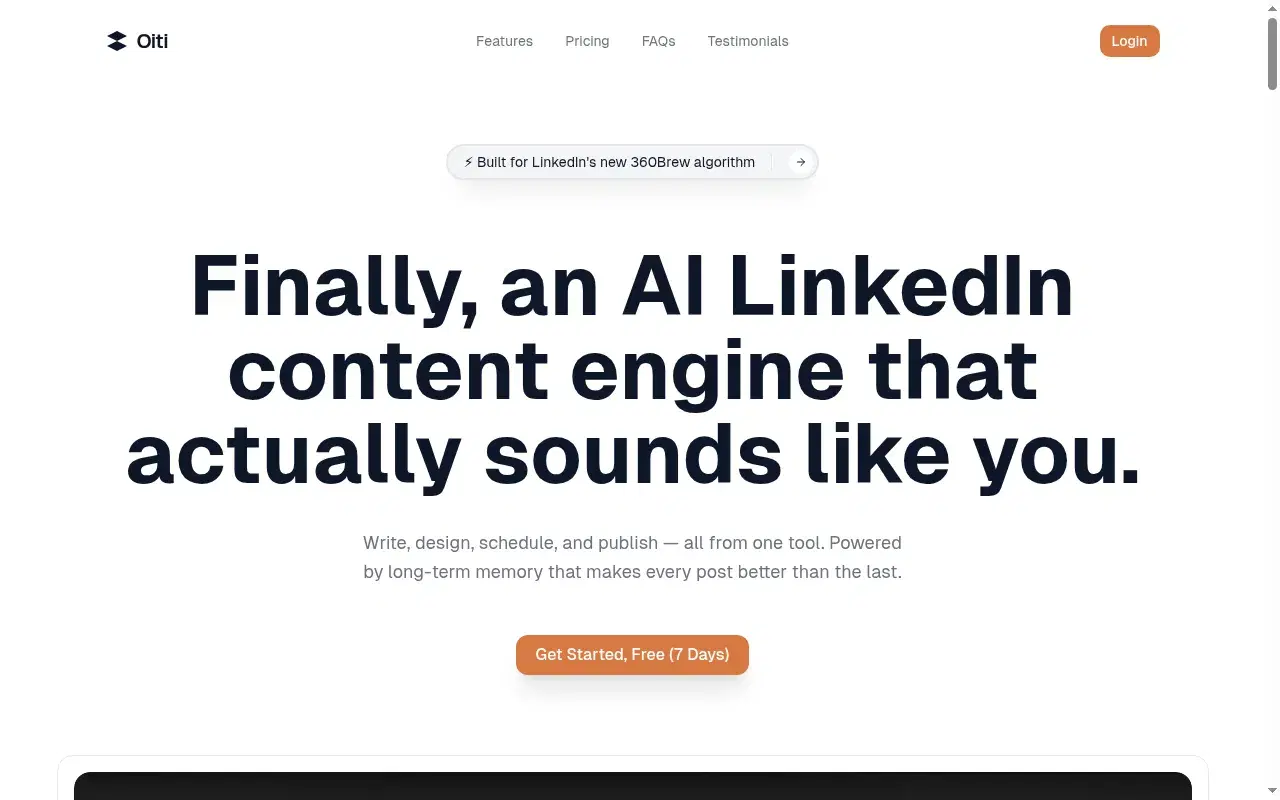
I found Oiti after working with a wholesale B2B saas client: every tool I owned kept matching viral posts to his topic instead of starting from who he was. It's built for the ghostwriter's exact bottleneck: holding many voices without becoming the memory layer yourself. Plus logging into his linkedin meant I'd use brightdata proxies + fresh chrome profile. With Oiti, just share a link, they connect the app with their linkedin using linkedin's official apis and done, now you can get analytics + scheduling without asking to login again. It just works and because Oiti has LinkedIn's official apis, no chrome extensions or chance of a ban.
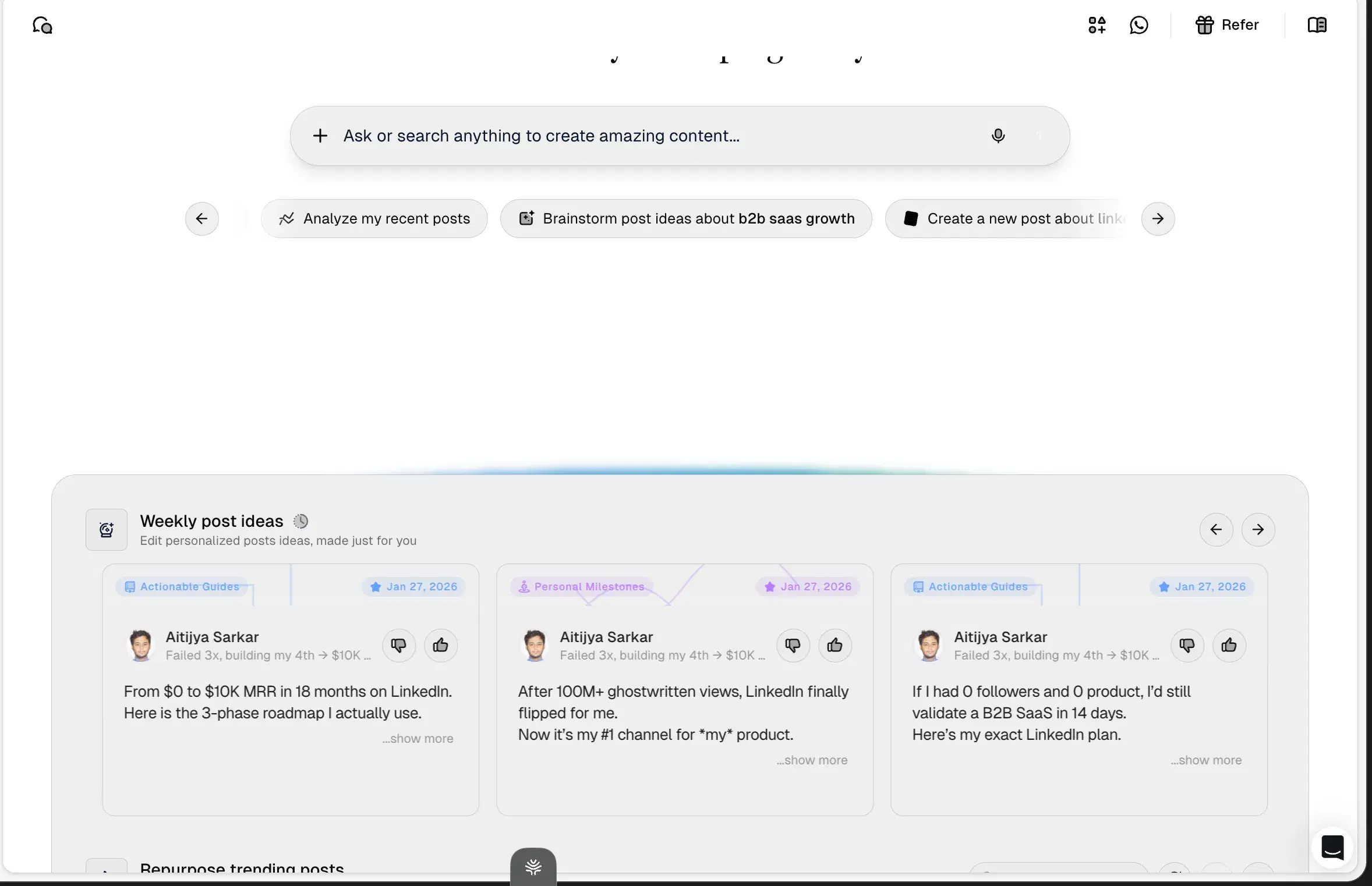
Inside Oiti
Key features
Per-client long-term memory: Every chat, edit, and redline for a client is stored and applied forward. Your wholesale founder never opens with "I"? Told once, and it holds. The output gets more like each client over time, not less — which is what lets you stop re-explaining last week's feedback every Monday.
A real Knowledge Base, one per client: This is where my weekly ghostwriter interviews used to go. Each client is a sealed universe — voice notes, the YouTube they're consuming, past posts, a PDF of their pitch deck, competitor content, whatever. You add a PDF or paste text, and Oiti pulls from that universe for ideas, references, and grounding. Client three's world never leaks into client four's.
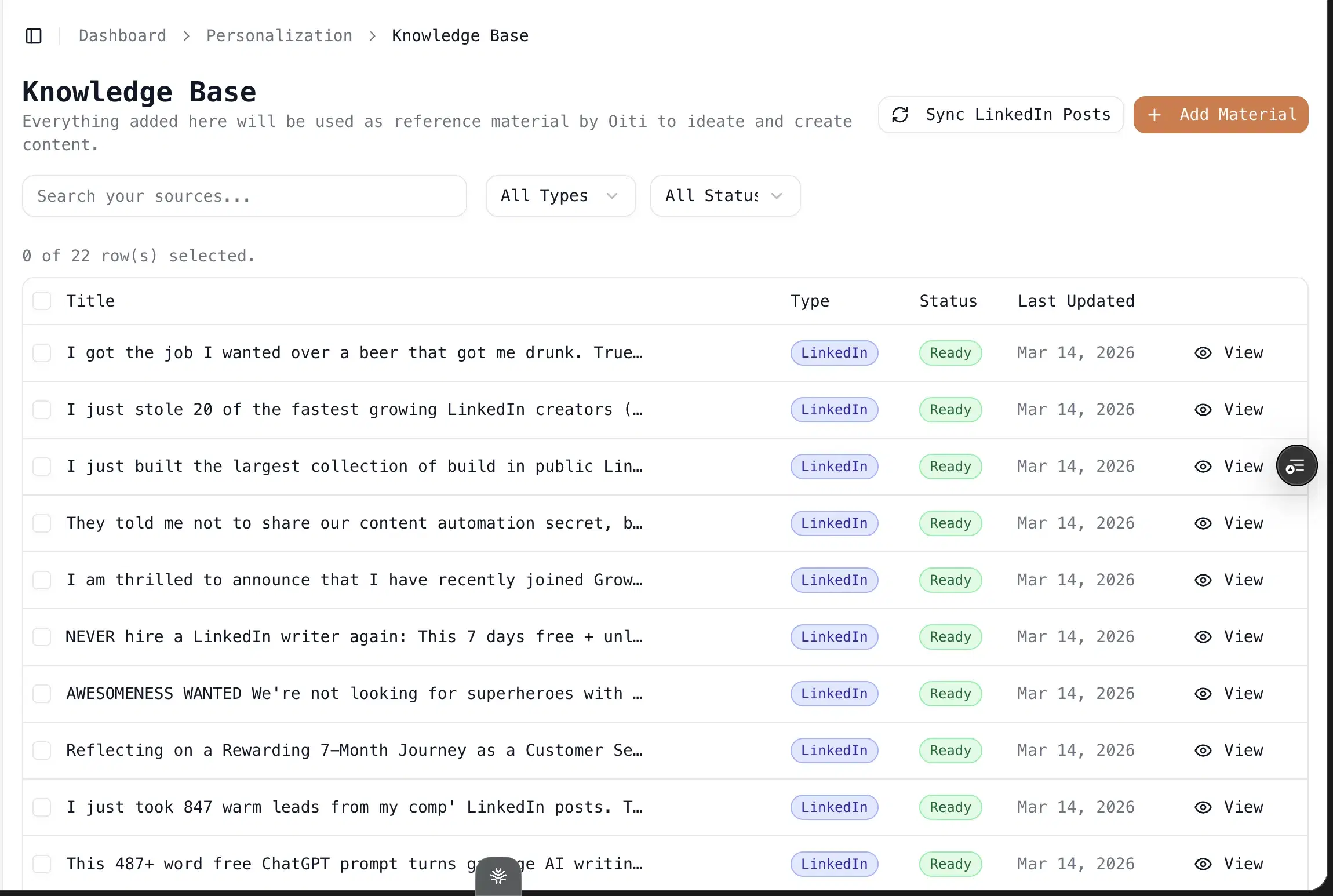
The AI Clone — in 30 seconds, and it's also your sales asset: Drop a client's LinkedIn URL and website. Oiti reads their posts, scrapes the site, and searches their ICP's pain across X, Reddit, and the deep web to build a 3,000+ word persona: voice profile, brand pillars, beliefs, pain points. Every future post grounds in it. And you can hand that document to a prospect before they've signed — it reads like you already understand them better than the agency quoting 3x your rate. I've closed clients off that alone.
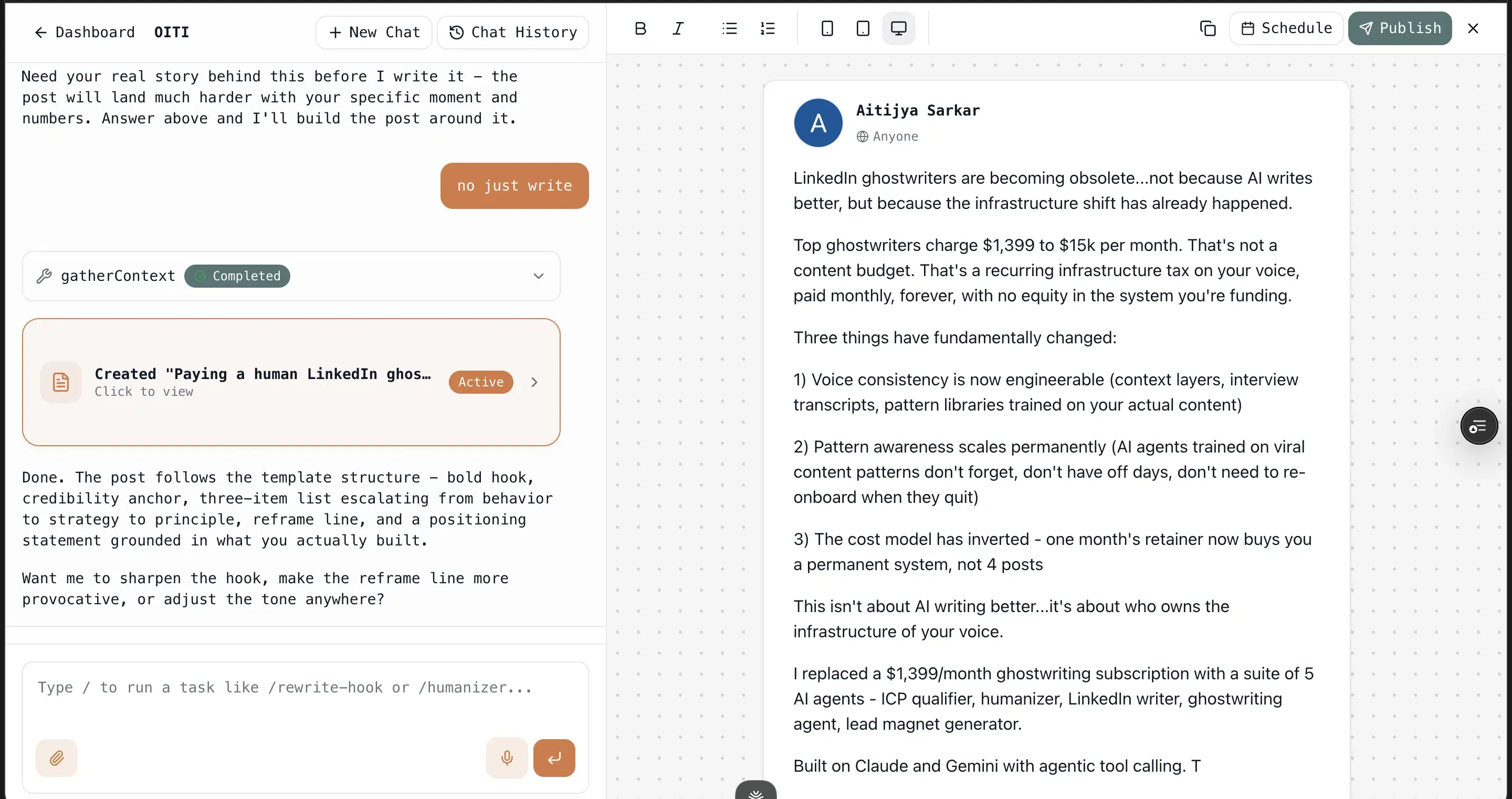
Writing styles: Ask a client for three LinkedIn writers they admire, feed that whole corpus in, and Oiti builds a distinct style from it — separate from every other client's. Different clients, different use-cases, no bleed.
The public connect link: Send a client a link and they sign into Oiti with their own LinkedIn using LinkedIn's official apis, once, safely — no proxies, no extension on their machine, no browser profile to babysit. Onboarding a new client's account stops being the scary part.
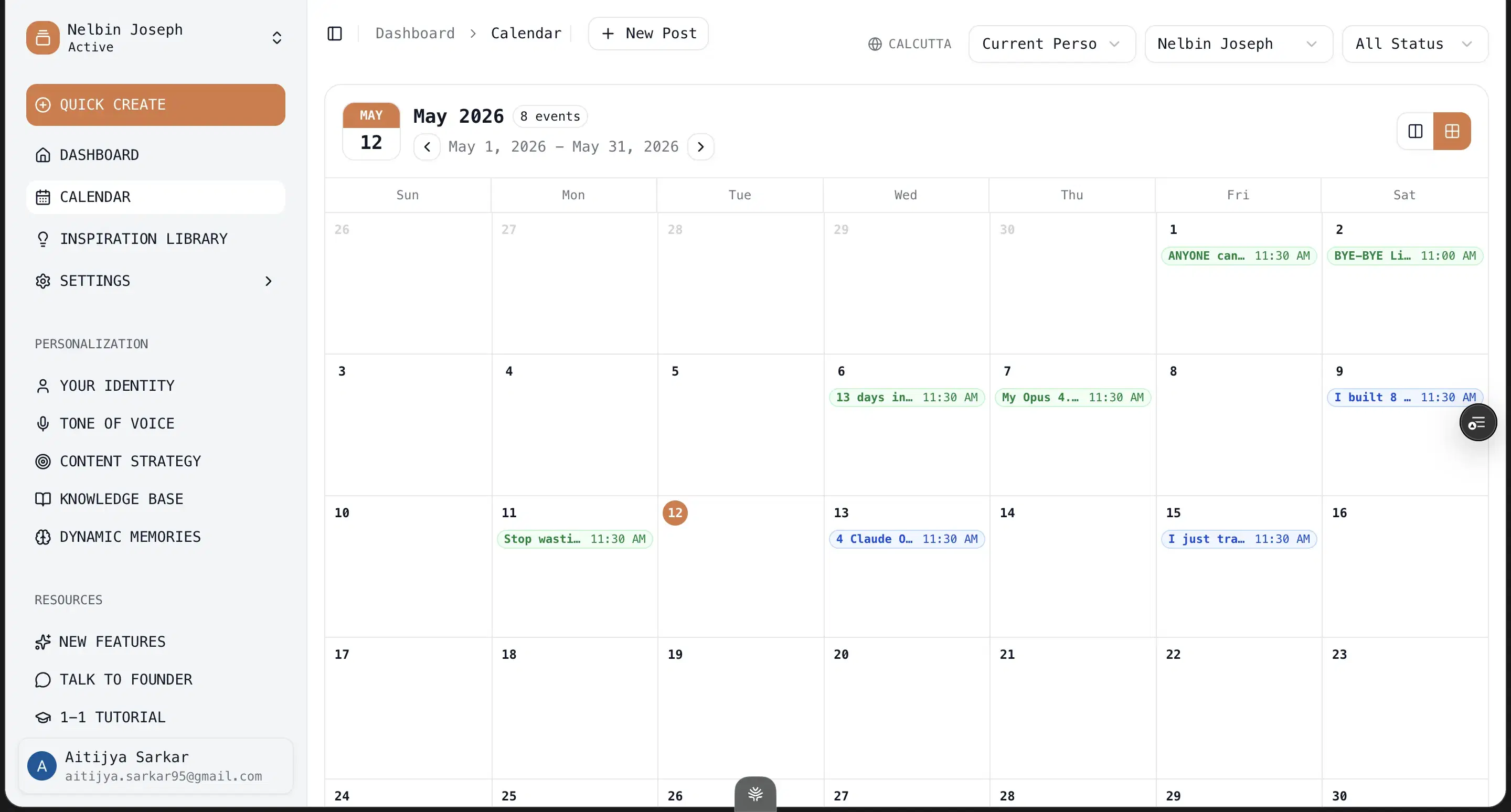
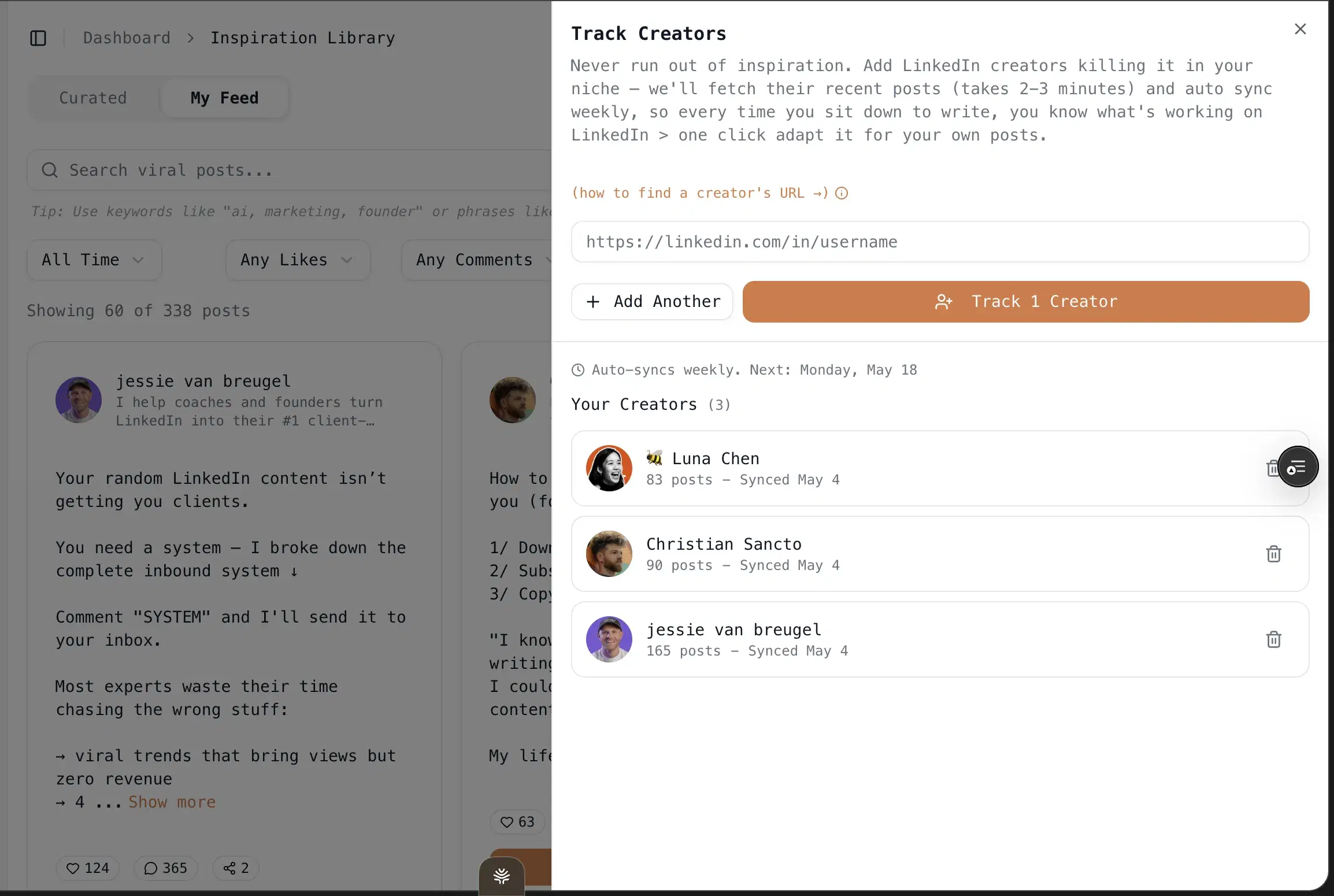
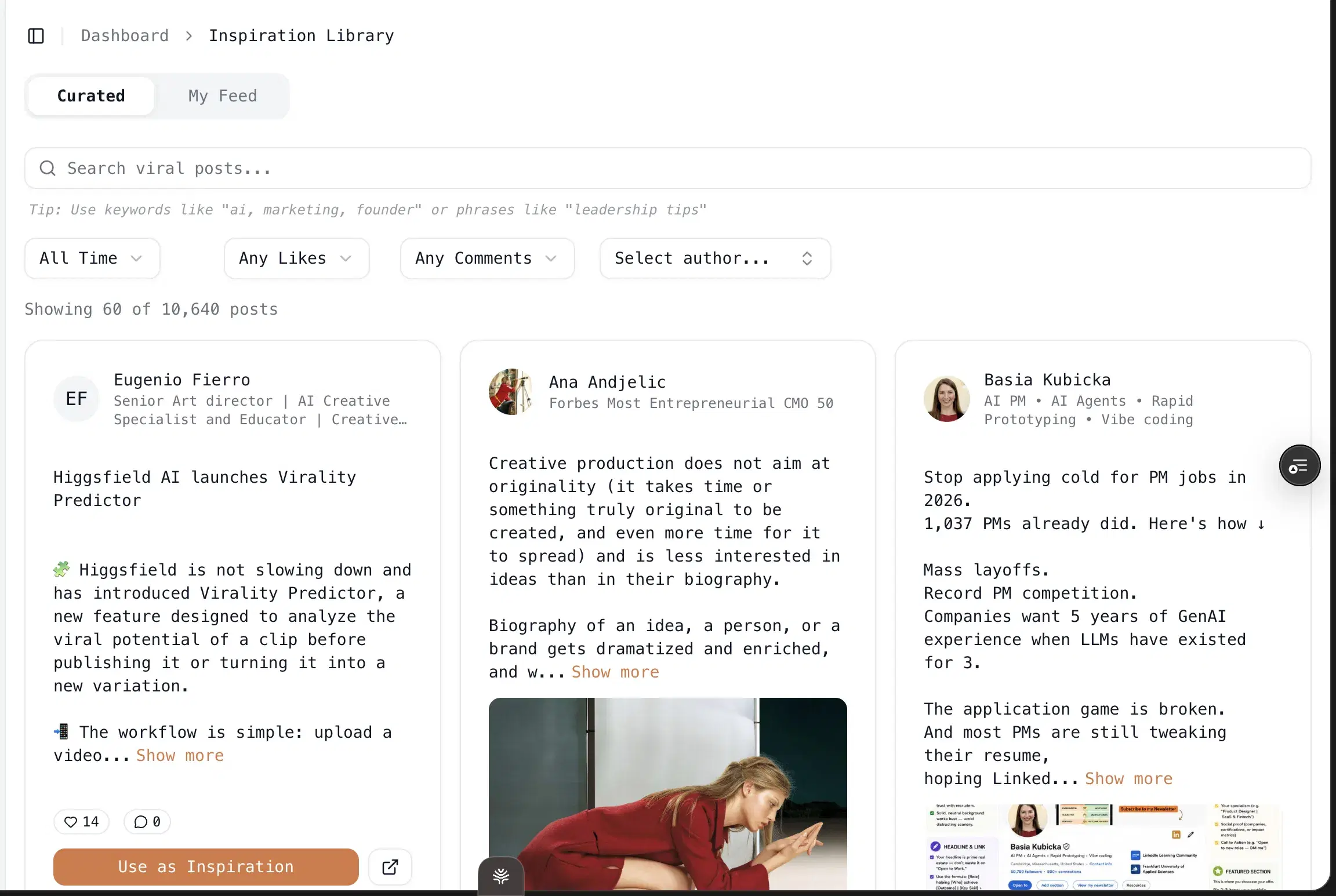
Built for a roster: Create your own swipe file templates for different clients / niches in the inspiration tab: one click pulls a working post into a reusable template the AI fills with that client's persona, KB, and memory. It runs 5-9 research agents before each draft, does one-click infographics, and schedules through LinkedIn's official APIs — 3+ personal profiles plus company pages on Pro at $79/mo, no Chrome extensions.
Pricing: $49/mo Creator, $79/mo Pro, both with a 7-day free trial and no usage cap. Yearly is the number that matters: $245 Creator, $395 Pro — 50% off for early adopters. No lifetime deals, ever. Model costs are 4-10x what they were two years ago, and every LTD I've watched (GoZen, ChatPlayground, Frase) turned into a support gap the moment the bill came due.
Best for
- Ghostwriters running 3+ clients where each voice has to stay distinct and survive across sessions.
- Solo founders in boring or technical niches (the wholesale-client persona that started Oiti).
- Consultants and coaches with deep IP you can feed into the KB.
- Pro at $79 is built for the multi-voice case — and worth saying, it's not agency-only; plenty of solo users opt up for the headroom.
- If you're a hobbyist posting for yourself once a week, Oiti's depth is overkill — there are cheaper picks below.
Pricing
$49 Creator · $79 Pro (50% off yearly) · 7-day, no usage cap
Pros
- Per-client memory + KB + AI Clone is the only stack in this list built for holding many voices. No other LinkedIn tool ships persistent memory at all, let alone isolated per client.
- The AI Clone doubles as a lead magnet. a 3,000-word "here's who you are" document you hand a prospect to close them, built by the onboarding.
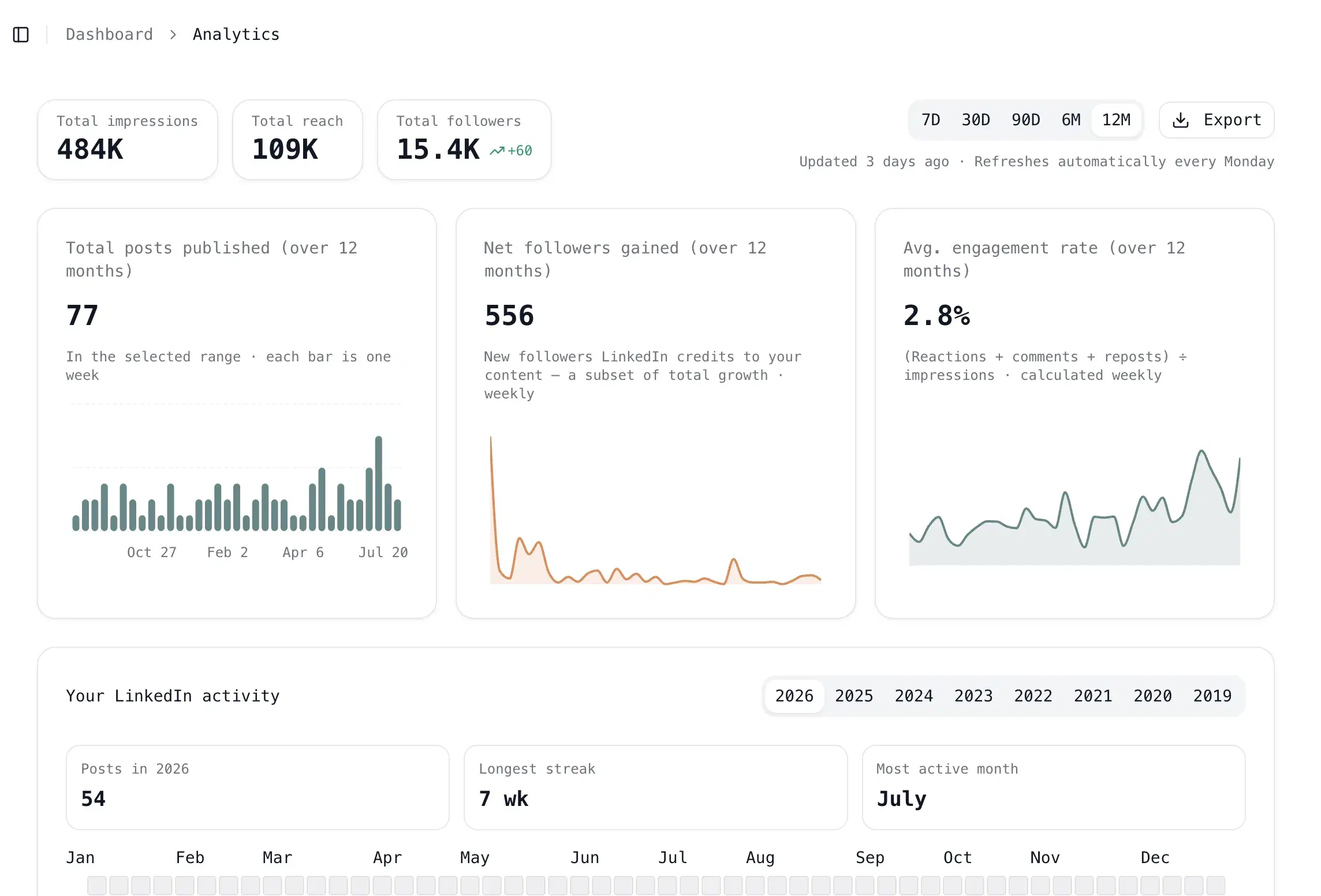
- Multi-account on Pro at $79. 3+ personal profiles plus company pages, official APIs, drag-and-drop calendar, inline AI editing. Your whole client roster scheduled from one safe place.
Cons
- No mobile app. Useless-but-true. The web app was rebuilt in March 2026 and works on mobile browsers.
- No outbound automation via Chrome extensions. Useless-but-true on the surface, actually a pro — the cookie-hooking that extensions do is exactly what gets a client's account flagged. Oiti won't ship it.
- LinkedIn-only by design. Useless-but-true — this is a LinkedIn tool. If a client needs cross-platform, Leaps plays there.
- Real con: content-only. If a client is paying you to run their DMs and connection requests too, Oiti isn't the outbound tool. Run Lemlist or HeyReach alongside it, or take the ToS risk with Taplio's bundle.
Best for the format-and-send-for-approval step
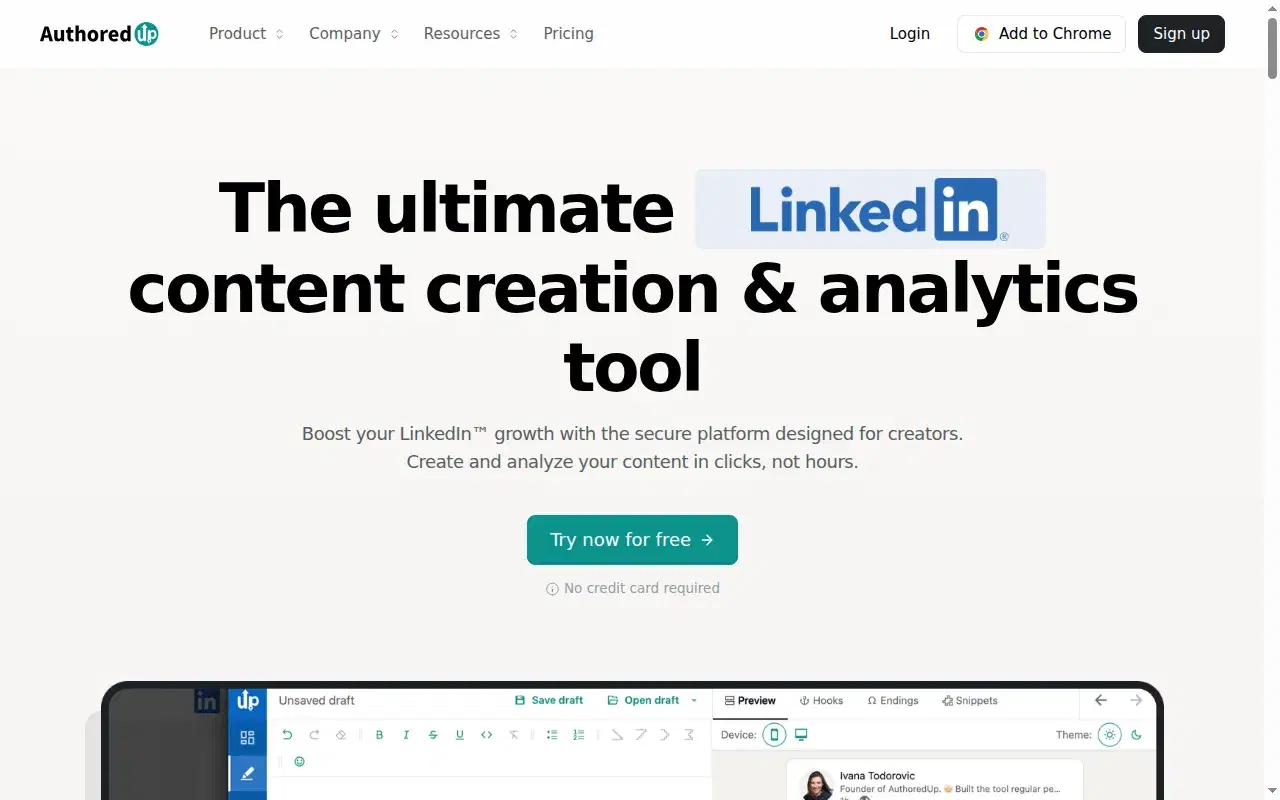
Here's why AuthoredUp ranks this high for ghostwriters: shipping drafts to clients for approval is real, unglamorous work, and AuthoredUp owns it. I used it for years for exactly one thing — the formatter preview, so I could see the line breaks and the mobile cutoff before anything went to a client. It's still the formatter I trust most for that, paired with a solid hook-variation engine and light analytics, and it was one of the first LinkedIn extensions that stayed clean — no auto-engagement, no scraping.
When I tested it
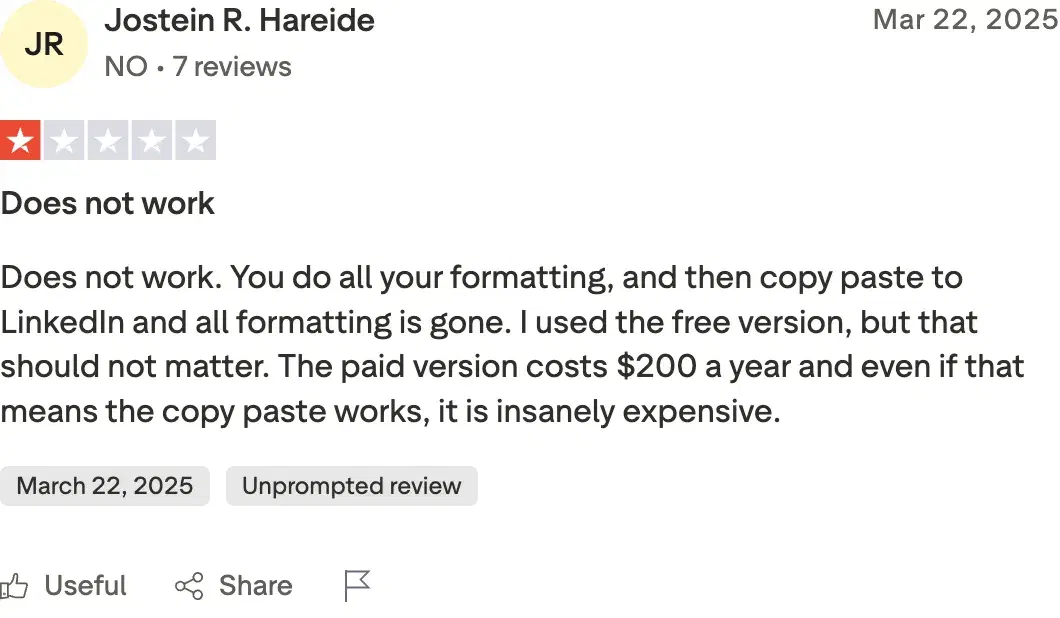
Tried it in 2026. Paid for it back when I was ghostwriting in 2020-2021. The catch is what it doesn't do. No AI writing, no memory, no Knowledge Base — the dashboard has teased an AI ghostwriter for ages and nothing's shipped. So it's a formatting-and-preview layer you bolt onto your real writing tool. And the whole Chrome-extension category is under LinkedIn pressure now (Shield Analytics shut down in May 2026 over exactly this risk class). While digging through reviews I found Jostein R. Hareide on Trustpilot at 1/5: "formatting is lost on paste." It's held up for me across years of client work, but the paste glitch clearly bites some people.
Review receipts
Key features
Formatter preview: See the line breaks and the mobile cutoff before anything went to a client — still the formatter I trust most for that.
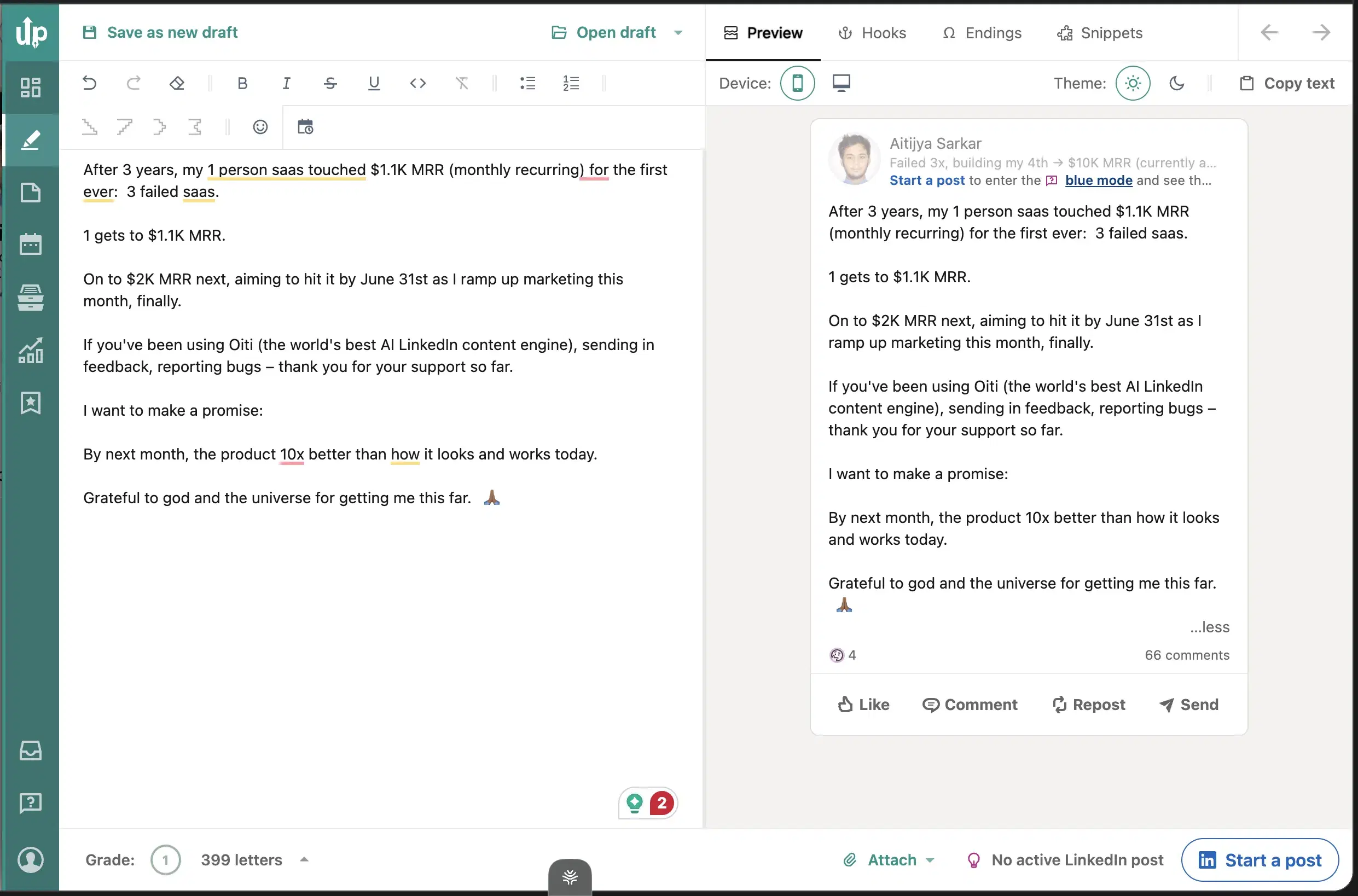
Hook-variation engine: A solid hook-variation engine and light analytics paired with the formatter.
Clean-extension pedigree: One of the first LinkedIn extensions that stayed clean — no auto-engagement, no scraping.
Best for
- The format-and-approve step in a ghostwriter's workflow.
- Draft in Oiti, polish and preview in AuthoredUp, send the client a clean render to sign off on.
Pricing
$19.95/mo ($16.63 billed annually) · 14-day, no card
Pros
- The formatter is the reason to keep it around. clean preview plus a solid hook-variation engine.
- $19.95 flat, ethical-extension pedigree. Cheap enough to run alongside your writing tool without thinking about it.
Cons
- No AI writing, no memory, no KB. It's a formatting layer, not a ghostwriting engine. Oiti's approach: the writing engine + formatting + per-client memory in one place.
- Chrome-extension category under LinkedIn pressure. Oiti's approach: official APIs only, outside that risk.
Best for client approvals via linkedin preview
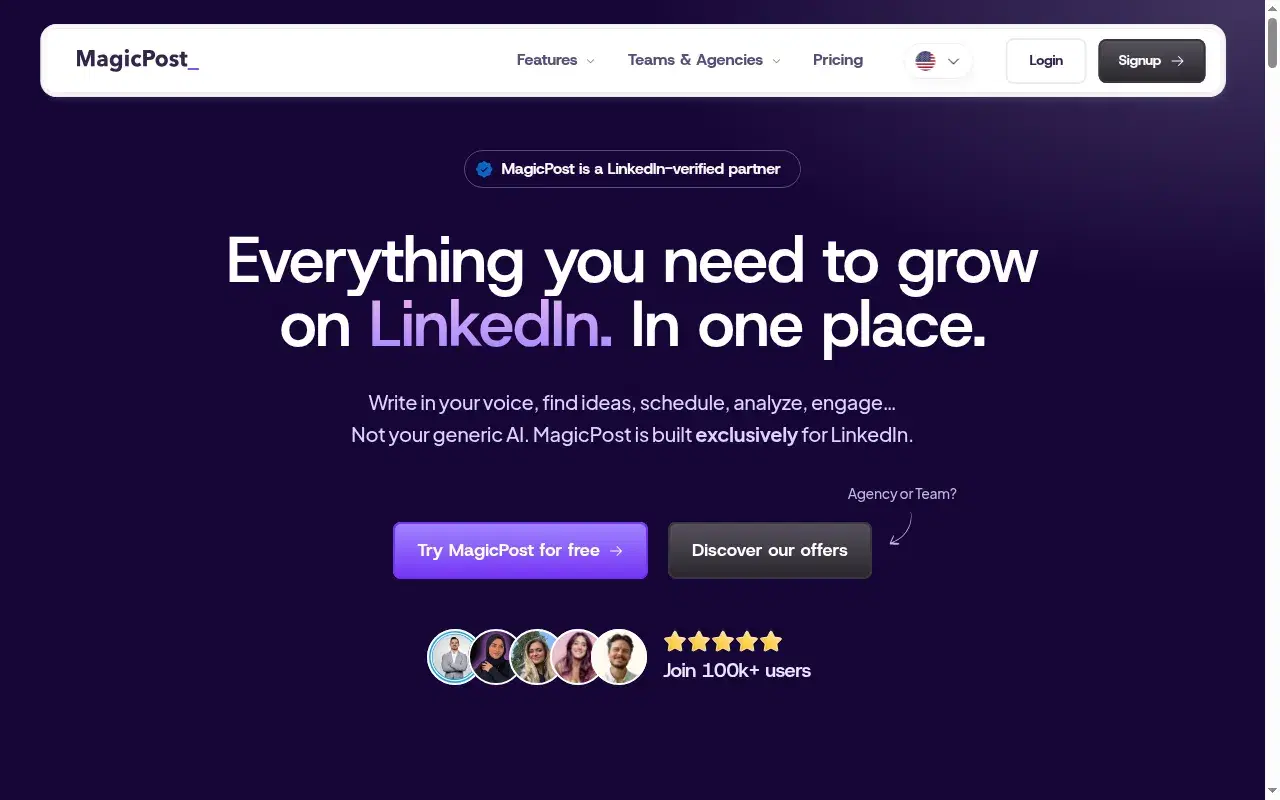
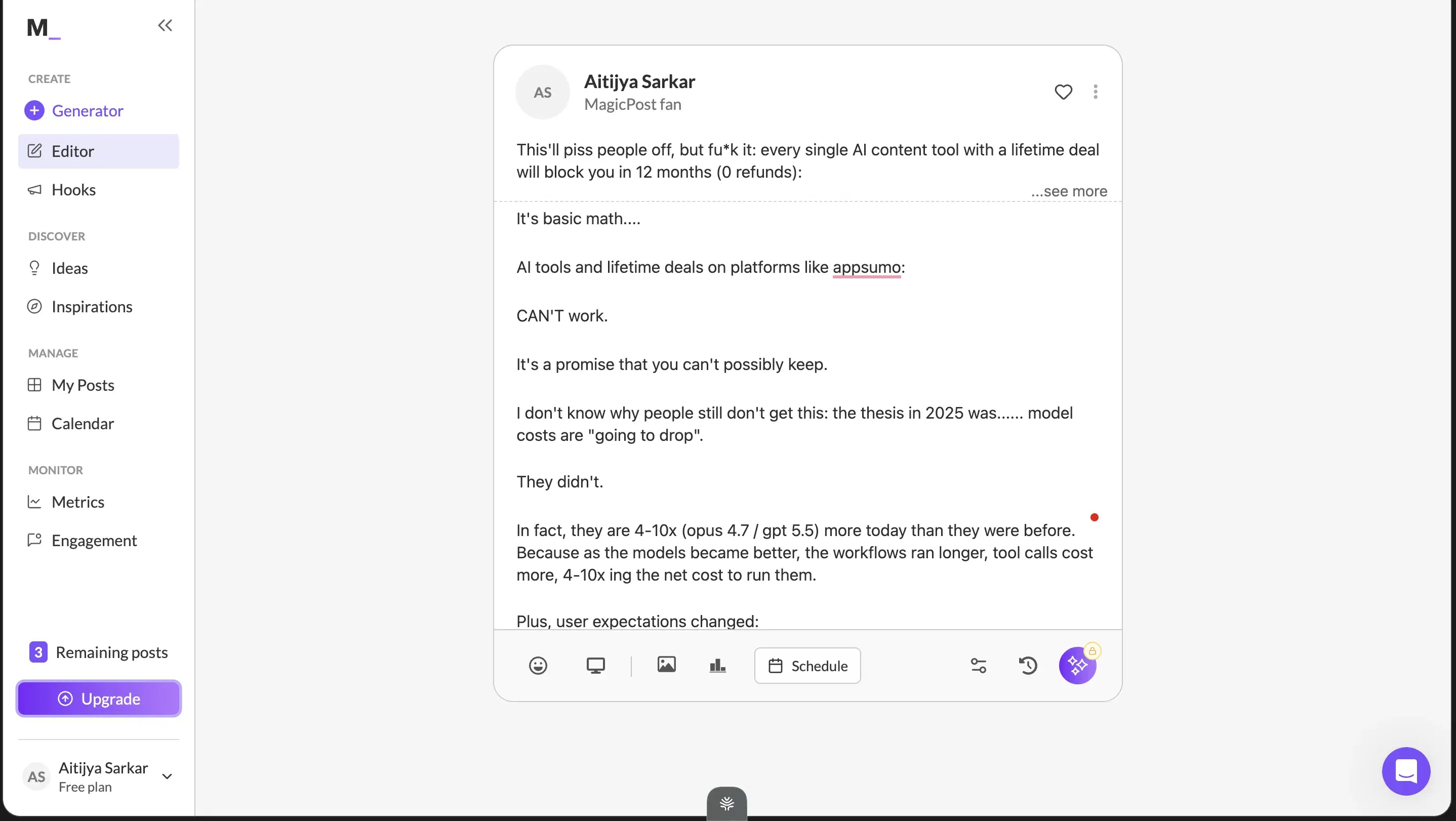
MagicPost ranks here for the same reason AuthoredUp does — client approvals. Its one genuinely useful feature is the LinkedIn preview: the client sees what the post will actually look like in-feed before they approve it. For a ghostwriter, that preview is how you cut the "wait, how will this render?" back-and-forth that eats a whole approval cycle. Trustpilot users like them too — 4.7/5 across 91 reviews.
When I tested it
But the writing is where it stops being enough for a serious book of clients. The persona MagicPost built from my posts captured my last handful, not the hundreds I've published, so the output came out vanilla — generic hooks, generic structure. And the input is a form, not a chat: you type what you want, get a draft, accept or restart. No iteration, no compounding feedback, no web search for your client's ICP pain. For approvals it's great; for holding a client's voice across dozens of posts, the shallow persona is where it runs out of road.
Key features
LinkedIn in-feed preview: The client sees what the post will actually look like in-feed before they approve it.
Simple, low-friction onboarding: Easy to hand a client.
Form-based input: You type what you want, get a draft, accept or restart. No iteration, no compounding feedback, no web search for your client's ICP pain.
Best for
- The client-sign-off step, especially with lower-volume clients where the preview matters more than deep voice fidelity.
Pricing
$29 – $69/mo · Free trial
Pros
- LinkedIn preview is genuinely useful. for client approvals.
- Simple, low-friction onboarding. easy to hand a client.
Cons
- Shallow persona, vanilla output. Built from a handful of recent posts, no ICP research. Oiti's approach: 3,000+ word persona from the last 100 posts + website + ICP search.
- Form input, no chat, no memory. Can't iterate, nothing compounds. Oiti's approach: chat composer + per-client memory across sessions.
Best for safe scheduling across a client roster
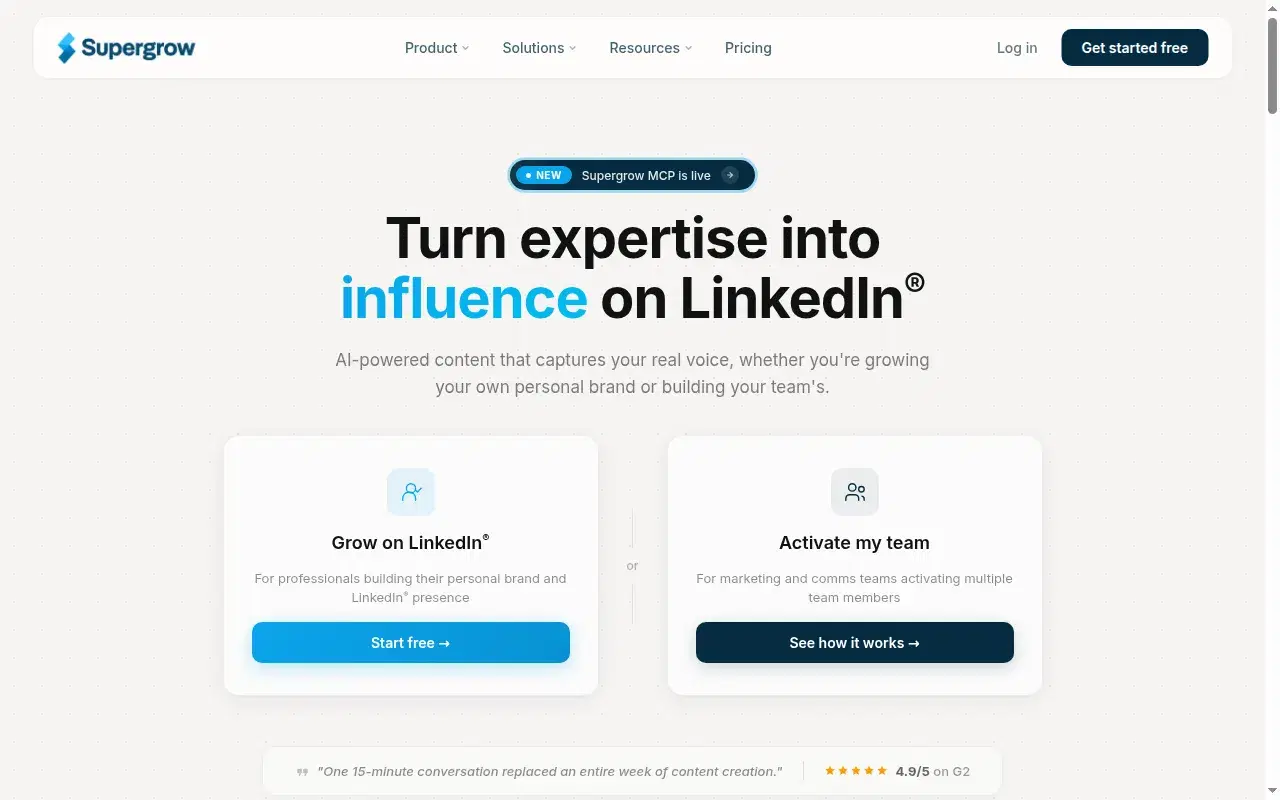
Supergrow is the scheduling backbone for a client roster. It set out to be the LinkedIn-safe alternative to Taplio, and on that front it delivers: no Chrome extension, no auto-engagement, official-API scheduling, real multi-account workflows, a Kanban queue that holds up. If your bottleneck is "I have eight client accounts and I need to schedule across all of them without getting any of them flagged," Supergrow does that honestly.
When I tested it
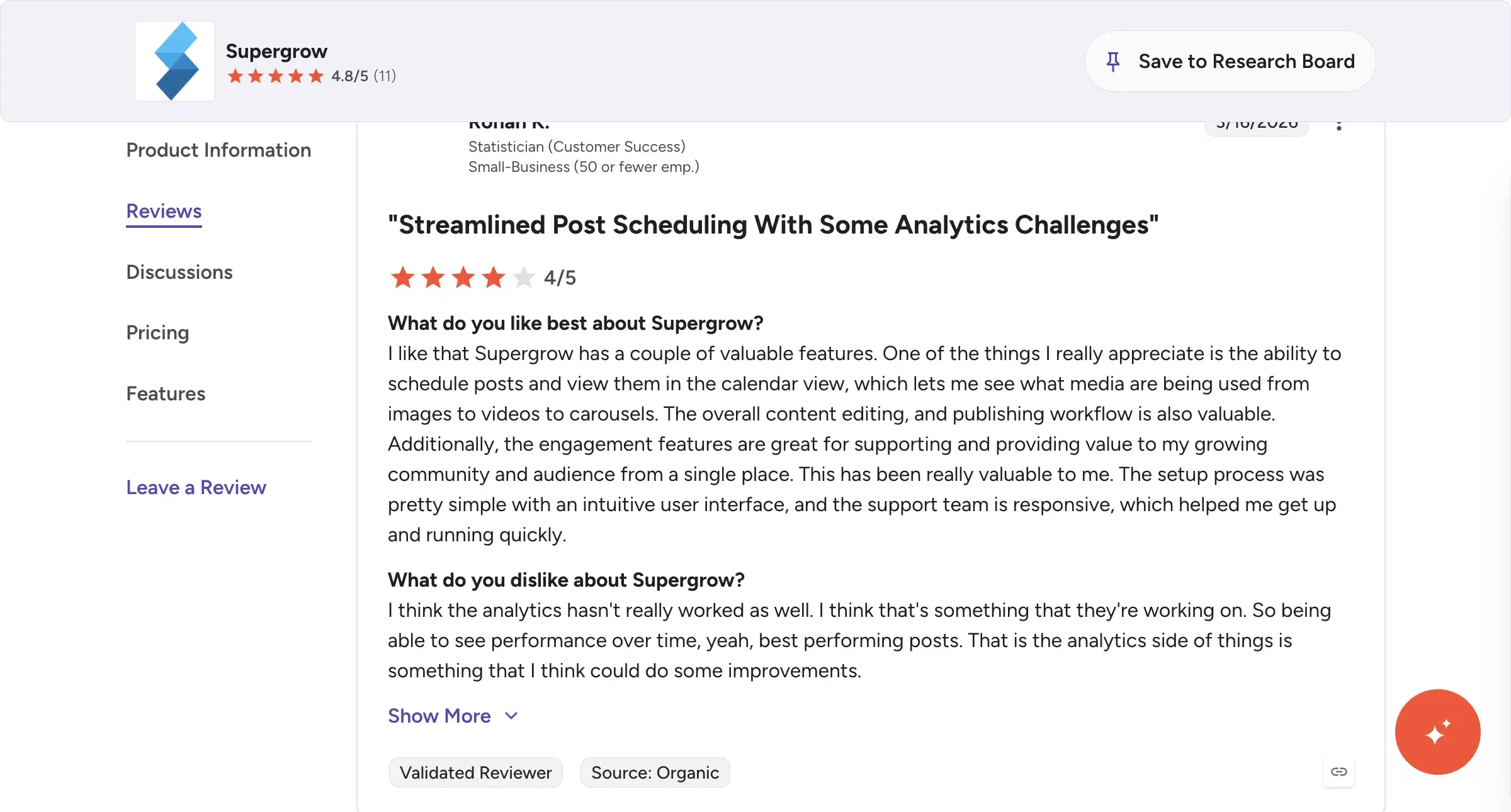
Tried it on a 2023 lifetime deal, signed up again in 2026 for this piece. The writing side is where it hasn't kept up, and for a ghostwriter that's the whole point. Signing back in this year, the interface felt clunky and slow, the output read generic, and feedback on one draft didn't carry to the next — every session is square one. No per-client persona depth, no memory, no Knowledge Base. Analytics is the recurring G2 complaint too (Rohan K., Statistician, 4/5: "the analytics side of things is something that I think could do some improvements"). So it's a scheduling layer you pair with a real writing tool, not the thing that holds your clients' voices.
Review receipts
Key features
Official-API scheduling: No Chrome extension, no auto-engagement — ToS-safe scheduling across a client roster.
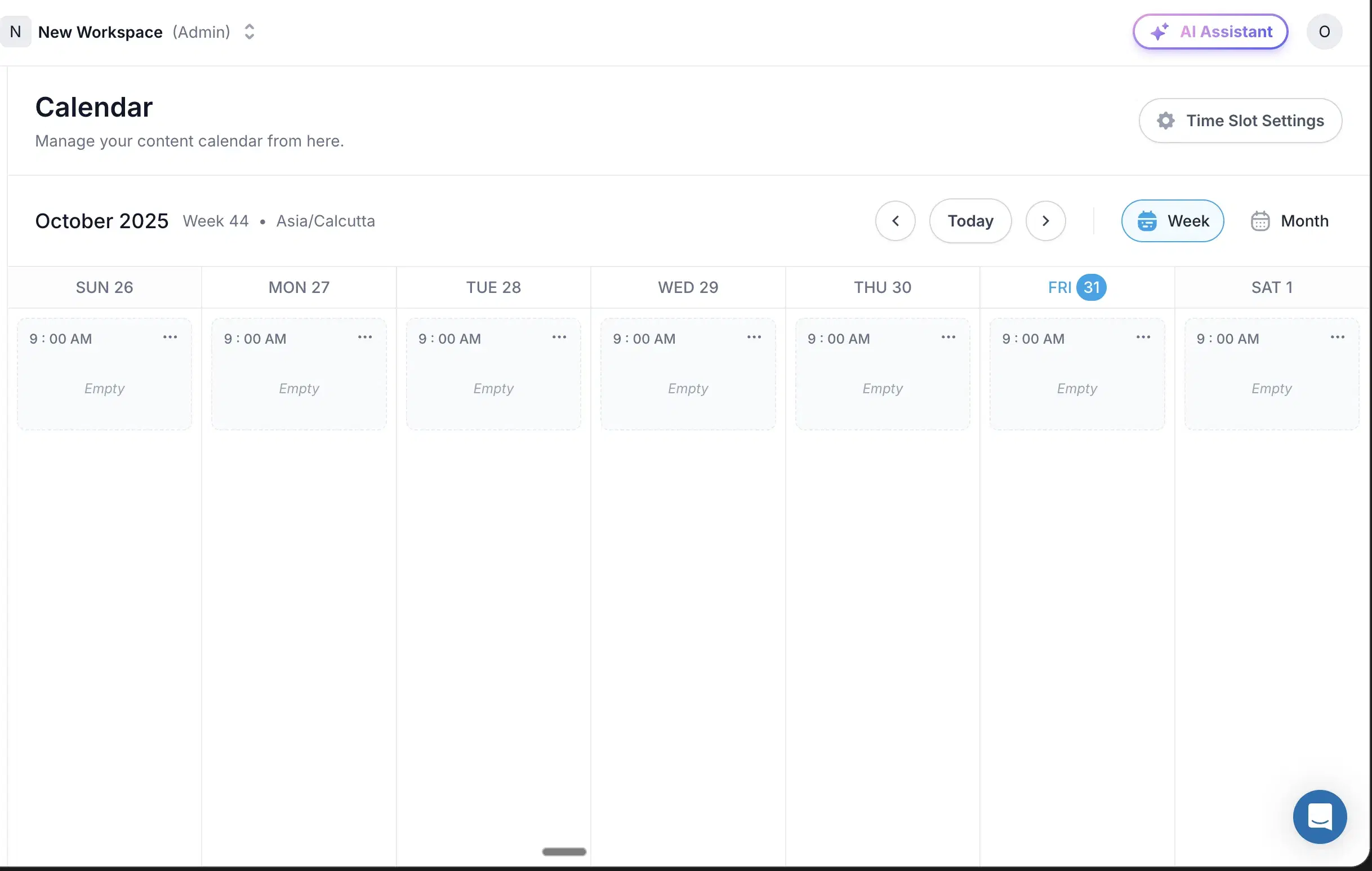
Kanban queue: A Kanban queue that holds up, plus real multi-account workflows.
Comment workflows: Comment workflows on top of the queue if scheduling is the job.
Best for
- Ghostwriters whose top pain is safe scheduling across many client accounts.
- Anyone willing to pair it with a separate writing engine.
Pricing
$19 – $139/mo · Free trial
Pros
- Official-API scheduling, deep multi-account workflows. ToS-safe, Kanban queue, comment workflows. Great if scheduling is the job.
- Indie team. well-built for what they focused on.
Cons
- Generic output, no persona depth, no memory. Every session is square one. Oiti's approach: per-client persona + memory that compounds.
- Analytics depth is a recurring G2 complaint. Oiti's approach: not the analytics leader either — but the writing layer Supergrow lacks is the reason you'd switch.(source)
Best for all-in-one if the client pays for outbound too
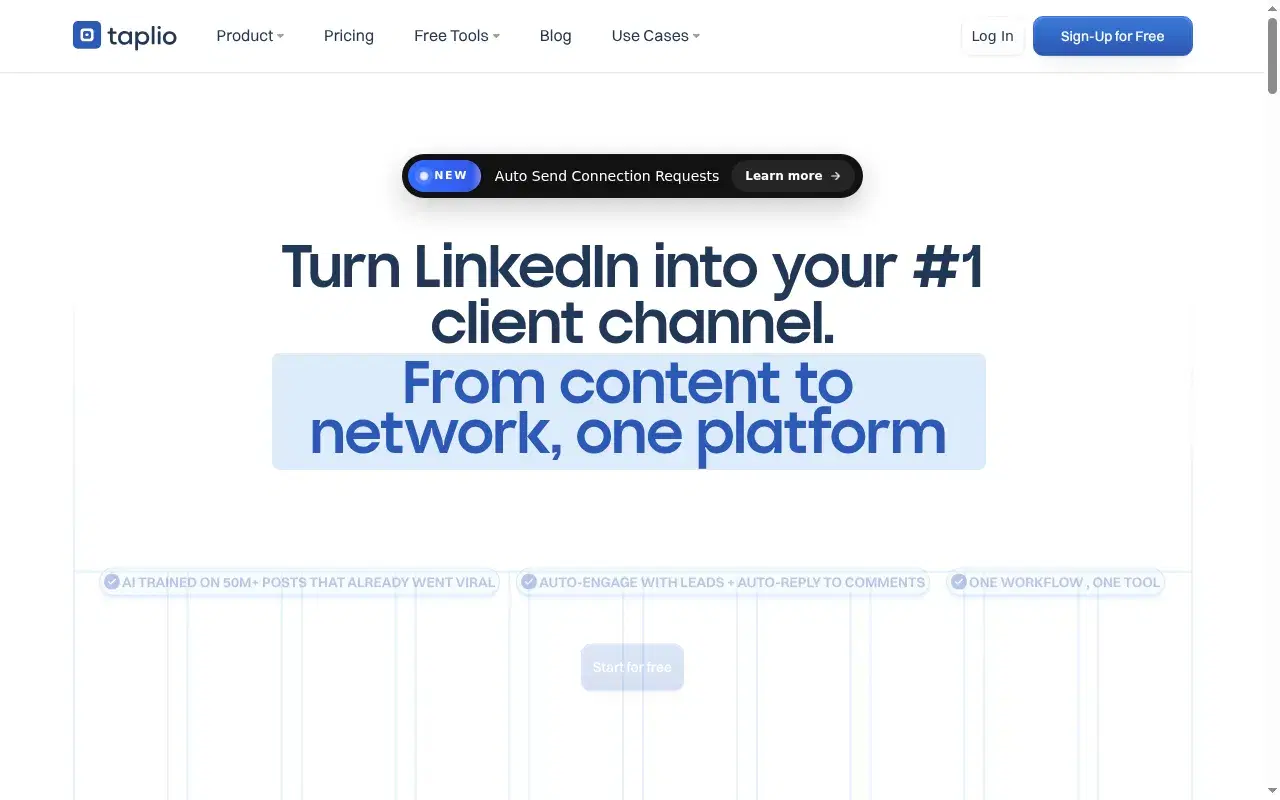
Taplio was the best LinkedIn tool of 2021-2023, and its 1M+ inspiration library is still the strongest in the category. For a ghostwriter it's the all-in-one pitch — content plus outbound — but the AI writing is a thin ChatGPT wrapper on a pre-AI codebase, no persona engine, no memory. The bigger problem is the Chrome extension: I've had a client show up with an account already flagged and restricted from it, and Taplio itself is now banned from LinkedIn — a liability you can't hand a paying client.
Key features
1M+ inspiration library: Still the best for studying hook patterns (filter to recent).
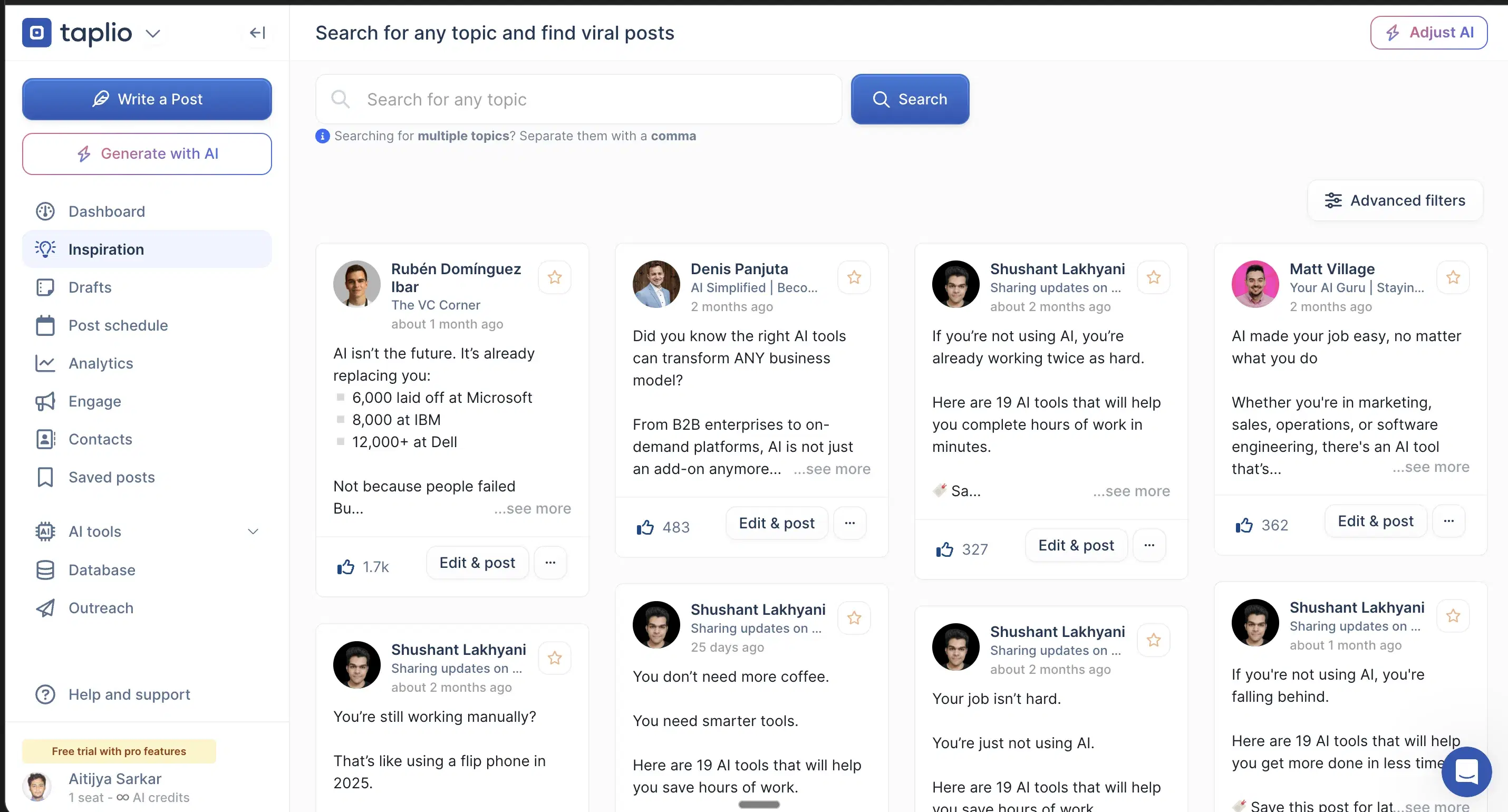
Content + outbound bundle: The all-in-one pitch — content plus outbound in one tool.
Brand recognition: Surfaces first when buyers ask an AI for LinkedIn tools.
Best for
- Ghostwriters whose client genuinely needs content + outbound in one tool.
- Those who can absorb the ToS risk.
Pricing
$39 → $65+/mo · 7-day Pro
Pros
- 1M+ inspiration library. still the best for studying hook patterns (filter to recent).
- Brand recognition. surfaces first when buyers ask an AI for LinkedIn tools.
Cons
- Real account risk. Extension flags accounts; Taplio's banned from LinkedIn. Oiti's approach: official APIs, no client account you can burn.(source)
- Generic AI output, no memory. Chatbot bolted on a pre-AI codebase. Oiti's approach: persona + research agents before every draft.
Best for when you grow into a 5+ person shop
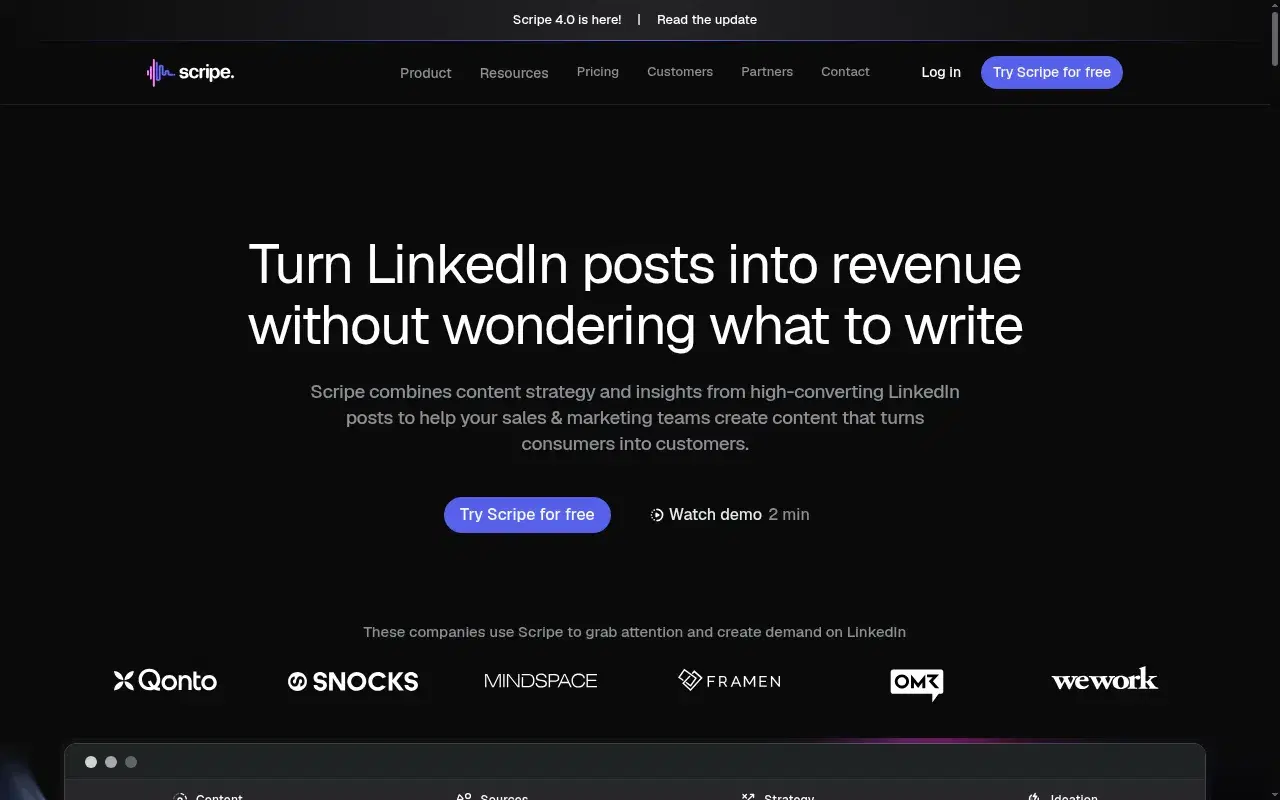
Scripe is the pick for when a ghostwriter grows into a small agency. Its wedge is team workflow discipline — approval flows, shared Kanban, "Amplifier seats" that split auto-engagement accounts from posting accounts — so if 5+ people are moving client content through a pipeline, they've thought it through. The content is the weak spot: snapshot viral ideas, no memory, a "describe your tone" form instead of real persona research. An agency I spoke to ran it for a finance founder, called the output AI slop, and switched to Oiti; Trustpilot sits at 2.6/5, with billing complaints worth reading before you commit a team.
Key features
Approval flows + shared Kanban: The best team workflows in the list for moving client content through a pipeline.
Amplifier seats: Split auto-engagement accounts from posting accounts.
Analytics: Decent analytics for the price.
Best for
- 5+ person shops that need workflow structure more than per-post voice fidelity.
Pricing
€69 – €149/mo (~$76 – $164) · 14-day
Pros
- Best team workflows in the list. approval flows, shared Kanban, Amplifier seats.
- Decent analytics. for the price.
Cons
- Generic content at scale, no memory. Oiti's approach: 3,000-word persona + research agents before every draft.
- Billing and cancellation friction. charges showing up after people cancel.(source)
Best for cheapest multi-client entry
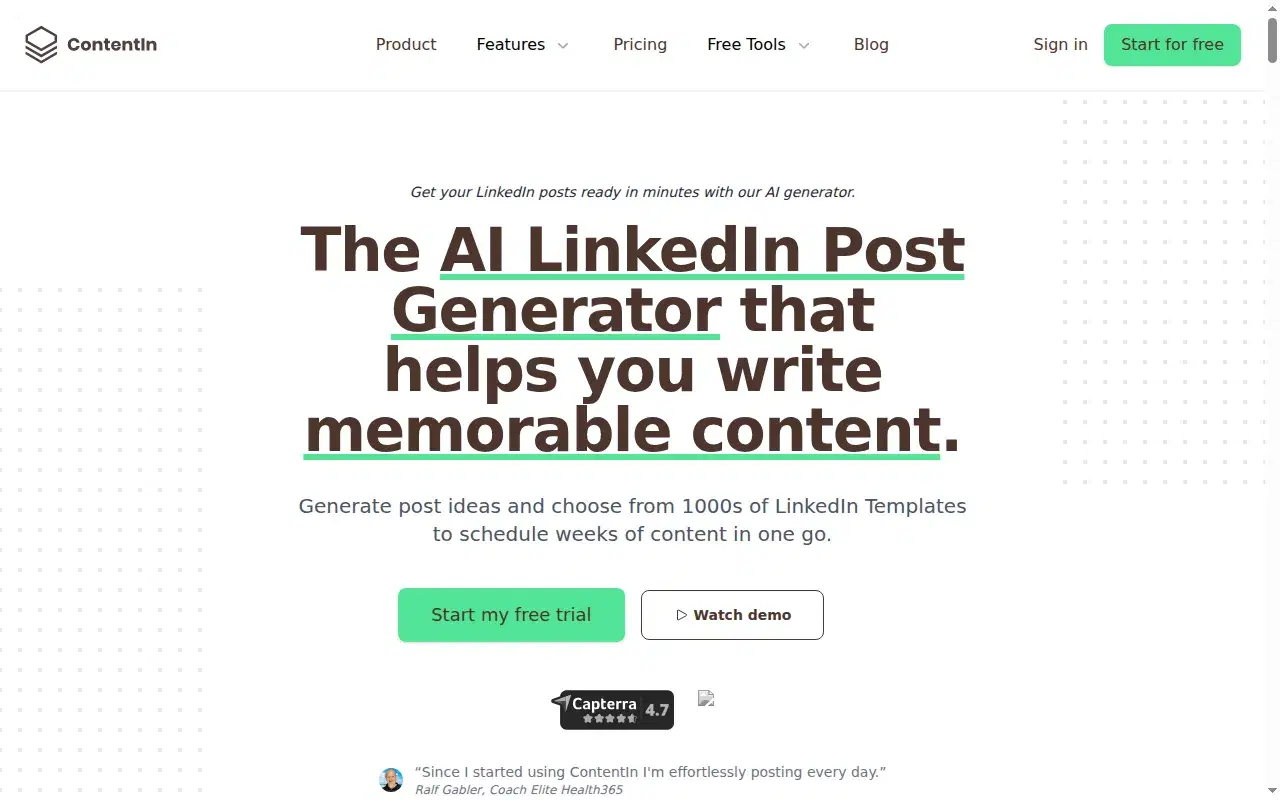
ContentIn is the cheapest credible way to test the category with more than one client — composer, Kanban queue, content calendar, and OAuth-safe scheduling for $15/mo. The substance is the problem: the AI output is extremely generic, and the "persona training" is a four-question multiple-choice quiz with no web search for client ICP pain. One flag — their "who from your ICP engaged" feature implies they're pulling per-person LinkedIn data, which looks like scraping against ToS.
Key features
Composer + Kanban queue: Composer, Kanban queue, and content calendar — the workflow surface is all there.
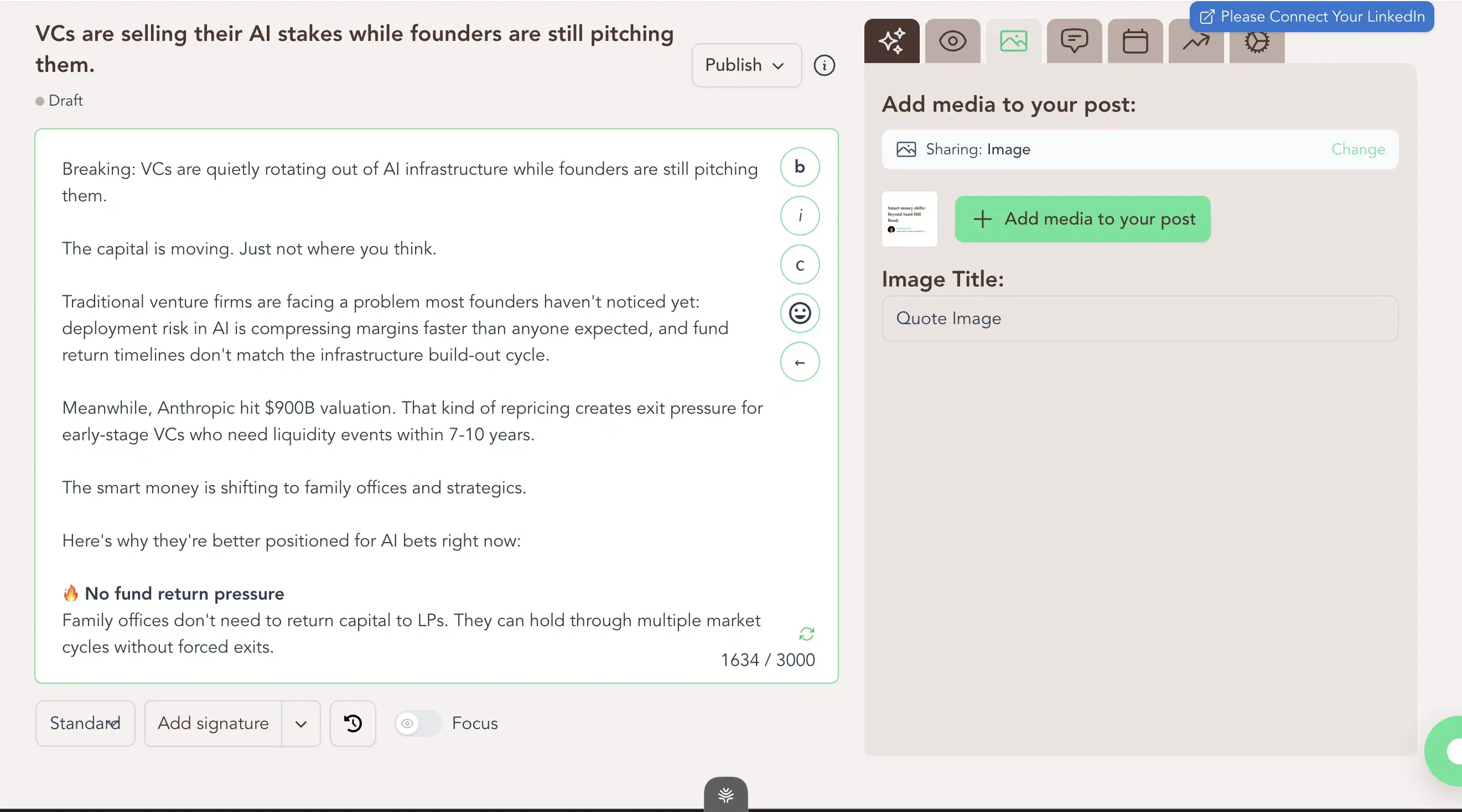
OAuth-safe scheduling: OAuth-safe scheduling for $15/mo, the cheapest real entry in the category.
Four-question persona training: The "persona training" is a four-question multiple-choice quiz with no web search for client ICP pain.
Best for
- Budget-first ghostwriters who want a clean Kanban + scheduling workflow cheap.
- Those who don't need voice depth yet.
Pricing
$15 – $48/mo · Trial available
Pros
- Composer + Kanban queue + OAuth-safe scheduling. the workflow surface is all there.
- $15/mo is the cheapest real entry. in the category.
Cons
- Generic output, four-question "training". Oiti's approach: 3,000-word persona from past posts + website + ICP research.
- No web search for trending/ICP pain. Oiti's approach: research agents across Reddit + the live web + the KB.
Best for clients who want newsletters + tweets too
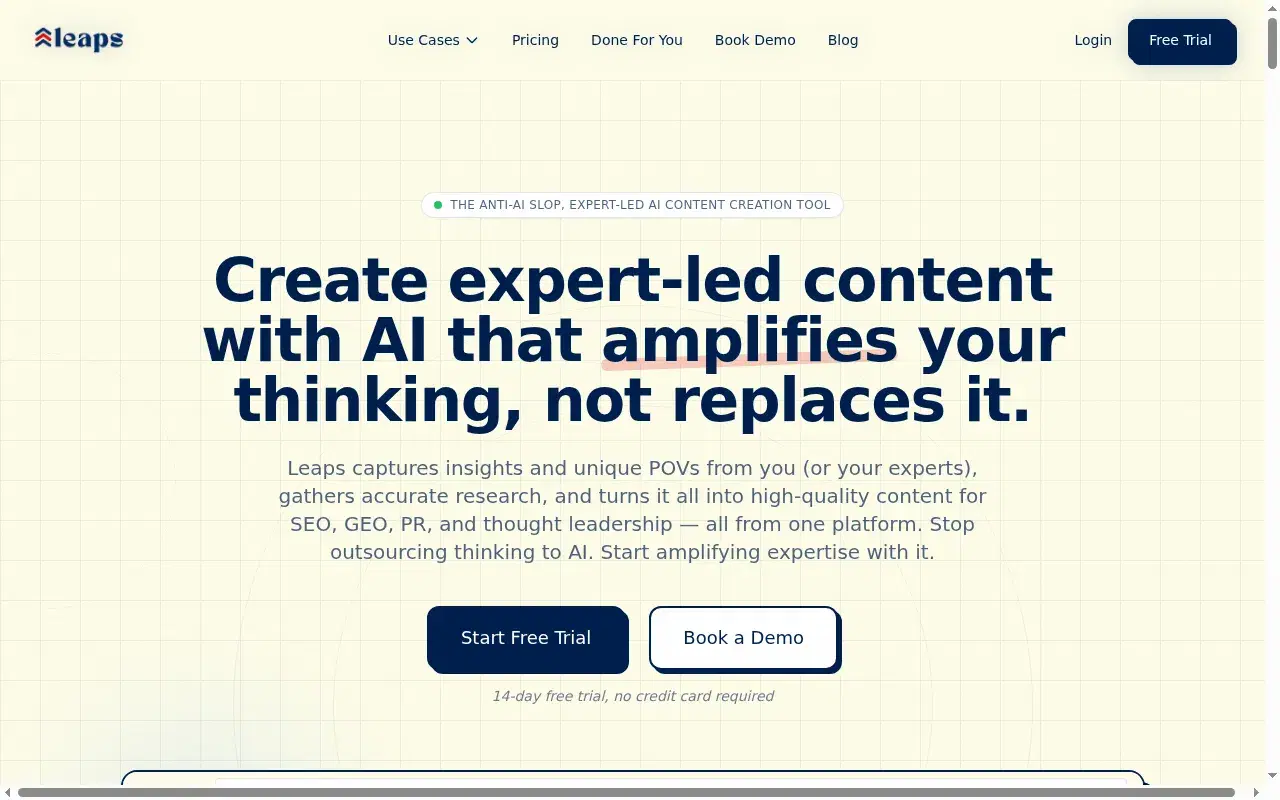
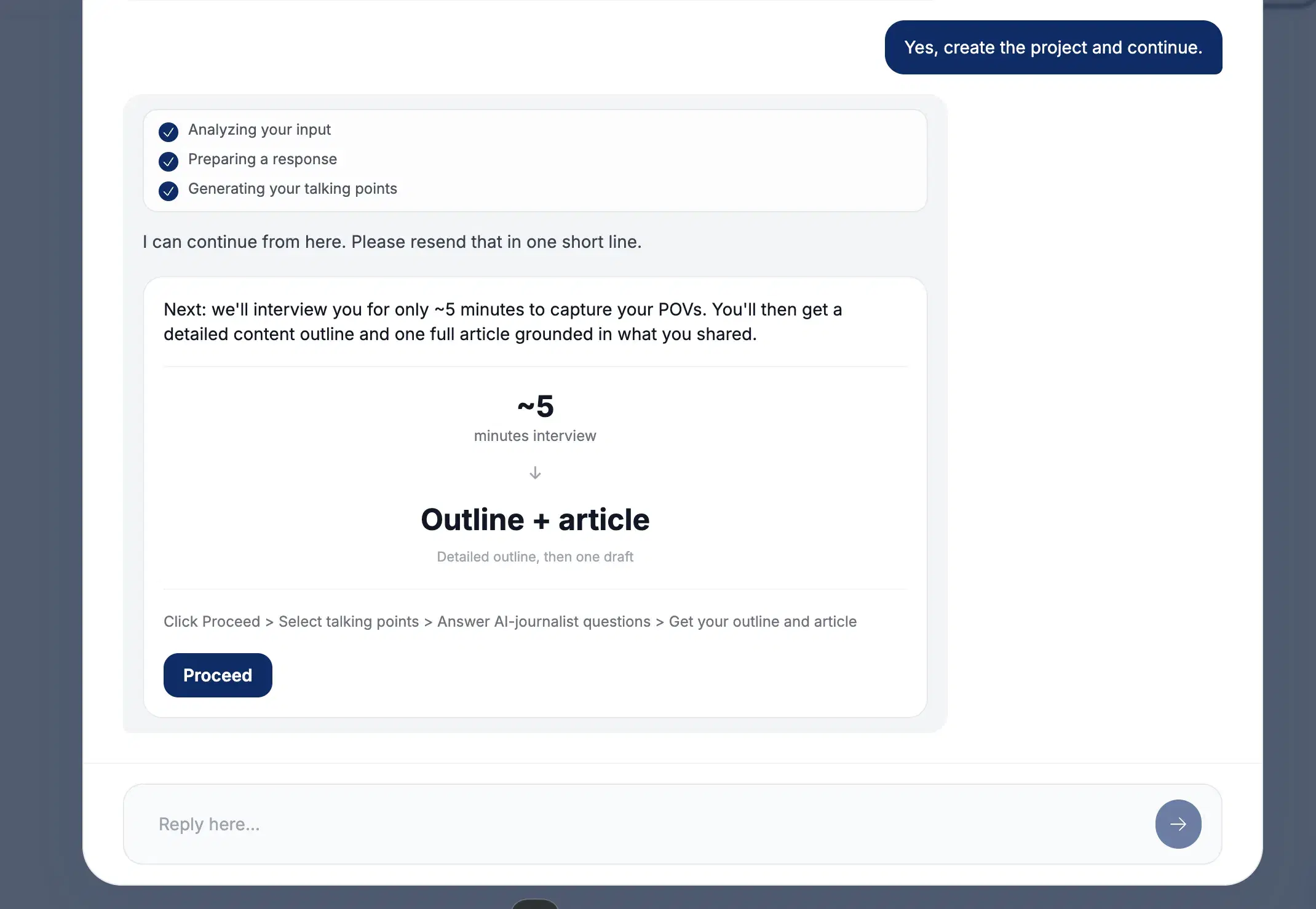
Leaps' interview-led "anti-slop" workflow is closer to how a human ghostwriter works — it runs a 5-minute AI-journalist interview instead of prompting from a blank box, and the multi-channel breadth fits clients who also want newsletters and tweets. That breadth is the trade-off: spread across five formats, the LinkedIn-specific polish suffers. It's not chat-based, so the always-question format gets old, and there's no KB or memory — every session starts fresh.
Key features
Interview-led production: Runs a 5-minute AI-journalist interview instead of prompting from a blank box — structurally the closest to real ghostwriting.
Multi-channel breadth: Fits clients who also want newsletters and tweets.
Free trial, unlimited team seats: Free, no CC, unlimited team seats at every tier.
Best for
- Ghostwriters running clients across LinkedIn + newsletters + tweets.
- Those who like an interview-led rhythm.
Pricing
$49 – $149/mo · Free, no CC
Pros
- Interview-led production. structurally the closest to real ghostwriting.
- Free trial, no CC, unlimited team seats. at every tier.
Cons
- Multi-channel dilutes LinkedIn depth. Oiti's approach: LinkedIn-only by design.
- No KB, no memory. Every session fresh. Oiti's approach: per-client KB + persistent memory.
Best for one client chasing viral reach
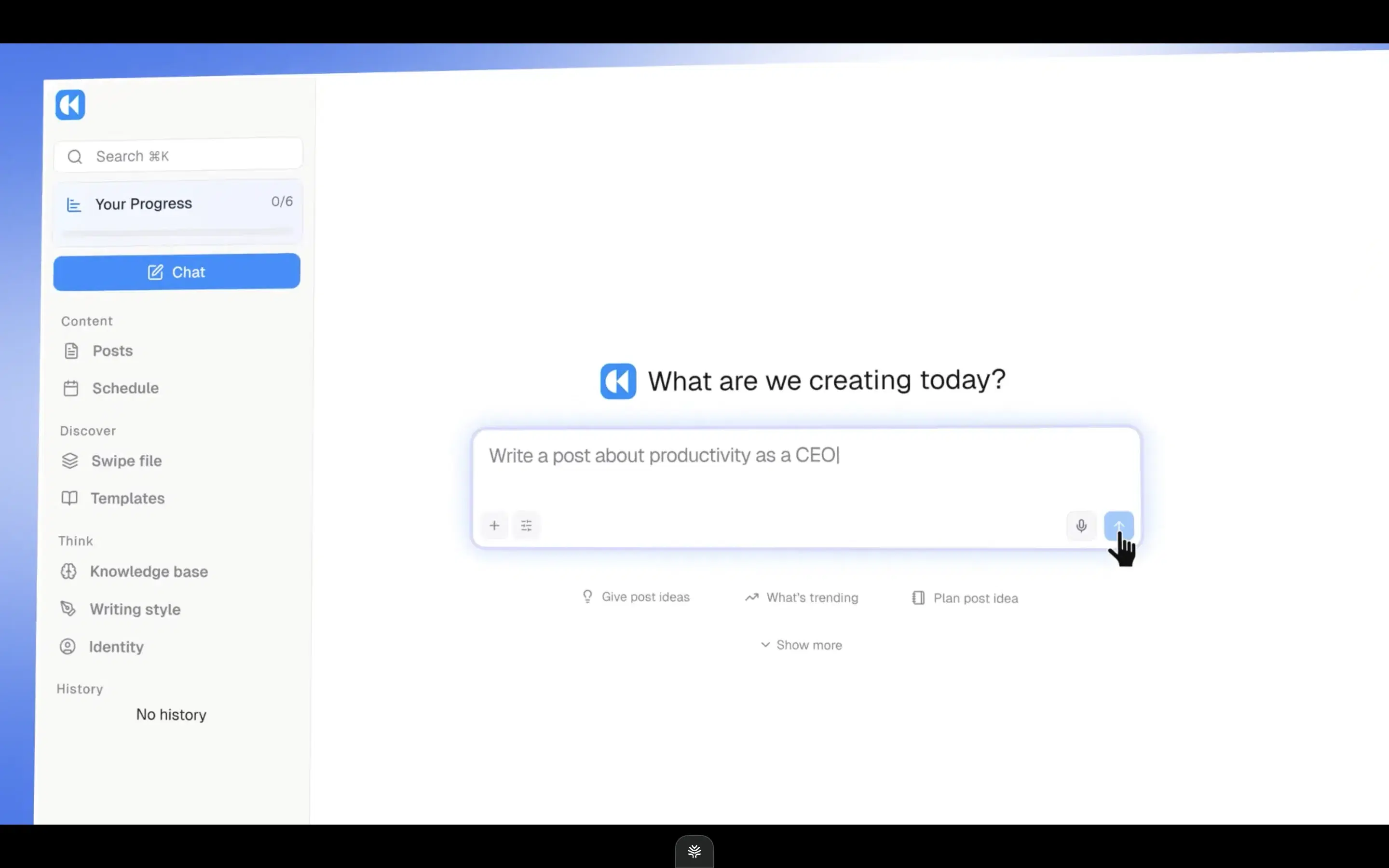
Kleo rebuilt its entire stack after LinkedIn forced its original Chrome extension offline in 2025, displacing 70,000+ users. The current tool has a chat composer, an inspiration tab, and decent infographics, but it's built around viral patterns — and chasing viral flattens the very voice a ghostwriter is paid to protect, wrong for boring niches or any client whose distribution runs on credibility. It's single-account at $99/mo with no trial, a primitive KB, and no memory — the wrong shape for a multi-client roster.
Key features
Full rebuild after the shutdown: Chat composer, an inspiration tab, and decent infographics after LinkedIn forced its original Chrome extension offline in 2025.
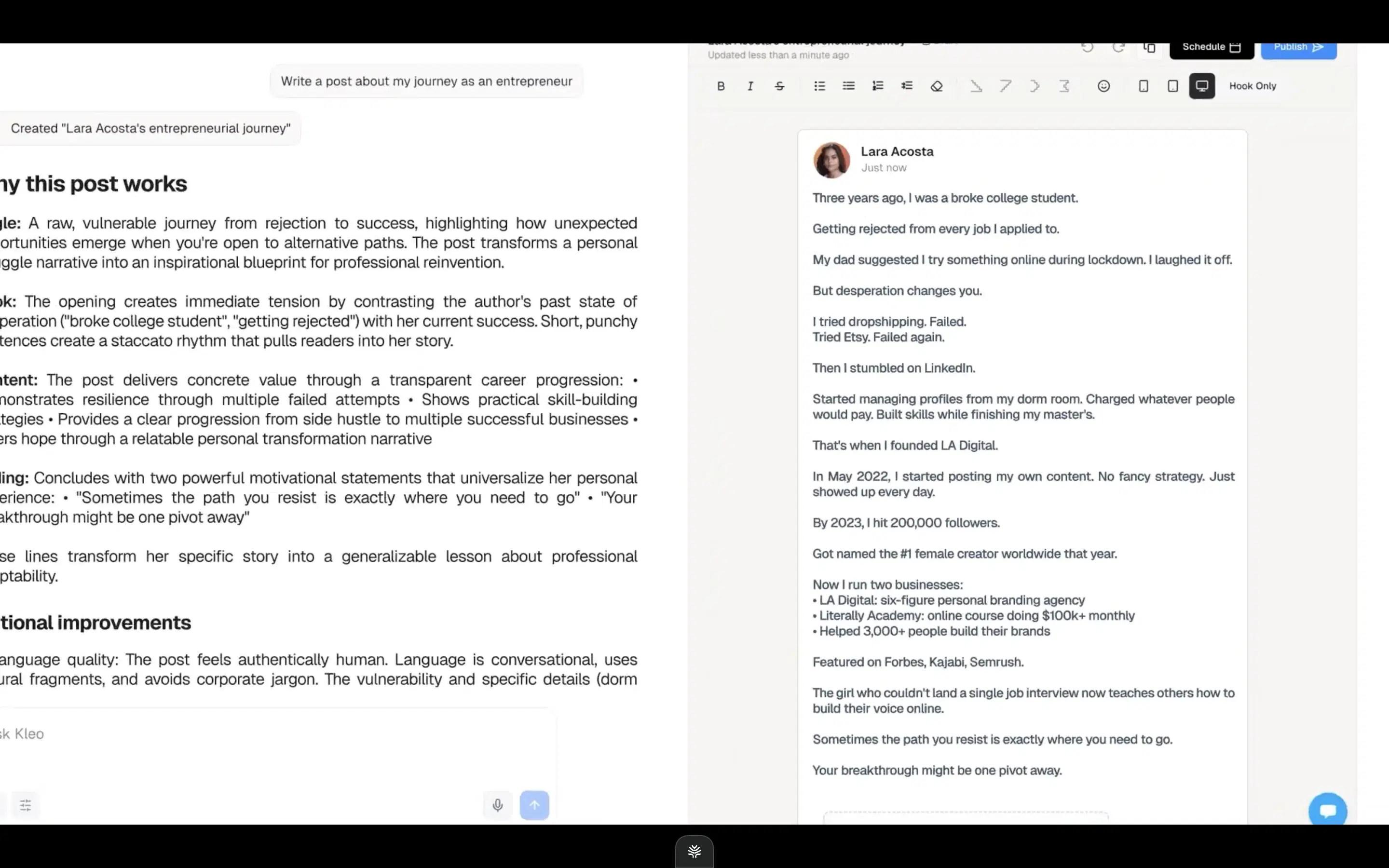
Viral-pattern engine: Built around viral patterns — delivers on viral format if that's the client's goal.
Single-account, no memory: Single-account at $99/mo with no trial, a primitive KB, and no memory.
Best for
- One client specifically chasing viral reach in a consumer niche.
Pricing
$99/mo ($999/yr) · No trial
Pros
- Full rebuild after the shutdown. chat composer + inspiration tab + decent infographics.
- Delivers on viral format. if that's the client's goal.
Cons
- Viral bias flattens voice. Oiti's approach: memory + persona prioritize fidelity over pattern-matching.
- $99 single-account, no trial, no memory. Oiti's approach: Pro at $79 covers 3+ profiles, 7-day trial, memory that compounds.
Best for a client whose medium is carousels
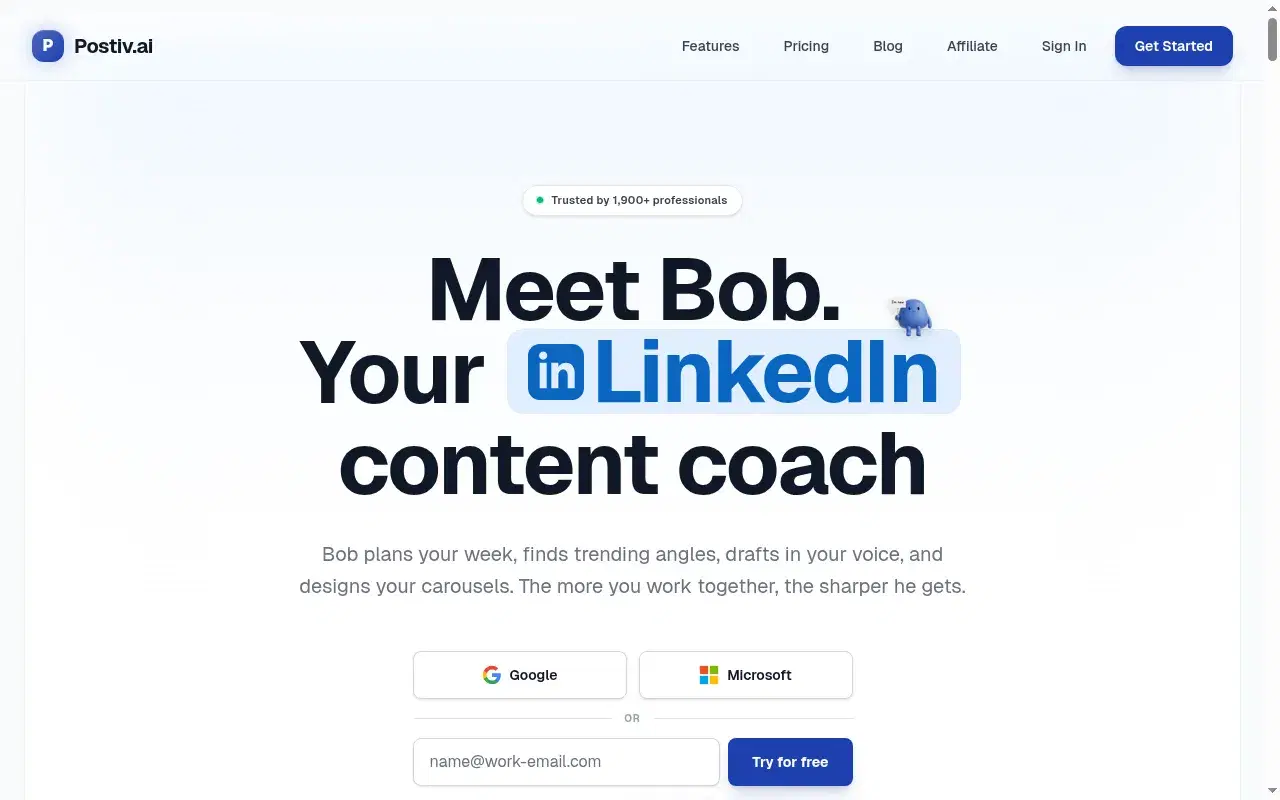
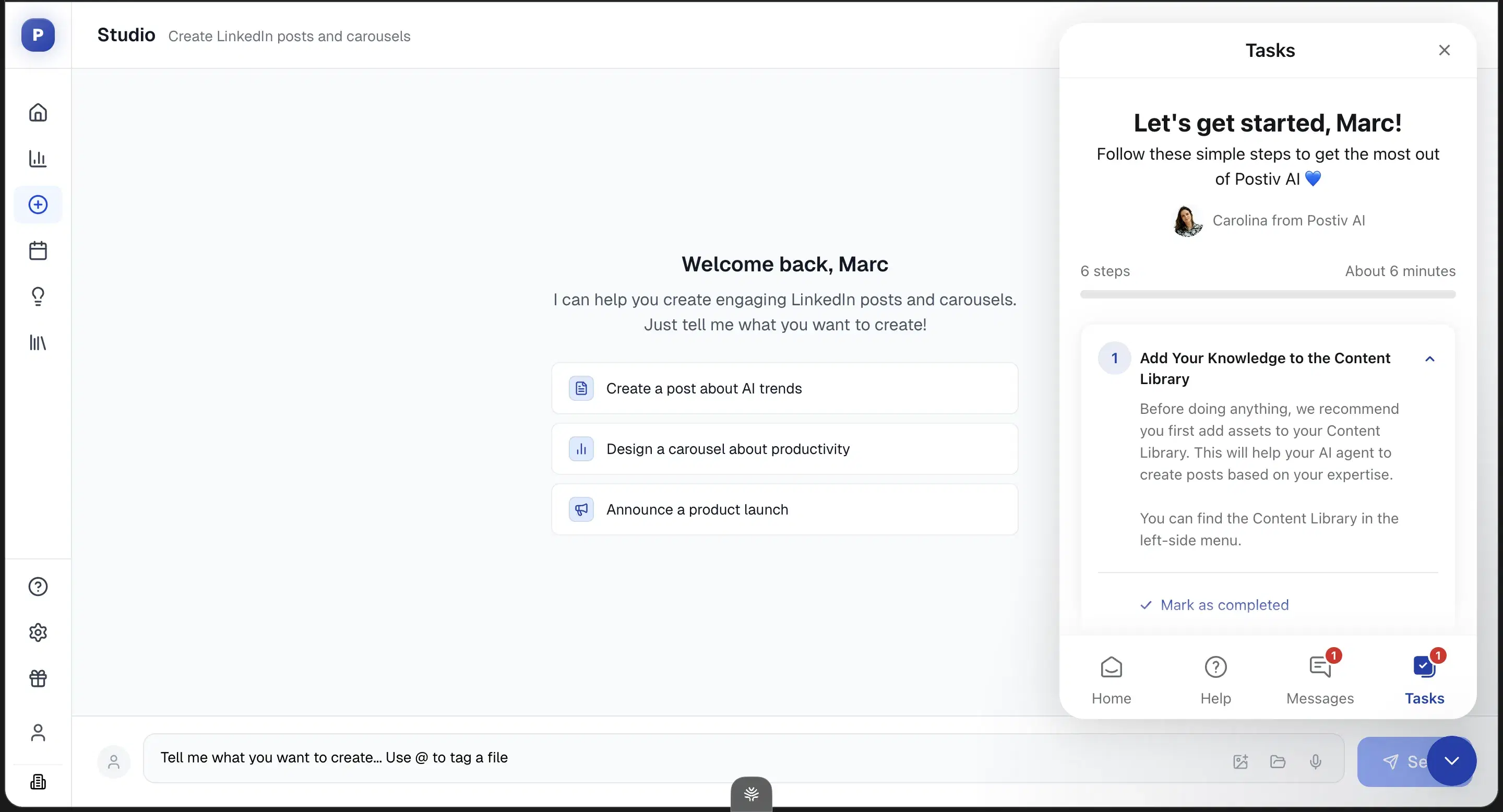
Postiv is chasing the same agentic idea Oiti is, but the execution isn't there yet. The one thing it genuinely beats Oiti on is carousels — its pre-built carousel workflows are well-built, and Oiti is post-first with none shipped yet. Everything else is behind: the UI felt vibe-coded, there's no memory across chats, and the RAG didn't pull my past posts even though it claims to. If a client's medium is carousels, use it for that; otherwise it's generic output with good slide decks.
Key features
Pre-built carousel workflows: Well-built carousel workflows — the one place Postiv beats Oiti today.
Transparent pricing tiers: No $39→$65 unlock games.
Agentic ambition: Chasing the same agentic idea Oiti is, but the execution isn't there yet.
Best for
- A client whose primary LinkedIn medium is carousels.
Pricing
$99 – $399/mo · $1 to start
Pros
- Carousel workflows are the one place Postiv beats Oiti. The one place Postiv is genuinely better than Oiti today.
- Transparent pricing tiers. no $39→$65 unlock games.
Cons
- No memory, surface-level persona. Oiti's approach: per-client memory + 3,000-word persona.
- RAG doesn't pull past posts despite claiming to. (tested directly).
How to choose
If many client voices held distinct, across sessions, without retraining → Oiti. Per-client memory + KB + AI Clone, and Pro at $79 covers 3+ profiles plus company pages.
If the format-and-send-for-approval step → AuthoredUp. Cleanest formatter + preview at $19.95. Draft elsewhere, polish here.
If approvals that hinge on "how will this look in-feed?" → MagicPost. The preview is the feature; the writing underneath is a ceiling.
If safe scheduling across a client roster → Supergrow or Oiti Pro. Both official-API; Oiti Pro adds the writing layer Supergrow lacks.
If a client is paying you for content and outbound from one tool → Taplio, if they'll accept the ToS risk. The safer split is Oiti for the writing and Lemlist or HeyReach for the outreach.
If a 5+ person shop needing workflow discipline → Scripe. Approval flows, shared Kanban. Pair with a real writing tool for voice.
If the cheapest multi-client entry → ContentIn at $15/mo. Accept the depth trade-off, then run Oiti's trial to compare.
If clients want newsletters and tweets alongside LinkedIn → Leaps. For LinkedIn-first work, the breadth dilutes depth.
If one client chasing viral reach → Kleo, knowing it'll flatten some voice.
If a client who lives on carousels → Postiv, which is genuinely better at those than Oiti today.
The verdict
Oiti #1, AuthoredUp #2, MagicPost #3. Ghostwriting doesn't break at the writing — words are a commodity now. It breaks at bandwidth: one person, many voices, and a stack of tools that make you the memory layer and the account-safety layer at once. That's the job Oiti was built to remove, because I was drowning in it myself with a wholesale client no tool could understand. AuthoredUp and MagicPost earn their spots on the format-and-approve loop, and Supergrow's the safe scheduling backbone. Everything below is a specialist — Scripe for teams, ContentIn for budget, Postiv for carousels. But if you're here because you're capacity-bound and every new client makes the math worse, the tool that holds each voice, remembers every redline, and hands you a sales asset on day one is Oiti.
7 days free · No usage limits