I Tested 10 Best AI LinkedIn Content Tools for SDRs — Ranked (2026)
I scored 10 tools on the six things any SDR needs: whether it sounds like you, knowledge-base grounding in your background and who you are, a memory that compounds, time-to-content between calls, 360Brew fit, and whether it can get the account you sell from throttled.

Why I wrote this
Social selling is the new selling
The short answer
After testing the 10 tools SDRs reach for to create LinkedIn posts, Oiti, the AI clone for LinkedIn ranked #1. Oiti reads your last 100 posts and your website, builds an AI clone of what you actually believe, and remembers every correction / feedback you give to it — the one tool here where you review a point of view once and stop babysitting the drafts. Pair this with Oiti's deep knowledge base (to dump meeting notes, thesis, books, youtube videos) and deep analytics and scheduling using LinkedIn's official apis and no other tool comes even close. **Taplio #2** pairs content with cold outbound in one dashboard, but the outbound half is a Chrome extension that risks your account. **Supergrow #3** the cheap, safe official-API scheduler, though the writer stays thin.
Social selling's the new selling.
And most LinkedIn content tools suck at it for the same two reasons: no long-term memory, so your corrections never compound, and no knowledge base, so nothing grounds the post in your meeting notes, what you believe in, the books you're reading, and the YouTube videos you're watching. That's why what you get back reads fine for a lifestyle coach and thin to a buyer deciding whether you understand their problem.
I spent six years ghostwriting on LinkedIn for 50–60 SDRs, founders and consultants, and I watched this exact gap decide who nailed social selling and who didn't. Deep, authoritative, human content is the play if you want content that resonates with your buyers and that can work even if you're selling in a tough niche.
Yash Tak, founder at Standard Volumes, ran one ~300-word post about AC mandates and pulled "250k views… 400+ connection requests, and more demos than I can handle" from under 1,000 followers.
Substance in a boring niche, not virality — and it gets you the results you want anyway.
The 10 best LinkedIn AI tools for SDRs at a glance
Sorted by overall fit for solo creators and small teams writing on LinkedIn in 2026. Click any tool name to jump to the full writeup.
| # | Tool | Pricing | What sets it apart |
|---|---|---|---|
| 1 | Oiti | $49 Creator / $79 Pro (early-adopter yearly: $245 / $395) | Long-term memory + Knowledge Base + a 3,000-word AI Clone; official LinkedIn APIs |
| 2 | Taplio | ~$65 Standard / ~$375 Pro (the $39 tier ships zero AI credits) | Content + outbound in one tool, but outbound is a Chrome extension (ToS risk) |
| 3 | Supergrow | $19–$139/mo | Safe official-API scheduling, thin writer |
| 4 | ContentIn | $39 / $59/mo ($31 / $48 annual) | Safe OAuth scheduling, generic composer |
| 5 | MagicPost | $49 Starter / $69 Creator per month ($29 / $39 annual) | Good LinkedIn preview, vanilla content |
| 6 | AuthoredUp | Free + paid tiers | Best formatter, but no AI writing and a fragile Chrome extension |
| 7 | Postiv | $99 / $229 / $399/mo + per-seat add-ons | Real carousel tools, shallow persona |
| 8 | Leaps | $49 / $99 / $149/mo | Anti-slop interview, not LinkedIn-optimized |
| 9 | Scripe | €69 Solo / €99 Advanced / €149 Business per month + €45/mo per extra account | Strong team workflows, generic output at scale |
| 10 | Kleo | $99/mo or $999/yr (~$83/mo effective) | Viral bias flattens the credible voice a buyer wants |
The 6 things I scored on
I judged these on the six things that decide whether a rep actually gets replies out of LinkedIn, not vanity metrics.
Does it sound like you actually talk?
Not just hook patterns, but who you are and how you sell. Most tools scrape your last twenty posts and call it a voice.
Knowledge-base grounding.
Can you feed it a one-pager or a call summary and have it ground the post in what you sell, instead of hallucinating a stat a buyer catches in line one?
Memory that compounds.
When you correct it, does that stick forever or reset at the next login? Most tools here reset.
Time-to-content.
How fast do you get from "my buyers are talking about X" to a finished post between meetings?
360Brew fit.
LinkedIn's 2026 algorithm is a 150-billion-parameter decoder-only LLaMA 3 that rewards meaningful reads over vanity metrics, so dwell time beats a wide, shallow skim.
Account safety.
Official Marketing Developer Platform APIs or a Chrome extension hooking your cookies? The extension path is exactly what LinkedIn is throttling, and for a rep that account is the pipeline.
Let's rank them, starting with the obvious #1.
The ranking
Best for reps who need posts that sound credible to buyers, not templated slop
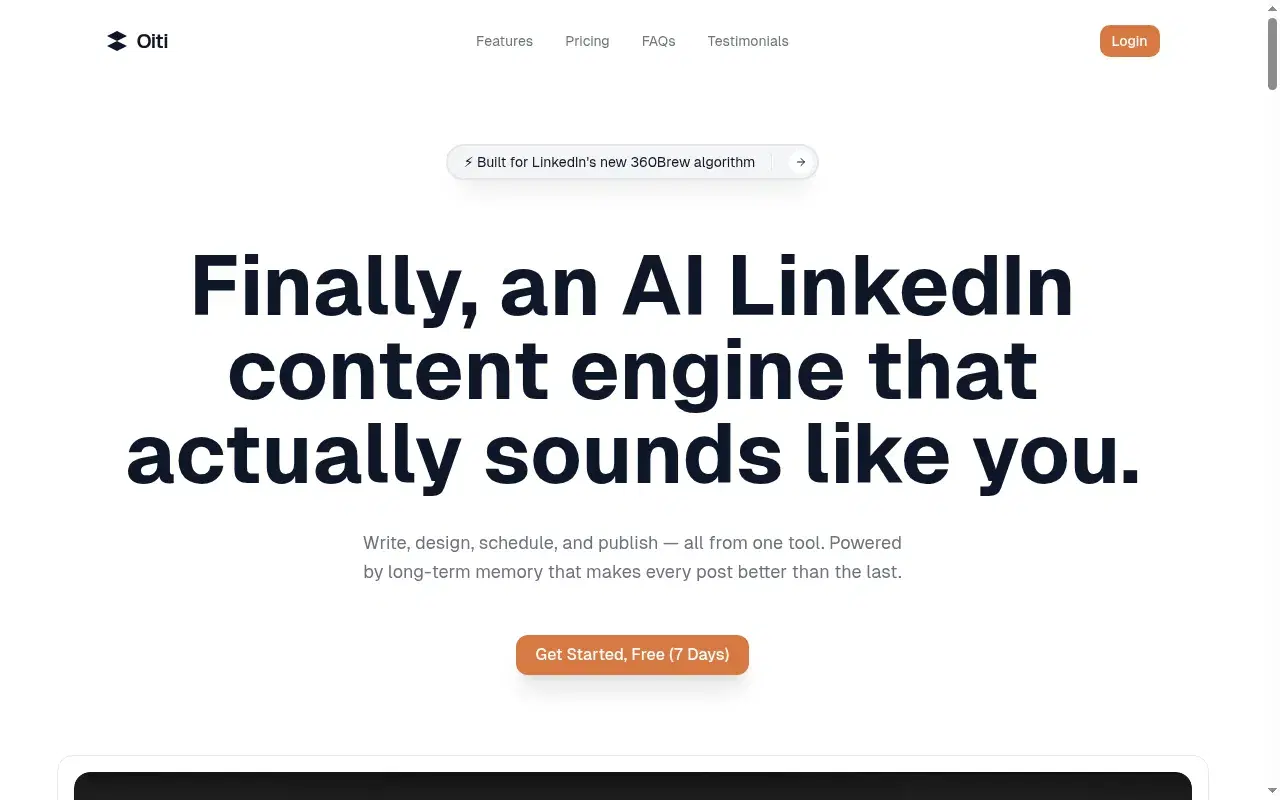
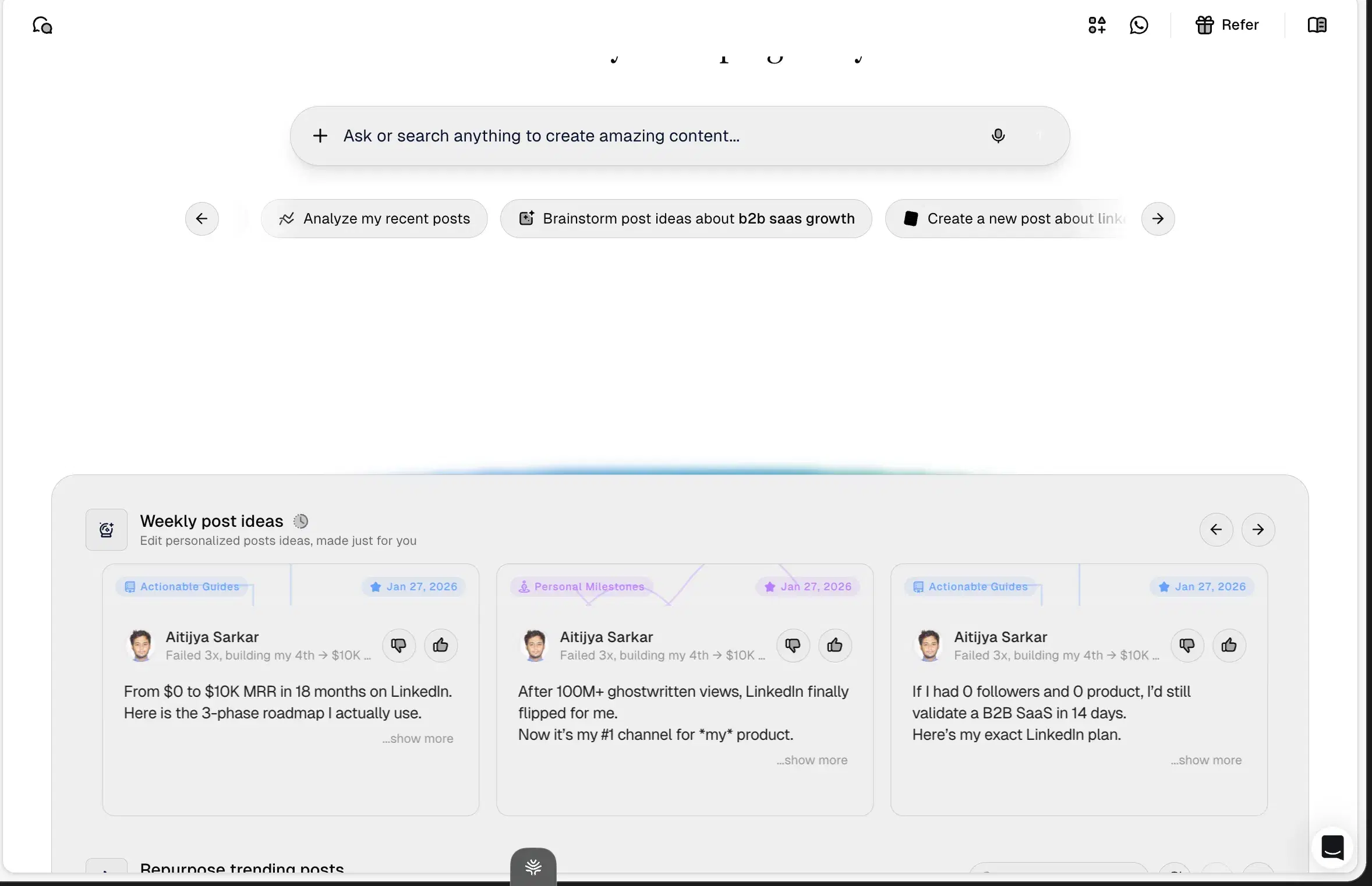
Oiti is the only tool in this tested set built on long-term memory plus a real Knowledge Base. On top of those sits the AI Clone: a 3,000-word narrative timeline of who you are, built in about 30 seconds from your last 100 posts, your website, and an ICP painpoint search. Feed it a product one-pager or a discovery-call summary or your meeting notes and its research agents ground the draft in the actual deal instead of a "5 tips" template.
Then memory takes over, so every edit sticks and the output gets more like you over time. No Chrome extension, so no throttle risk on the account you prospect from.
The proof is in what it produces.
Yash Tak, founder at Standard Volumes, ran one ~300-word post about AC mandates through this stack: "250k views, 2300+ likes, 400+ connection requests, and more demos than I can handle. All from one post. In a tough niche too."
Ipsita Dhar pulled "15k views, 300+ comments, and 15 qualified leads."
Neither chased virality; both grounded a real point of view in a real audience, which is the whole SDR play.
Inside Oiti
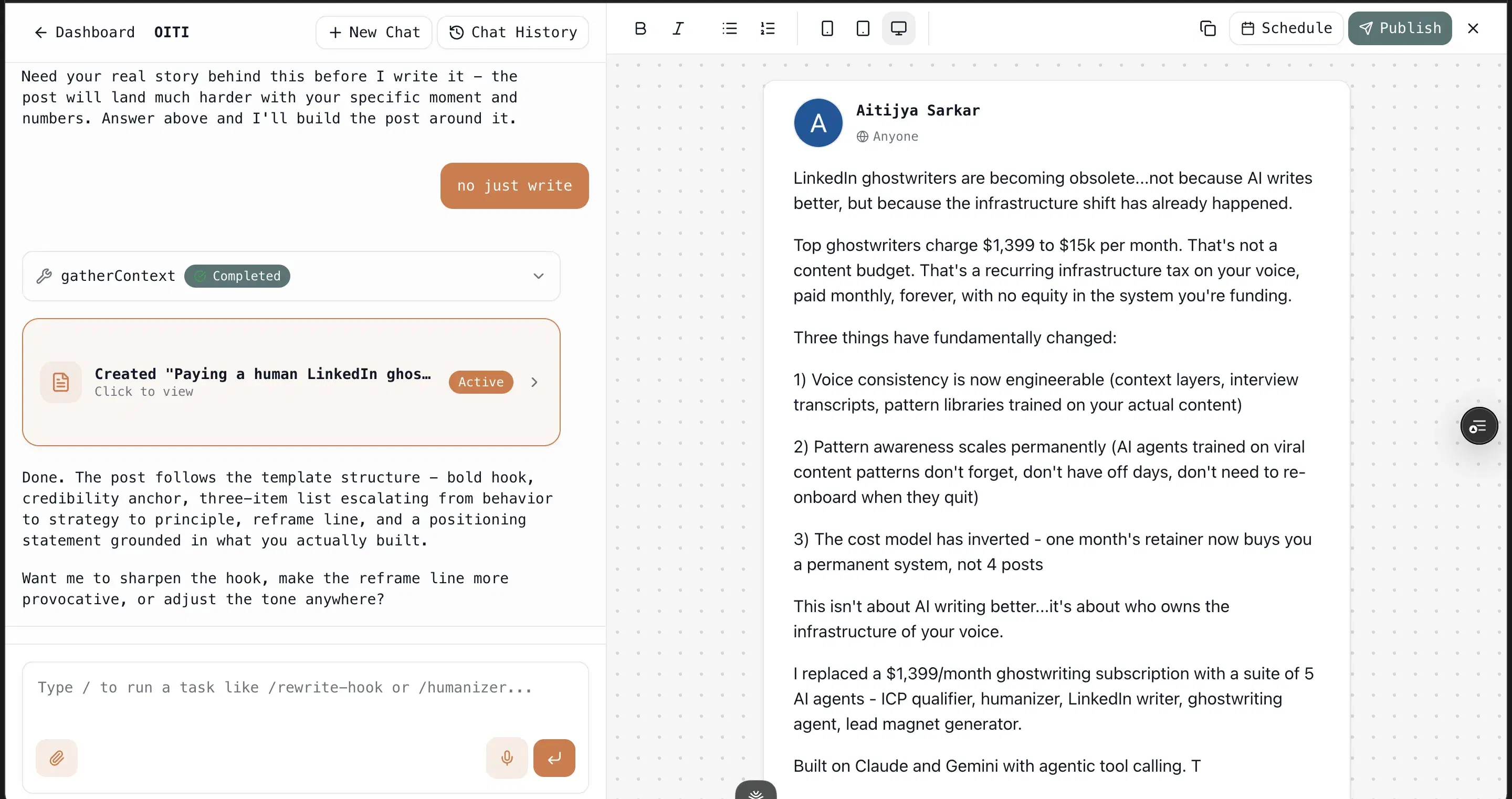
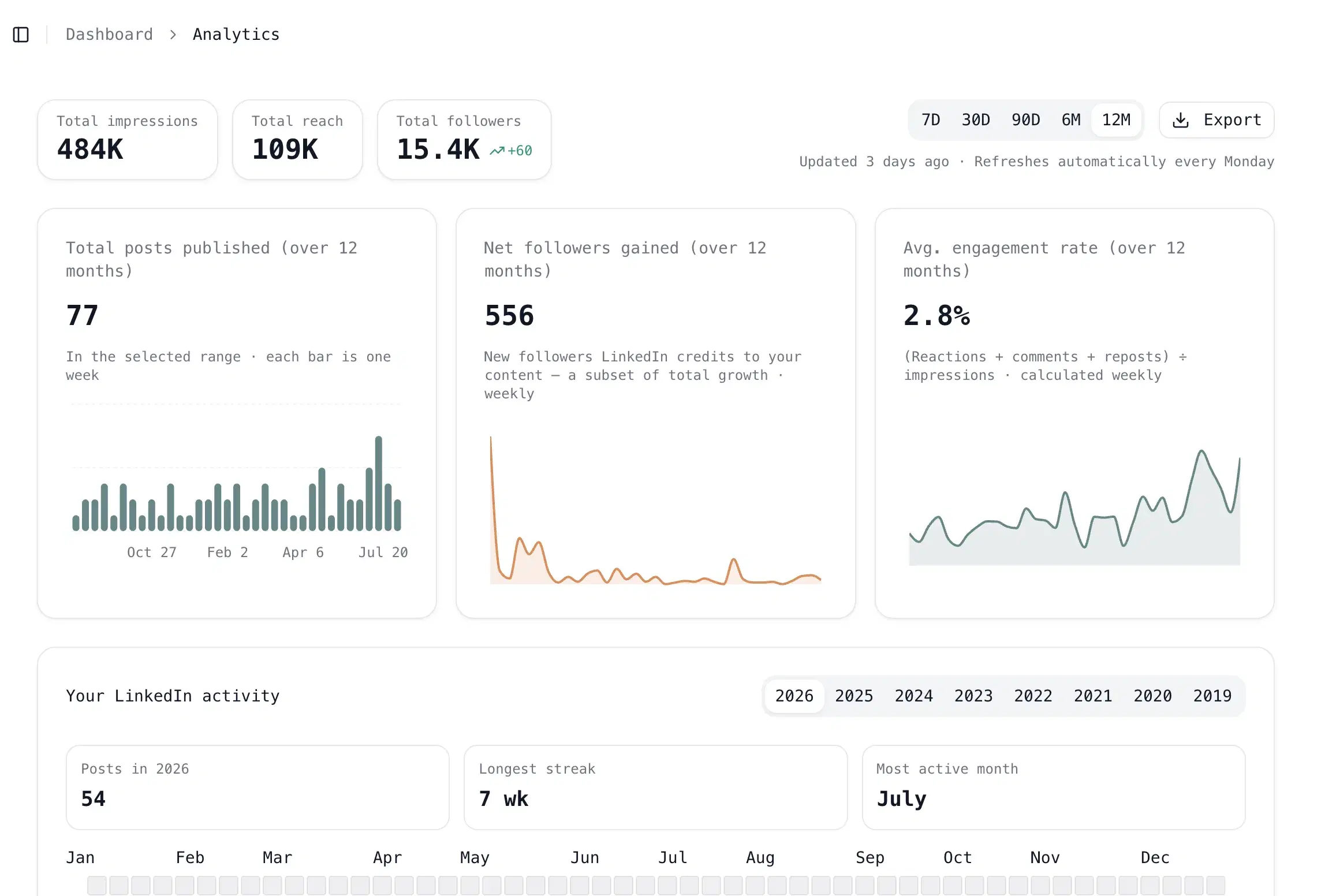
Key features
Knowledge Base + parallel research agents: Add a PDF or paste the text of a customer call, and the agents fan out across your KB, your memory, and the live web before writing. This is where domain substance comes from.
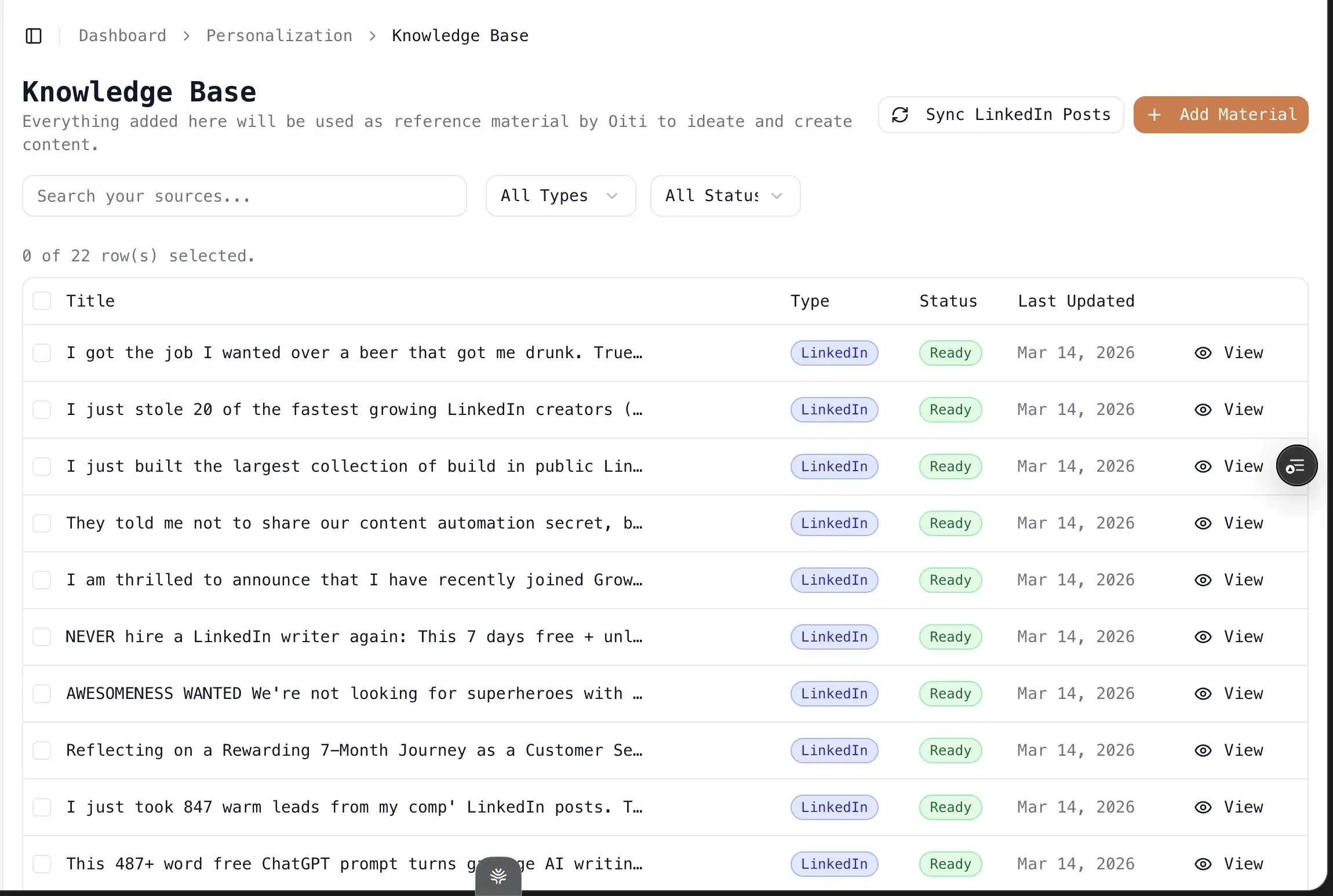
Trendjacking built in: Search your ICP's painpoints and viral posts across X, Reddit, and the deep web, then draft off what your buyers care about this week.
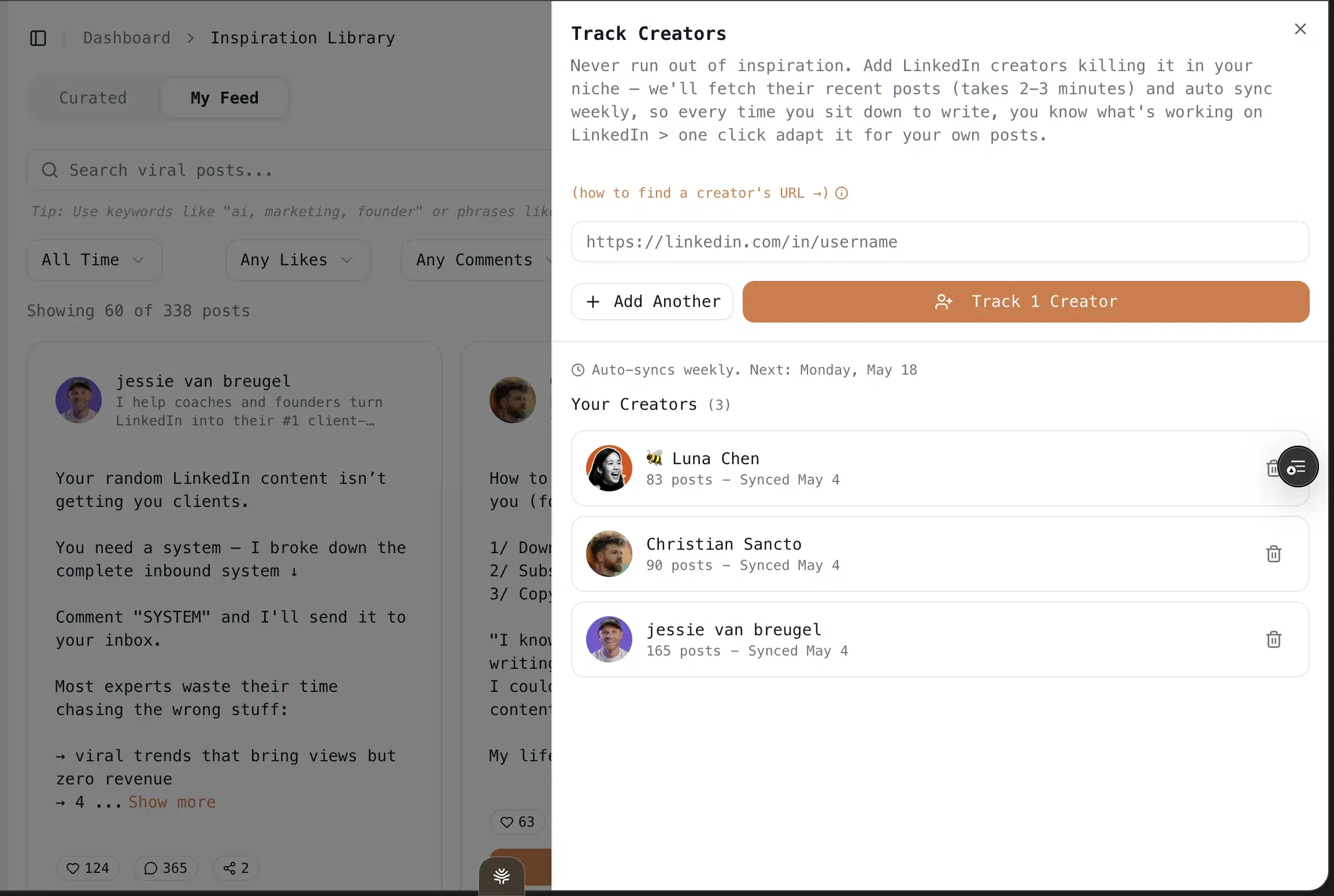
One-click infographics: Powered by Nano Banana Pro 3.1 and GPT Image 2. No Canva, no design skills.
Multi-account scheduling via LinkedIn's official APIs: Pro at $79/mo covers 3 personal profiles plus 10+ company pages. No Chrome extension, so no throttle risk.
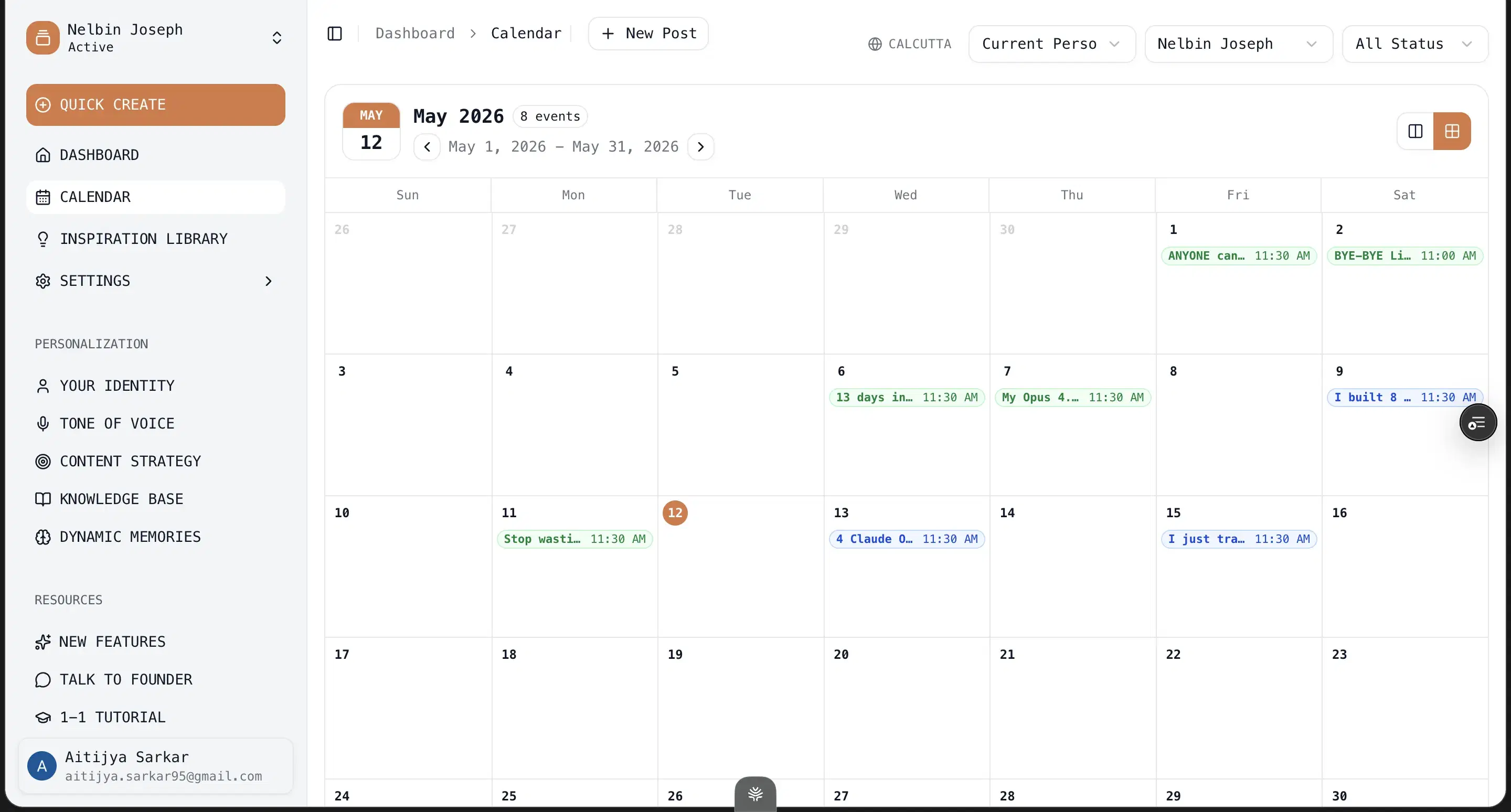
17,300+ outlier templates and hooks: Drawn from 100M+ views, filled by your persona instead of left generic.
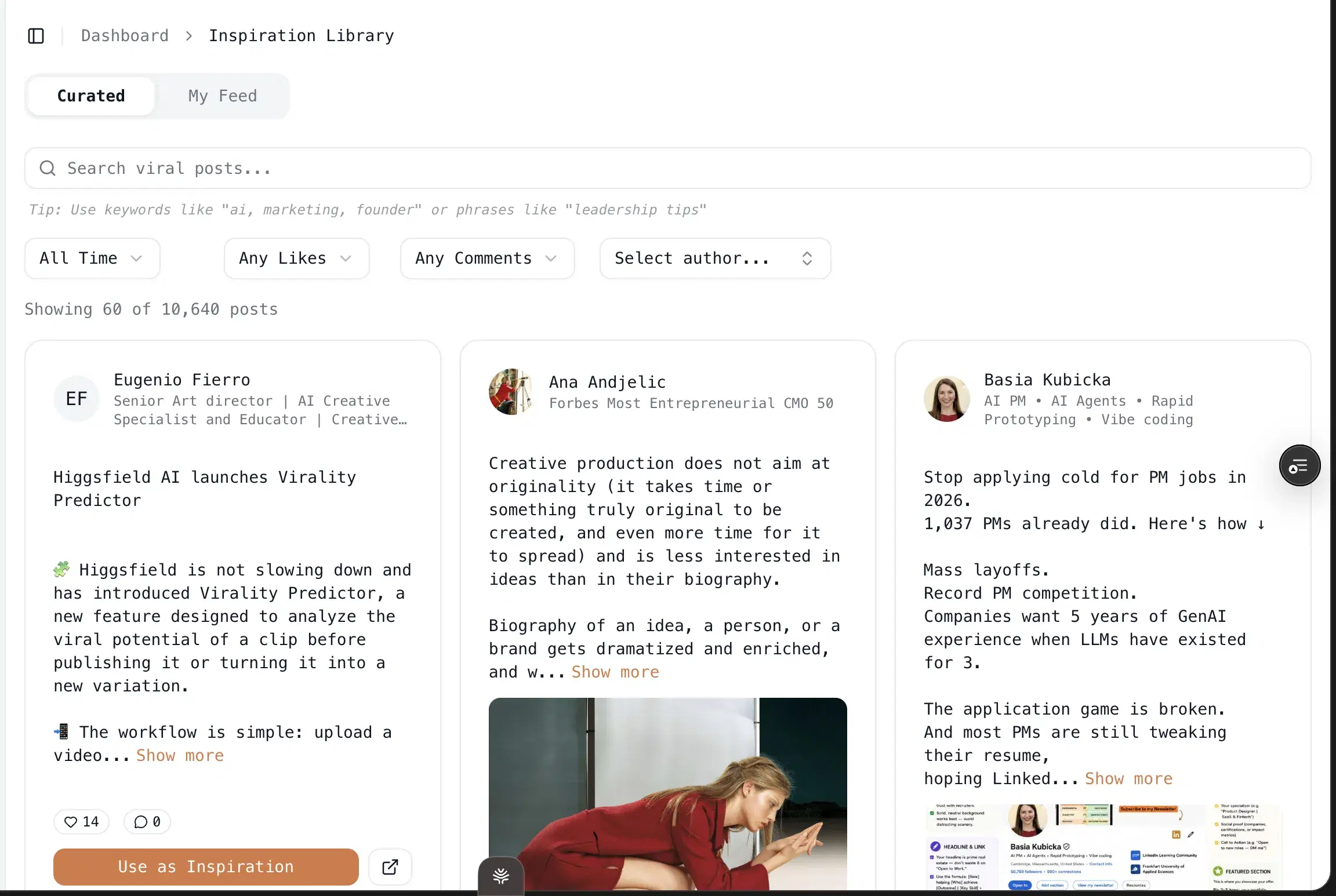
Best for
- The strongest fit for reps selling something technical, or in niche domains, or where an original, opinionated point of view is needed and a templated post costs you credibility with the exact buyers you are chasing.
Pricing
$49 Creator / $79 Pro (early-adopter yearly: $245 / $395) · 7 days free, no usage caps
Pros
- The persona + KB + memory stack. It's what makes drafts read like you typed them, not like a rep running a play.
- It gets sharper, not staler. Every correction persists, so by your third or fourth post the model is close to how you'd actually write to a buyer.
Cons
- No native iOS/Android app. The web app works on phones, but there's no App Store download.
- No Chrome-extension overlay into LinkedIn. Deliberate, since extensions are the category LinkedIn is clamping down on. But if you wanted in-feed suggestions, that's not the model.
- LinkedIn-first only. No Twitter/X or Instagram generation. Reps who want one tool for every channel will need a second tool.
Best for reps who want content and cold outbound in one dashboard
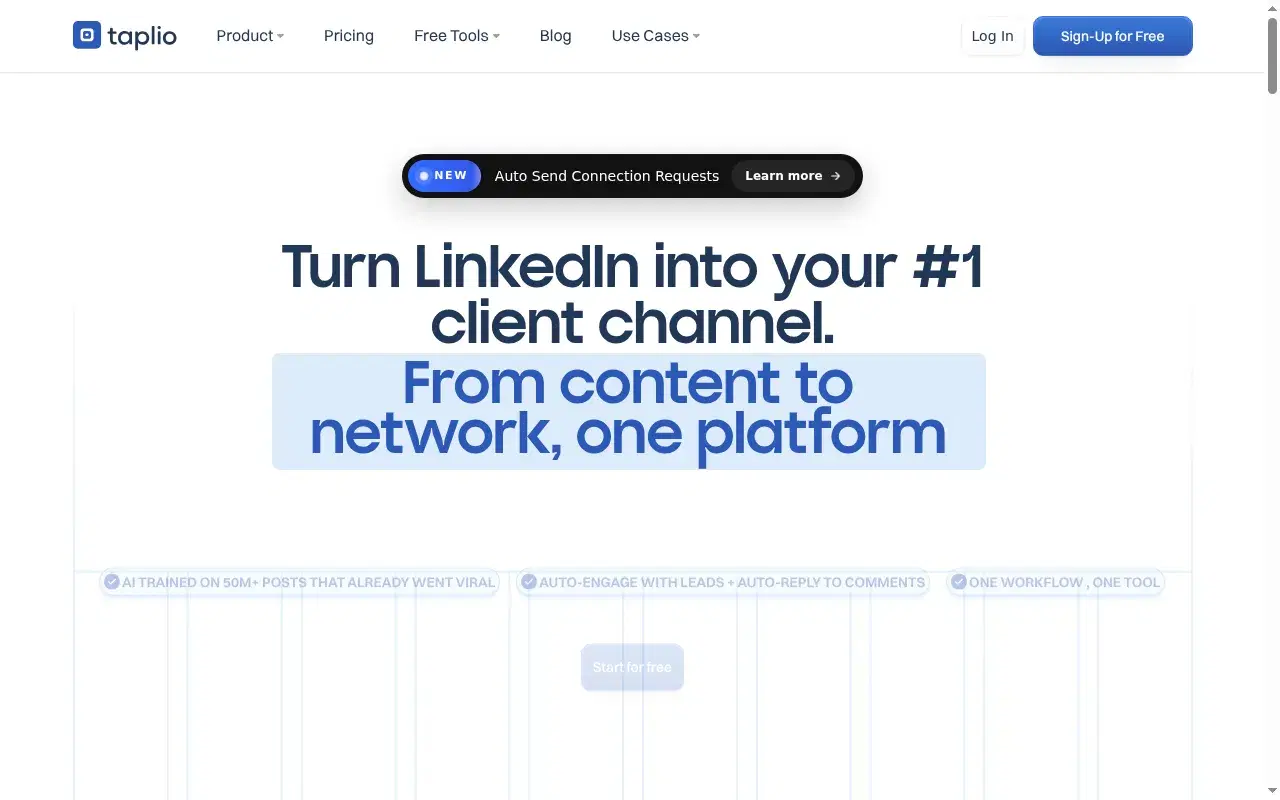
I paid for Taplio back in 2021 when it was one of the only LinkedIn tools that existed. I came back this year and found almost nothing had changed under the hood: they bolted a chatbot onto the same pre-AI codebase, which is why the output reads generic no matter what you feed it. It's still #2 because it's the broadest scope on this list, and the scope maps cleanly to the SDR motion: find the account, warm it with content, reach out, all from one dashboard.
Name the risk out loud, though, because it's sharper for a rep than for anyone. The outbound half runs as a Chrome extension that hooks the cookies of the account you prospect from, the exact category LinkedIn throttles. My own client's account got restricted from using it. On the writing side, Paweł M. (Co-Founder & CEO, G2, 2.5/5): "some features feel less accurate than advertised. Also, the pricing is not the most competitive."
Key features
Content + outbound in one dashboard: Content, outbound prospecting, comment automation, and analytics, all in one place.
1M+ post inspiration library: The biggest swipe file anywhere.
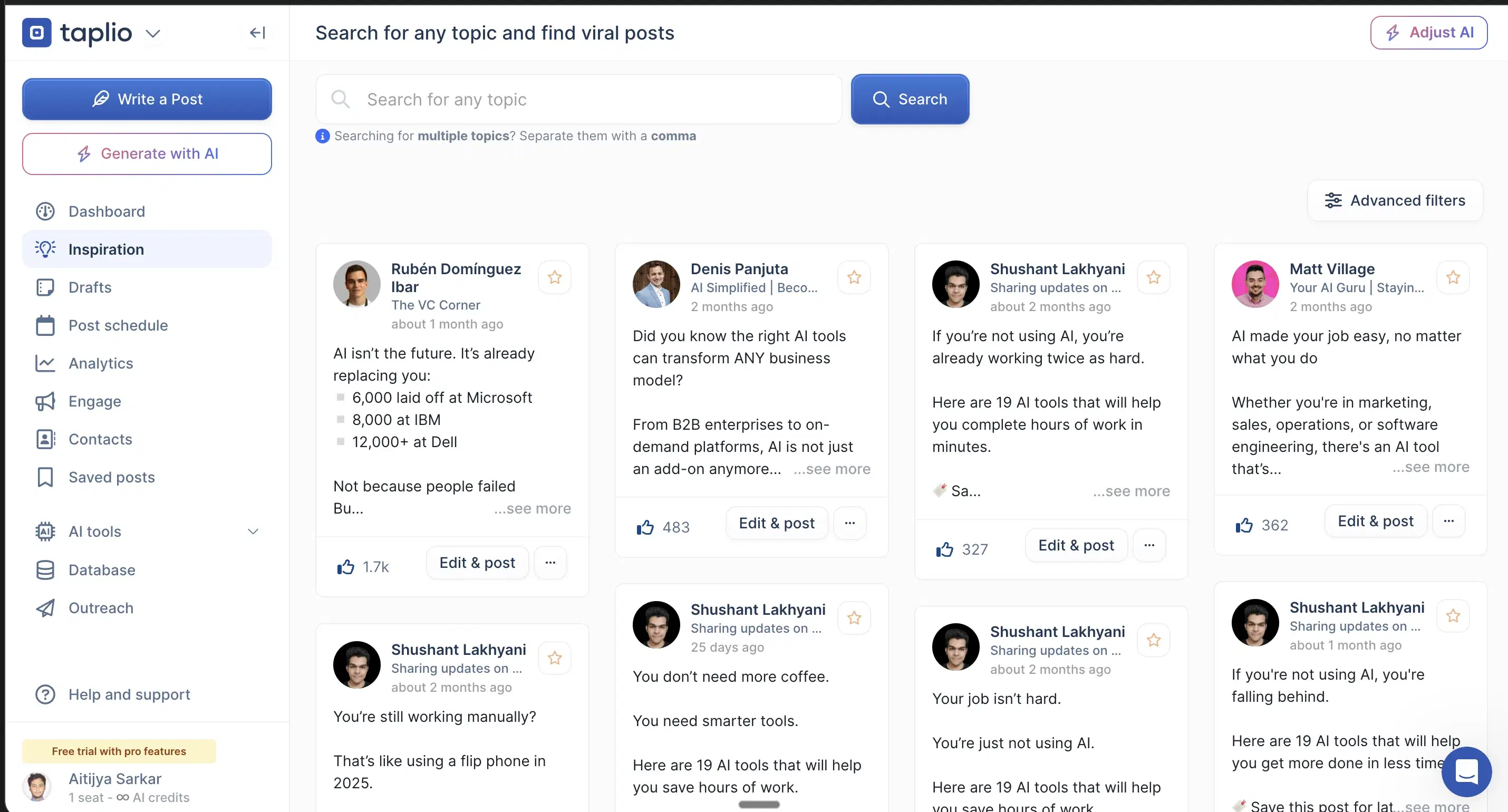
Chrome-extension outbound: The outbound and comment-automation half runs as a Chrome extension that hooks your LinkedIn cookies.
Best for
- Keep the writing in Oiti and run outbound through a dedicated tool rather than gamble your prospecting account on an extension.
Pricing
~$65 Standard / ~$375 Pro (the $39 tier ships zero AI credits) · Free trial
Pros
- Widest scope in the category. Content, outbound, and comment automation in one tool.
- 1M+ post inspiration library. The biggest swipe file anywhere.
Cons
- Chrome-extension outbound risks the account you prospect from. Oiti's approach: official APIs only, so scheduling can't get your account throttled.
- AI is bolted onto a pre-AI codebase, so output reads generic. Oiti's approach: persona + KB + memory before a word gets written.
Best for reps who need cheap, safe, consistent posting
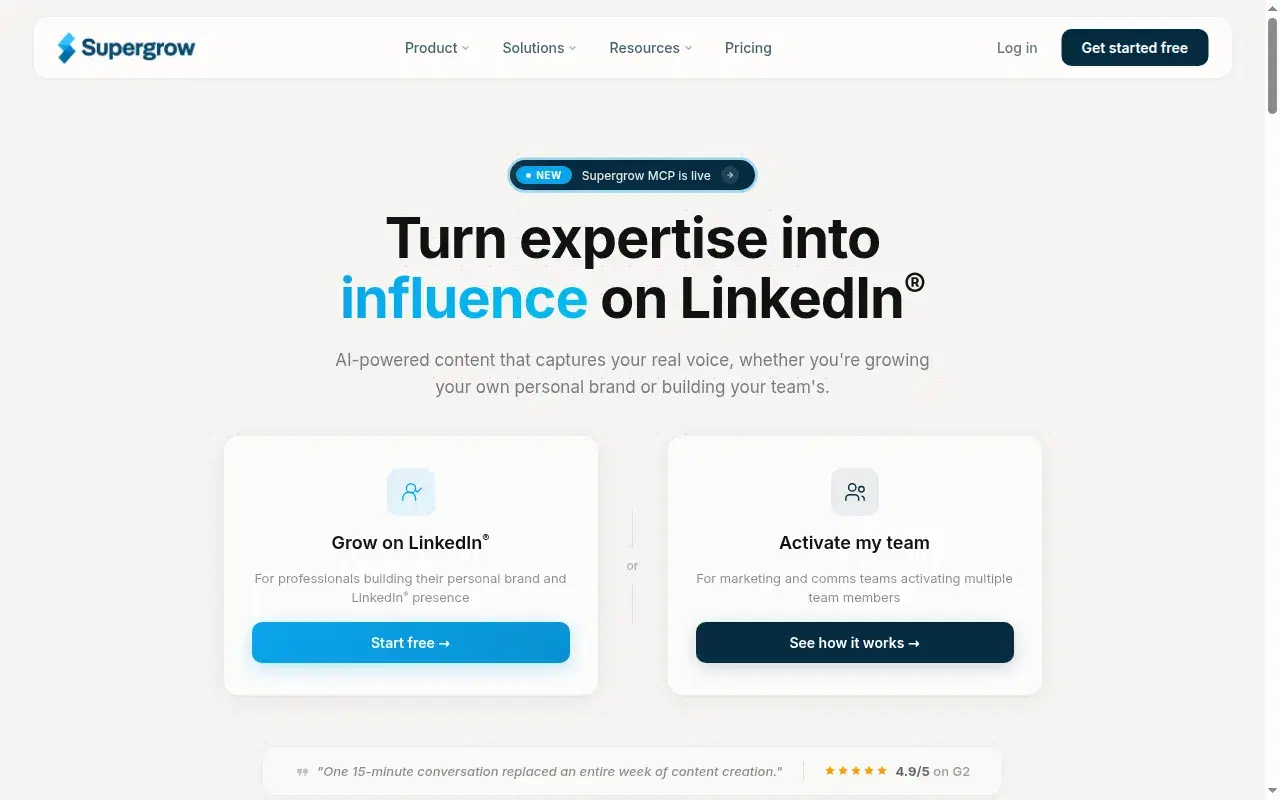
I used Supergrow for content and scheduling back in 2023 and signed up again in 2026 for this. It's the closest peer to Oiti on safety: official APIs, no extension, a well-built multi-account backbone with a Kanban queue. For a rep buried in sequences, the hard part of social selling is showing up every week, and the $19 tier makes a safe cadence cheap. The honest story is that Supergrow got strong on the scheduling side and the writing side didn't keep pace: the content reads generic, no persona depth, no memory across sessions, so feedback I gave it in one chat didn't carry to the next.
No named review to quote here, but the recurring G2 complaint is weak analytics, which stings when you're trying to tell whether a post actually warmed an account.
Key features
Scheduling via official LinkedIn APIs: ToS-safe, a genuine peer to Oiti on safety. No Chrome extension.
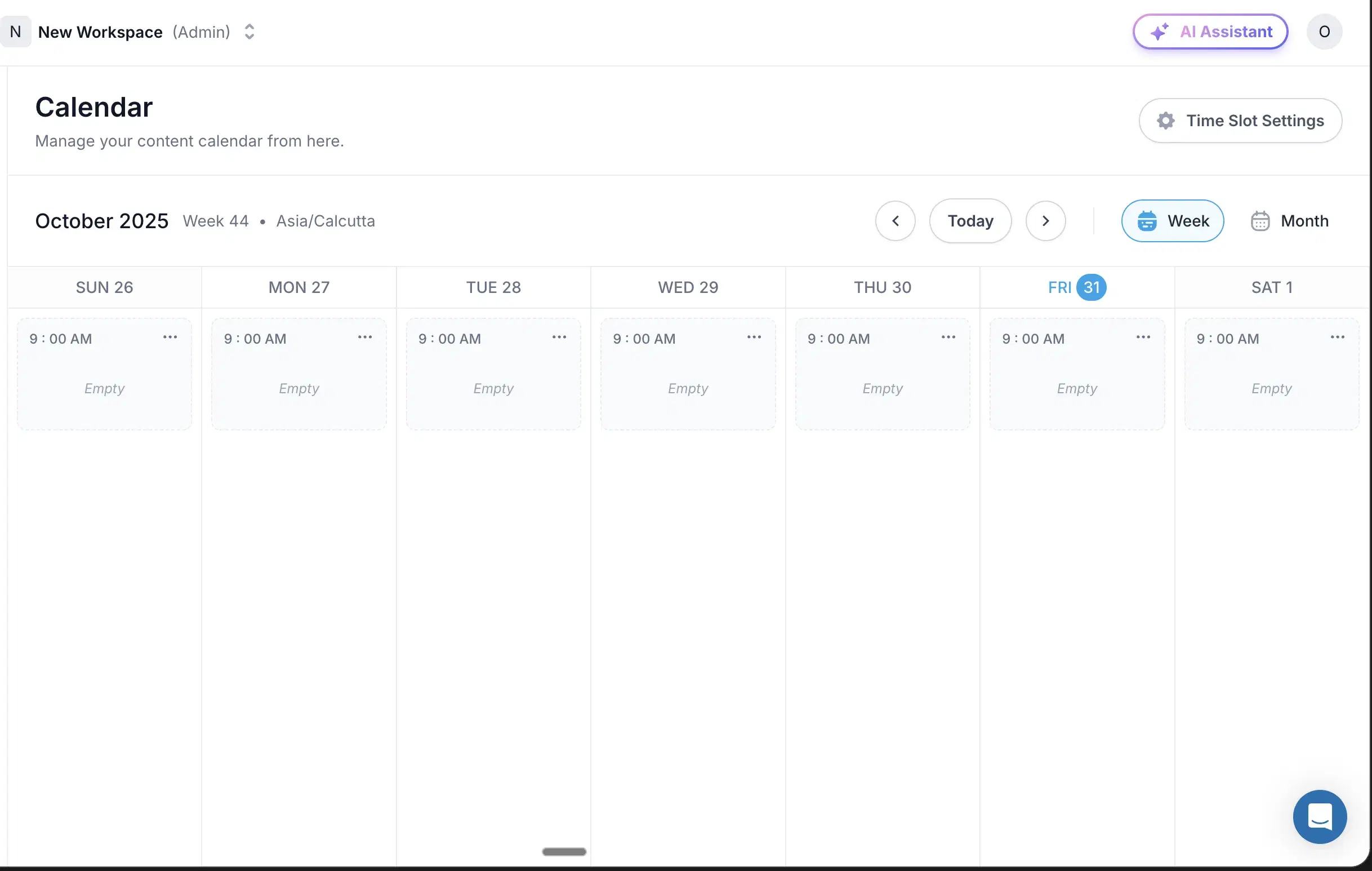
Multi-account backbone: Kanban, comment workflows, deep scheduling.
$19 entry: The budget floor for a safe tool.
Best for
- Fine if you write the posts in Oiti or Claude first; not if your buyers will screen you out on a vanilla post.
Pricing
$19–$139/mo · Free trial
Pros
- Scheduling via official LinkedIn APIs. ToS-safe, a genuine peer to Oiti on safety.
- $19 entry. The budget floor for a safe posting cadence.
Cons
- Content reads generic, no persona depth. Oiti's approach: narrative timeline + KB grounding catches this exact failure.
- No memory across sessions. Oiti's approach: memory persists every edit.
- Weak analytics. A recurring G2 complaint, which stings when you are trying to tell whether a post warmed an account.(source)
Best for budget reps who want writing plus scheduling in one place
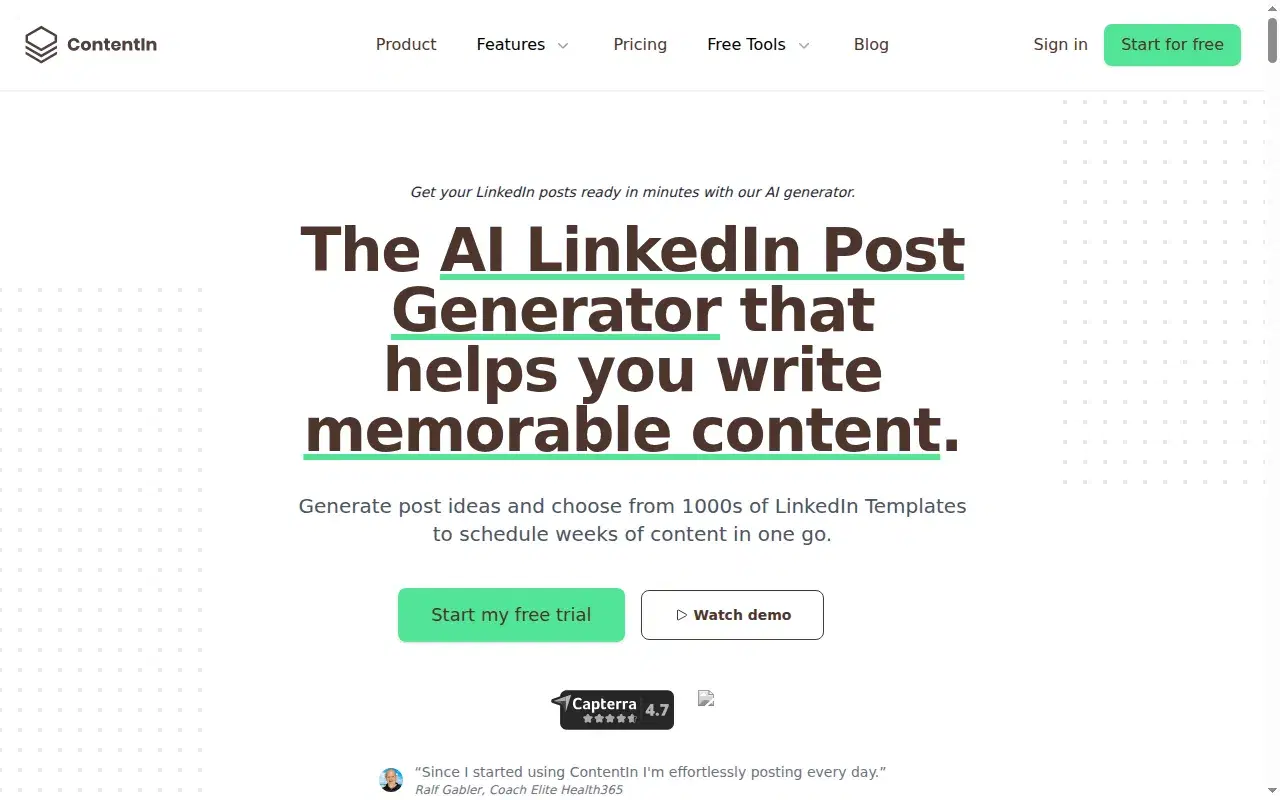
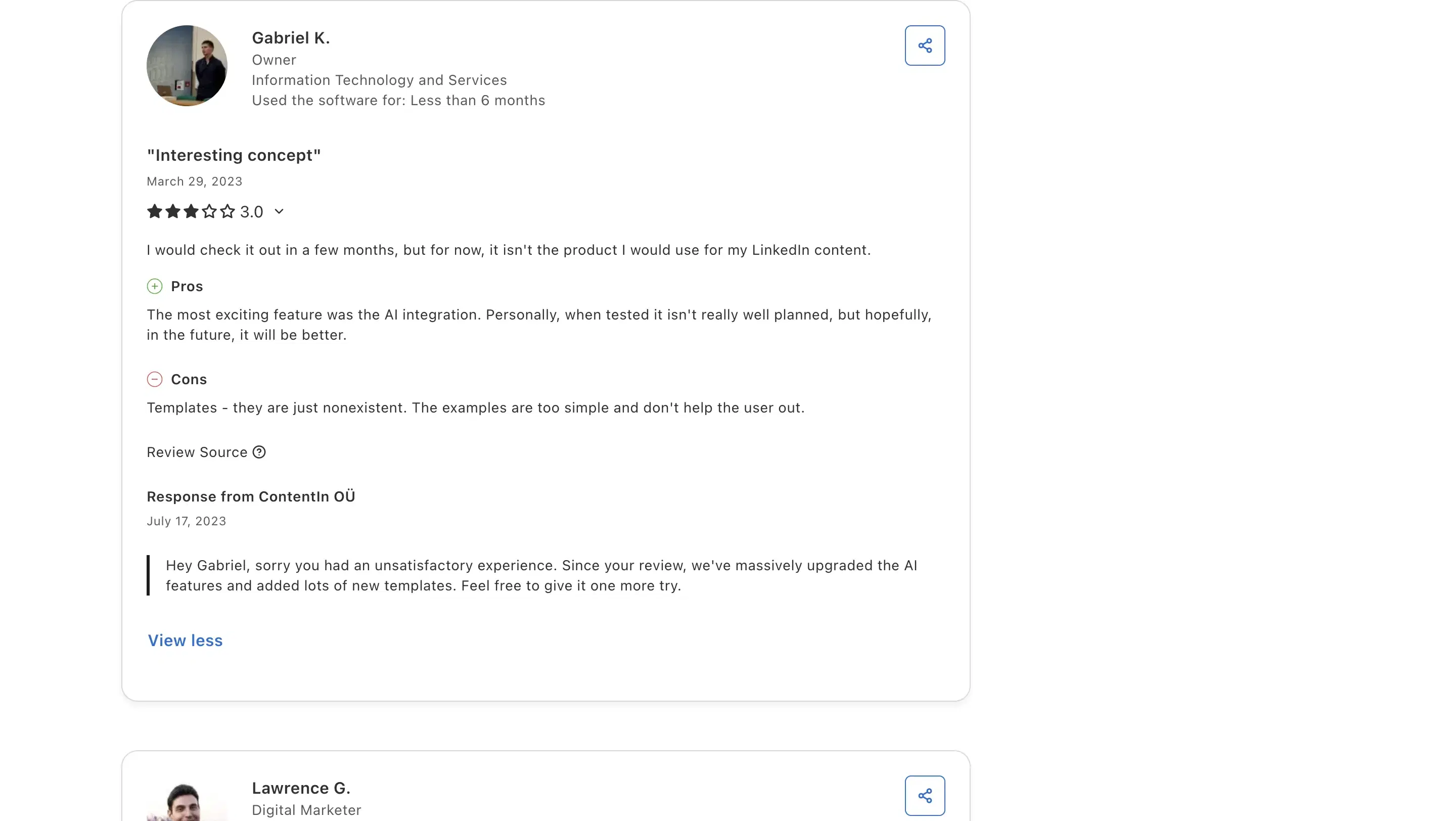
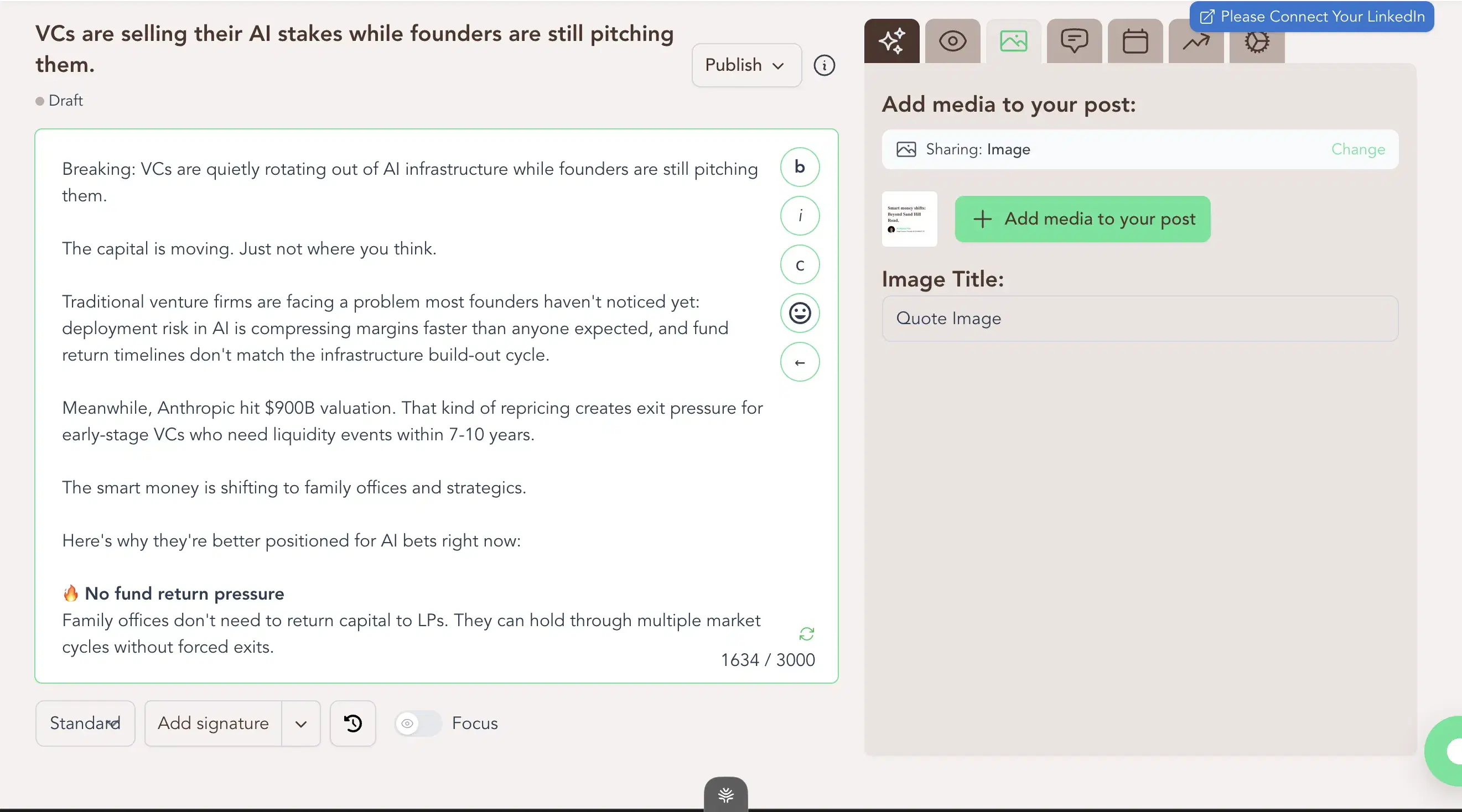
ContentIn used to be the category's cheapest at $15; that tier is gone, and at $39/mo it now sits just $10 under Oiti Creator while Supergrow's $19 is the cheapest safe option. It pairs a safe setup with a reasonable floor: OAuth scheduling (no extension), a week-view calendar, and a Kanban queue in one place. I ran real posts through it: the composer output was generic, asked no clarifying questions, and its "personalization" is a four-question multiple-choice quiz at onboarding. Calling that training is a stretch. Gabriel K., an IT & Services owner, at 3/5 on Capterra: "Templates - they are just nonexistent. The examples are too simple and don't help the user out." That matched what I saw.
Review receipts
Key features
$39/mo paid floor: A safe, mid-priced entry once the trial ends; Supergrow at $19 is now the cheapest safe option.
LinkedIn-OAuth scheduling: No Chrome extension, so it's safe.
Week-view calendar + Kanban queue: Composer and scheduling in one place.
Best for
- A clean, safe scheduler if you will rewrite the draft yourself; the $10 gap to Oiti Creator buys the voice and grounding layer that produces more specific drafts.
Pricing
$39 / $59/mo ($31 / $48 annual) · Free trial
Pros
- $39/mo paid floor, OAuth-safe. A safe, mid-priced entry; Supergrow at $19 is now the cheapest safe option.
- OAuth-safe scheduling. No Chrome extension, so it can't throttle the account you prospect from.
Cons
- Composer output is generic, doesn't retain voice. Oiti's approach: research agents search ICP painpoints across the live web before drafting.
- "Personalization" is a 4-question quiz. Oiti's approach: a 3,000-word persona built from your past posts and website.
Best for reps who want a fast preview and a light assist between calls

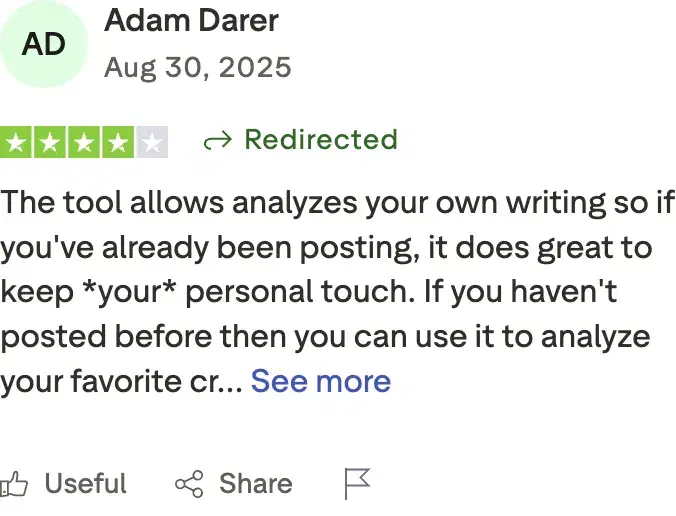
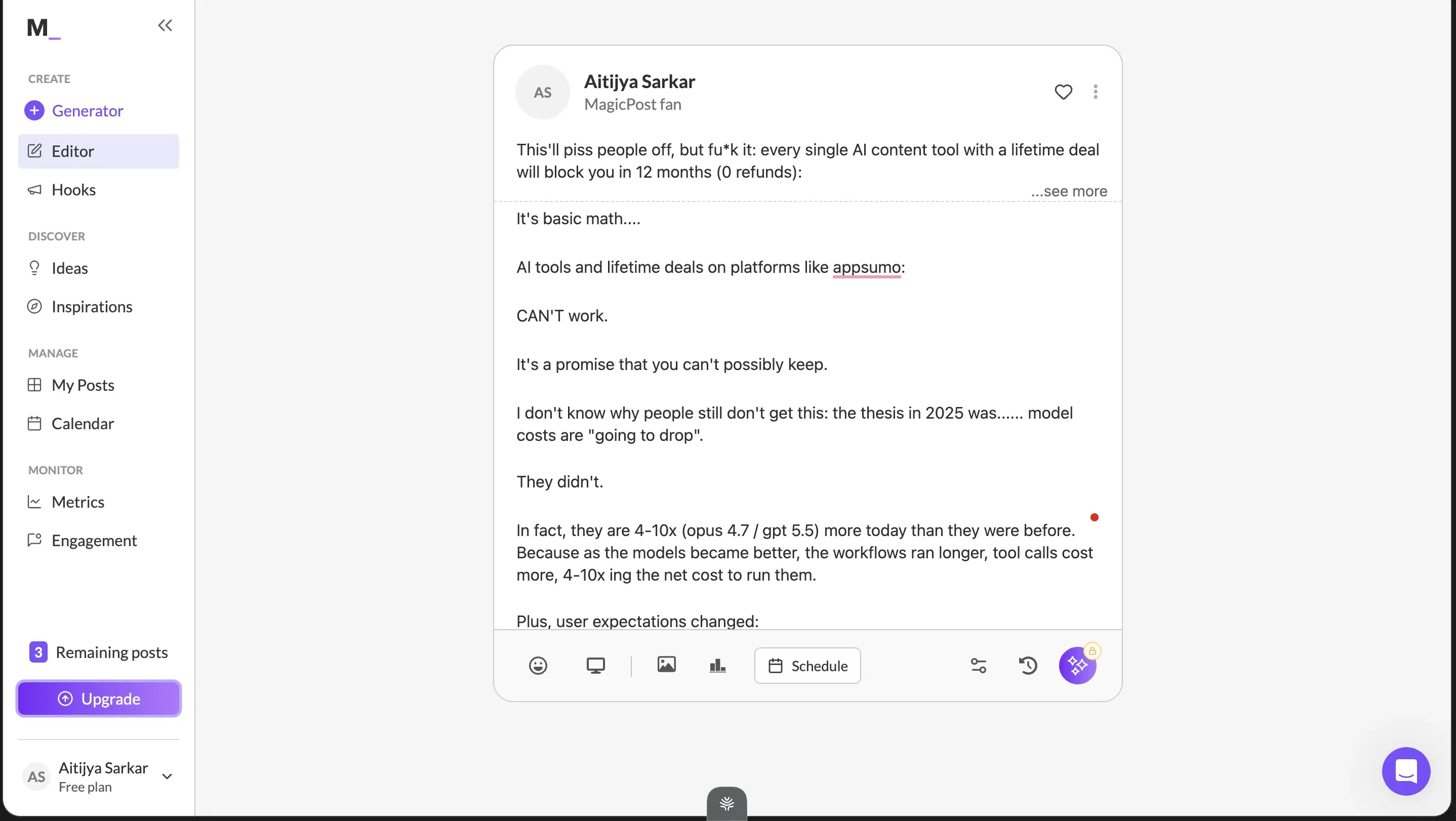
I found MagicPost through an influencer's LinkedIn post and tried it. The one thing I'd recommend it for is the clean LinkedIn preview, a quick render check before you publish between calls (caveat: it doesn't quite show the full "see more" cutoff). Everything else underwhelmed: the onboarding output was vanilla, it picked up small patterns in how I write but clearly hadn't gone through my full archive, and the input is form-based with no way to iterate. On a dwell-time feed, that vanilla output is easier for a buyer to dismiss. Adam Darer (4/5 on Trustpilot): "the tool analyzes your own writing so if you've already been posting, it does great to keep your personal touch." Fair enough, but I still wouldn't lean on it to move pipeline.
Review receipts
Key features
LinkedIn preview: See roughly how a post renders before publishing (with the full-preview caveat).
Simple, low-friction onboarding: A light assist that picks up small patterns in how you write.
Low price of entry: A low-cost tier.
Best for
- Fine for casual posting, not for a rep trying to move pipeline on the strength of their content.
Pricing
$49 Starter / $69 Creator per month ($29 / $39 annual) · Free trial
Pros
- LinkedIn preview is useful. A fast render check before you publish.
- Simple, low-friction onboarding. At a low price of entry.
Cons
- Content reads vanilla, no ICP grounding. Oiti's approach: a 3,000-word persona from your last 100 posts, website, and ICP search.
- Form-based input, no chat composer. Oiti's approach: chat composer plus memory across sessions.
Best for reps who already write well and only need formatting
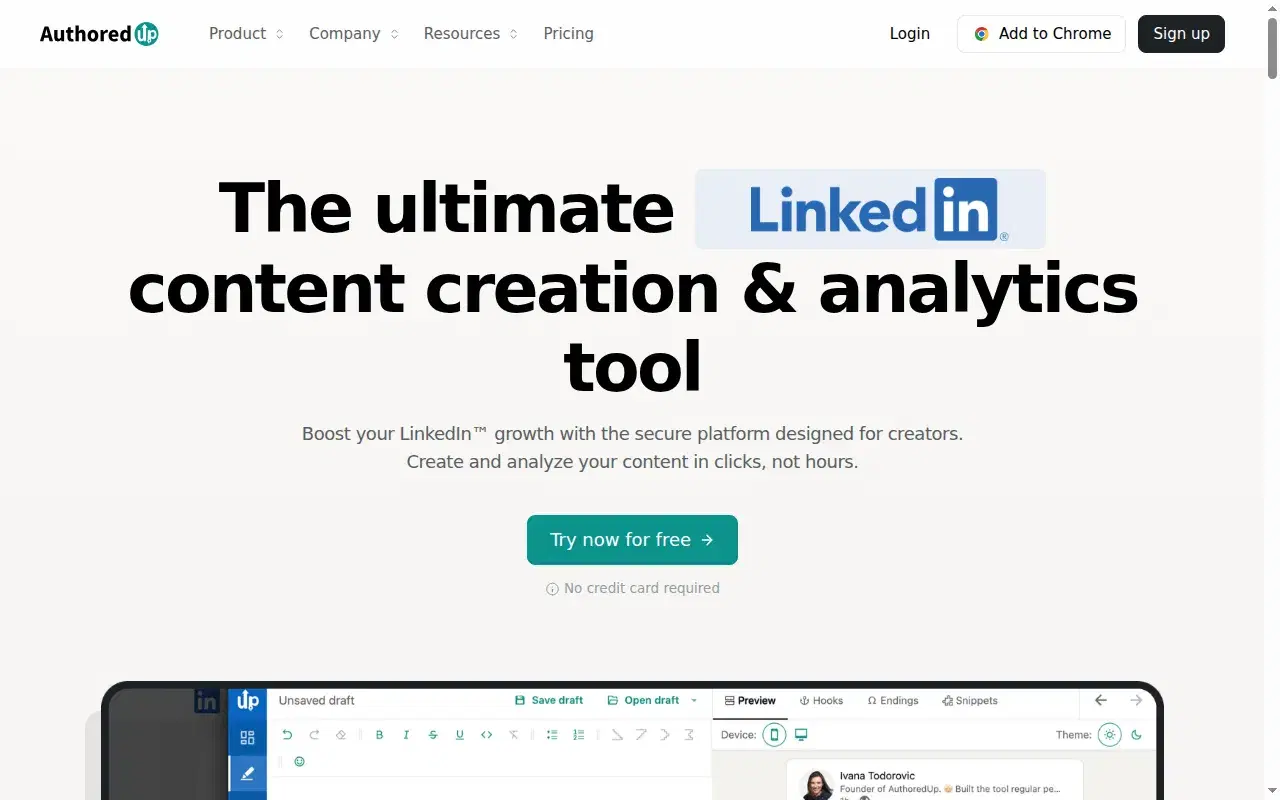
The best LinkedIn formatter and hook-variation preview I've used for years, but it doesn't write (no AI, no KB, no memory) and it's a fragile Chrome extension. Free tier plus paid; Oiti's free formatter does the formatting with no signup.
Key features
Rock-solid formatter and preview: One of the best for seeing your line breaks and "see more" cutoff before you publish.
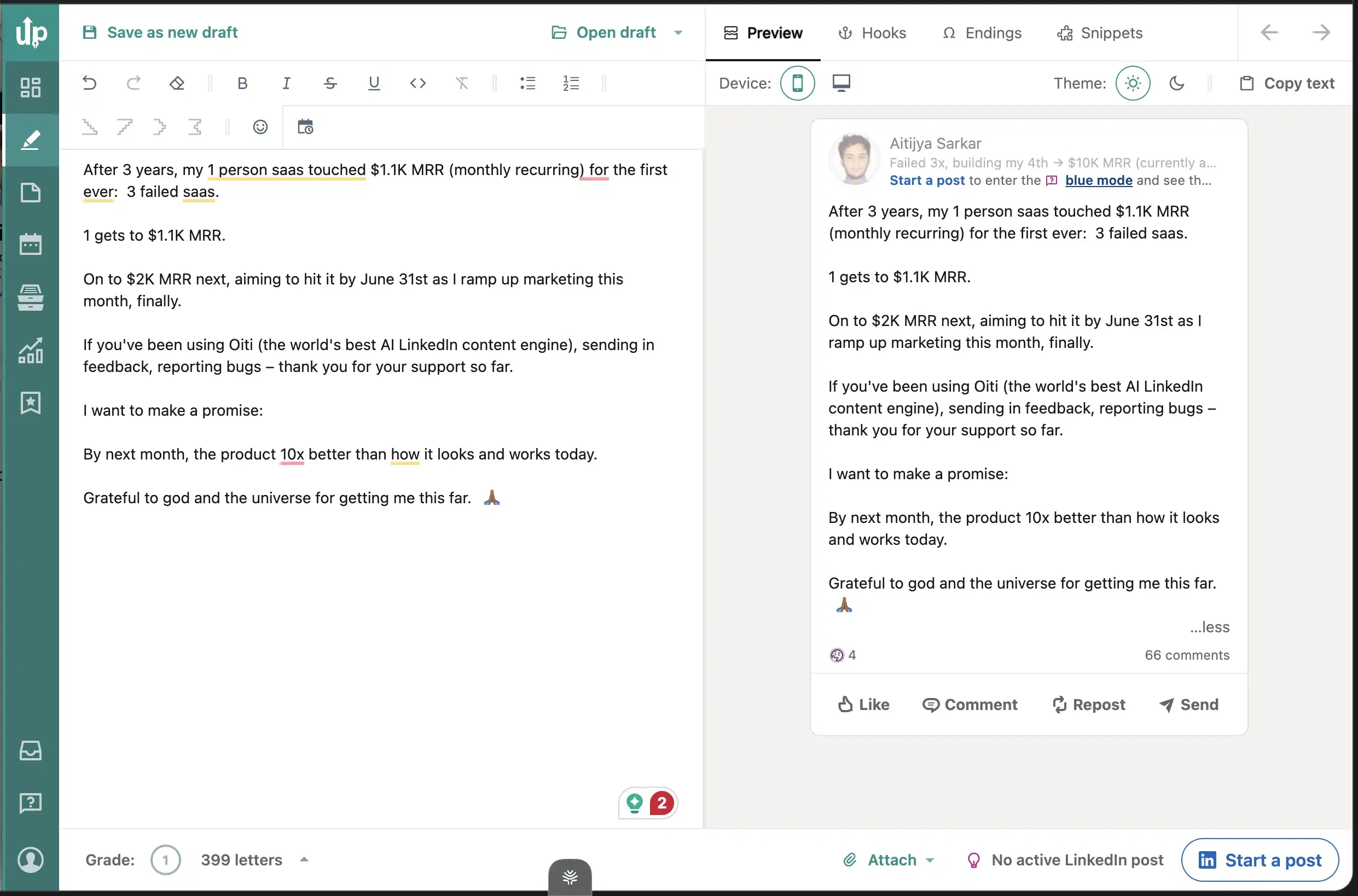
Hook variation: The hook-variation feature ghostwriters lean on.
Light analytics dashboard: Real engagement data on your own posts.
Best for
- Reps who already write well and only want the formatting polish. If formatting is all you need, Oiti's free LinkedIn Text Post Formatter does it with no signup.
Pricing
Free + paid tiers · Free tier available
Pros
- Rock-solid formatter and preview. One of the best for seeing your line breaks and cutoff before you publish.
- Pioneered ethical Chrome-extension building. For LinkedIn.
- Light analytics dashboard. Real engagement data on your own posts.
Cons
- Chrome extension is fragile. Oiti's approach: official APIs only.
- No AI writing layer. Formatting only. Oiti's approach: full content engine plus formatting in one.
- No knowledge base, no memory. Stateless. Oiti's approach: persistent persona + KB + memory.
Best for reps whose main medium is carousels
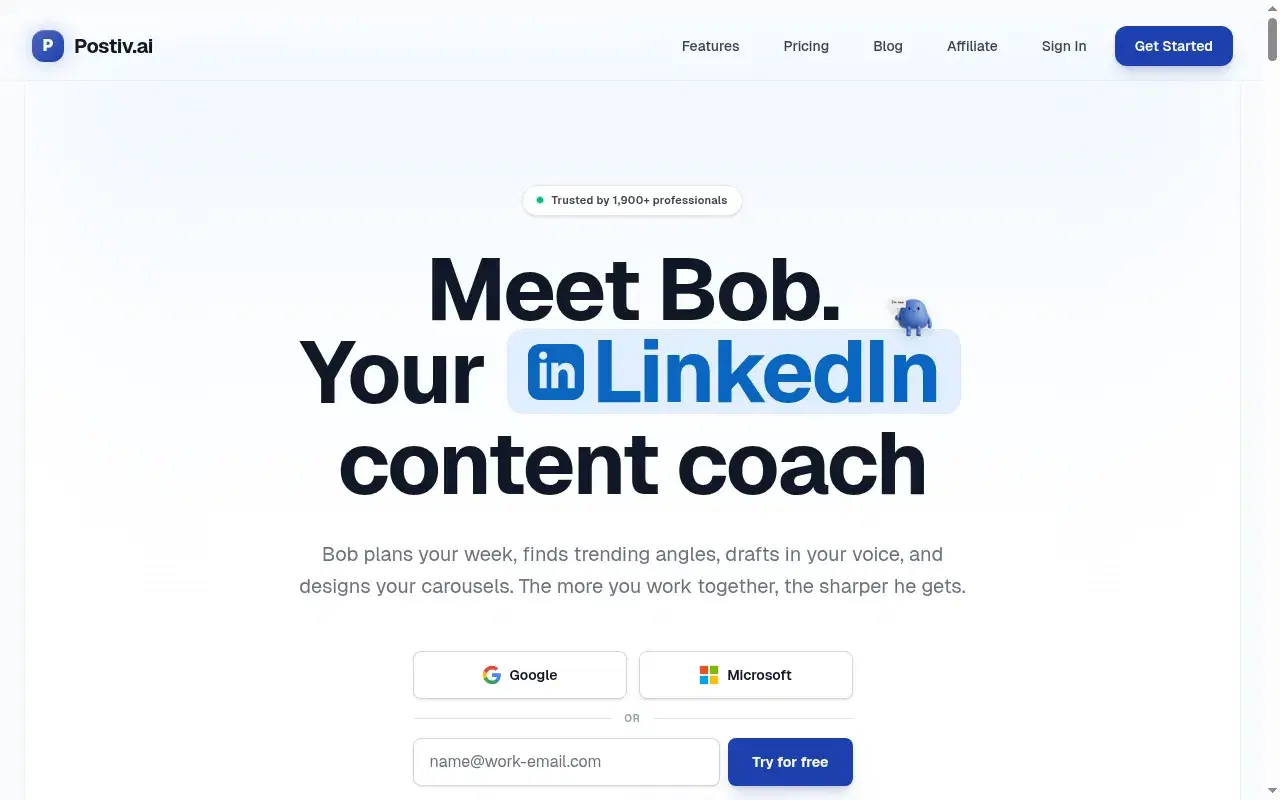
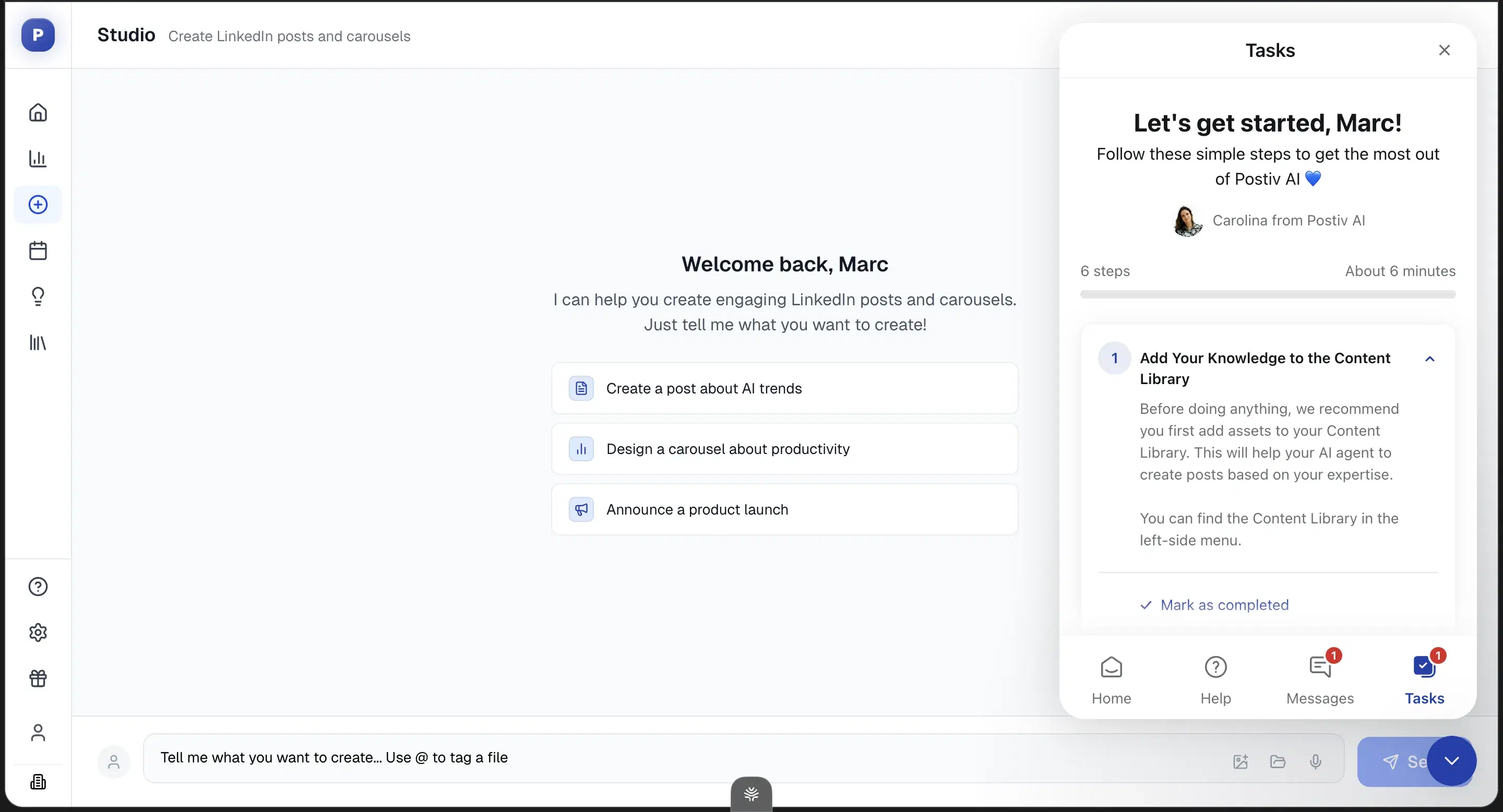
Genuinely wins on carousels and slide decks with transparent pricing, but the persona and memory layers are shallow, so the output comes out generic under a $99/mo bill.
Key features
Real carousel and slide-deck workflows: Pre-built carousel workflows plus usable infographic templates.
Chat composer + inspiration tab: Knowledge inputs, a chat composer, and an inspiration tab.
Transparent pricing tiers: No hidden-unlock games.
Best for
- Carousel-heavy reps. For post-first reps, the persona shallowness means you'll hit the same generic ceiling at three times the price.
Pricing
$99 / $229 / $399/mo + per-seat add-ons · Free trial
Pros
- Real carousel and slide-deck workflows. The one place it beats Oiti.
- The direction is right. Chat composer, KB-style assets, inspiration tab.
- Transparent pricing tiers. No hidden-unlock games.
Cons
- Shallow persona and memory. Form-based setup, no cross-chat memory, it didn't pull my past posts. Oiti's approach: persona from your last 100 posts plus memory across sessions.
- No one-click templates from inspiration. Oiti's approach: the inspiration → template loop, filled by a layer that knows you.
- $99 entry. 2× Oiti Creator, plus a card-on-file trial.
Best for reps publishing across linkedin + newsletter + x

An anti-slop guided interview that captures your point of view, but it spreads across newsletters, tweets, and articles instead of being LinkedIn-optimized, with no live preview, KB, or memory.
Key features
Anti-slop guided interview: Surfaces questions, you pick which angles to explore, with a voice-to-text mic and writing samples.
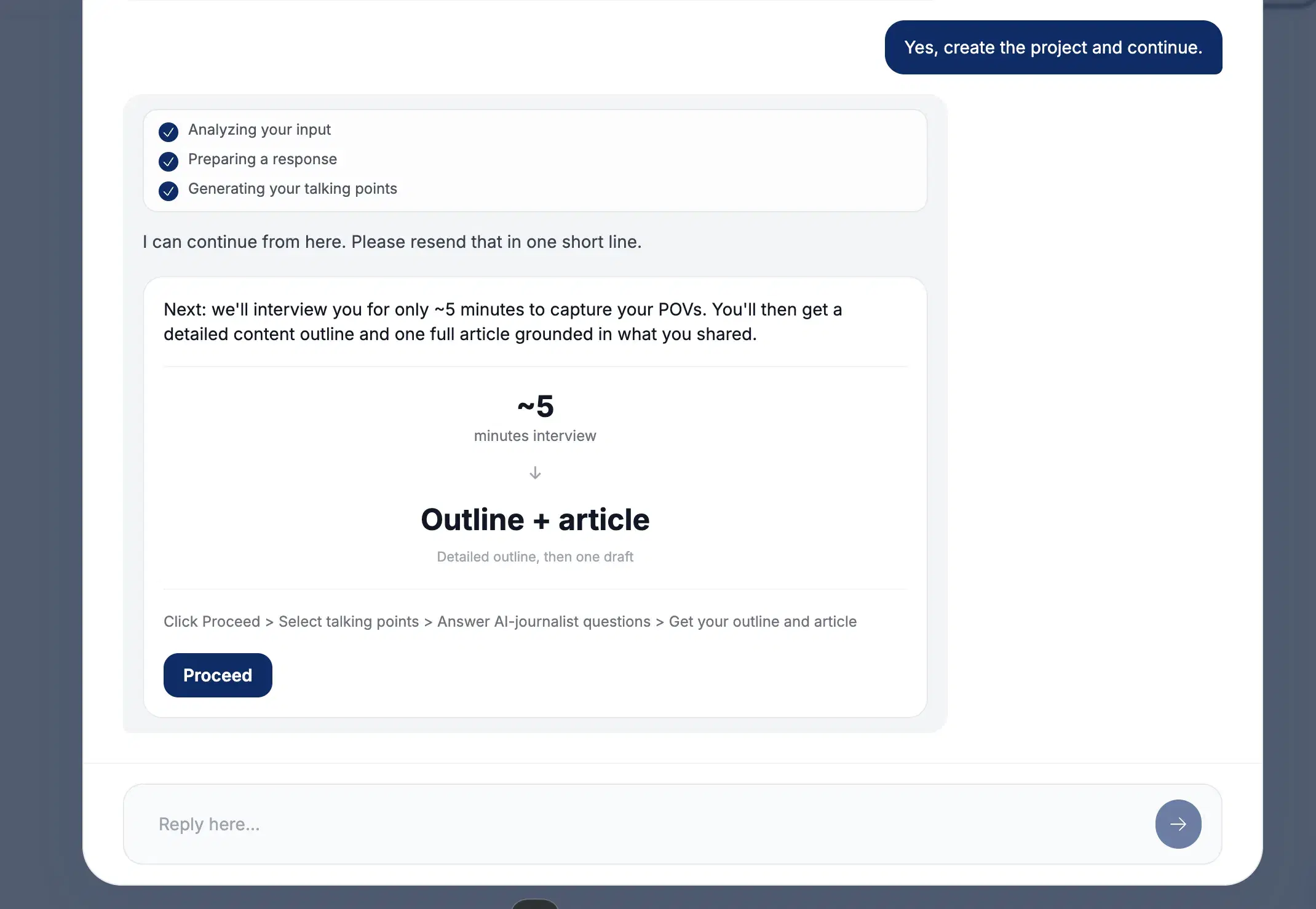
Multi-channel output: Spreads across LinkedIn, newsletters, tweets, articles, and notes.
Competitively priced: $49 with unlimited team members, no credit card to trial.
Best for
- Reps running genuine multi-channel workflows where the interview model fits. Not for LinkedIn-first reps — at the same $49 entry, the breadth plus no memory plus no KB add up to a worse fit than Oiti.
Pricing
$49 / $99 / $149/mo · Free trial, no credit card
Pros
- The anti-slop interview concept is novel. It forces specificity.
- Multi-channel output. Genuinely useful for the right rep.
- Competitively priced. $49 with unlimited team members, no credit card to trial.
Cons
- Not LinkedIn-optimized. Breadth dilutes depth. Oiti's approach: LinkedIn-only, tuned to the 360Brew dwell-time algorithm.
- Interview isn't chat-based, no live preview. Oiti's approach: chat composer with memory that compounds.
- No knowledge base, no memory. Oiti's approach: KB ingest plus research agents before drafting.
Best for sales teams running a shared content pod
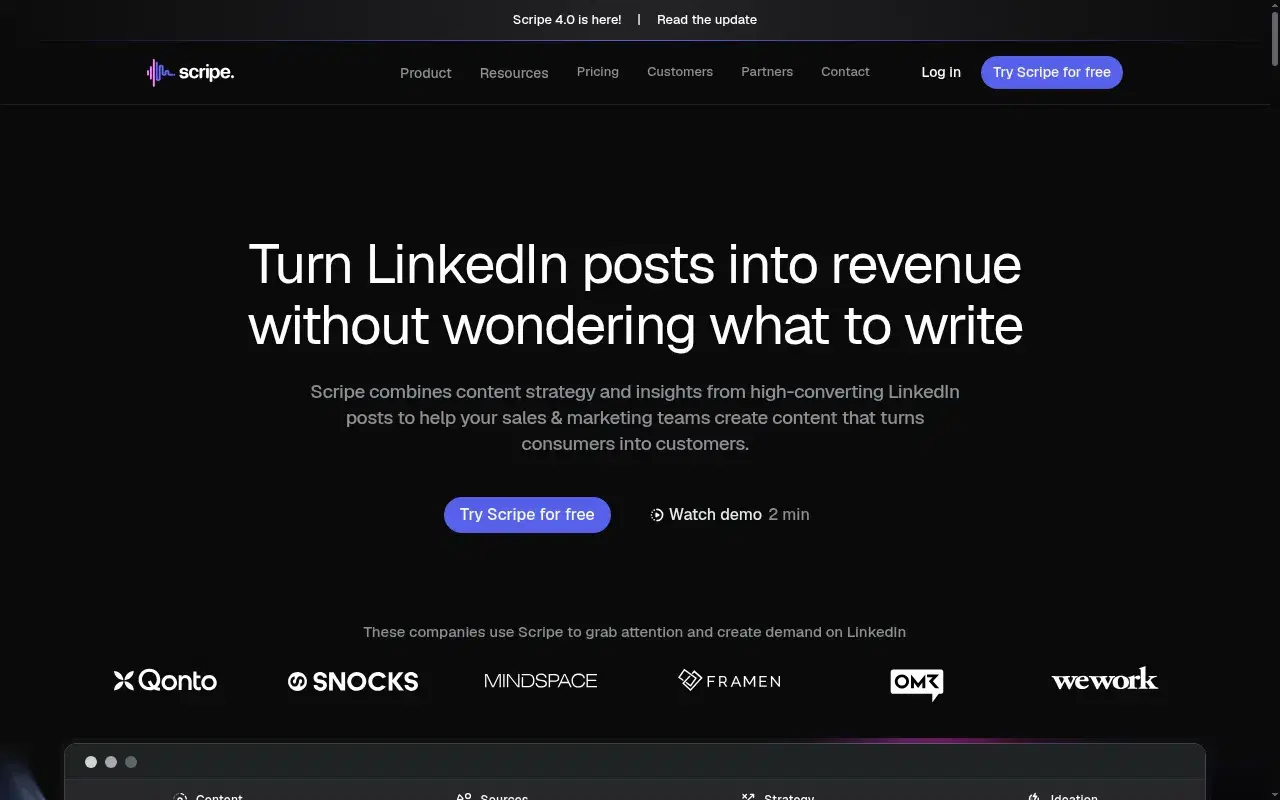
Strong shared-team workflows (approval flows, shared KB, Amplifier seats), but generic at scale: an agency running it for a finance client called the output "AI slop" with "cringe" infographics.
Key features
Deep team workflows: Shared Kanban, workspace KB, approval flows, Amplifier seats.
Tone and KB bundled at the Solo tier: They try the depth layer.
Analytics: Praised by paying customers.
Best for
- Sales teams running a 5+ person content pod that will actually use the structure. Not for solo reps, and not for anyone in finance, legal, or deep tech where generic output costs credibility.
Pricing
€69 Solo / €99 Advanced / €149 Business per month + €45/mo per extra account · 14-day free trial
Pros
- Deep team workflows. Shared Kanban, workspace KB, approval flows, Amplifier seats.
- Tone and KB bundled at the Solo tier. They try the depth layer.
- Analytics praised. By paying customers.
Cons
- Generic at scale, flattens voice. Oiti's approach: persistent memory plus persona from your past 100 posts.
- Billing-after-cancellation reports. Show up on Trustpilot. Set a reminder.
- Multi-account math gets expensive. 3 accounts ≈ €159/mo vs Oiti Pro $79 flat.
Best for reps chasing viral formats for one account
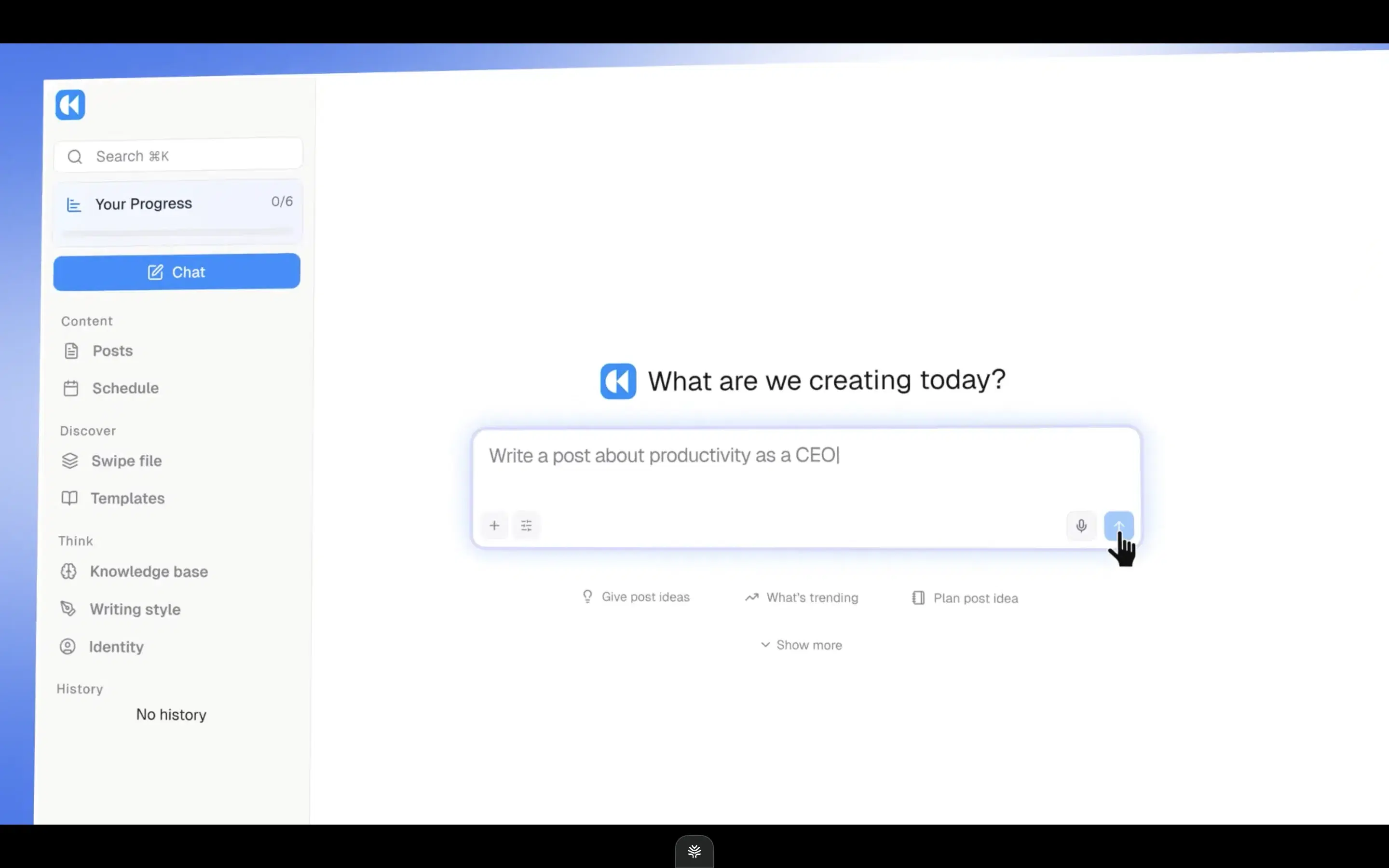
A full-stack rebuild with a Context Engine mirroring Oiti's direction, but it optimizes for viral reach, which flattens the credible voice a buyer wants, and there's no long-term memory.
Review receipts
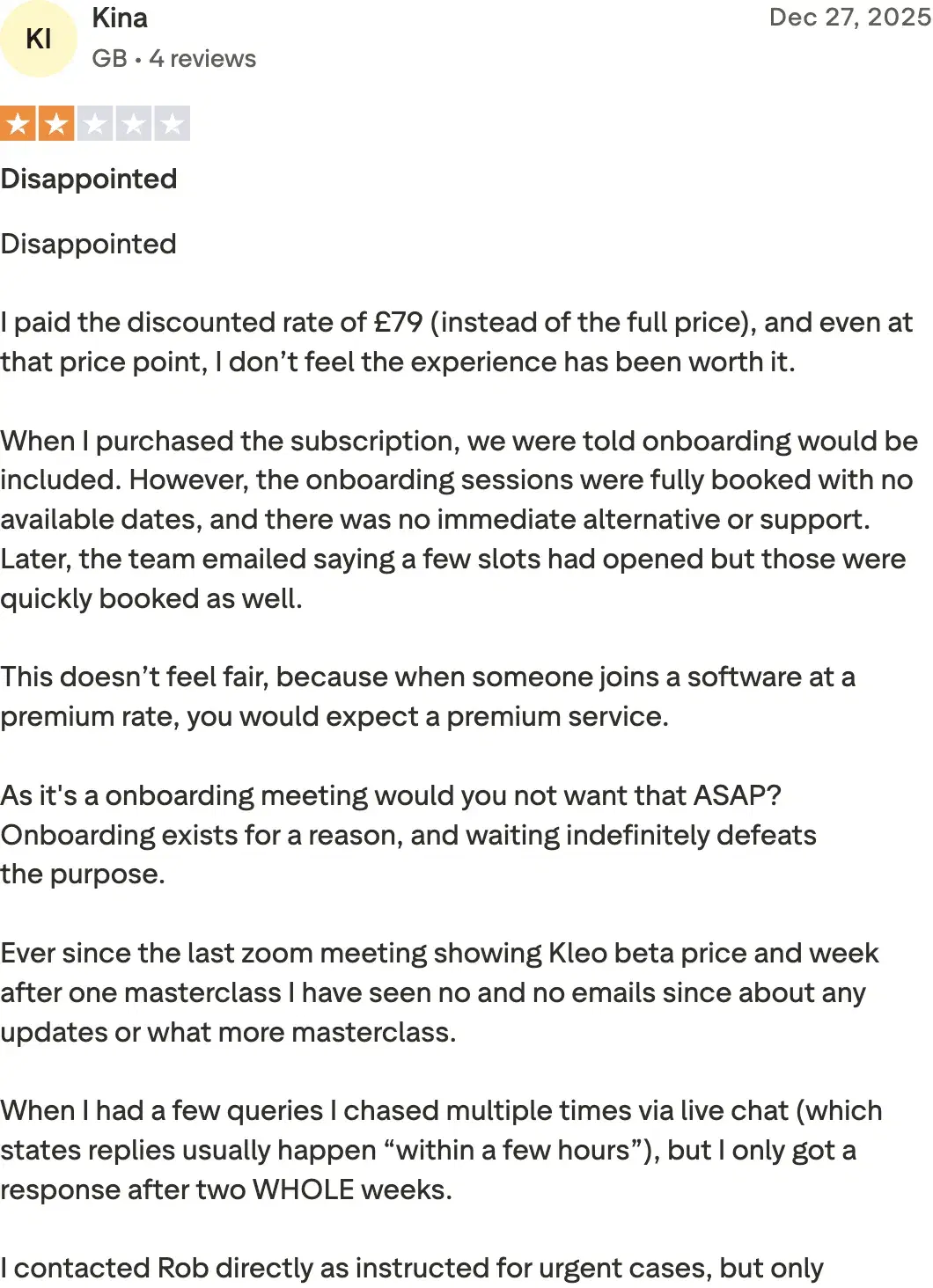
Key features
Context Engine: Mirrors Oiti's persona/KB direction.
Inspiration swipe file + chat composer: Feature parity on the writing surface — chat composer, inspiration, infographics.
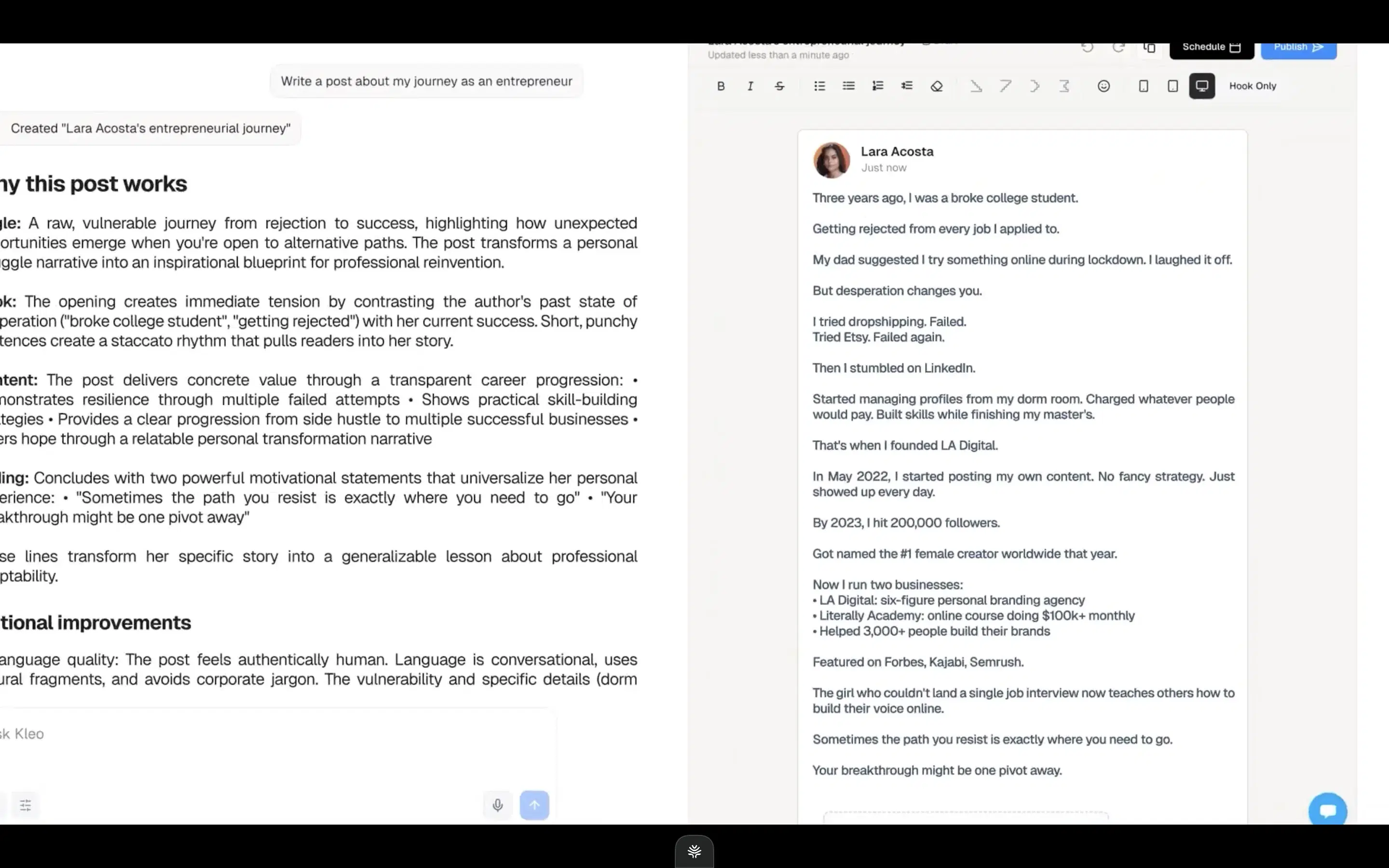
Full-stack rebuild: No extension anymore, after the original was forced offline by LinkedIn.
Best for
- A rep who specifically wants viral-format content for one account and is disciplined enough not to let the viral bias flatten their voice.
Pricing
$99/mo or $999/yr (~$83/mo effective) · No free trial
Pros
- Built for viral content fast. If that's genuinely your bet.
- Feature parity on the writing surface. Chat composer, inspiration, infographics.
Cons
- Viral-format opinion flattens voice. The wrong bet in a serious niche. Oiti's approach: sounding like you over pattern-matching.
- No free trial, $99/mo single-account. Oiti's approach: Pro $79 covers 3 accounts; 7-day trial, no cap.
- No long-term memory, primitive KB. Oiti's approach: persistent memory plus a KB that ingests PDFs and pasted material.
How to choose
If you're worried about the account you prospect from getting throttled → Oiti or Supergrow, both official-API only. Skip anything extension-based.
If you want content and cold outbound in one tab → Taplio bundles both conveniently, but skip it where account safety is a hard filter — the outbound extension hooks the cookies of the account you prospect from.
If you're budget-first → Supergrow at $19 (ContentIn's floor rose to $39, so it's no longer the cheapest); pair either trial with Oiti's 7-day free trial and compare the output.
If you want a selling partner that sounds like you and gets sharper every week → Oiti, for memory and grounded company context.
The verdict
Matching your tone without product knowledge underneath still produces generic posts. The tools that earn replies aren't the ones with the longest feature list; they're the ones that know who you are and get sharper every week, so an account is already warm when you reach out. For content that sounds like you and grounds every post in what you actually sell, Oiti is the strongest fit: memory and grounded company context, on official APIs so scheduling can't throttle the account you prospect from. Early-adopter yearly pricing: $49 Creator → $245/year, $79 Pro → $395/year. Active as of 2026-08.
7 days free · No usage limits