I Tried the 10 Best LinkedIn Post Hook Generators — Ranked (2026)
I scored 10 tools on the one thing that decides whether your post gets read: the first two lines. Hook library, hook variations, the "see more" cutoff preview, whether the body earns the read after the click, 360Brew fit, and account safety.

Why I wrote this
The hook is a promise
The short answer
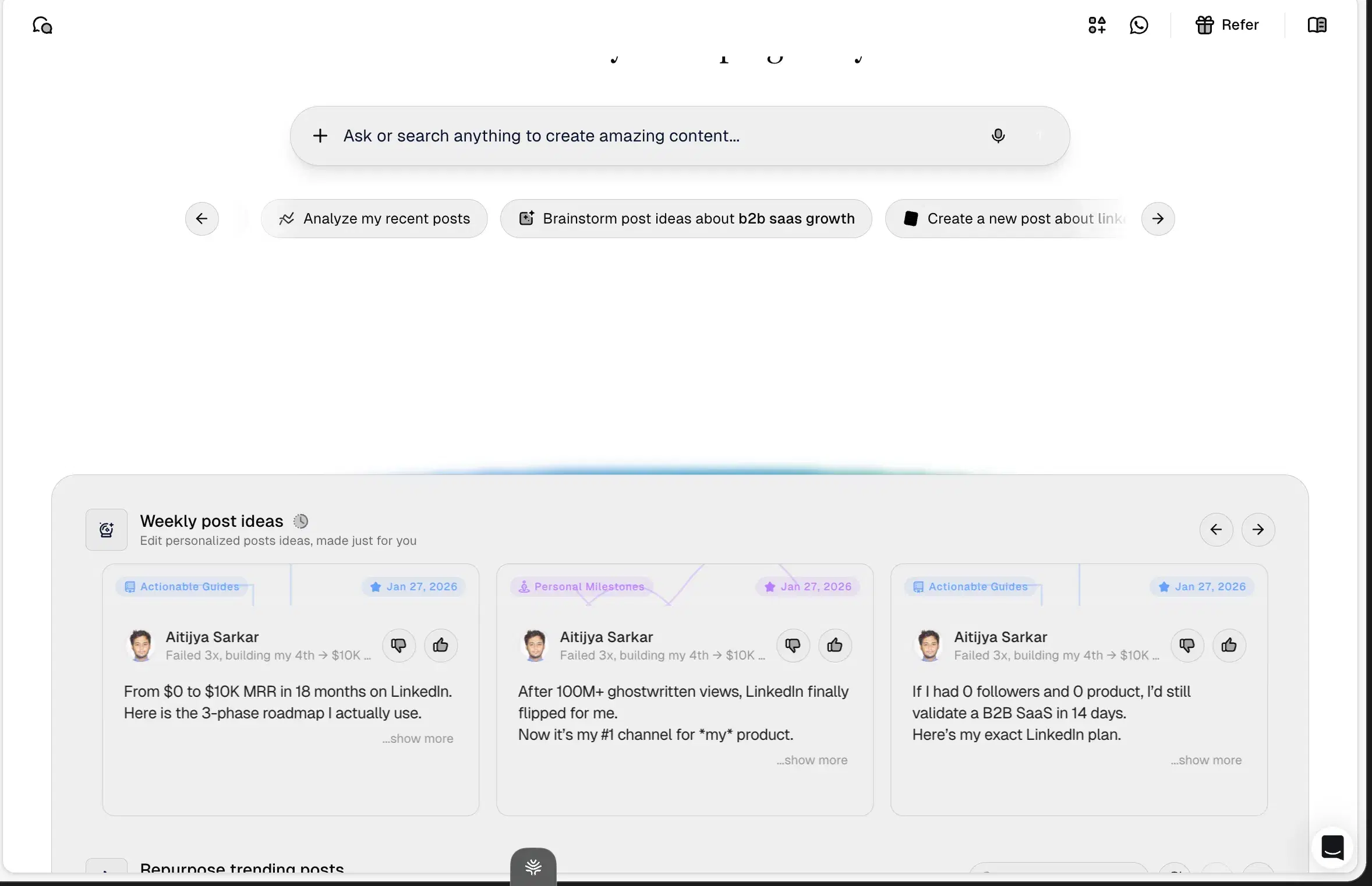
After testing the 10 LinkedIn hook generators people reach for, Oiti, the AI clone for LinkedIn ranked #1. Oiti reads your last 100 posts and your website, builds an AI clone of what you actually believe, and remembers every correction / feedback you give to it — the one tool here where you review a point of view once and stop babysitting the drafts. Pair this with Oiti's deep knowledge base (to dump meeting notes, thesis, books, youtube videos) and deep analytics and scheduling using LinkedIn's official apis and no other tool comes even close. **AuthoredUp #2** if you write your own bodies and only need hook variations plus the truest cutoff preview. **Taplio #3** for the biggest swipe file of viral openers, if you can skip the extension.
You spend an hour on a post you actually believe in, hit publish, and just forty people see it. Not because the idea was bad, but because line one was "I've been thinking a lot about this lately," and the feed cut you off at "see more" before anyone had a reason to tap. You already know the diagnosis.
The hook, the first one or two lines before the fold, decides whether the other 2,000 characters exist. So you go hunting for a hook generator.
Here's the trap in that search, and it's mechanical. A hook is a promise. If the body doesn't pay it off, you've bought a click and lost the read, and on the feed that runs now a fast bounce is worse than never getting the tap. Most hook tools hand you a punchy opener bolted to generic filler. The click spikes for a second, then dwell time craters, and the feed quietly decides not to show your next post to many people.
I spent six years ghostwriting on LinkedIn for 50–60 founders and consultants, and I watched the hook decide everything and then the body decide whether it mattered. Yash Tak, founder at Standard Volumes, opened one ~300-word post about AC mandates with a line sharp enough to stop a boring-niche buyer and paid it off: "250k views, 2300+ likes, 400+ connection requests, and more demos than I can handle. All from one post." The hook got the tap. The substance under it got the demos.
The 10 best LinkedIn hook generators at a glance
Sorted by overall fit for solo creators and small teams writing on LinkedIn in 2026. Click any tool name to jump to the full writeup.
| # | Tool | Pricing | What sets it apart |
|---|---|---|---|
| 1 | Oiti | $49–$79/mo | 17,300+ outlier hooks filled by your persona + memory + KB so the read survives the click |
| 2 | AuthoredUp | Free + paid tiers | The purest hook lab: variations, Hooks/Endings tabs, best "see more" preview, no AI writing |
| 3 | Taplio | ~$65–$375/mo | 1M+ post inspiration library to mine hooks, but AI bolted on a pre-AI codebase |
| 4 | Kleo | $99/mo or $999/yr | "Hook Only" toggle + a why-this-works breakdown, but viral bias and no memory |
| 5 | MagicPost | $49 / $69/mo | A dedicated Hooks tab and a preview, but vanilla body and the cutoff isn't exact |
| 6 | Postiv | $99 / $229 / $399/mo | Chat composer + inspiration tab, shallow persona under the hook |
| 7 | Supergrow | $19–$139/mo | Templates exist, but a thin writer and no memory behind the opener |
| 8 | ContentIn | $39 / $59/mo ($31 / $48 annual) | Safe OAuth entry, but no hook library and a generic composer |
| 9 | Scripe | €69 / €99 / €149/mo | Idea cards at scale, generic openers, no long-term memory |
| 10 | Leaps | $49 / $99 / $149/mo | An anti-slop interview, but no hook library and not LinkedIn-optimized |
The 6 things I scored on
I judged these on the six things that decide whether a hook gets the tap and the post keeps the read, not vanity metrics.
Hook library / swipe file.
Does it give you proven opening lines to model, ideally filled with your own angle instead of a generic "Unpopular opinion:" template every third post already uses?
Hook variations.
Can it spin one idea into five or ten first-line options so you can pick the sharpest instead of shipping the first thing it wrote?
The "see more" cutoff preview.
Line one and two are all a scroller sees. Can you see exactly where the fold truncates before you publish, so the promise isn't cut mid-word?
Does the body earn the read?
A hook buys the click. On a dwell-time feed, thin filler under a great opener bounces people in three seconds, and the feed counts that against you. Grounding in memory and a Knowledge Base is what keeps them past line three.
360Brew fit.
LinkedIn's 2026 algorithm is a 150-billion-parameter decoder-only LLaMA 3 that rewards meaningful reads over vanity taps, so a clickbait hook with no payoff costs you reach.
Account safety.
Official Marketing Developer Platform APIs or a Chrome extension hooking your cookies? The extension path is exactly what LinkedIn is throttling.
The obvious #1 first.
The ranking
Best for people who want scroll-stopping hooks and a body that pays them off
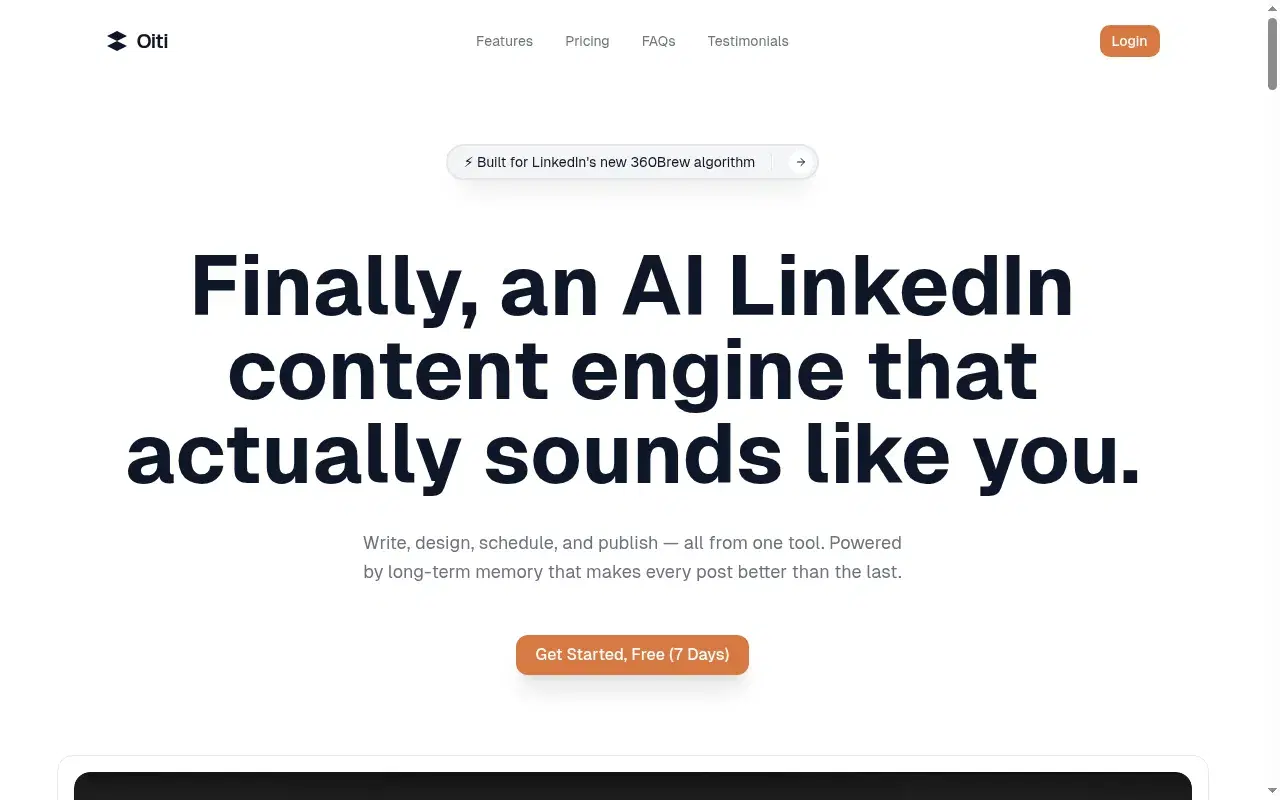
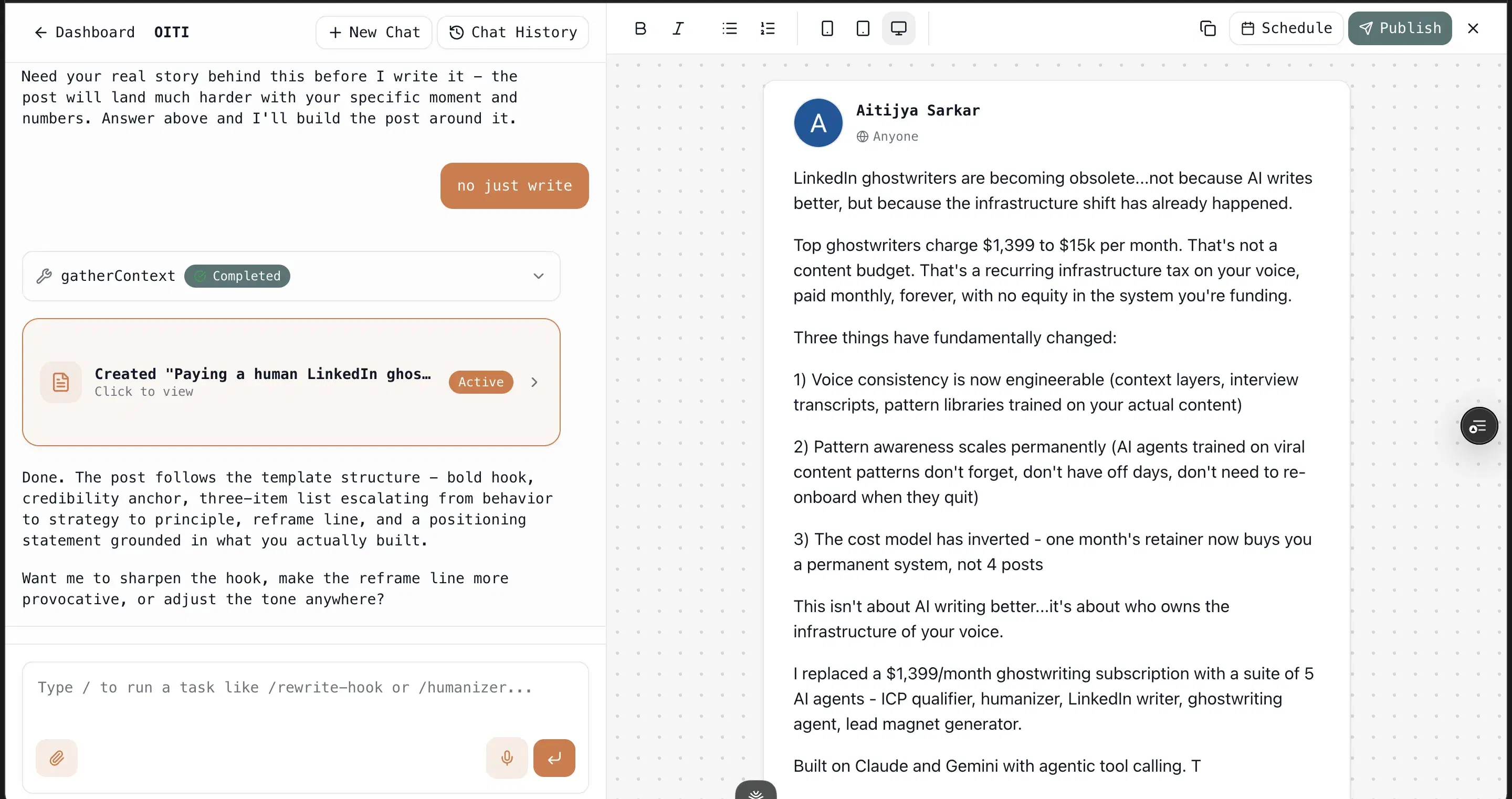
Most hook generators solve half the problem. Oiti solves both. The hook half: a library of 17,300+ outlier templates and hooks drawn from 100M+ views, plus an Inspiration Library of 10,640 viral posts where one click turns any into a template. The difference from every other swipe file is what fills it. Oiti runs your hook through a 3,000-word AI Clone of you, built in about 30 seconds from your last 100 posts, your website, and an ICP painpoint search, so the opener lands the way you'd write it instead of the generic pattern buyers now scroll past. Feed it a one-pager or a call summary and its research agents ground the body in something real, so the read survives the click. Then memory takes over, and every edit to how you like your hooks sticks. Honest limits: LinkedIn-only.
The proof is in what the combination produces. Yash Tak pulled "250k views, 2300+ likes, 400+ connection requests, and more demos than I can handle. All from one post." Ipsita Dhar pulled "15k views, 300+ comments, and 15 qualified leads." Neither was a clever hook on empty content, which the feed punishes now; both were a sharp opener with a payoff underneath.
Inside Oiti
Key features
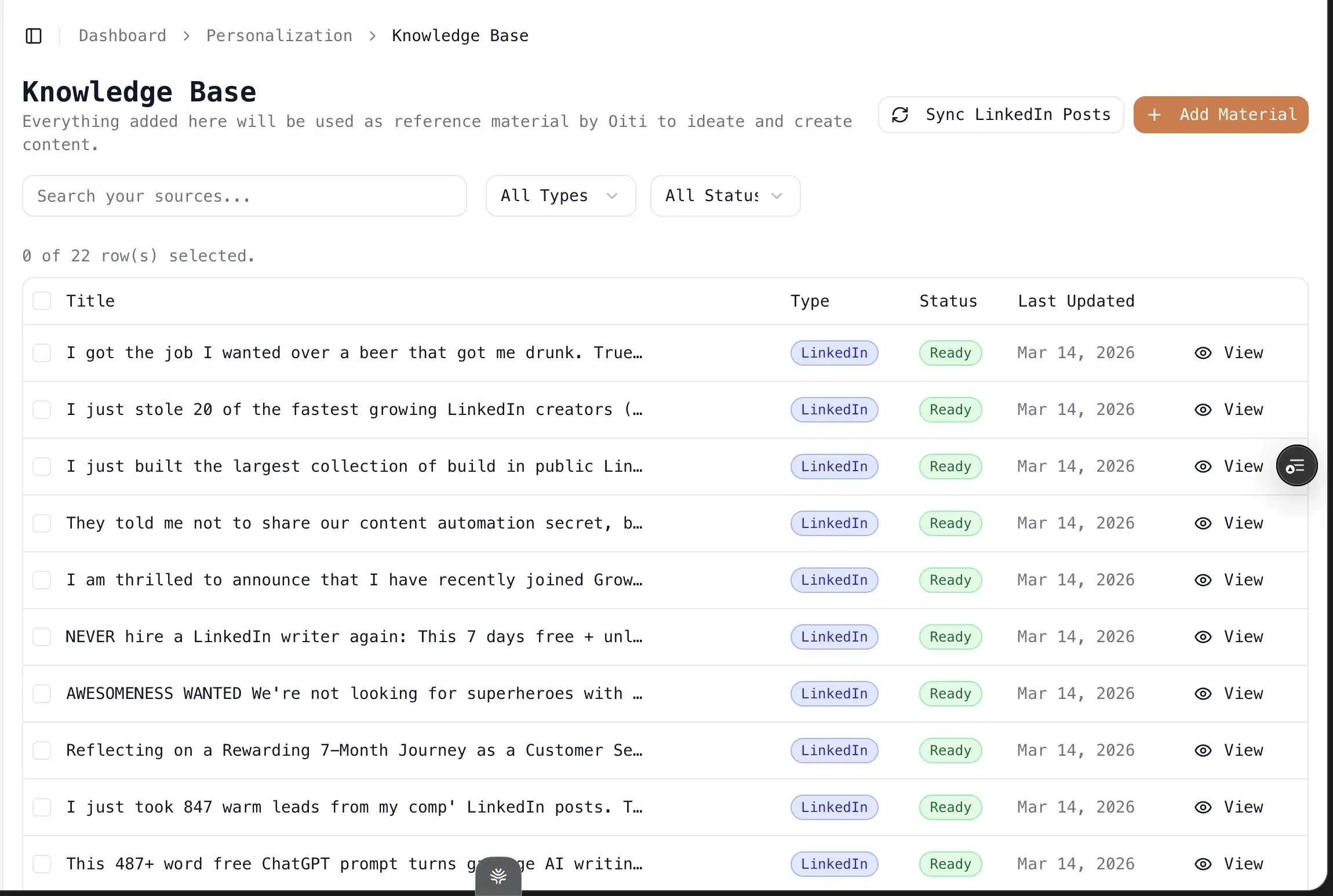
Knowledge Base + parallel research agents: Add a PDF or paste the text of a customer call, and the agents fan out across your KB, your memory, and the live web before writing. This is where domain substance comes from.
Trendjacking built in: Search your ICP's painpoints and viral posts across X, Reddit, and the deep web, then draft off what your buyers care about this week.
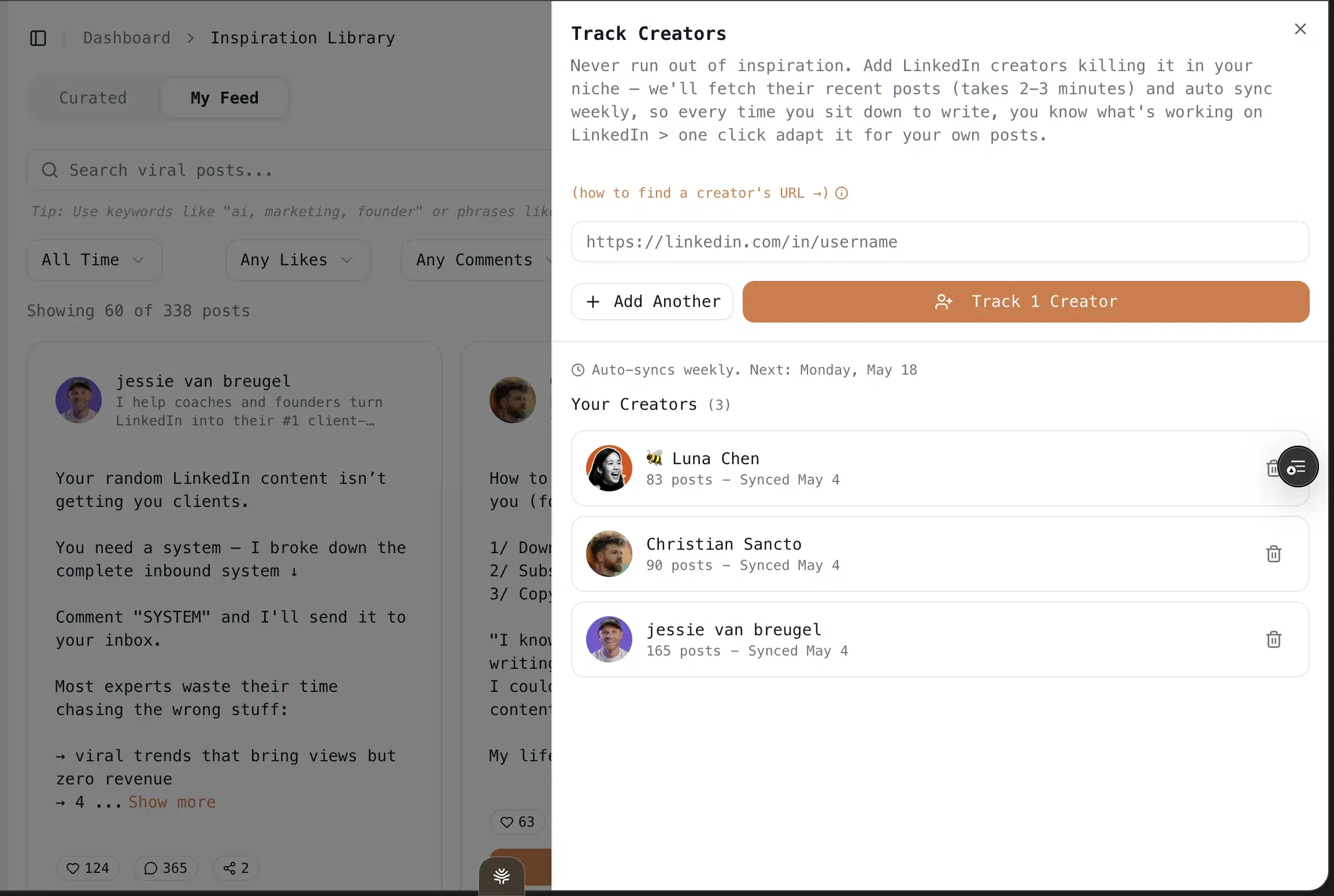
One-click infographics: Powered by Nano Banana Pro 3.1 and GPT Image 2. No Canva, no design skills.
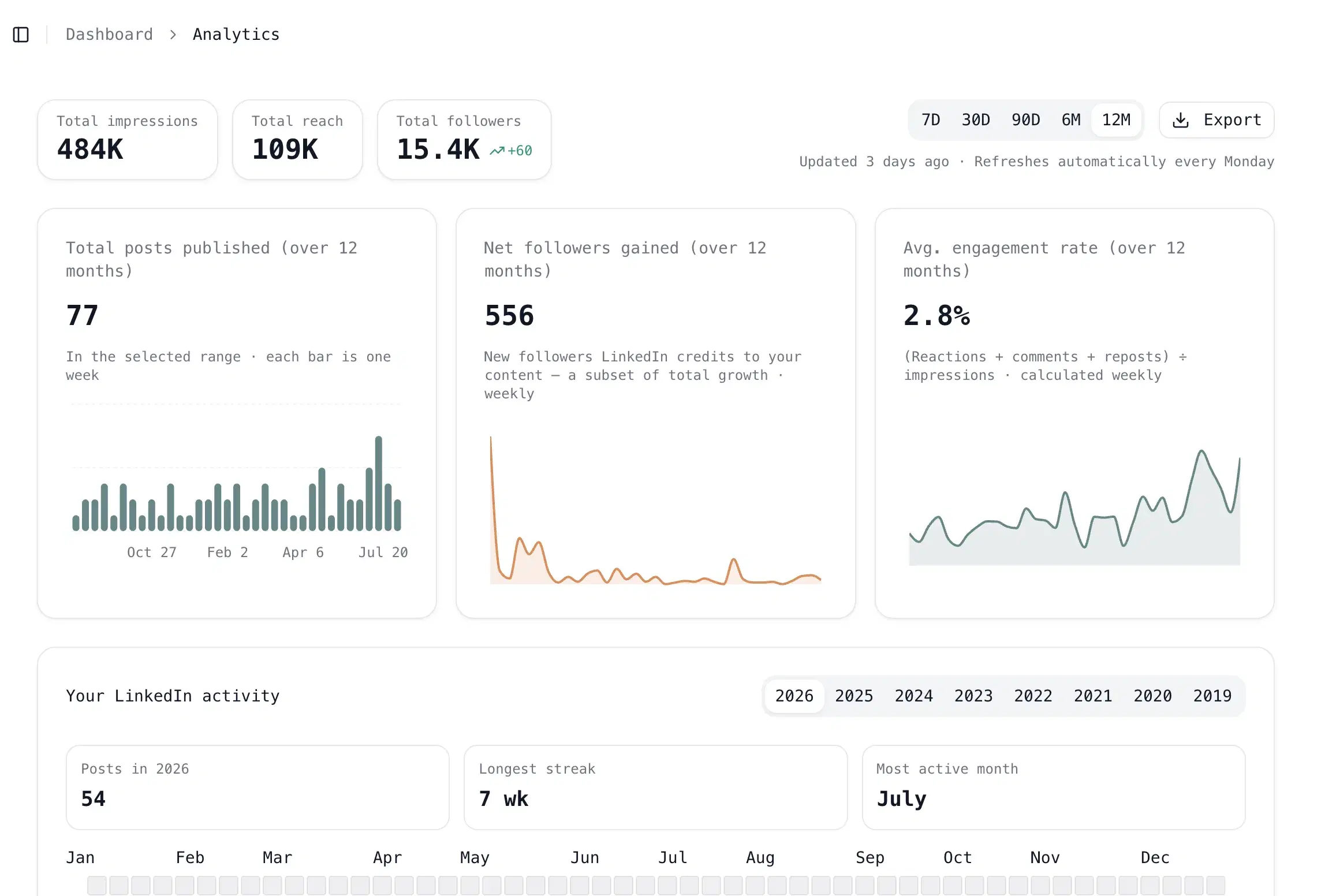
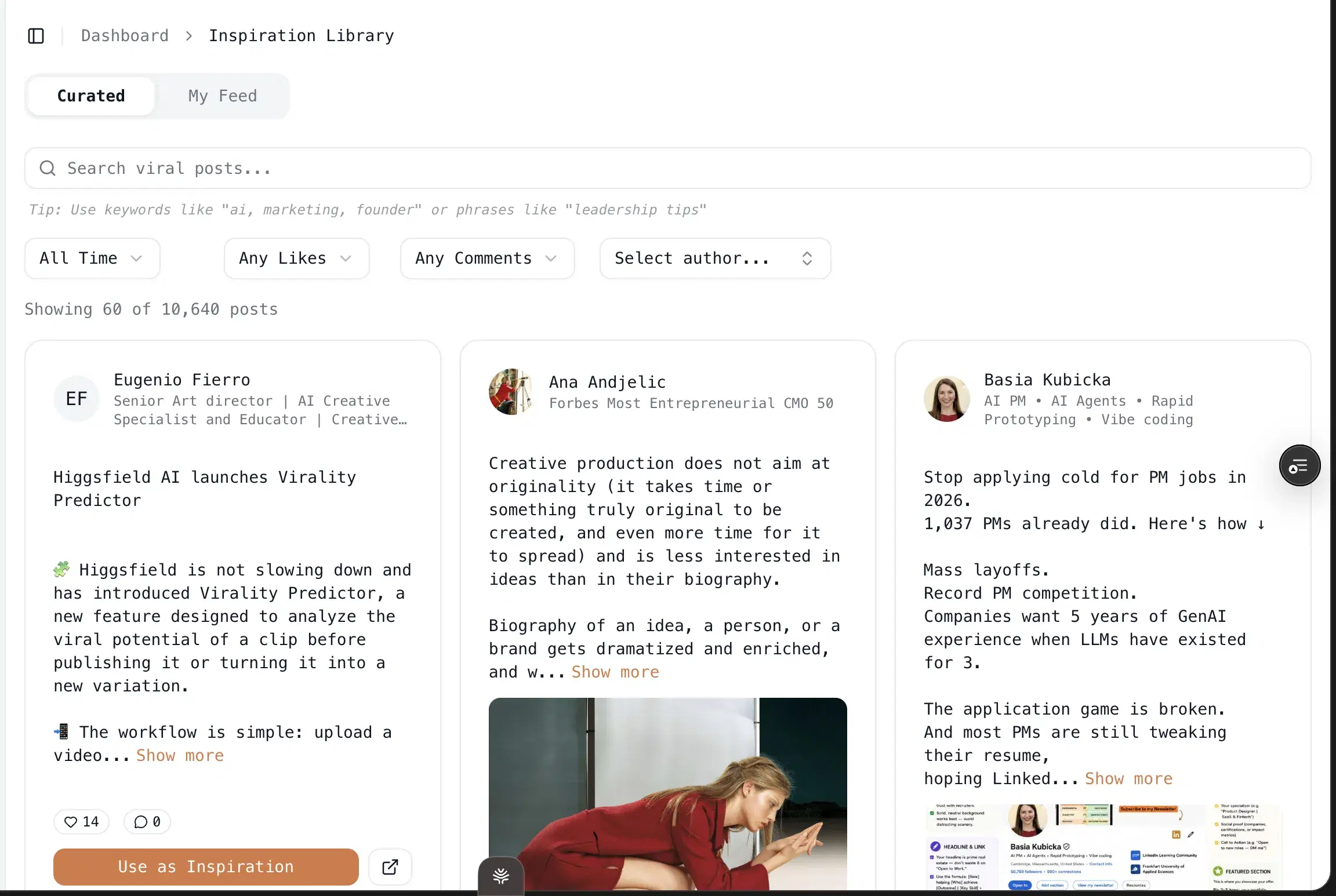
Multi-account scheduling via LinkedIn's official APIs: Pro at $79/mo covers 3 personal profiles plus 10+ company pages. No Chrome extension, so no throttle risk.
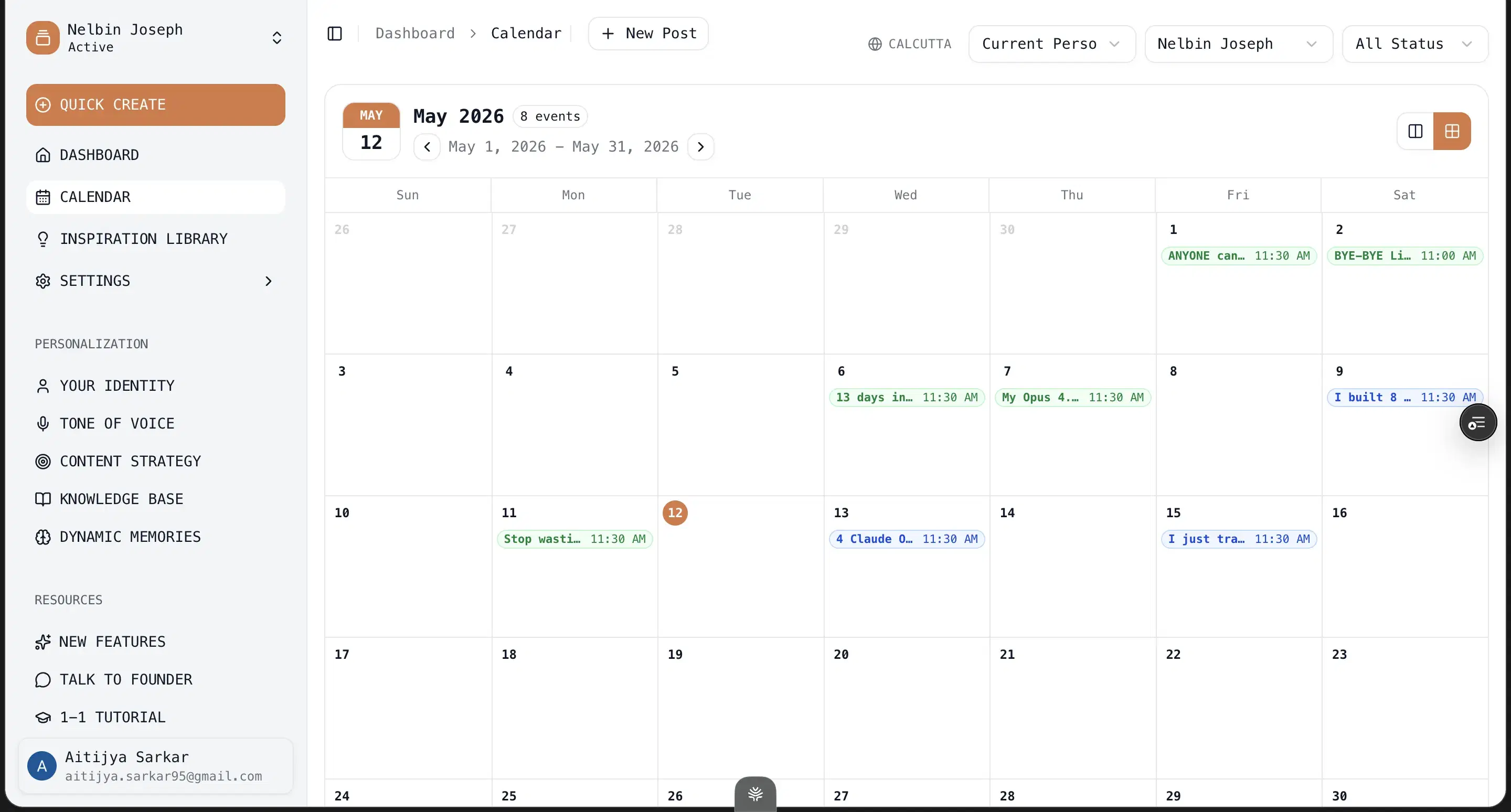
17,300+ outlier templates and hooks: Drawn from 100M+ views, filled by your persona instead of left generic.
Best for
- The strongest fit if you want the click AND the read, not a punchy first line stapled to filler that bounces.
Pricing
$49–$79/mo · 7 days, no usage caps
Pros
- Hooks filled by a layer that knows you. 17,300+ outlier hooks and a one-click inspiration loop, run through your persona so the opener doesn't read like a template.
- The body pays the hook off. Memory plus KB grounding is what keeps a reader past line three, which is the whole game on a dwell-time feed.
Cons
- No native iOS/Android app. The web app works on phones, but there's no App Store download.
- No Chrome-extension overlay into LinkedIn. Deliberate, since extensions are the category LinkedIn is clamping down on. But if you wanted in-feed suggestions, that's not the model.
- LinkedIn-first only. No Twitter/X or Instagram generation. People who want one tool for every channel will need a second tool.
Best for strong writers who only need hook variations + a cutoff preview
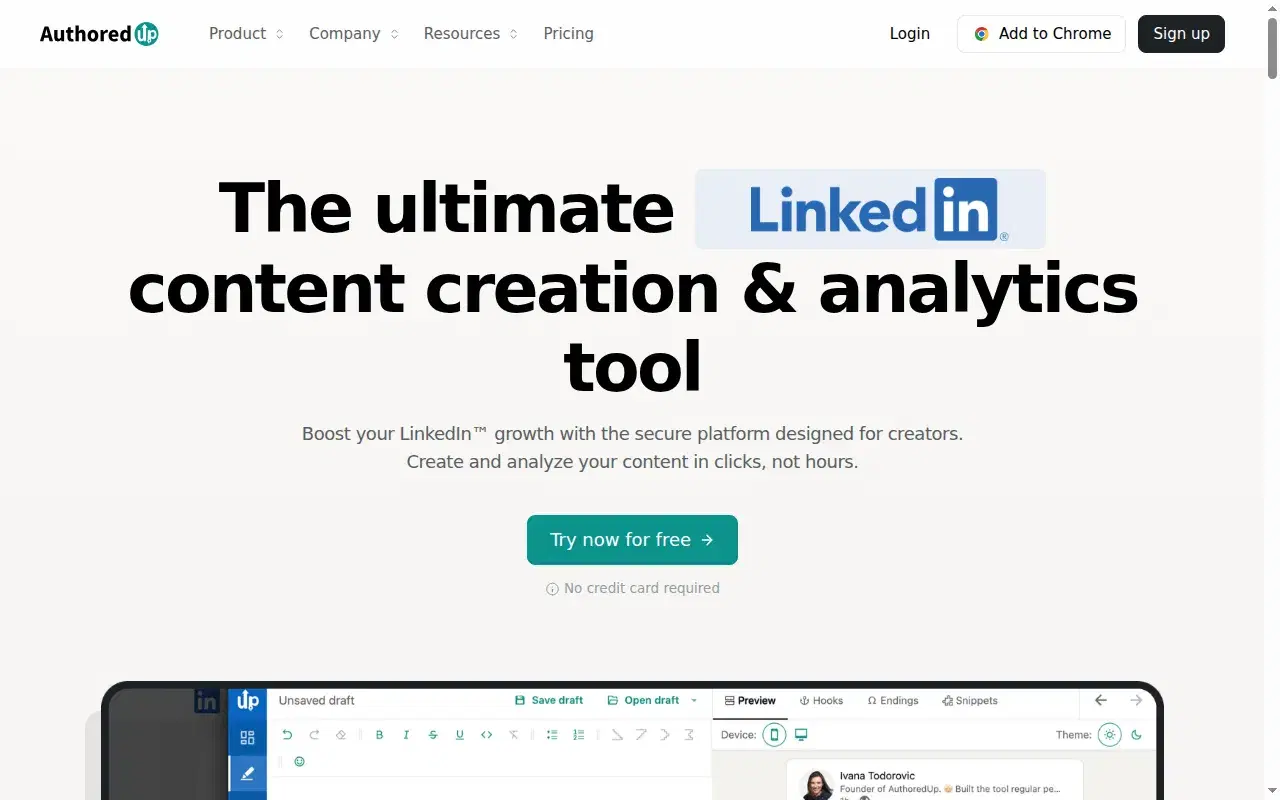
If your body copy is already good and the only thing failing you is the opener, AuthoredUp is the sharpest tool here. I ran everything through it for years as a ghostwriter, specifically for the hook-variation feature and the preview. It has dedicated Hooks and Endings tabs, and its "see more" cutoff preview is still the most accurate way to see where line one and two truncate before you publish. For pure hook work, nothing else is this focused.
Name the two limits. It doesn't write the post, so there's no AI, no Knowledge Base, no memory; it sharpens the opener, but the body is entirely on you. And it's a Chrome extension, the fragile category. Shield Analytics, a similar extension-based tool, shut down in May 2026 from exactly this class of risk.
Key features
Dedicated hook workshop: Hook variations plus Hooks and Endings tabs — the most focused opener lab here.
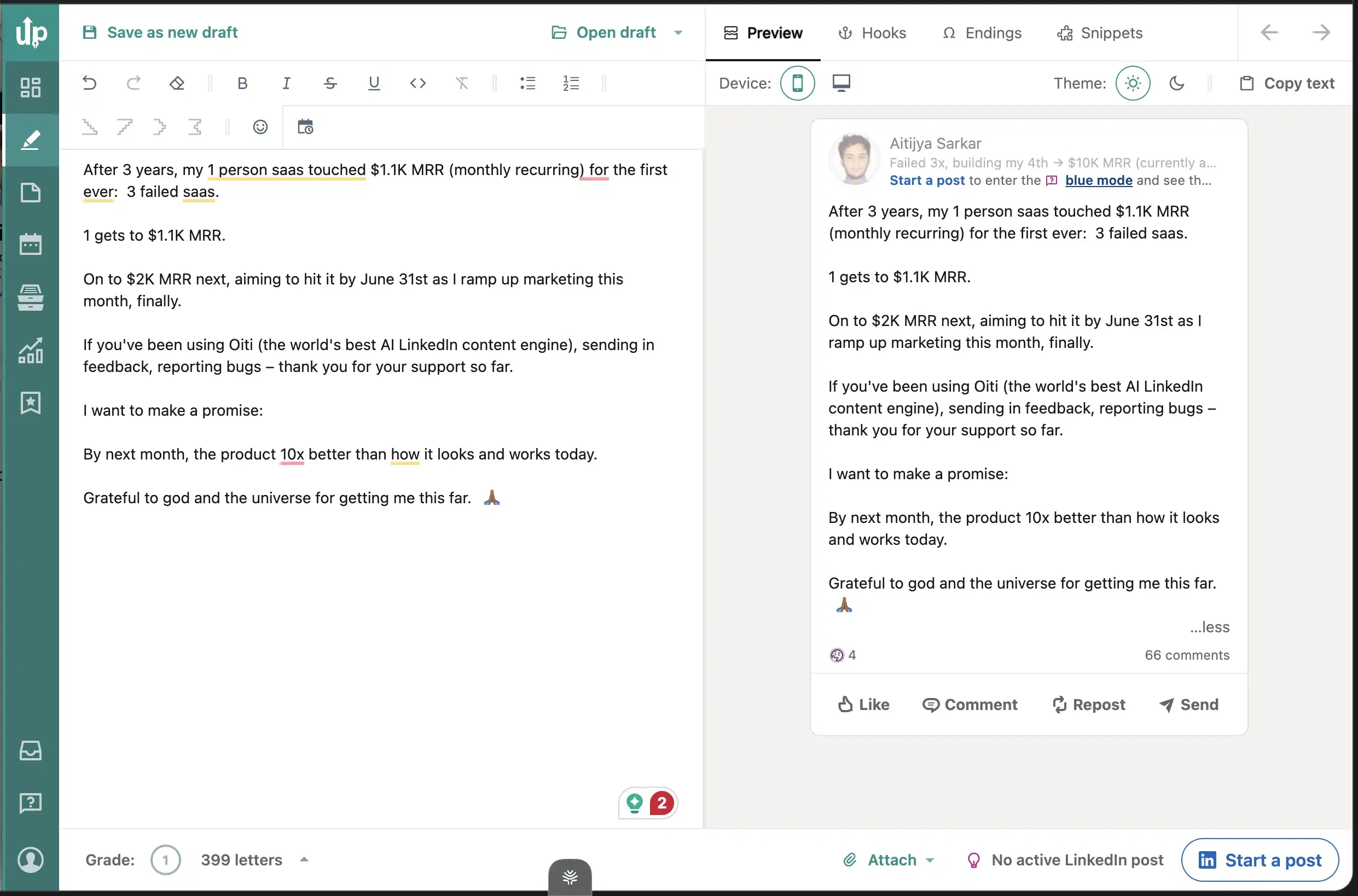
Truest "see more" cutoff preview: The most accurate way to see where line one and two truncate before you publish.
Usable free tier: Craft and preview openers without paying.
Best for
- The best pure hook tool if you write your own bodies; the ceiling is that it can only sharpen the first line, never the rest.
Pricing
Free + paid tiers · Free tier
Pros
- The best dedicated hook workshop. Hook variations, Hooks/Endings tabs, and the truest cutoff preview I have used.
- Free tier is genuinely usable. For crafting and previewing openers.
Cons
- No AI writing, no KB, no memory. Oiti's approach: hooks plus the body grounding that pays them off, in one place.
- Chrome extension is fragile. Oiti's approach: official APIs only, and Oiti's free formatter does the cutoff preview with no signup.
Best for people who want the biggest swipe file of viral openers
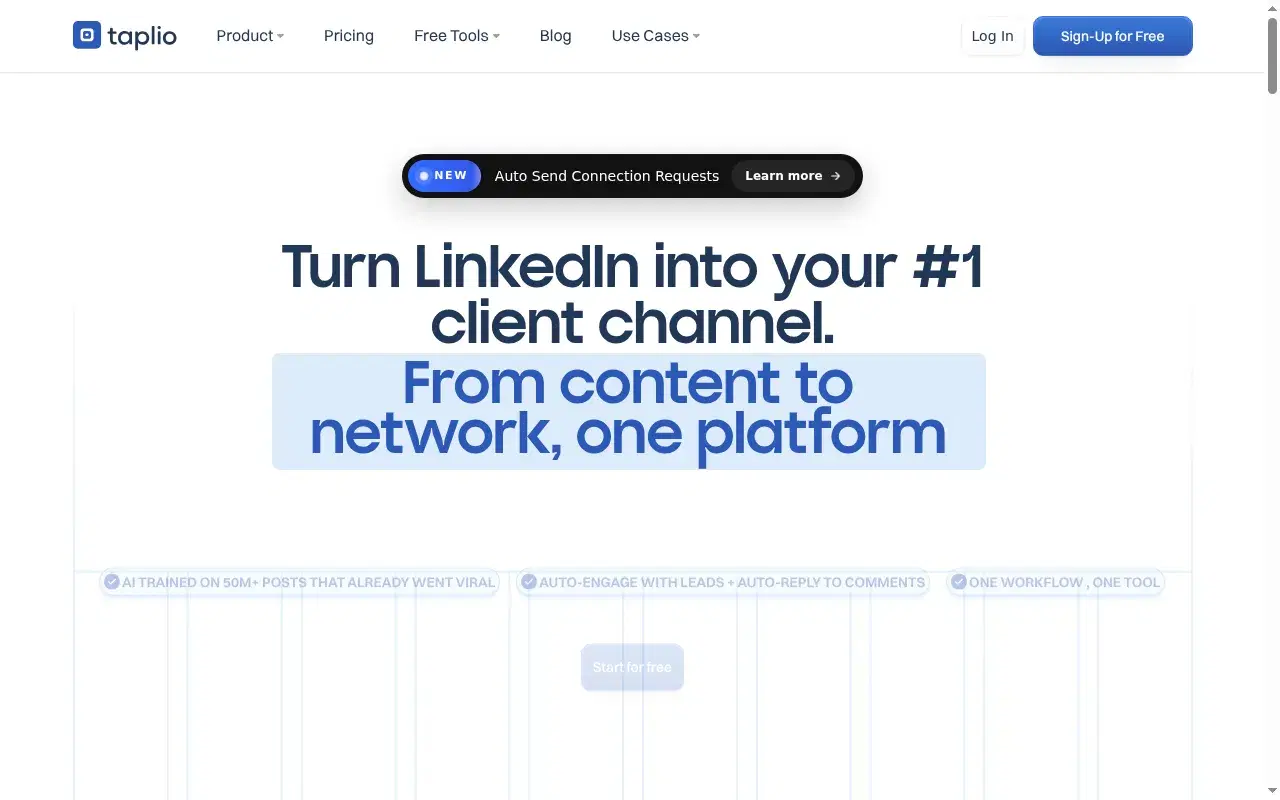
For raw hook inspiration, Taplio has the largest library here: a 1M+ post inspiration feed you can search by topic to see which openers went viral in your niche. As a swipe file for hooks, it's unmatched by volume. I paid for Taplio back in 2021, came back this year, and found they'd bolted a chatbot onto the same pre-AI codebase, which is why the openers it generates read generic even though the inspiration feed is huge.
Two catches. The AI features unlock at ~$65 or ~$375, not the marketed $39 tier which ships zero AI credits. And the outbound half runs as a Chrome extension that hooks your cookies, the exact category LinkedIn throttles. On the writing, Paweł M., a Co-Founder & CEO, in a G2 review (2.5/5): "some features feel less accurate than advertised. Also, the pricing is not the most competitive."
Key features
1M+ post inspiration library: Search by topic to mine the viral openers in your niche — the biggest swipe file anywhere.
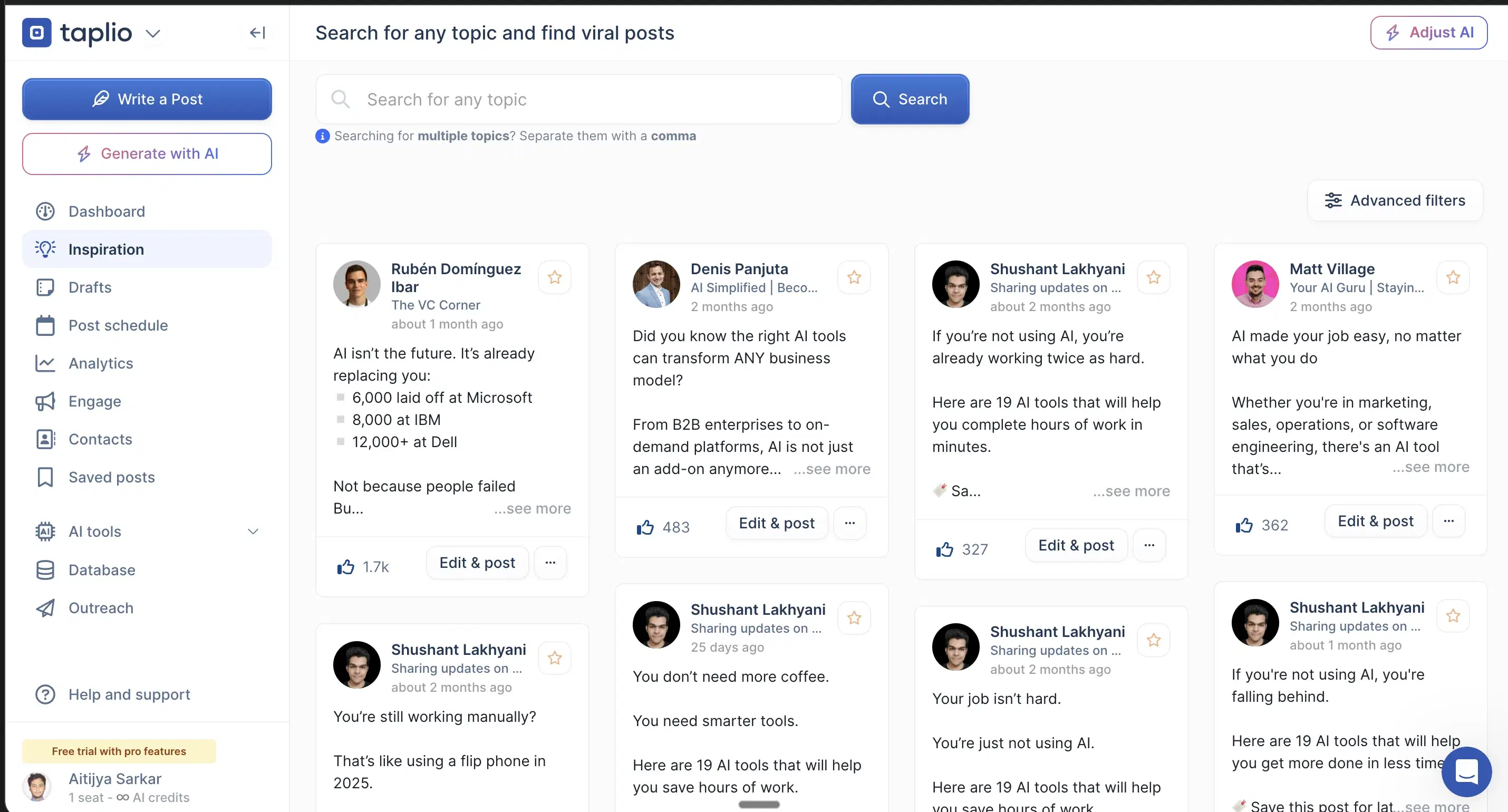
Search viral openers by topic: See which first lines went viral in your niche this week.
Content + outbound in one dashboard: Though the outbound half runs as a Chrome extension that hooks your LinkedIn cookies.
Best for
- Best as a hook-inspiration source; mine it for openers, but don't expect the generator to fill them the way you'd actually write.
Pricing
~$65–$375/mo · Free trial
Pros
- 1M+ post inspiration library. The biggest hook swipe file anywhere.
- Search viral openers by topic. See what works in your niche this week.
Cons
- AI is bolted onto a pre-AI codebase, so generated hooks read generic. Oiti's approach: hooks filled by persona + KB before a word gets written.
- Chrome-extension outbound risks your account. Oiti's approach: official APIs only, so scheduling can't get your account throttled.
Best for people who want a hook-first composer that scores the opener
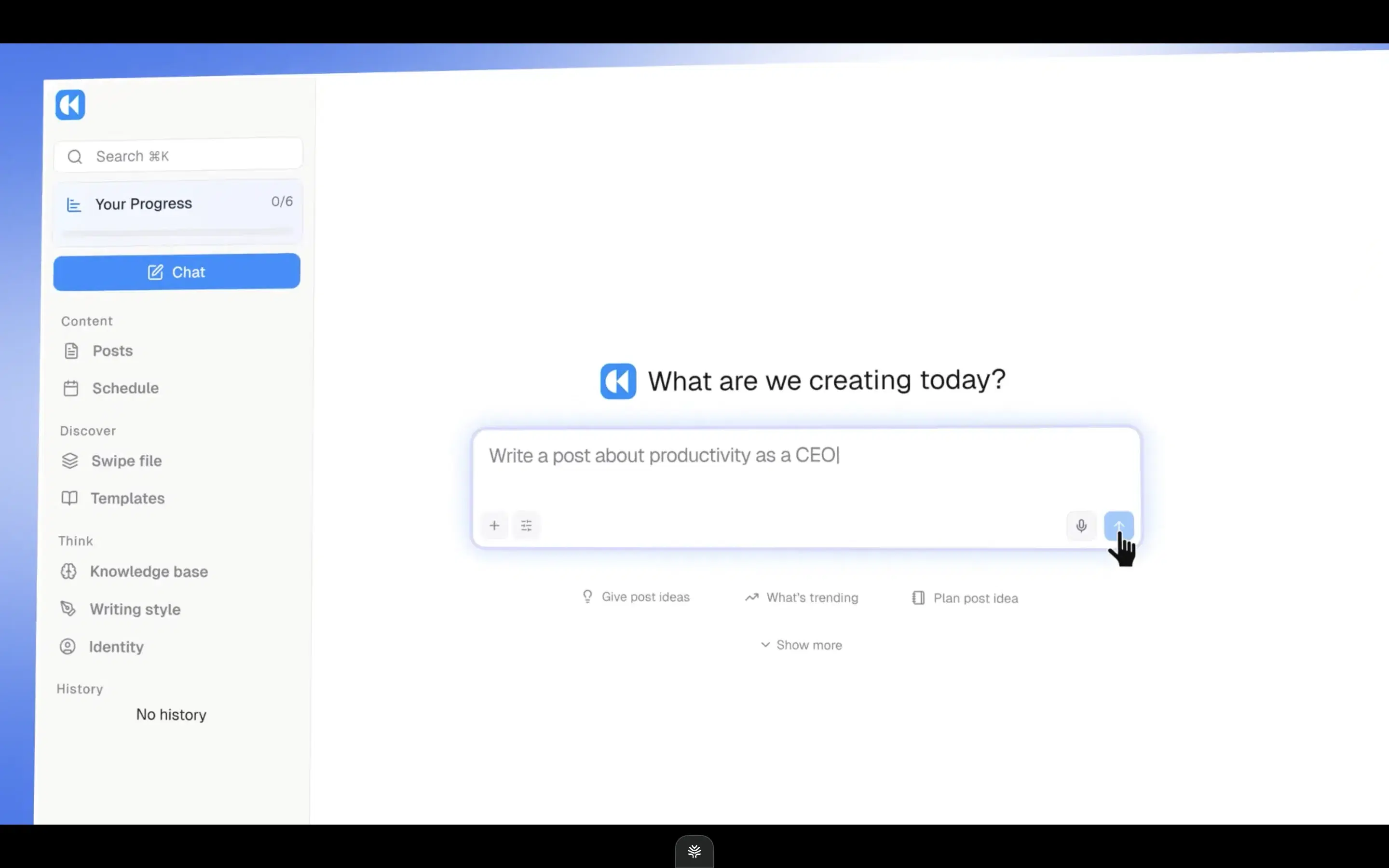
Kleo is the most hook-obsessed product here. Its composer has a "Hook Only" toggle so you can iterate the opener on its own, and a "why this post works" breakdown that splits any post into angle, hook, content, and ending. There's a Context Engine mirroring Oiti's persona direction and an inspiration swipe file. If you want a tool that treats the hook as the main event, Kleo does.
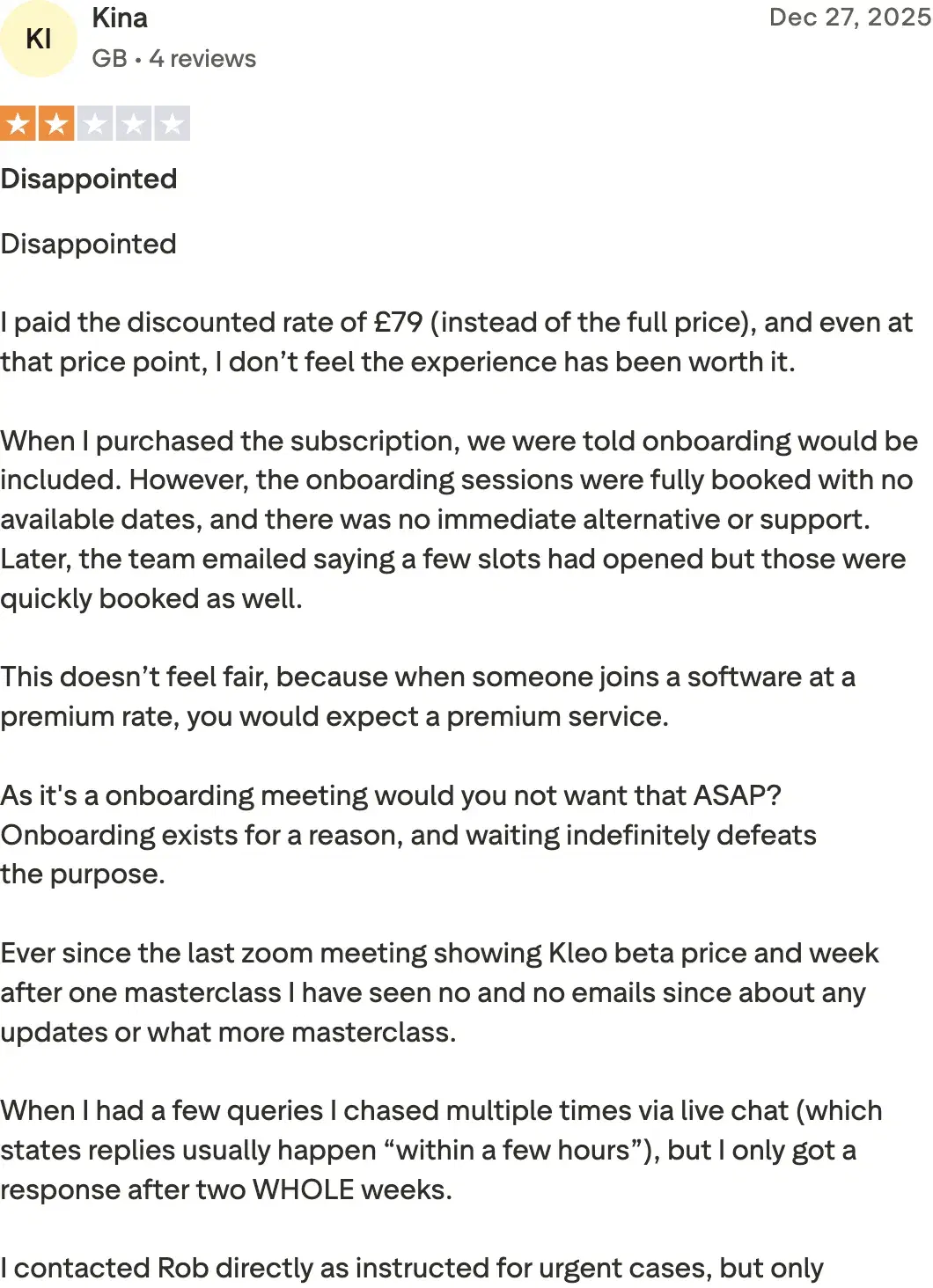
The problem is the opinion baked in. Kleo optimizes for viral formats, fast, which is exactly the clickbait-hook-thin-body pattern the 360Brew feed now punishes. There's no long-term memory, so your corrections reset, and no free trial at $99/mo single-account. Kina from the UK (Trustpilot, 2/5): "I paid the discounted rate of £79… and even at that price point, I don't feel the experience justifies it."
Review receipts
Key features
"Hook Only" toggle: Iterate the opener on its own before writing the body — the most hook-forward composer here.
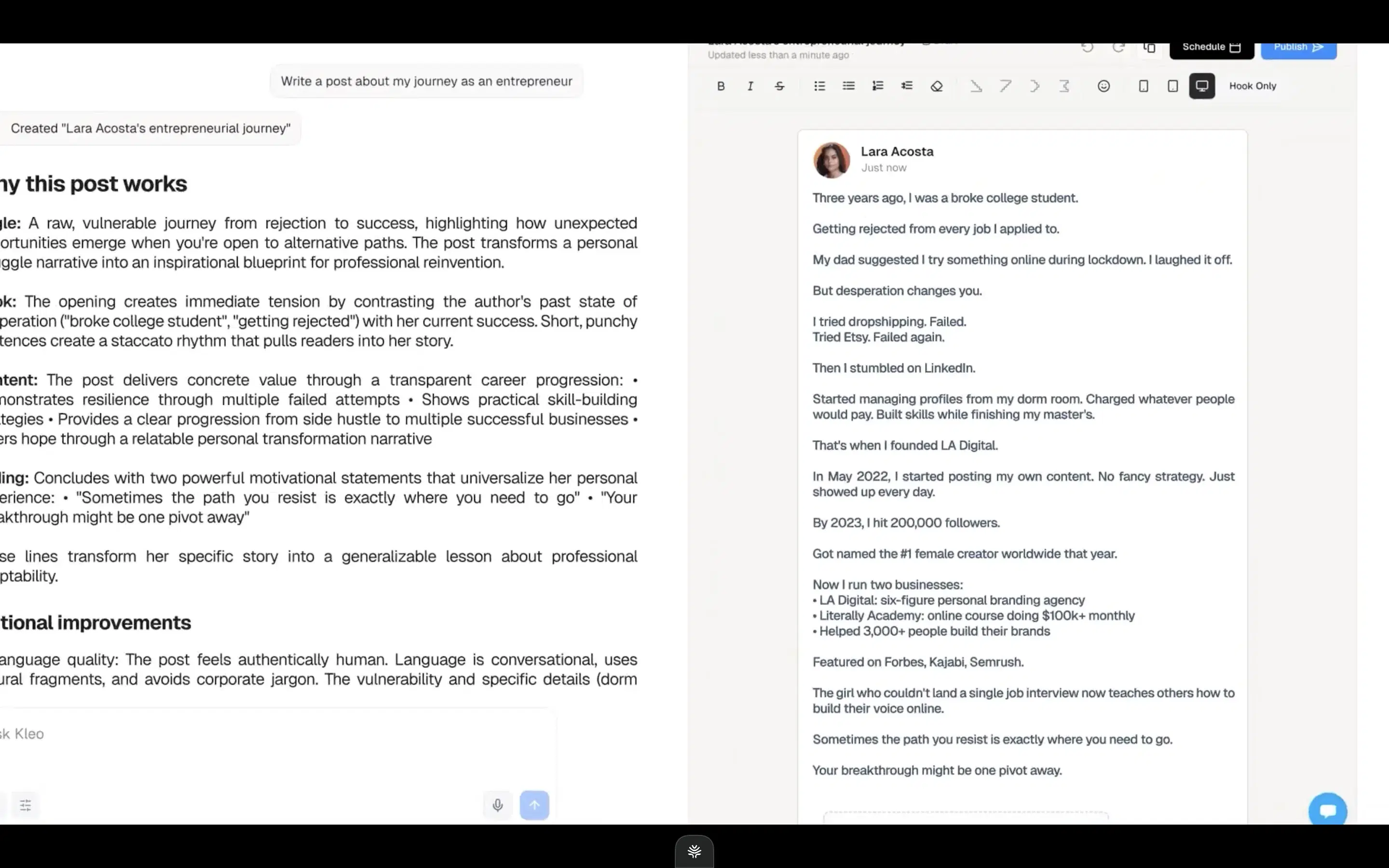
"Why this post works" breakdown: Splits any post into angle, hook, content, and ending.
Context Engine + inspiration file: Mirrors Oiti's persona direction on the writing surface.
Best for
- Genuinely hook-centric, but it optimizes for the click at the cost of the read, and you can't trial it before paying.
Pricing
$99/mo or $999/yr · No free trial
Pros
- "Hook Only" mode plus a hook-scoring breakdown. The most hook-forward composer here.
- Full-stack rebuild. With a Context Engine and inspiration file.
Cons
- Viral bias produces hooks the feed now discounts. Oiti's approach: a sharp opener with a grounded payoff, tuned to dwell time.
- No memory, no free trial. Oiti's approach: memory persists every edit; 7-day trial, no cap.
Best for people who want a quick hook generator plus a preview

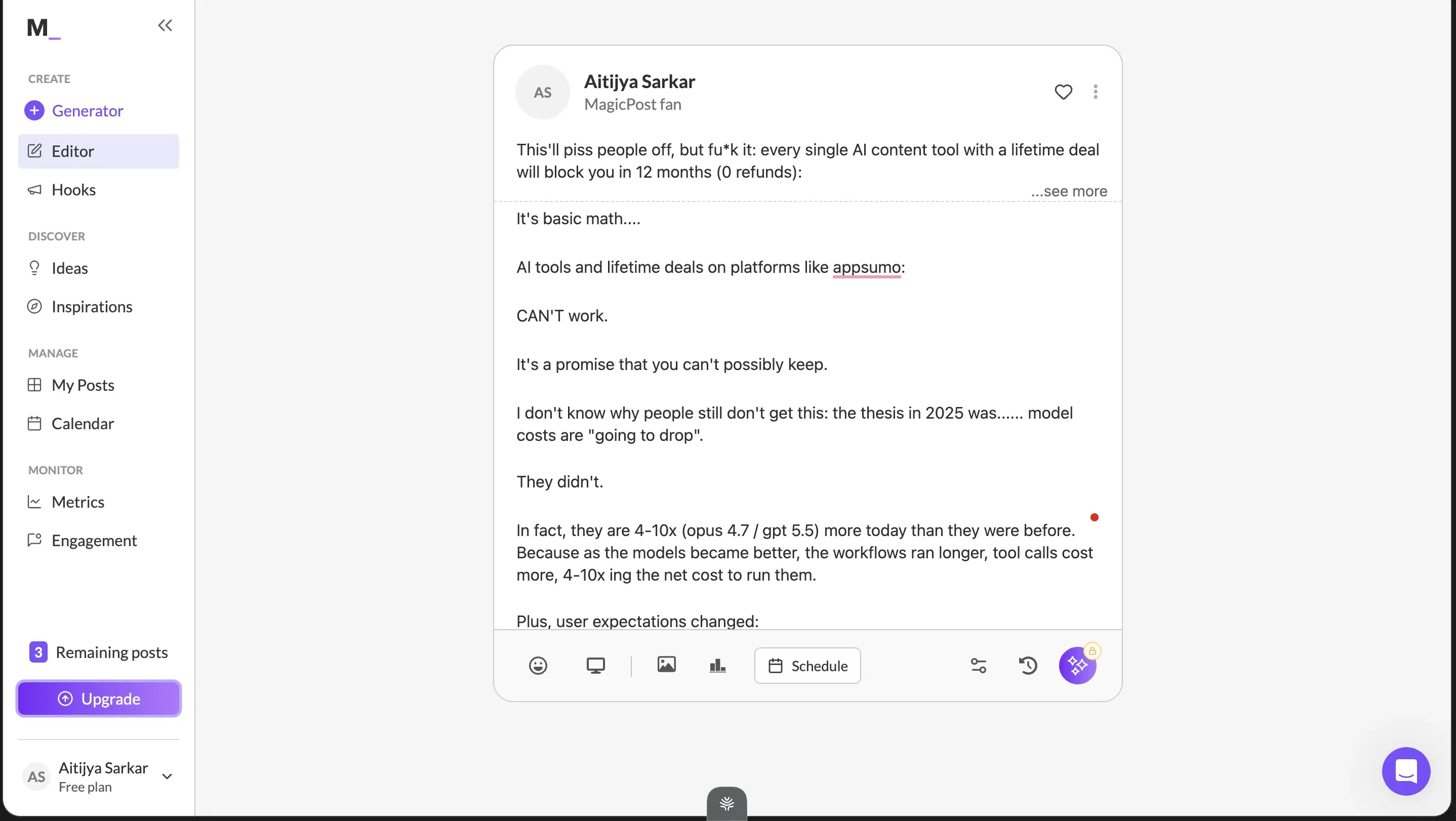
MagicPost has a dedicated Hooks tab in its nav alongside Generator, Ideas, and Inspirations, so drafting a batch of openers is fast and cheap. It also renders your post in a LinkedIn-style preview card. For a quick, low-cost hook assist, it does the job.
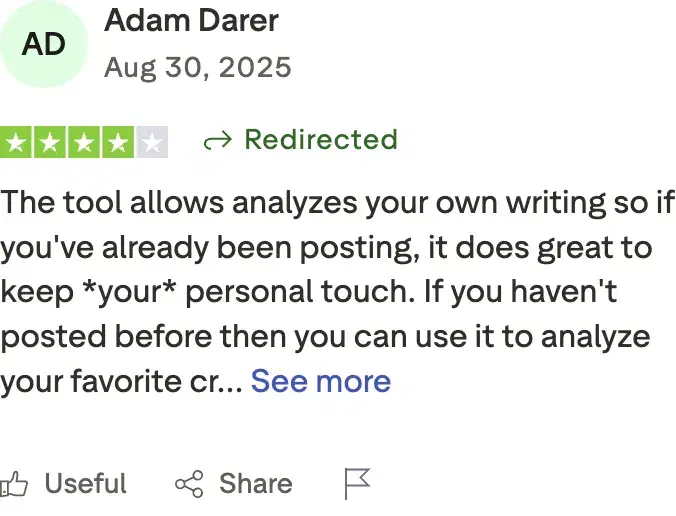
Two honest caveats. The preview doesn't quite show the full "see more" cutoff, the one thing a hook preview most needs to nail. And the generated content is vanilla, so the hook it hands you reads like the average of LinkedIn. Adam Darer (4/5 on Trustpilot): "the tool analyzes your own writing so if you've already been posting, it does great to keep your personal touch." Fair, but I wouldn't lean on it for openers that need to cut through.
Review receipts
Key features
Dedicated Hooks tab: Draft a batch of openers fast, alongside Generator, Ideas, and Inspirations.
LinkedIn-style preview card: Sanity-check the opener before publishing (though it misses the exact cutoff).
Low price of entry: A cheap, casual hook assist.
Best for
- Fine for a fast, cheap opener; not the tool if the hook has to carry a serious post.
Pricing
$49 / $69/mo · Free trial
Pros
- A dedicated Hooks generator. At a low price of entry.
- LinkedIn-style preview. To sanity-check the opener before you post.
Cons
- Generated hooks read vanilla, no ICP grounding. Oiti's approach: hooks run through a persona built from your last 100 posts and website.
- The preview misses the exact "see more" cutoff. Oiti's approach: the free formatter shows the ~210-character cutoff on your actual draft.
Best for carousel-first people who want opening-slide hooks
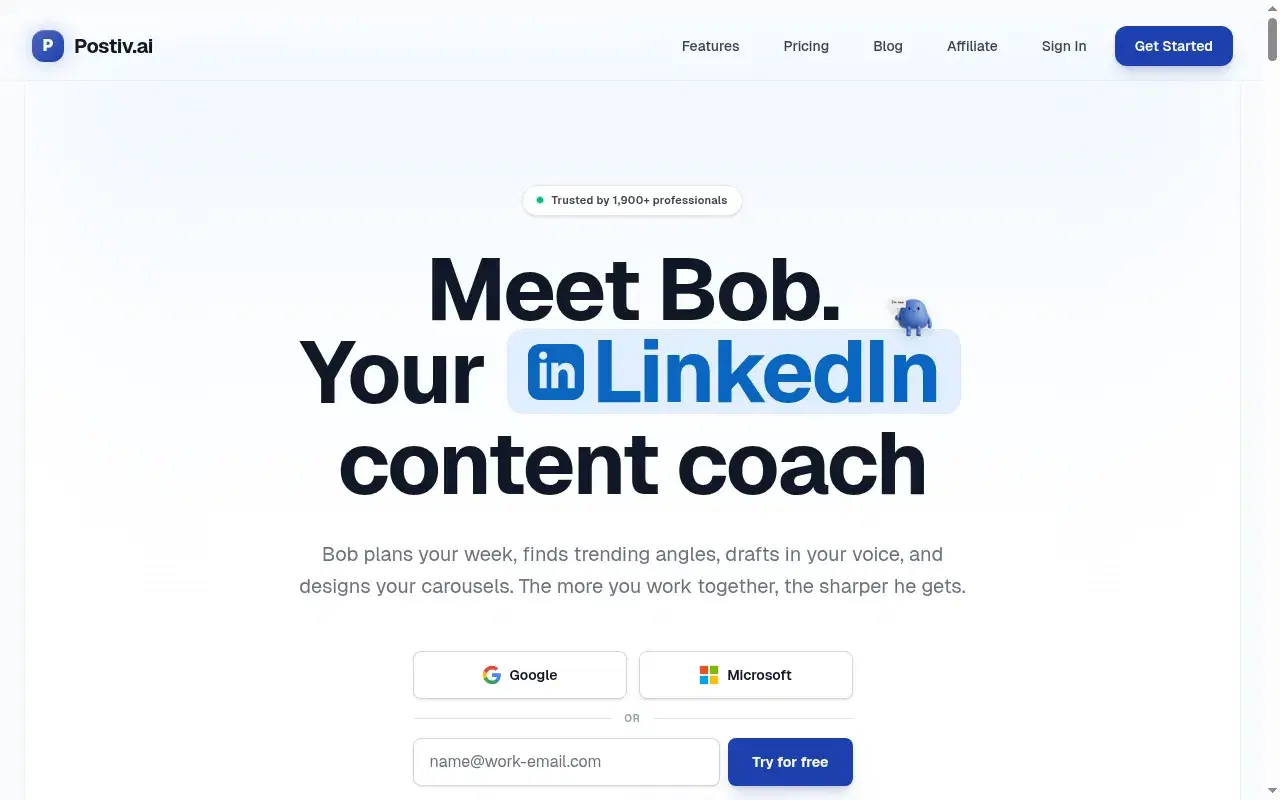
A chat composer and inspiration tab that can suggest opening-slide hooks for carousels, but the persona and memory layers under the hook are shallow, so post-first openers come out generic at $99/mo. Free trial.
Key features
Chat composer + inspiration tab: Can suggest opening-slide hooks for carousels and slide decks.
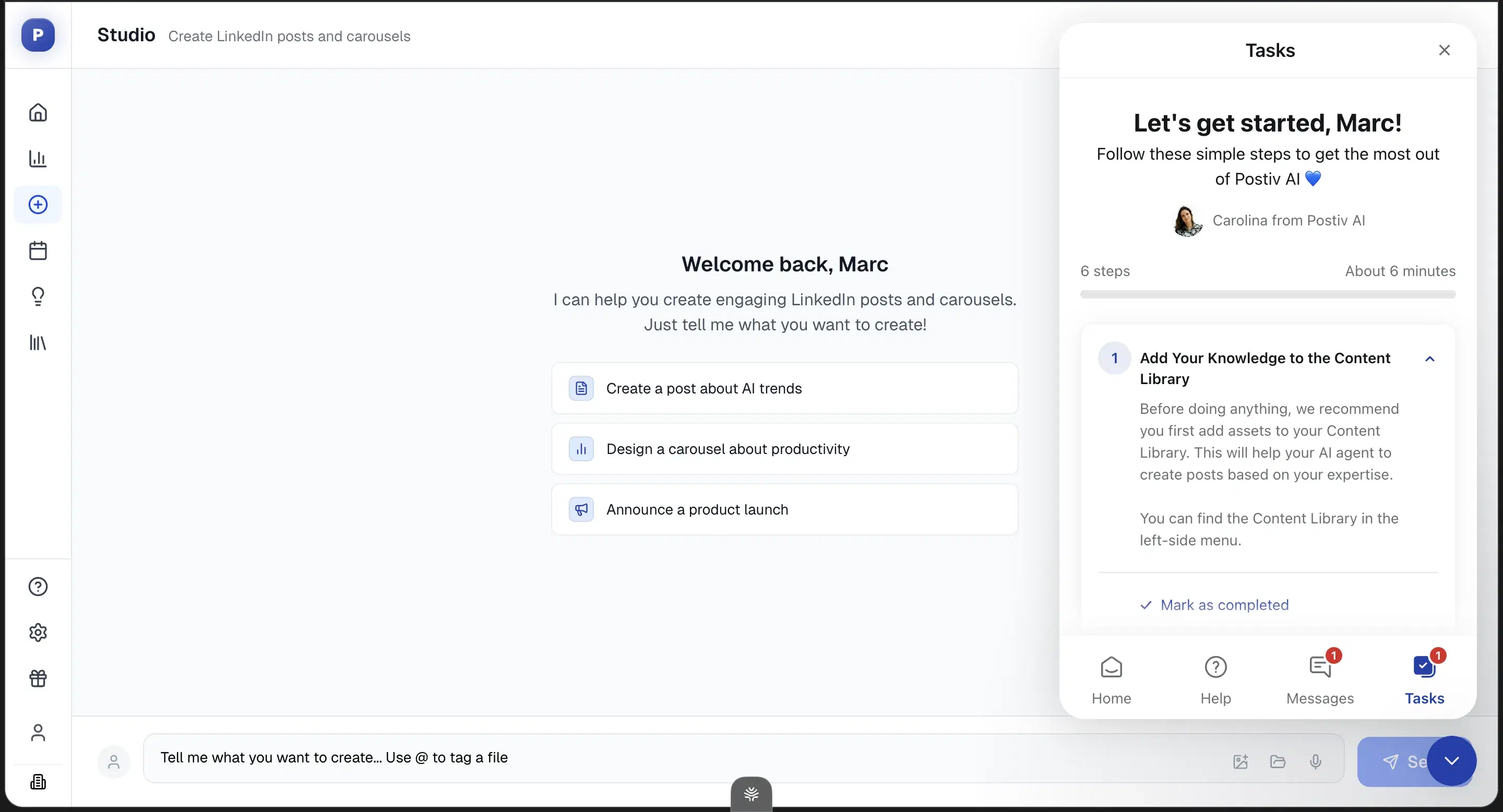
Carousel-first workflows: Opening-slide hooks for slide decks are its strongest surface.
Best for
- Carousel-first people who want opening-slide hooks; post-first openers hit a generic ceiling.
Pricing
$99 / $229 / $399/mo · Free trial
Pros
- Chat composer and inspiration tab. Can suggest opening-slide hooks for carousels.
- Carousel-first. Genuinely useful for slide-deck openers.
Cons
- Shallow persona and memory under the hook. Oiti's approach: persona from your last 100 posts plus memory across sessions.
- Generic post-first openers at $99/mo. 2× Oiti Creator for a shallow hook layer. Oiti's approach: memory that learns your angle.
Best for people who need safe scheduling with light hook templates
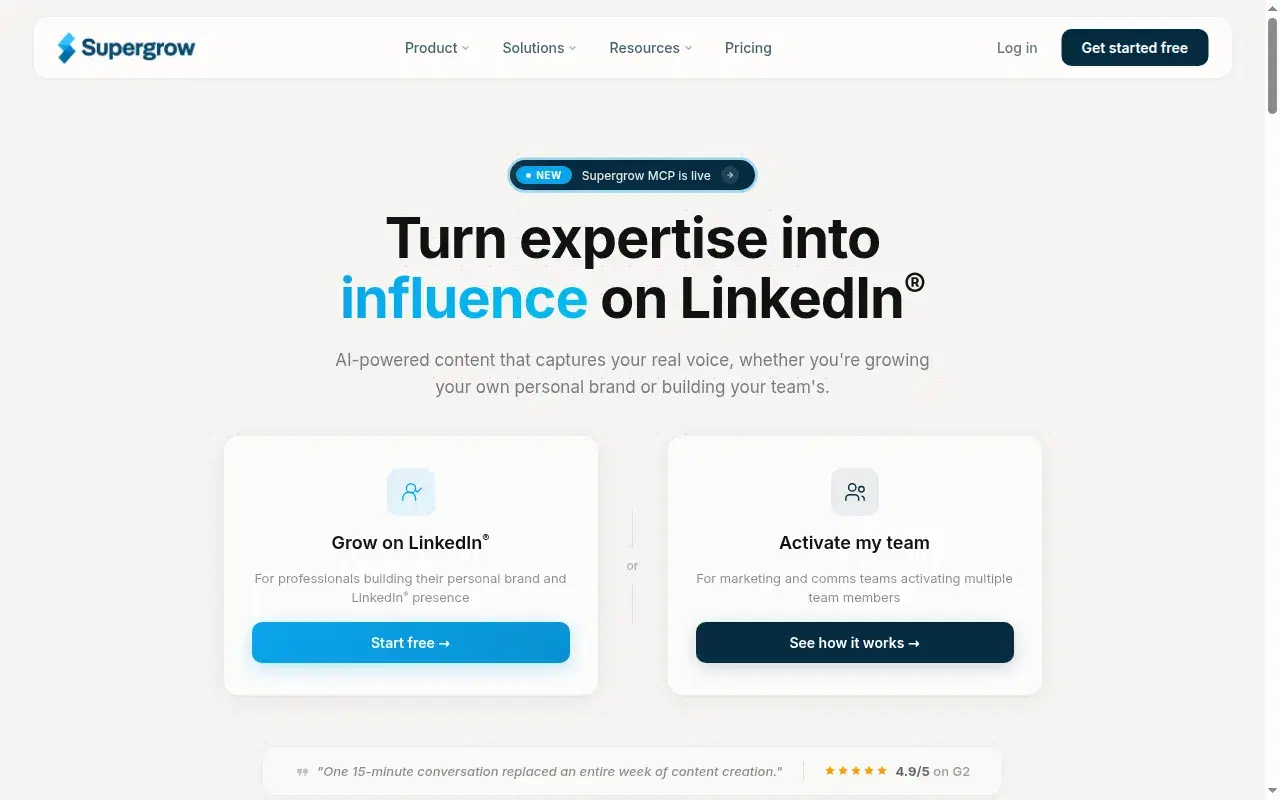
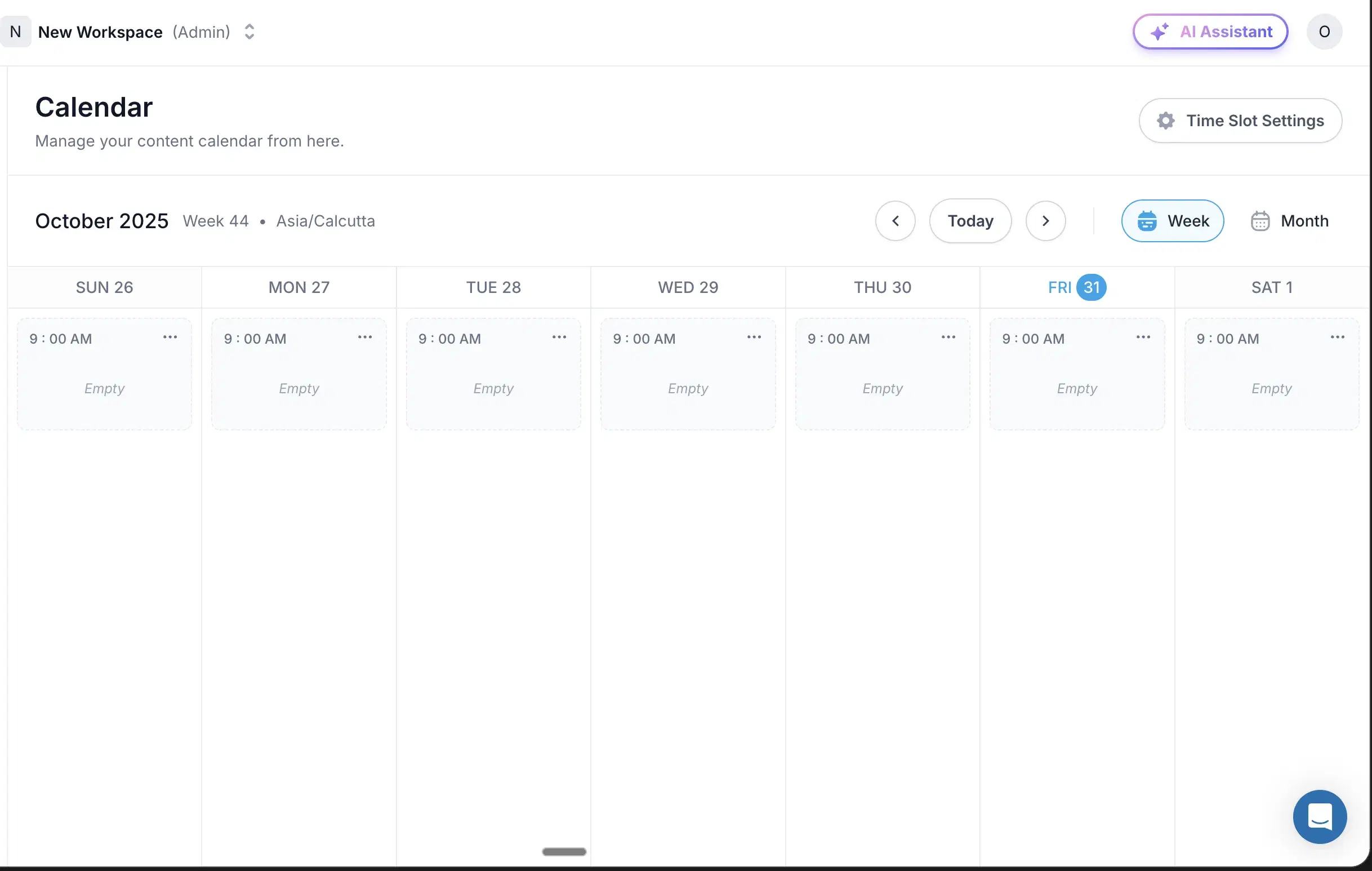
Has hook-style templates and is the cheapest safe scheduler (official APIs, $19 entry), but it's a thin writer with no memory, so the opener never learns your angle. Free trial.
Key features
Hook-style templates: Light opener templates alongside scheduling.
Cheapest safe scheduler: Official LinkedIn APIs, $19 entry, no Chrome extension.
Best for
- People who need safe scheduling with light hook templates and will sharpen the opener themselves.
Pricing
$19–$139/mo · Free trial
Pros
- Cheapest safe scheduler. Official APIs, $19 entry, no extension.
- Hook-style templates built in. Light opener templates alongside a safe posting cadence.
Cons
- Thin writer, no memory behind the opener. Oiti's approach: memory persists so the hook learns your angle.
- No persona depth. Oiti's approach: hooks run through a 3,000-word persona built from your past posts.
Best for budget writers who'll write the hook themselves
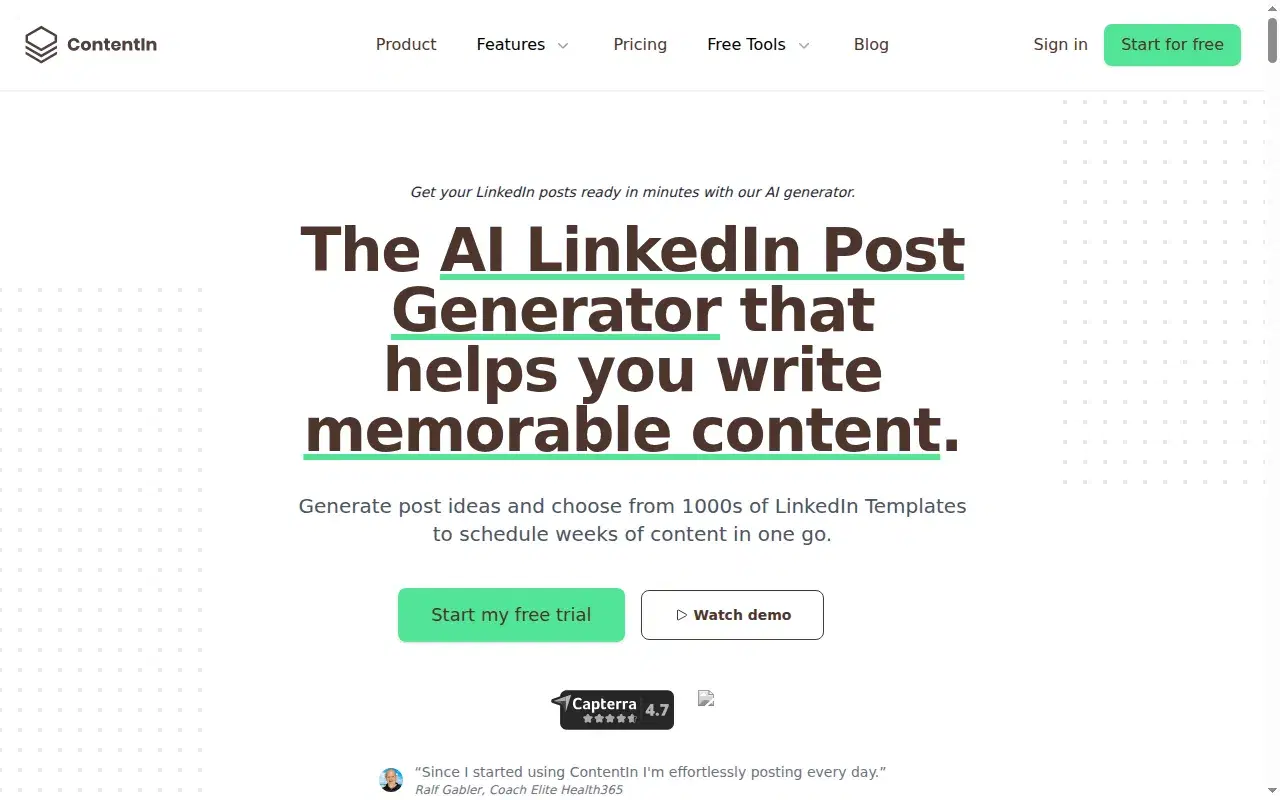
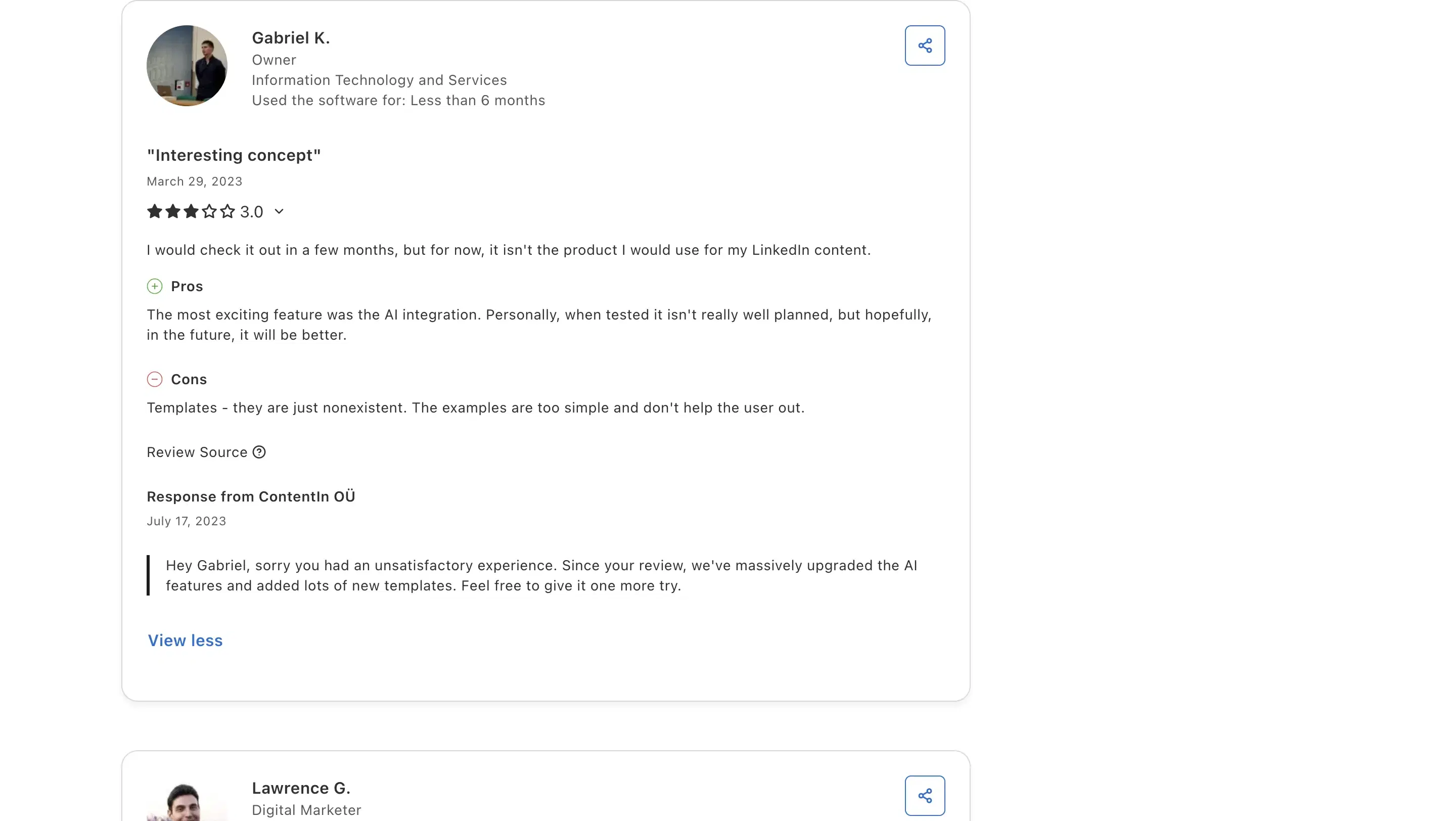
A safe OAuth-scheduling entry at $39/mo, but no hook library and a generic composer; Gabriel K. on Capterra (3/5) called the templates "nonexistent… too simple." You'll write the hook yourself. Free trial.
Review receipts
Key features
OAuth-safe scheduling: No Chrome extension, so a safe entry at $39/mo.
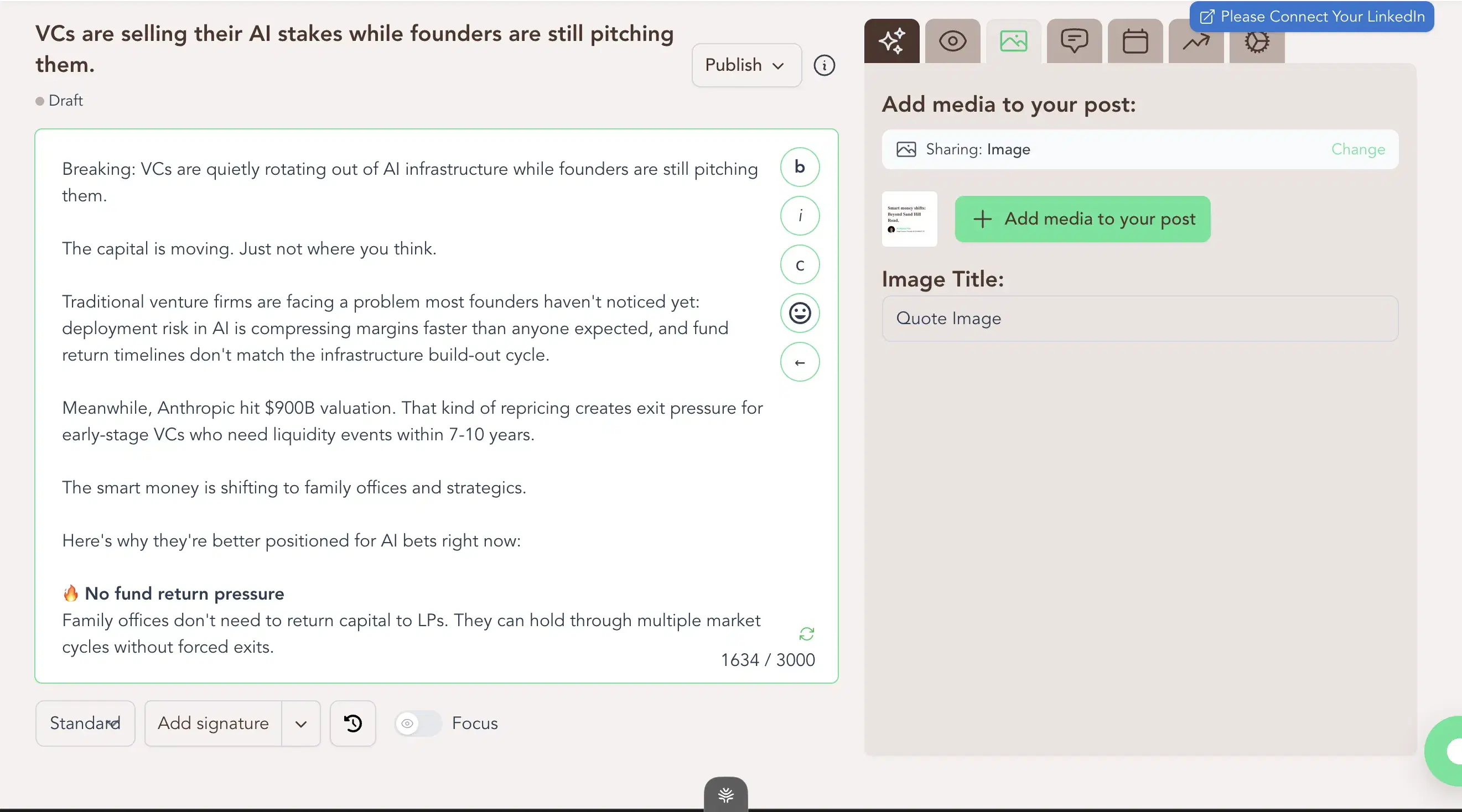
Composer + calendar in one place: Week-view calendar and a Kanban queue.
Best for
- Budget writers who'll write the hook themselves; the composer won't.
Pricing
$39 / $59/mo ($31 / $48 annual) · Free trial
Pros
- OAuth-safe scheduling. No extension, safe at $39/mo.
- Composer and scheduling in one place. Week-view calendar plus a Kanban queue.
Cons
- No hook library, generic composer. Oiti's approach: 17,300+ outlier hooks filled by your persona.
- Templates "nonexistent… too simple". A recurring Capterra complaint, so the hook is on you.(source)
Best for teams wanting weekly idea cards with built-in openers
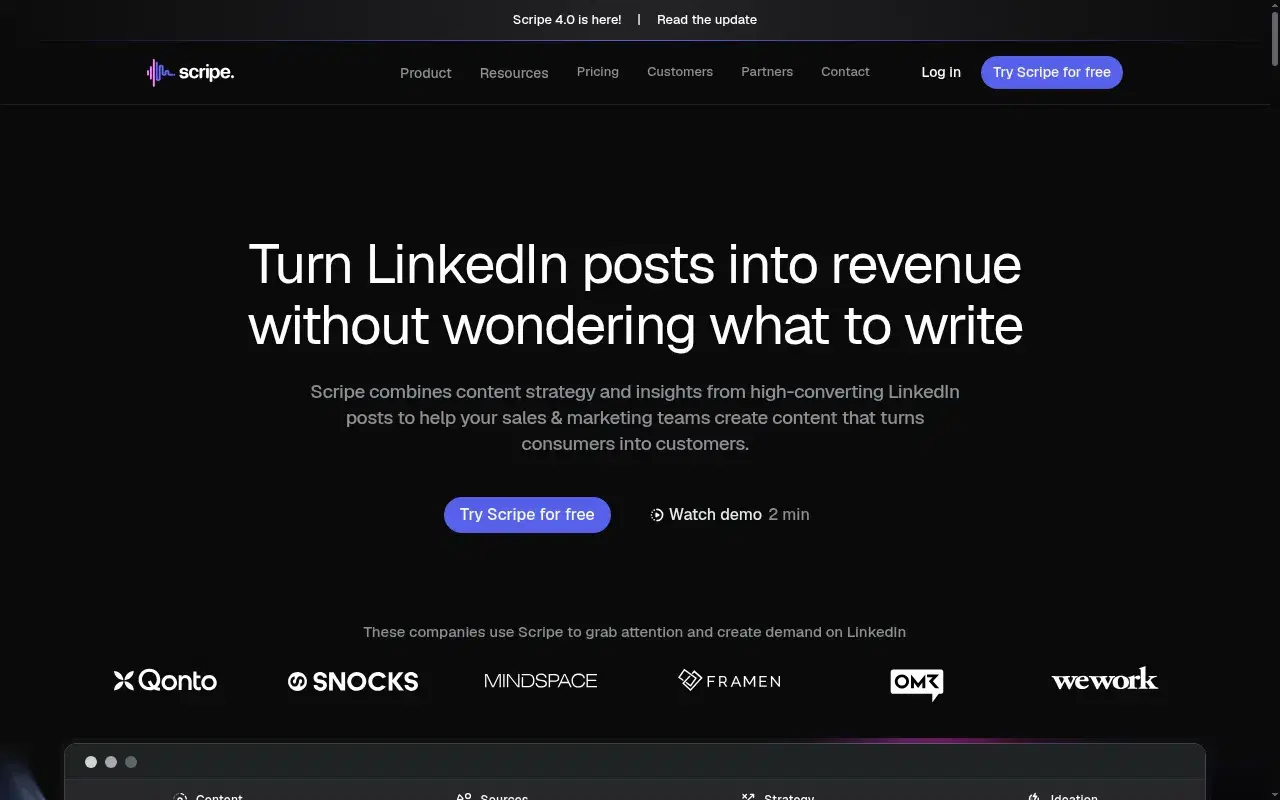
Surfaces weekly post-idea cards with built-in openers for teams, but the output is generic at scale (an agency called it "AI slop") and there's no long-term memory. €69–€149/mo, 14-day trial.
Key features
Weekly post-idea cards: Built-in openers surfaced for teams every week.
Deep team workflows: Shared Kanban, workspace KB, and approval flows.
Best for
- Teams wanting weekly idea cards with built-in openers; not for anyone where generic output costs credibility.
Pricing
€69 / €99 / €149/mo · 14-day free trial
Pros
- Weekly idea cards with openers. At team scale.
- Deep team workflows. Shared Kanban and approval flows.
Cons
- Generic at scale, no long-term memory. Oiti's approach: persistent memory plus persona from your past 100 posts.
- Openers flatten at scale. An agency called the output "AI slop."
Best for multi-channel writers who capture a pov, not a hook

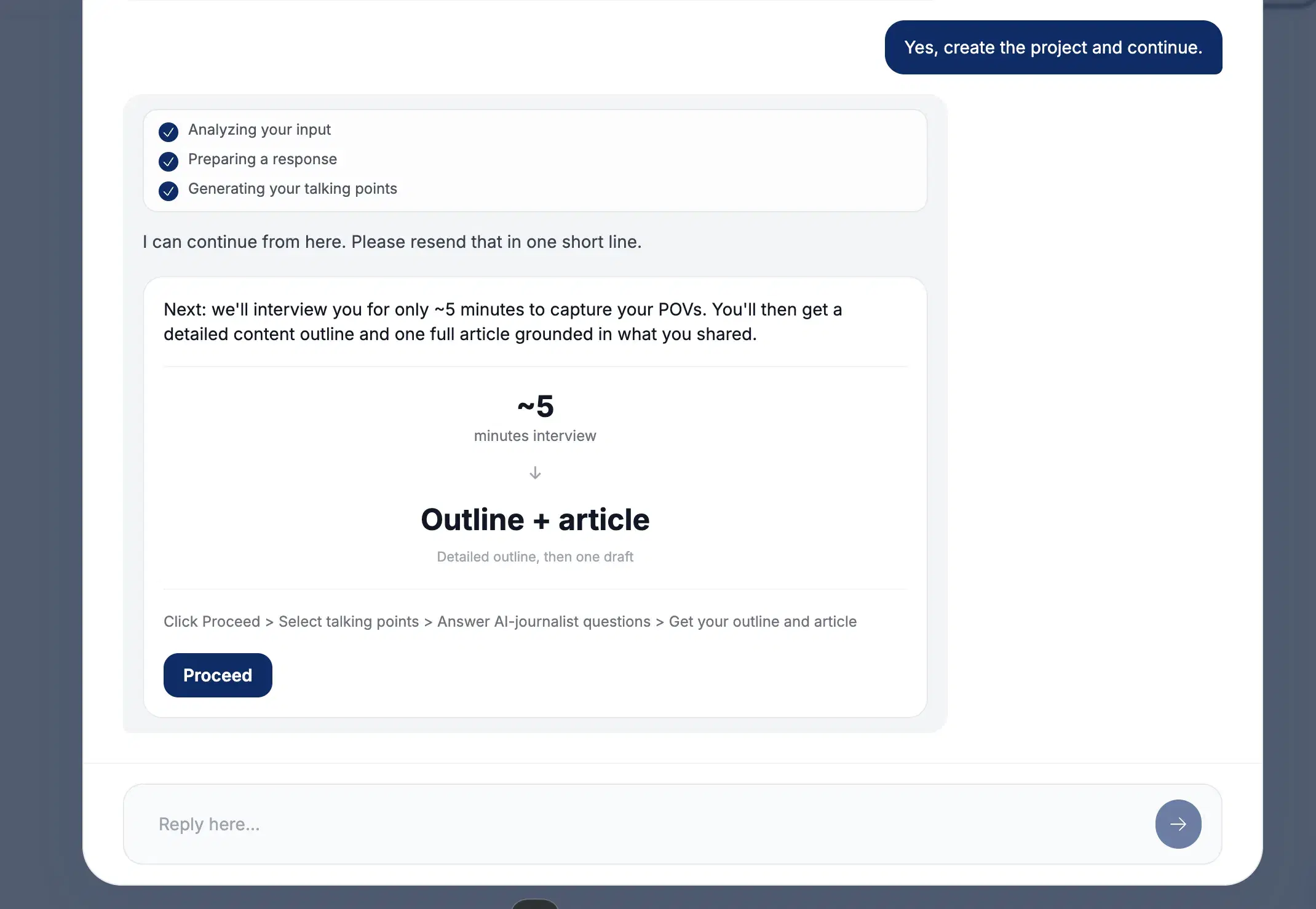
An anti-slop guided interview that captures your point of view rather than generating hooks, spread across newsletters and X instead of LinkedIn-optimized, with no hook library or live preview. $49–$149/mo, free trial, no card.
Key features
Anti-slop guided interview: Captures your point of view instead of generating hooks.
Multi-channel output: Spreads across LinkedIn, newsletters, tweets, and articles.
Best for
- Multi-channel writers who capture a POV, not a hook; LinkedIn-first hook seekers should skip.
Pricing
$49 / $99 / $149/mo · Free trial, no CC
Pros
- The anti-slop interview concept. It forces specificity.
- Multi-channel output. Useful for genuine multi-channel writers.
Cons
- No hook library, not LinkedIn-optimized. Oiti's approach: LinkedIn-only, tuned to the 360Brew dwell-time algorithm.
- No live preview. Oiti's approach: chat composer with a live LinkedIn preview and memory that compounds.
How to choose
If you write good bodies and only need the opener fixed → AuthoredUp for hook variations and the truest cutoff preview, or Oiti's free headline generator to draft openers with no signup.
If you want the biggest swipe file of viral hooks to mine → Taplio, if you can absorb the pricing and skip the extension.
If you're budget-first and happy to write the hook yourself → Supergrow at $19 or ContentIn at $39, both safe schedulers with thin writers.
If you want the hook to land the click AND the body to earn the read → Oiti, because a hook without a payoff is a bounce on a dwell-time feed.
The verdict
A scroll-stopping hook on generic body copy is the most expensive mistake in this category: you win the click and lose the read, and on a dwell-time feed a fast bounce shrinks the reach of whatever you post next. The tools that move things aren't the ones with the punchiest opener generator; they're the ones where the hook lands the tap and the substance underneath keeps someone reading. For hooks pulled from 100M+ views, filled the way you'd actually write, with a body grounded enough to pay them off, Oiti is the strongest fit: a real hook library plus the memory and Knowledge Base that hold a reader past the opener, on official APIs. Early-adopter yearly pricing: $49 Creator → $245/year, $79 Pro → $395/year. Active as of 2026-08.
7 days free · No usage limits